

I spend a lot of time with my task manager. My day job is a little bit of technical development and a little bit of project management. The project management piece is a capital “P.M.” I manage a dozen large projects spread over several years. Each project has between one and twenty different people on the team. This review is written from that perspective. I’m not a productivity blogger or a guy that just likes to try out software.
Attention Is My Most Valuable Asset for Productivity as a Software Developer | Zachary Betz
My high-level workflow looks something like this: identify the problem to solve; think on the problem and let ideas percolate; research, discuss, and experiment with these ideas; implement and test the solution; deliver and maintain the solution.
Productivity In Three Dimensions of OmniFocus - Inside OmniFocus
Scotty writes about the three dimensions of OmniFocus: knowing, planning, and doing.
Super Productivity – Open-Source Deep Work Task Manager
The open-source deep work task manager for developers. Plan tasks, track time & notes in a privacy-first workspace for Windows, macOS, Linux, Android & iOS.

Implementing an Idea-Management System — LessWrong
This post is for you if: • 1. Projects that excite you are growing to be a burden on your to-do list 2. You have a nagging sense that you’re not ma…

Coping strategies for the serial project hoarder
I gave a talk at DjangoCon US 2022 in San Diego last month about productivity on personal projects, titled “Massively increase your productivity on personal projects with comprehensive documentation and …
Features, benefits, benefits, and benefits
Basecamp continues to get better without getting complicated. For decades we’ve focused on building straightforward project management software that’s exceptionally capable, fast, flexible, reliable, and easy-to-use. This page details some of the key features (and benefits) at the heart of Basecamp.
Features, benefits, benefits, and benefits
Basecamp continues to get better without getting complicated. For decades we’ve focused on building straightforward project management software that’s exceptionally capable, fast, flexible, reliable, and easy-to-use. This page details some of the key features (and benefits) at the heart of Basecamp.
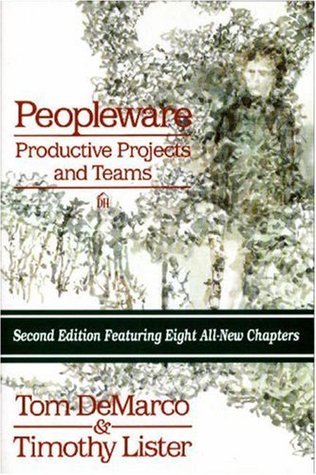
Peopleware: productive projects and teams
Demarco and Lister demonstrate that the major issues of…
Meet the people who use Notion to plan their whole lives
The workplace tool’s appeal extends far beyond organizing work projects. Many users find it’s just as useful for managing their free time.

My productivity app is a never-ending .txt file
The biggest transition for me when I started college was learning to get organized. There was a point when I couldn't just remember everything in my head. And having to constantly keep track of things was distracting me from whatever task I was doing at the moment.
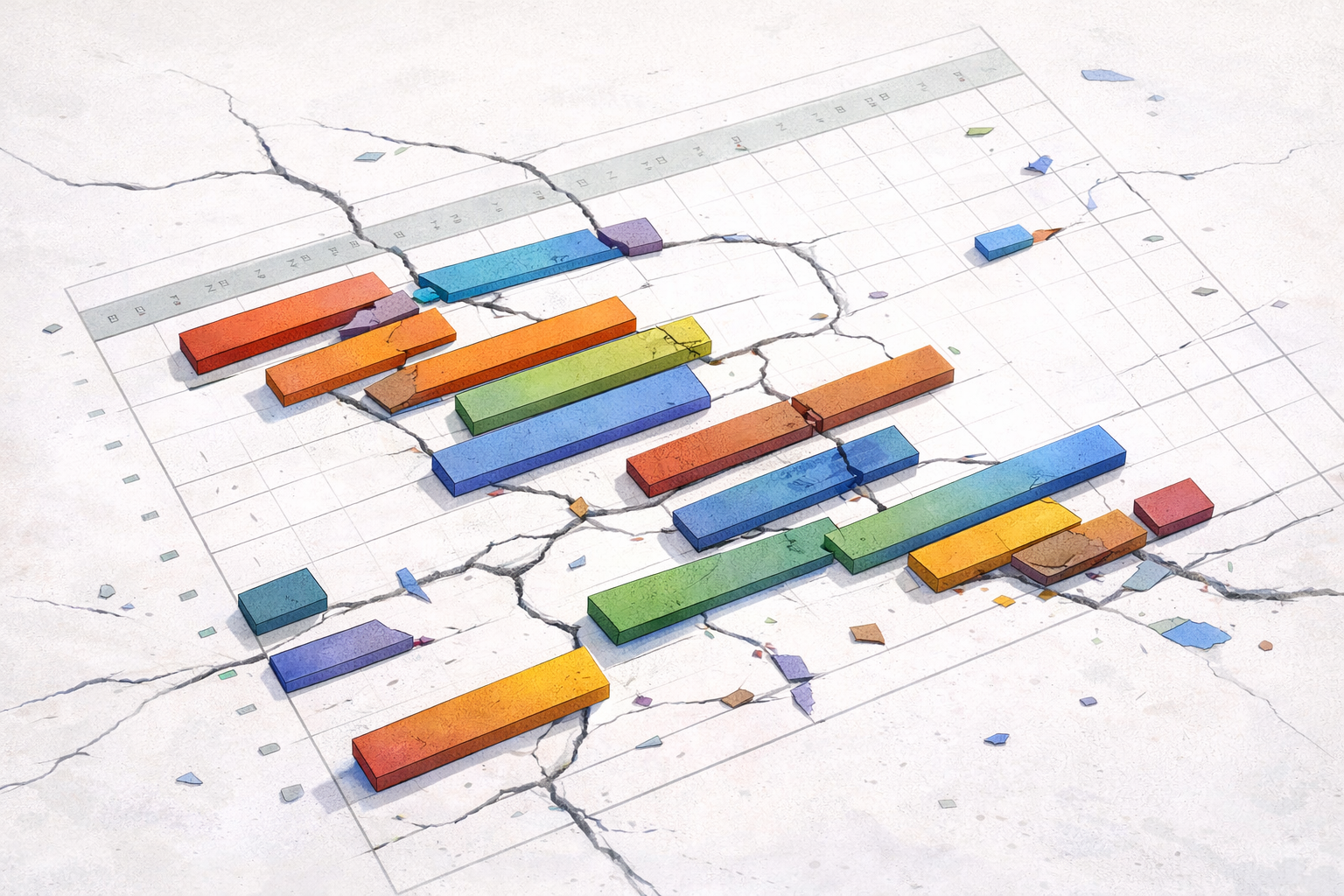
An FPM critique: The Gantt Chart and the hidden history behind your project timeline
It's one of the first tools most project managers learn about. Colourful bars stretching across a timeline, tasks lined up neatly, progress tracked against a plan. The Gantt chart feels logical, even neutral. Just a visual way to organise work. But like the RACI matrix, when we look more closely at where this tool comes from and what values it was built on, the picture becomes considerably more complicated.
I automated my job (and it made me a better leader)
Explore how my day as a senior leader looks now that I use 40 automations to help, and learn more about some of my favorites.

How Priorities Make Things Happen
Editor: Project manager and writer Scott Berkun knows how to get things done when you've got a team of people, a to-do list, and a deadline. Today h

Working Minds: A Practitioner's Guide to Cognitive Task Analysis
How to collect data about cognitive processes and events, how to analyze CTA findings, and how to communicate them effectively: a handbook for managers, tr
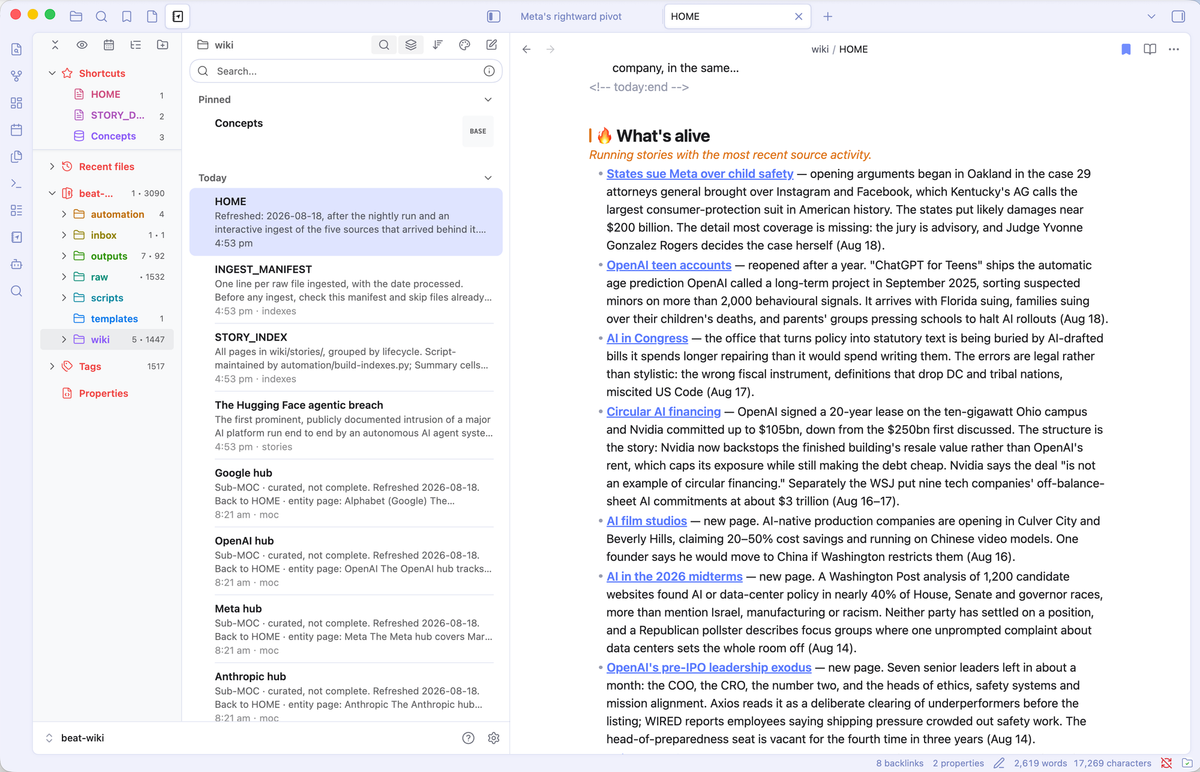
An LLM wiki changed how I work
And everything else I learned about productivity this year
AGENDA: A Personal Information Manager (PIM)
The interactive, single-user format of personal computers has spawned applications quite different in character from mainframe applications. Like mainframes, personal computers can serve the needs of an organization in areas such as accounting, billing, or inventory. Unlike typical mainframes, however, they also serve personal needs, such as preparing memos, developing financial projections, and planning projects.