


The working draft for image() proposes new features to enhance the capabilities of background-image declarations.
Preserving the Pixel Art Look in Web Content
Learn essential CSS techniques, scaling strategies, and design principles that preserve the crisp, totally-cool aesthetic of pixel graphics across high-resolution displays and responsive web environments.
una.im | Modern CSS theming with light-dark(), contrast-color(), and style queries
Combine three new CSS features to build fully adaptive themed components.
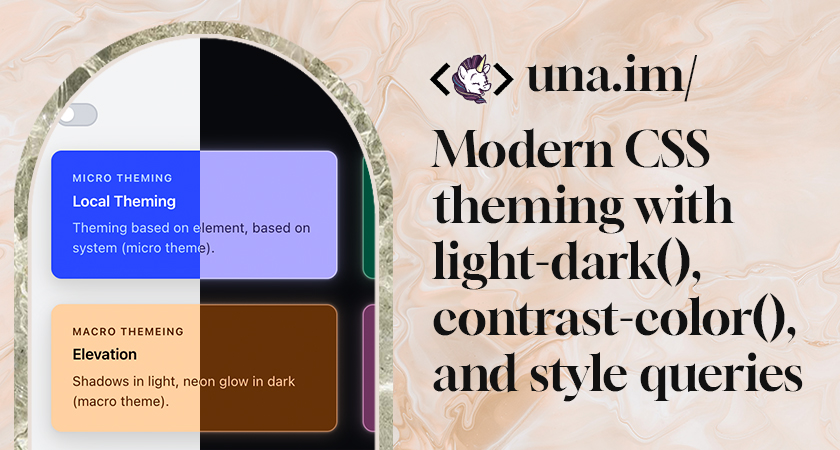
The CSS Selection - 2026 Edition - Project Wallace
The CSS Selection shows real-world CSS usage from over 100,000 websites and looks at the most important metrics.
2022 CSS Updates | 12 Days of Web
Review (nearly) eleven exciting additions to CSS that became fully or nearly cross-browser in 2022!

element() CSS function - CSS | MDN
The element() CSS function defines an <image> value generated from an arbitrary HTML element. This image is live, meaning that if the HTML element is changed, the CSS properties using the resulting value are automatically updated.

The State of CSS 2020: Conclusion
The annual survey about the latest trends in CSS.
Supporting Embedded Content | Web Browser Engineering
While our browser can render complex styles, visual effects, and animations, all of those apply basically just to text. Yet web pages contain a variety of non-text embedded content, from images to other web pages. Support for embedded content has powerful implications for browser architecture, performance, security, and open information access, and has played a key role throughout the web’s history.
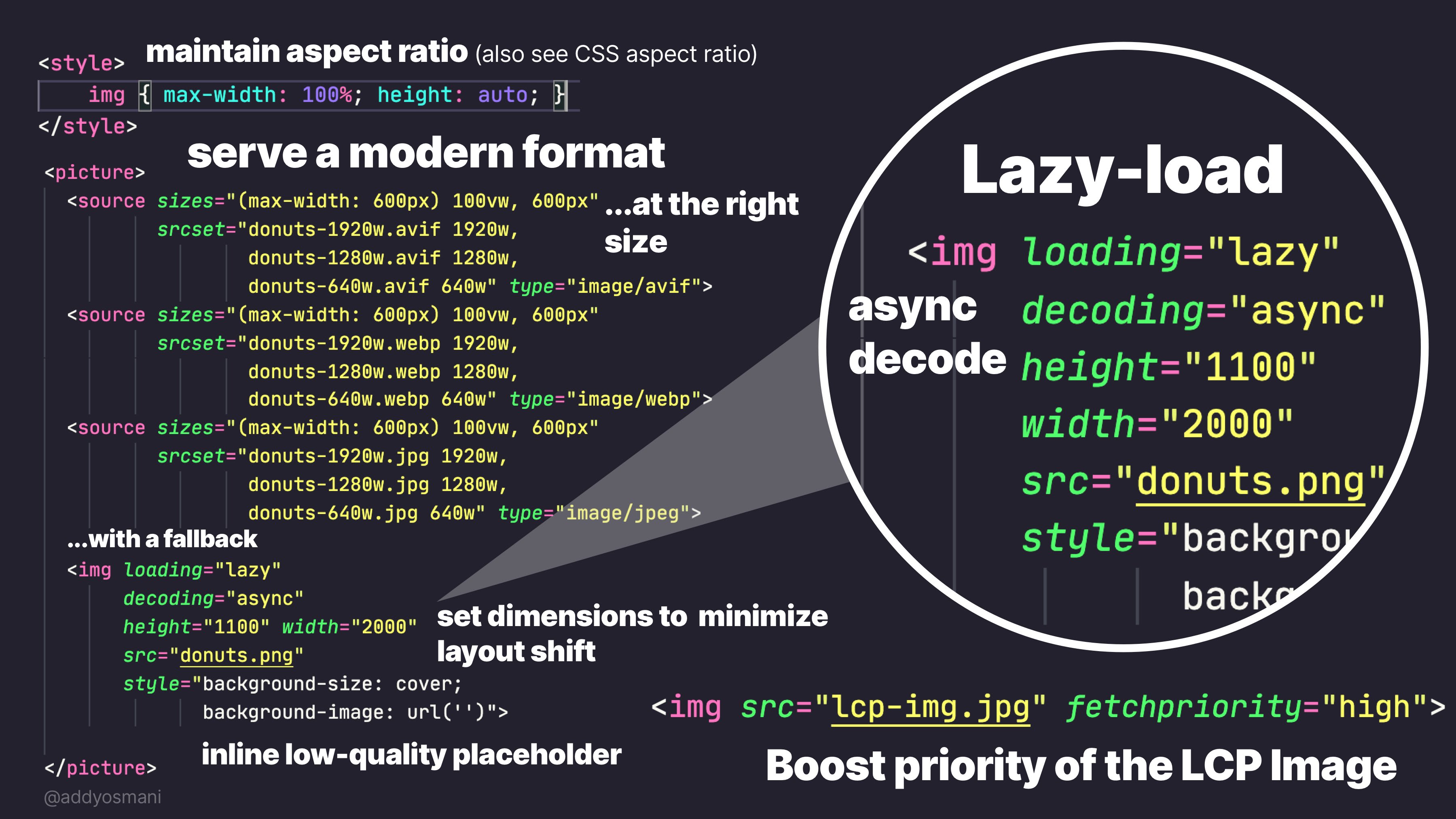
Practical guide to the <img> element: from the basics to LCP | Joan León
The <img> element has attributes that make a real difference in performance: loading, decoding, fetchpriority, srcset and sizes. A practical guide to using them well.
BG.IBELICK - Ready-to-Use Background Snippets
Modern background snippets for web developers crafted with Tailwind CSS and Vanilla CSS.

CSS Generators: Your CSS code with less effort
A wide range of CSS Generators to build the future of the web. Add your setting, get your CSS code.

Adding Visual Effects | Web Browser Engineering
Right now our browser can only draw colored rectangles and text—pretty boring! Real browsers support all kinds of visual effects that change how pixels and colors blend together. To implement those effects, and also make our browser faster, we’ll need control over surfaces, the key low-level feature behind fast scrolling, visual effects, animations, and many other browser capabilities. To get that control, we’ll also switch to using the Skia graphics library and even take a peek under its hood.
Laying Out Pages | Web Browser Engineering
So far, layout has been a linear process that handles open tags and close tags independently. But web pages are trees, and look like them: borders and backgrounds visually nest inside one another. To support that, this chapter switches to tree-based layout, where the tree of elements is transformed into a tree of layout objects before drawing. In the process, we’ll make web pages more colorful with backgrounds.

Glen Maddern: Internet Pro
Let me tell you about what CSS Modules is, and why it’s the future.
Had an idea to bring some more ✨️whimsy ✨️to what would otherwise be a normal set of thumbnails below a main image. It came out better than I was expecting 🤩 Only a few lines of JavaScript to handle swapping the image src, the rest is CSS. #CSS


