

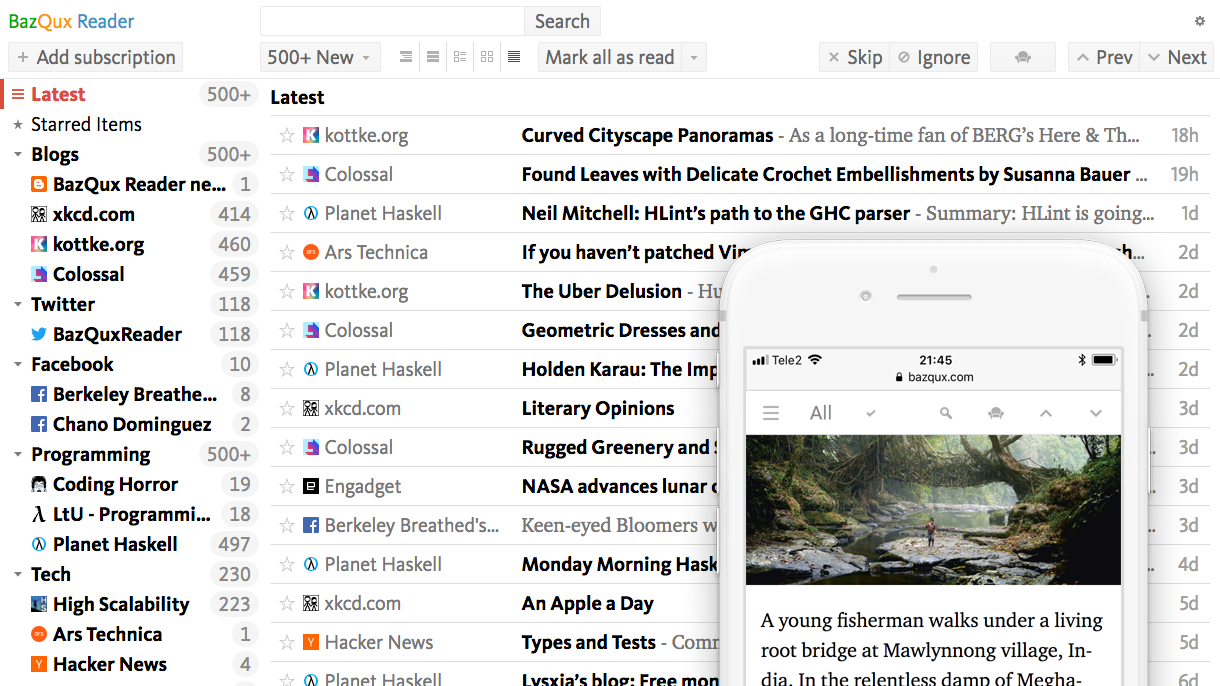
Your friend for reading feeds.
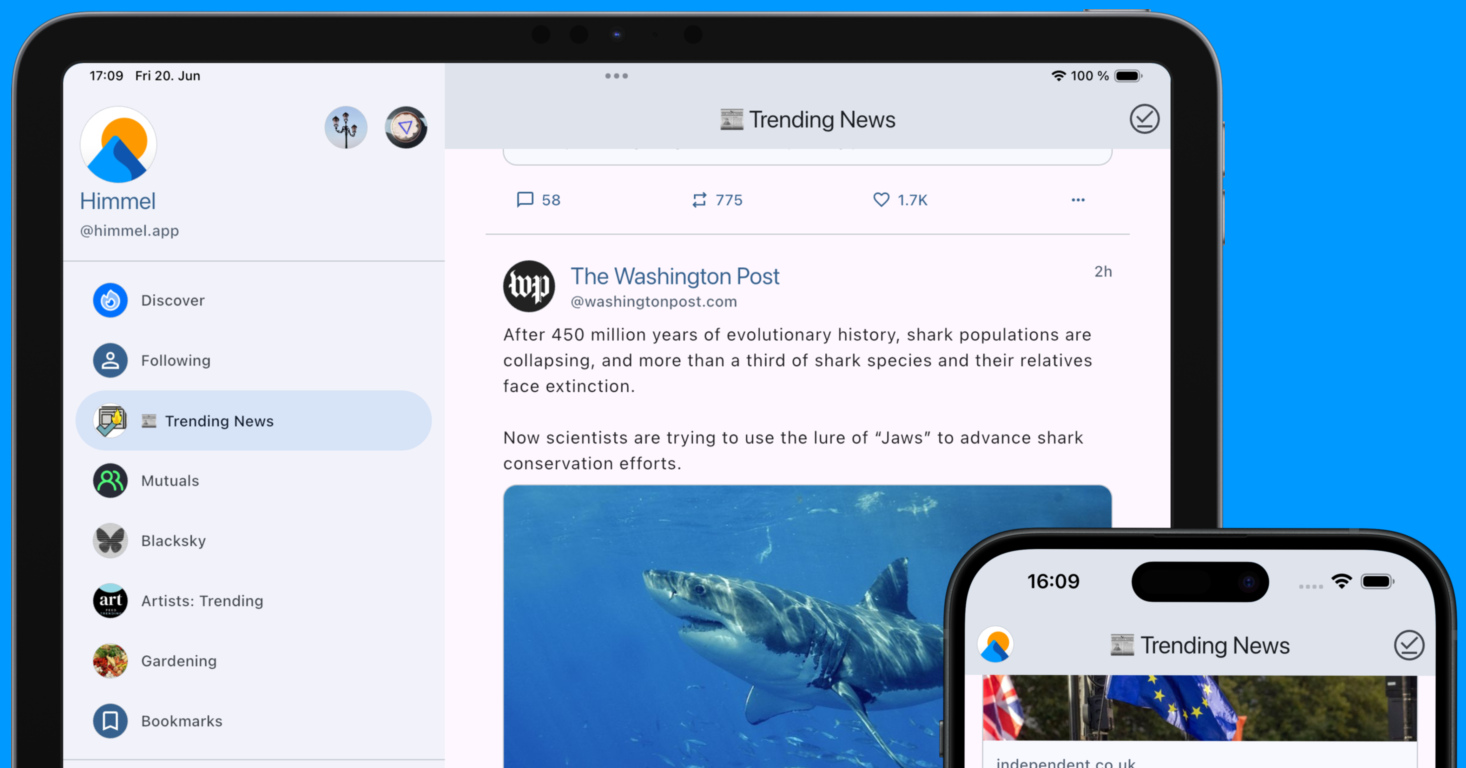
Himmel for iOS and Android
An offline-capable feed reader for Bluesky with simplicity in mind.

Skyreader: A RSS Reader on the AT Protocol
Introducing a RSS reader for the AT Protocol where you feeds and article sharing are portable
Skyreader: A RSS Reader on the AT Protocol
Introducing a RSS reader for the AT Protocol where you feeds and article sharing are portable
Bluesky recommended Feeds & Labelers 2025-11-2 | HILARY BAUMANN
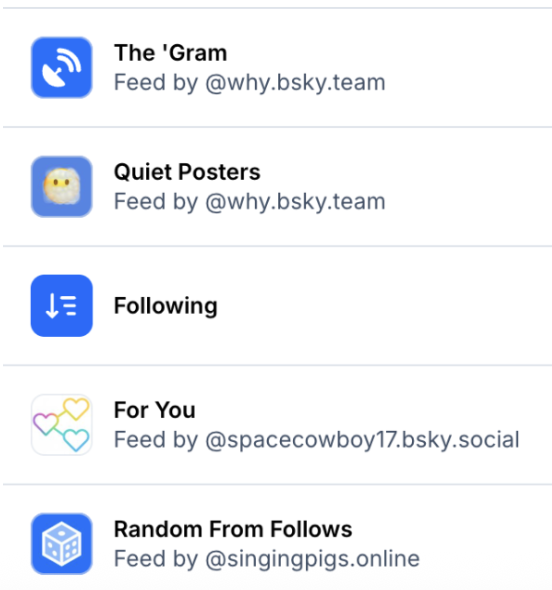
Feeds I recommend for almost everyone: If you are only following the default feeds, I recommend checking out at least 2-3 more. Feeds based on the people / accounts you already follow: These will help you just see more of the people / accounts you follow especially if a few…
Viewing feeds | Bluesky
Feeds are lists of posts, paginated by cursors. Bluesky has a few types of feeds:

Adding Content to Reader - Readwise Docs
The Feed is where things go that are automatically pushed to you, such as RSS feed content, and it's divided into two locations: Unseen and Seen. As you find...
Building Your Own Feed: Getting Started
<Back to Bluesky How-To’s If you’ve been on Bluesky for a while, you are probably familiar with Feeds. Feeds are how you view content on the app. They range from the default Following (pos…

feeds.social — Minimalist Bluesky Client
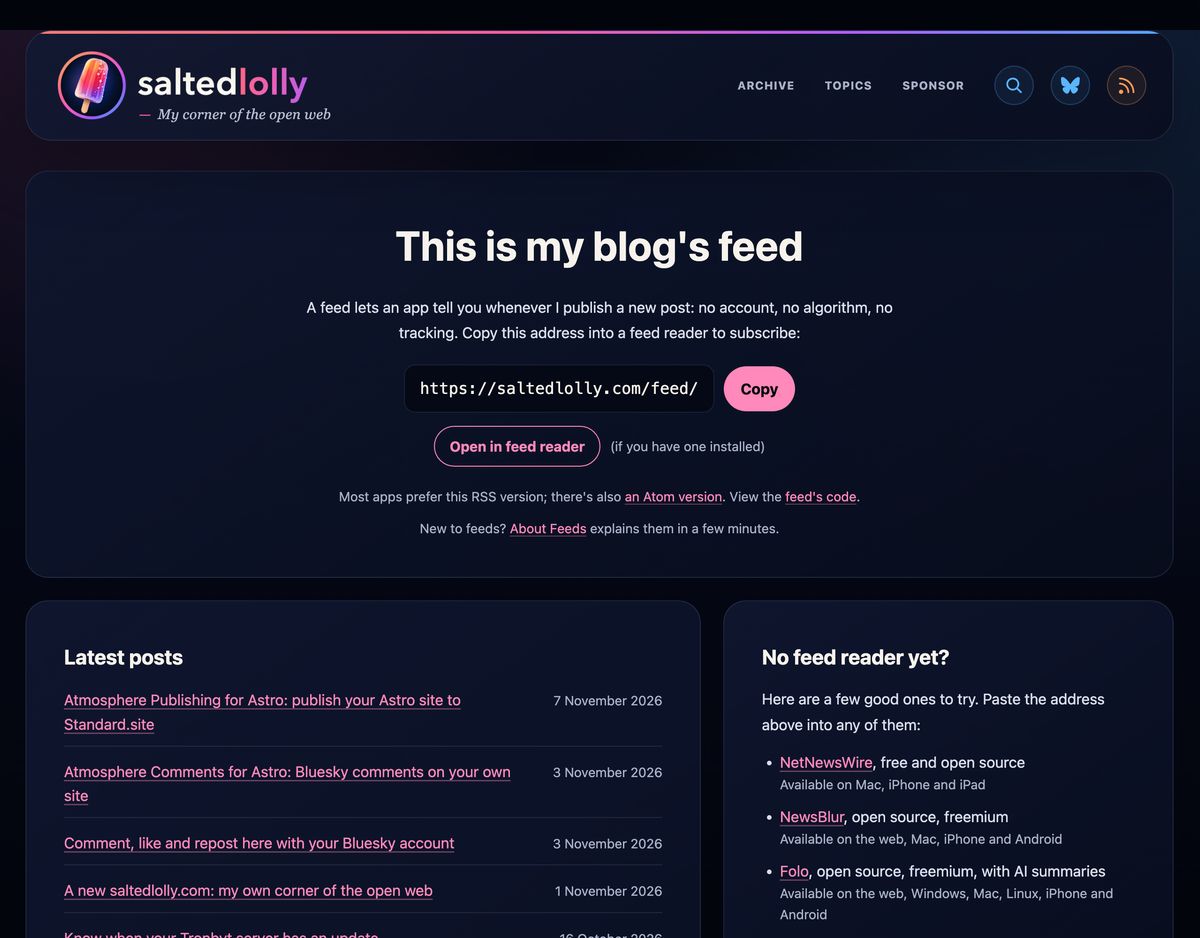
Friendly Feed for Astro: a feed page people can actually read
Friendly Feed for Astro is a free integration that shows people who open your RSS feed in a browser a friendly page explaining feeds, while feed readers still get the feed, with no XSLT, which Chrome removes on 17 November 2026.
Getting Started with Reader
Welcome to the essential beginners tutorial for Reader: our very own read-it-later app that helps you bring *all* of your reading into one place. That includes articles, books, PDFs, RSS feeds, email newsletters, Tweets, and videos. 🎁 Sign up for a free 30-day trial: https://readwise.io/read *This video will teach you everything you need to get started:* 00:00 The Problem 00:15 What is Reader? 00:33 Installing web extension and mobile apps 00:40 Adding new documents on desktop 01:14 Uploading files from desktop 01:23 Subscribing to email newsletters 01:37 Importing your library from Pocket, Instapaper, or Omnivore 01:44 Saving documents on mobile 01:50 What's the difference between Library and Feed? 02:38 Importing feeds from another app 02:49 Home section 03:08 Keyboard shortcuts 03:50 Full-text search 04:05 Reading and highlighting 04:20 Exporting and searching your highlights 04:40 Text-to-speech 05:00 What is Ghostreader? 05:47 De-activate AI features 06:00 Submitting feedback and questions *More Resources:* How To Set Up Your Reader Feed: https://www.youtube.com/watch?v=uDr9N0rV4EE Organizing Your Documents in Reader: https://www.youtube.com/watch?v=uefrzMb5qBc

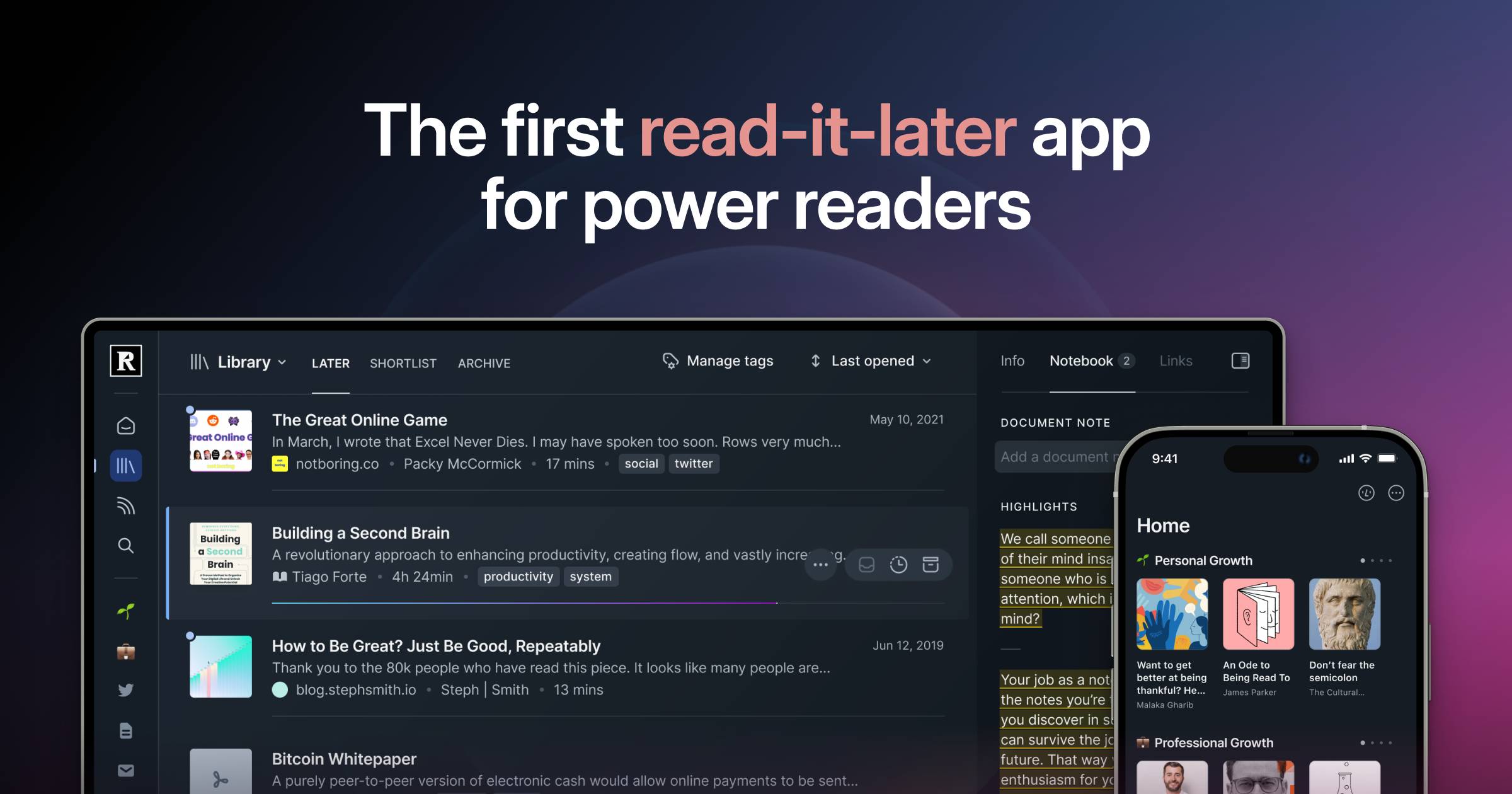
Readwise Reader: The first read-it-later app built for power readers.
Save everything to one place to overcome content overload, search instantly, and highlight like a pro.
Introducing Pocket Feed @pocketfeed.at: a social RSS reader built on @atproto.com. Special thanks to these wonderful folks! @danabra.mov for helping me understand ATProto through his articles. @chriscoyier.net for his Social RSS article. @disnetdev.com for the inspo. pocketfeed.at

Pocket Feed
pocketfeed.at