
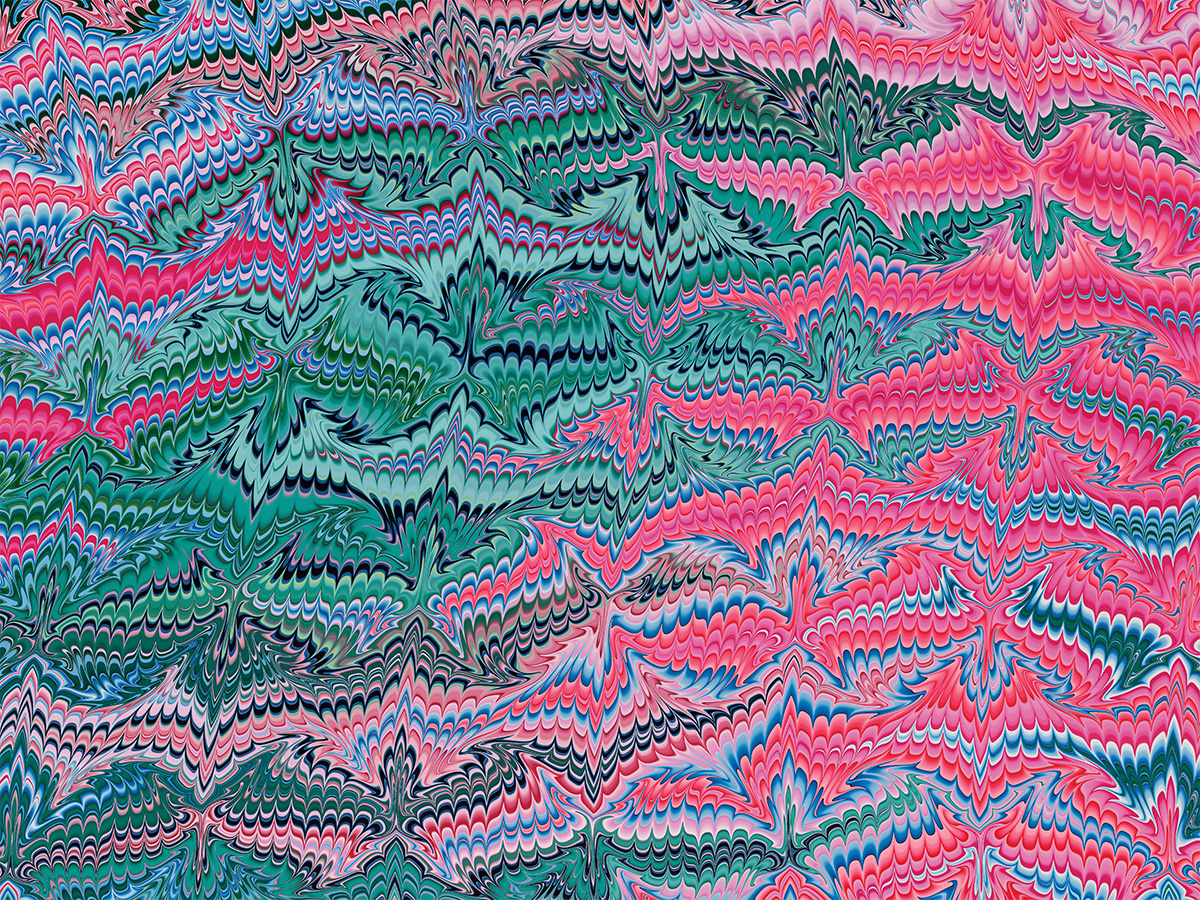
I’ve been working on a physics-based marbling simulation to explore the ways that the traditional craft of paper marbling can be augmented digitally. Paper marbling is a centuries-old craft that uses the movement of water to create swirling patterns of inks and paints on paper (and sometimes fabric). The earliest accounts of marbling date back to the 12th century in Japan, where it is known as “suminagashi.” Inks were floated on top of water and manipulated into delicate, flowing shapes using breath, fans, and other utensils. Later, paper marbling traditions emerged in the Middle East and Europe, making use of more viscous media and fine-toothed combs to create repeating patterns with greater regularity and control.
Paper – design, share, ship
Paper is a modern and powerful design tool that helps you create, share, and ship your best work.
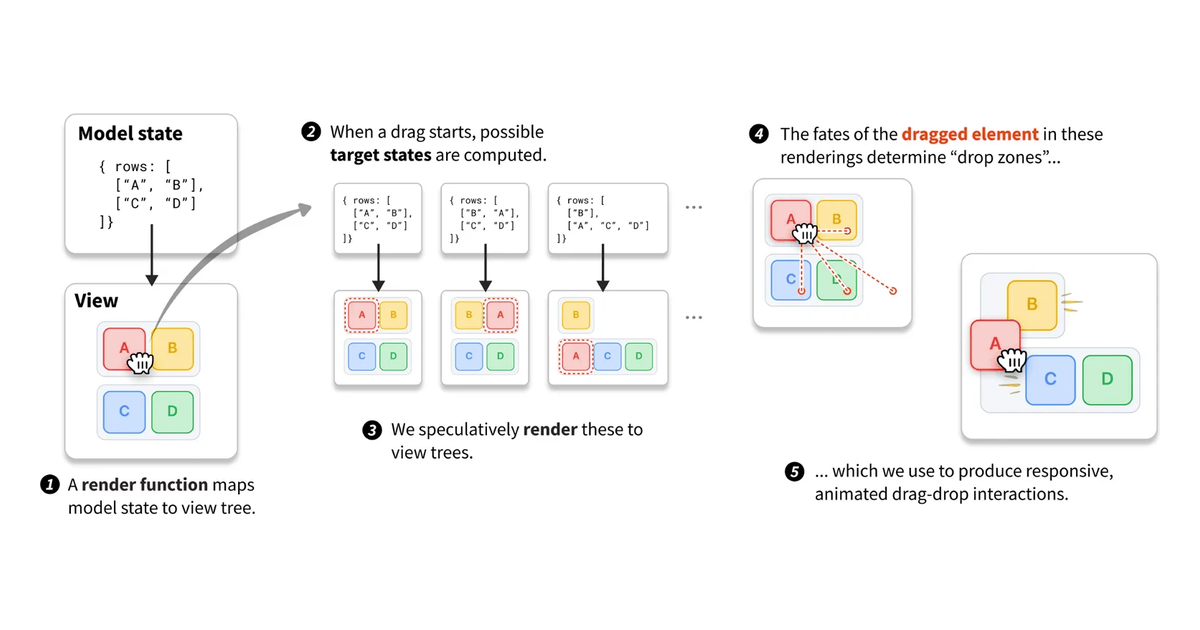
Declarative Dragging
Drag-and-drop makes the digital graspable. Horowitz, Blinn & Heer, UIST 2026 Best Paper.
Pure CSS halftone patterns: dots, lines, circles
A project overdue. As an 80's/90's kid, I was obsessed with printing technology - and especially halftone patterns. I've long theorized that these pat

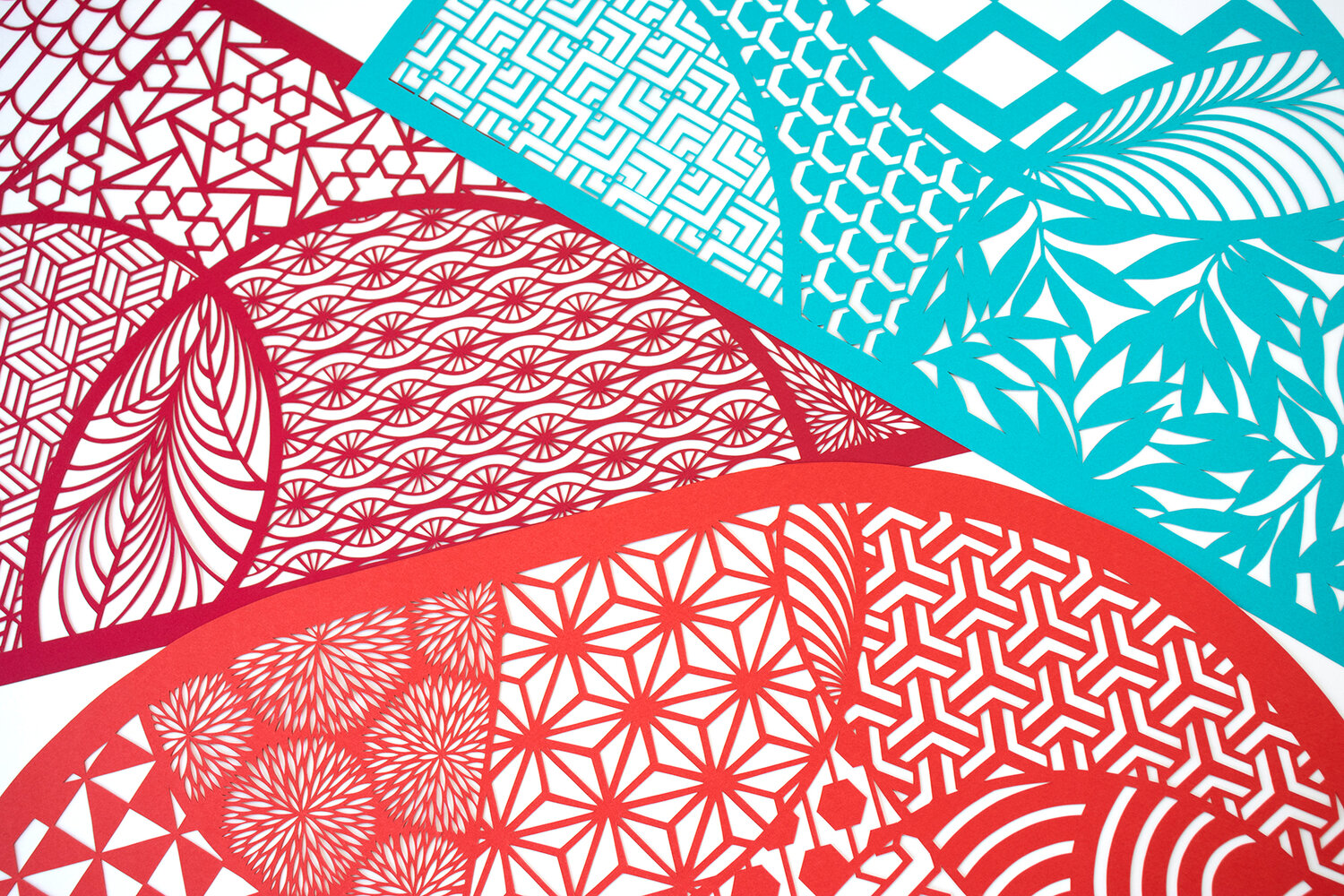
Rachael Ashe, Paper Artist
Hand-cut paper artwork and installations. Pattern-based art, craft, and design.
Jazz Cups: The Snazzy Paper Tableware Pattern that Encapsulates Early 90s Design - 99% Invisible
Imagine a plastic cup and one particular red-wrapped variant will likely come to mind, designed in the 1970s by Robert Leo Hulseman, son of the Solo Cup Company’s founder. In the realm of paper cups, there is a parallel icon — the dynamic “Jazz” pattern is also a classic, but its history and the artist

Ink
Handwriting and drawing directly between paragraphs using a digital pen, stylus, or Apple pencil.
A Topological Picture Book, Rendered
Hand-hatched surfaces after the mid-century manner of Francis, Apéry, Hilbert–Cohn-Vossen. Drag to turn the model freely (shift-drag to roll it); scroll to approach.
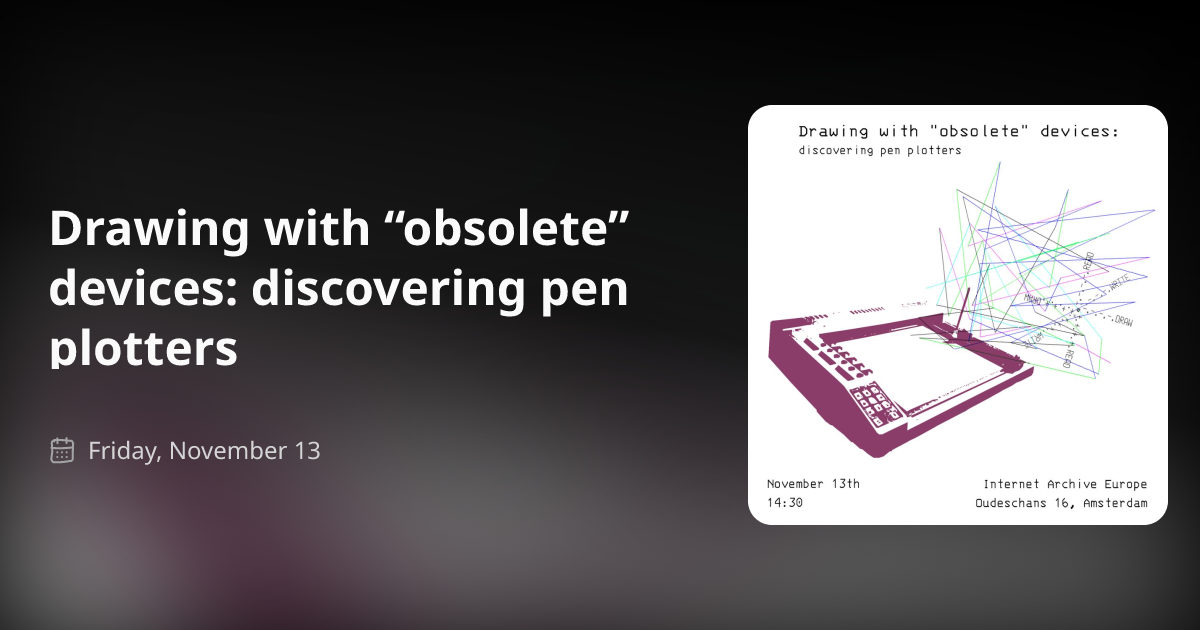
Drawing with “obsolete” devices: discovering pen plotters
Join us for a workshop at the Internet Archive Europe where we will explore how pen plotters from the 80s work, together with artists Emanuele Arrigoni and Claudio Castro Chaponan. During the workshop, we will get to know about pen plotters by working with them hands on, reading and writing instructions from an original manual that will translate in drawings and movements of pens on paper. In the past, these devices were used in offices to produce graphs and charts, but what can we use them for today? Emanuele and Claudio are two interdisciplinary artists that share an interest in researching the maintenance and reuse of so called “obsolete” media for artistic purposes. They will share how they search for documentation material of all kinds online to learn about old machinery, how does it work and how to interact with it today beyond its intended use. The purpose of this workshop is explorative, no previous experience is required, just bring your own curiosity!
paint: a timeline — Kristen Roos
This timeline is the result of researching the origins of digital paint and draw software, and the tools that were developed to allow for hand manipulation (versus plotter drawn) drawing and painting - the mouse, light pen & drawing tablet. If we look at the software that has become commonplace today (such as adobe photoshop), which allows for painting, animation and photo manipulation in one, we can trace the roots of this software to the University and Corporate Labs that housed large computers with advanced capabilities for their time - MIT Lincoln Labs & Radiation Labs, DARPA & the Augmented Research Centre (ARC), Bell Labs, NYIT’s Computer Graphics Lab, Xerox Palo Alto Research Centre (Xerox PARC), NASA’s Jet Propulsion Labs (JPL). The artistic collaborations that grew out of these labs fueled the advent of Computer Graphics, Computer Art and Video Art from the 1960's to the 1990's.
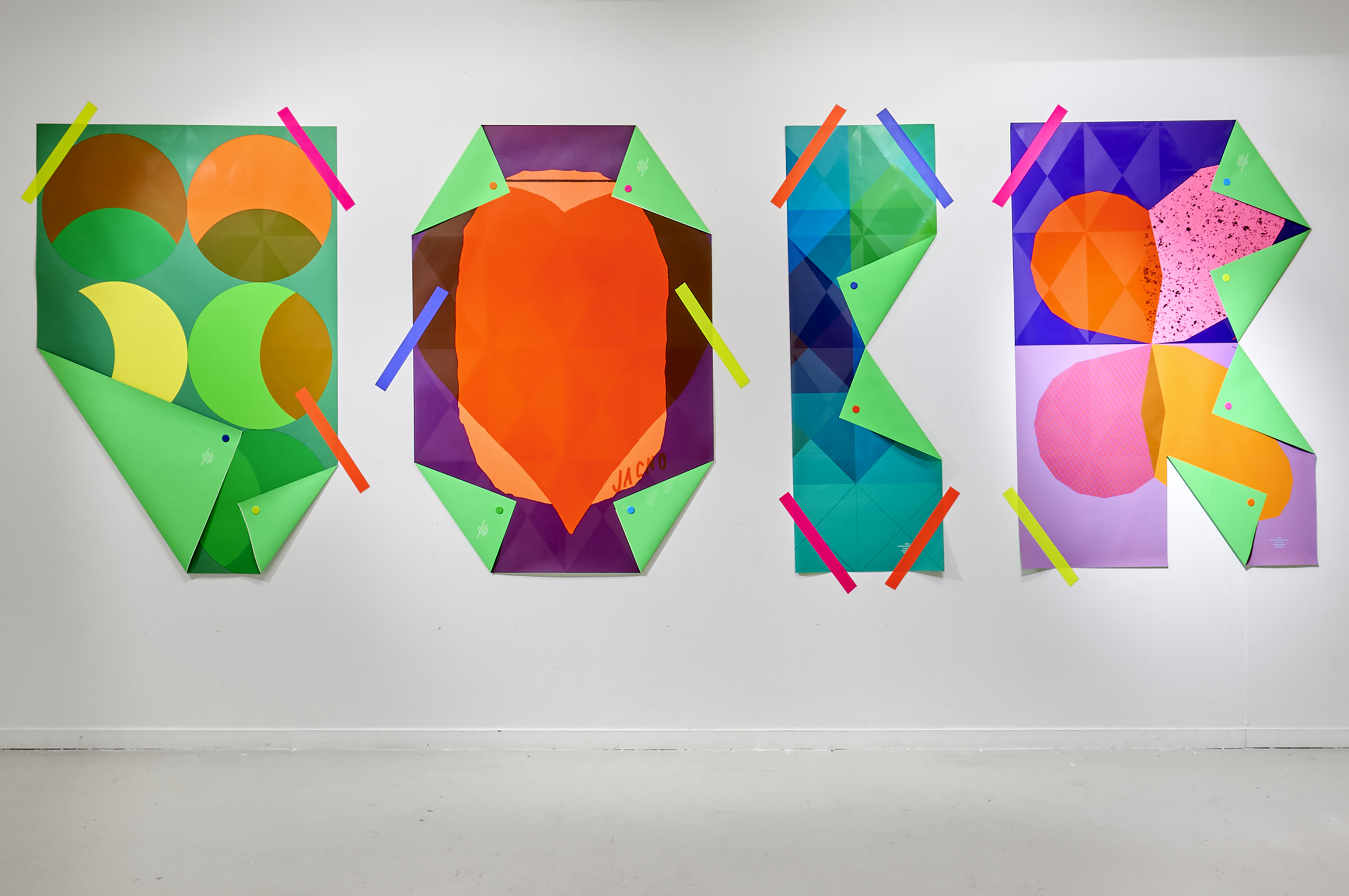
Fanette Mellier
Design graphique et objets imprimés / Graphic design and printed matter
Smart Disorganized Individuals: SpimeScript
These days, I'm thinking a lot about 3D printers, desktop manufacturing and software to create physical things. Last year I did some art...
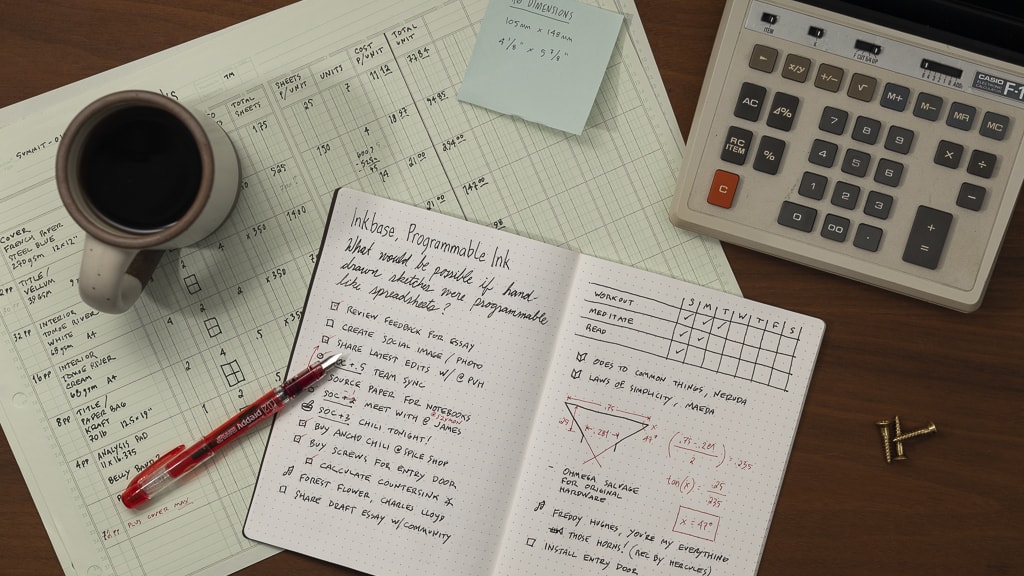
Inkbase: Programmable Ink
What would be possible if hand-drawn sketches were programmable like spreadsheets?
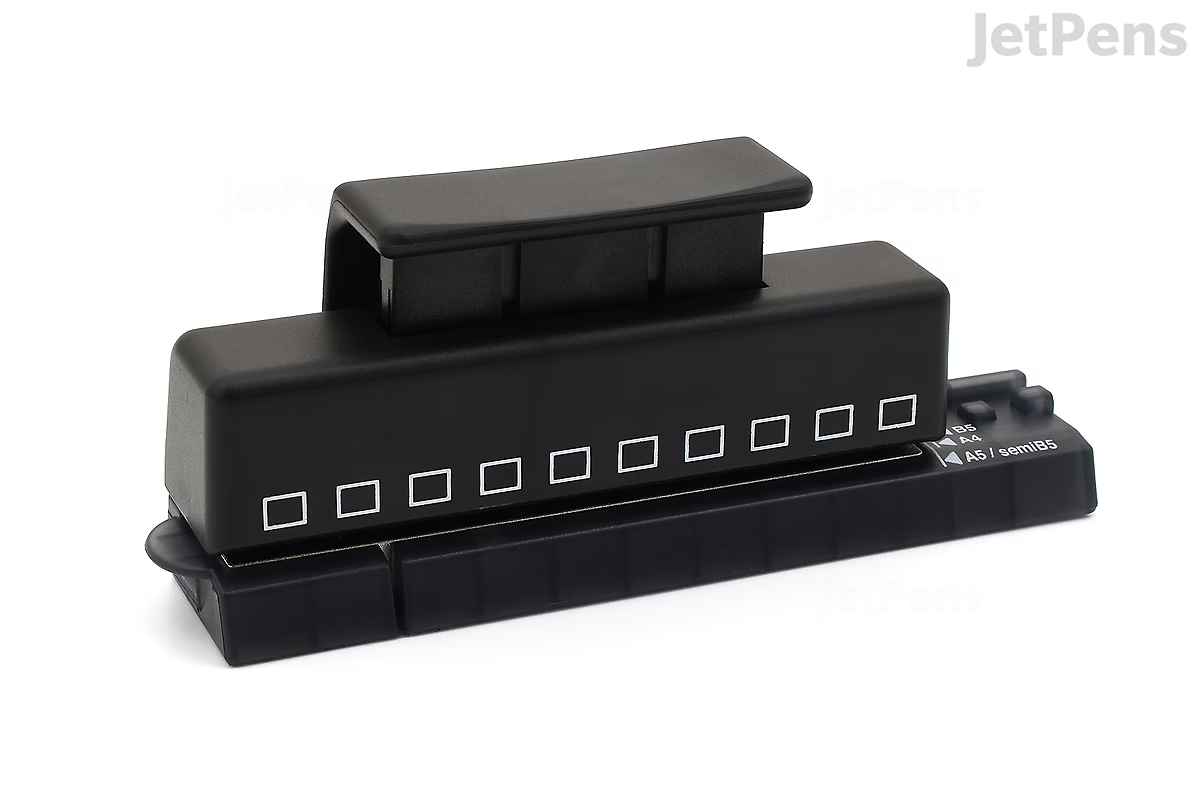
Lihit Lab 1/3 Inch Hole Punch for Twist Ring Notebook
With this punch, you can add your own worksheets and filler paper to the Lihit Lab notebooks and notepads listed under Compatible Products! Its compact design makes it easy to store in a backpack or desk drawer, and it works with sheets of all sizes. To use the punch, line up the edge of the page with the indicator line on the punch that matches the paper size. If the paper needs more than ten holes, continue punching along the edge of the paper, using the two guide pegs to keep the holes evenly spaced. A translation of the full official instructions can be found in the photos section. For best results, JetPens recommends punching one sheet of paper at a time. Note: This punch makes holes spaced 8.47 mm apart from center to center. This spacing is not compatible with binders and opening-ring notebooks from other brands like Kokuyo.
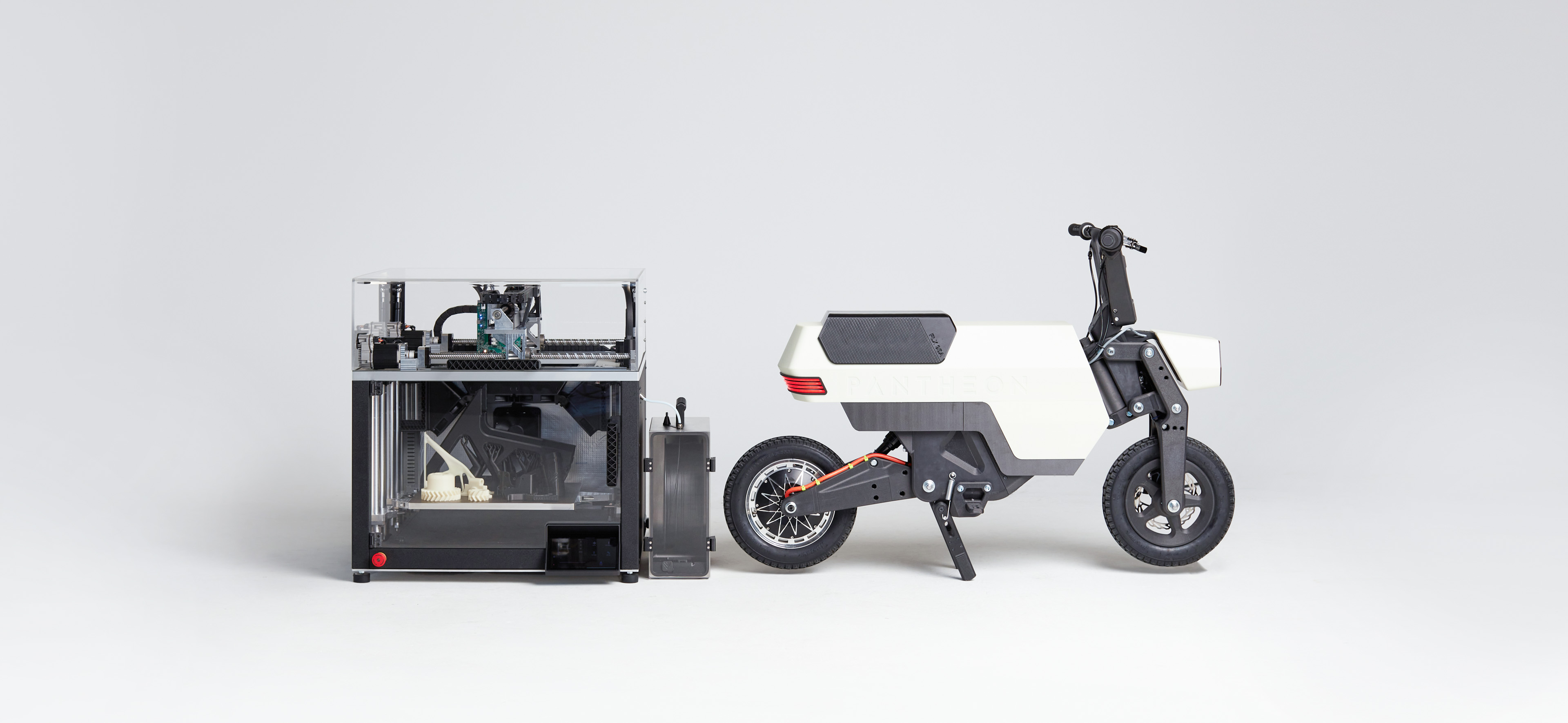
Pantheon Design - High Speed 3D printers
Pantheon Design develops 3D printing systems that allow industrial grade flexible manufacturing at a speed never seen before.