


It's an interesting and potentially useful trick to have an element know where it is on a grid. That's tricky enough when the items are in one row/column, but what about when they span?
Get Grid Information using pure CSS
With a few lines of code, you can get the number of columns, number of rows, and item coordinates
GRID: A simple visual cheatsheet for CSS Grid Layout
Learn all about the properties available in CSS Grid Layout through simple visual examples.

Multiple-column layout, rows, rules, and floats
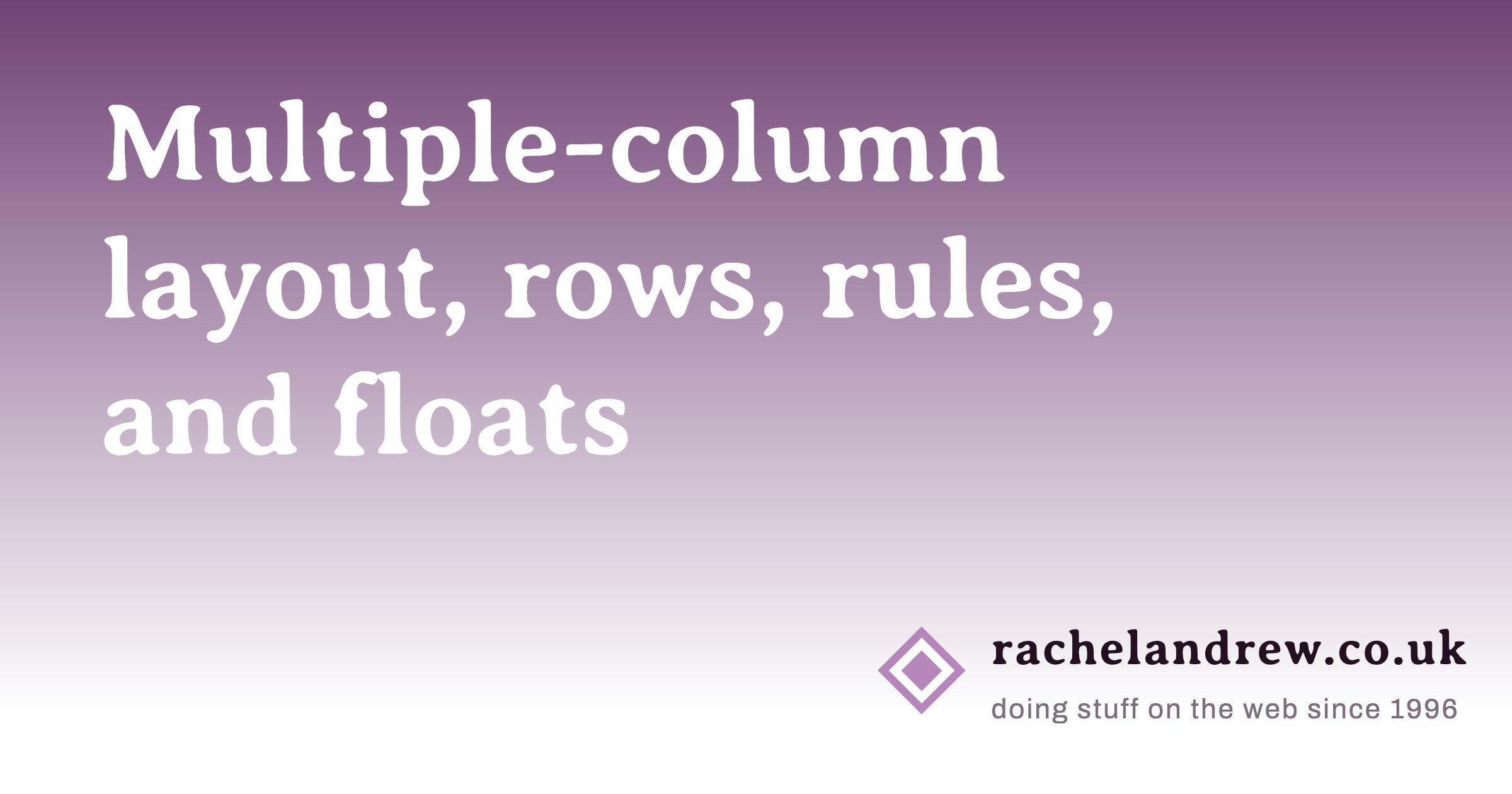
Recently implemented in Chrome are two of my top asks for CSS—the concept of rows in multiple-column layout, and gap decorations for rows and columns in grid, flexbox, and multicol. Rows (using column-wrap) provide a way to use multicol on the web without risking scrolling up and down to read if the columns become taller than the viewport. Gap decorations mean that, for multicol, you can now add a rule between these new rows. This post is a collection of the things I think would be interesting to do in future. If you think so too, and particularly if you have a great use case for any of these, let me know in the comments.
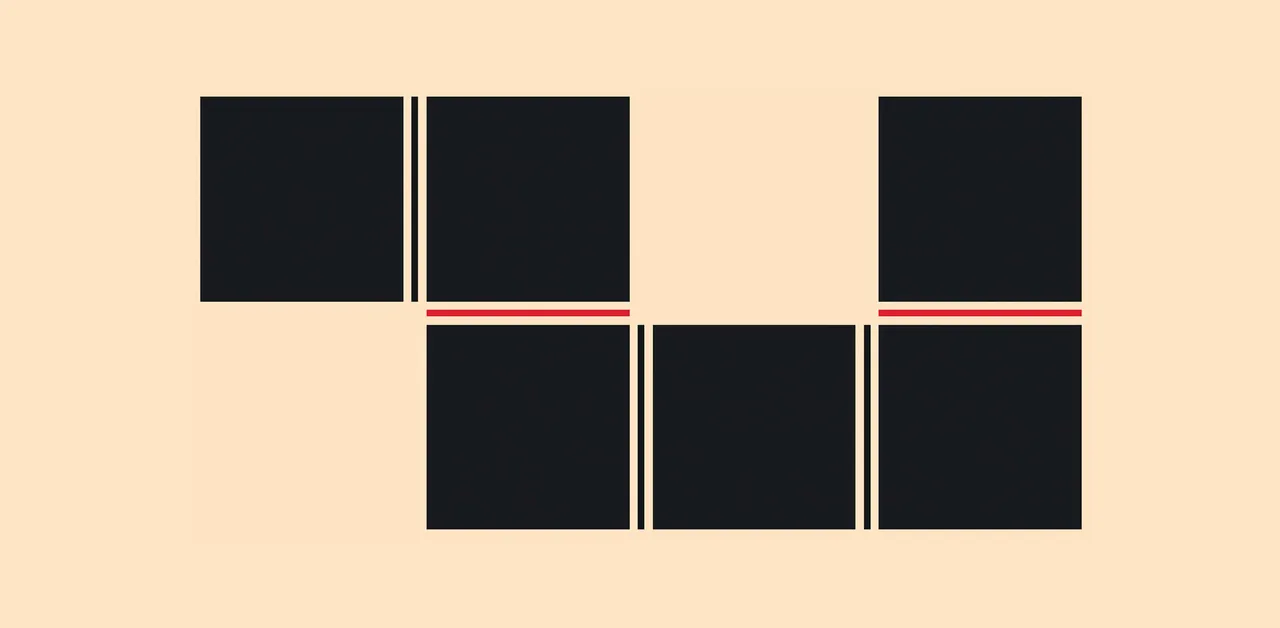
CSS is filling the gaps with rules. A way to style gaps in grid and flex. | utilitybend
A practical walkthrough of CSS gap decorations: column-rule, row-rule, rule-break, rule-inset, rule-visibility-items, repeat(), and animation.

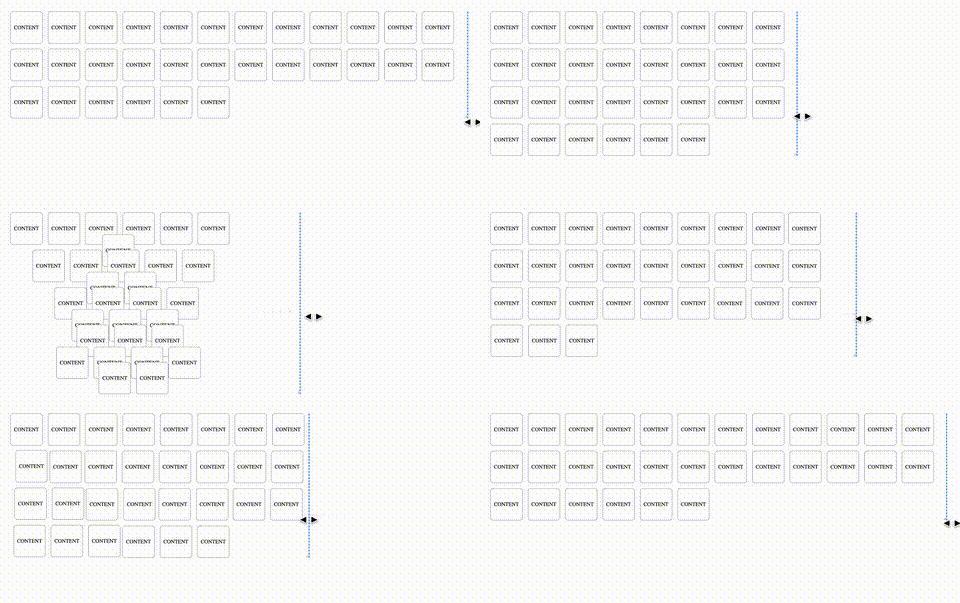
Animating CSS Grid Layouts with CSS Anchor Positioning
At CSS Day (back in June), someone asked me how Brave (the browser) might have built their New Tab Page which features some tiles laid out in a grid. While the grid is nothing spectacular, something special happens with it when you resize the viewport: as the available space changes, the grid nicely reorganizes itself in an animated way. The animations are also interruptible, so no View Transitions seem to be at play.So, how did they do it? I’m not sure. But if I were to recreate it, I’d use CSS Anchor Positioning with regular CSS Transitions on top.
CSS Anchor Positioning Guide | CSS-Tricks
Learn about CSS Anchor Positioning, including its syntax, properties, how it is used to position one element next to another, and even how it's used to resize elements relative to other elements.

CSS dot pattern/grid background

Let’s Play With Gap Decorations!
The `rule` (and friends) CSS property allows us to draw markers (like borders) in the gaps between columns and rows (and flex items!)

Modern CSS snippets. Every old hack, replaced.
Side-by-side comparisons of outdated CSS techniques and their modern native replacements. Grid, custom properties, nesting, container queries, and more.
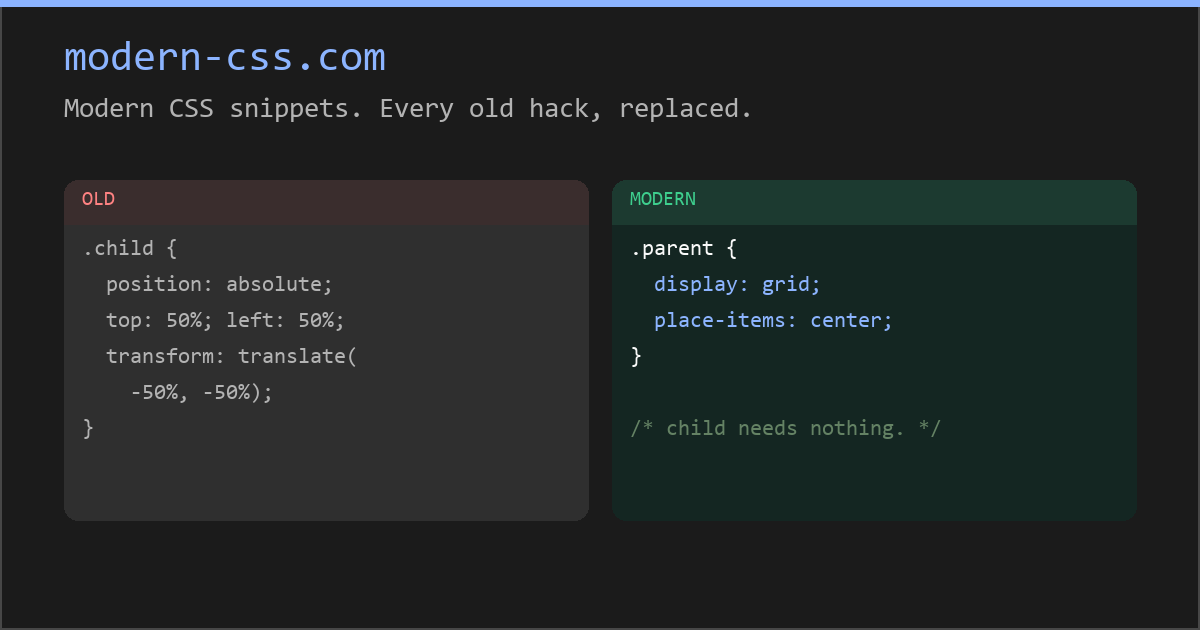
Modern CSS snippets. Every old hack, replaced.
Side-by-side comparisons of outdated CSS techniques and their modern native replacements. Grid, custom properties, nesting, container queries, and more.
AG Grid: High-Performance React Grid, Angular Grid, JavaScript Grid
AG Grid is a feature-rich Data Grid for all major JavaScript frameworks, offering filtering, grouping, pivoting, and more. Free and open-source. Upgrade to Enterprise for advanced features.
element() CSS function - CSS | MDN
The element() CSS function defines an <image> value generated from an arbitrary HTML element. This image is live, meaning that if the HTML element is changed, the CSS properties using the resulting value are automatically updated.

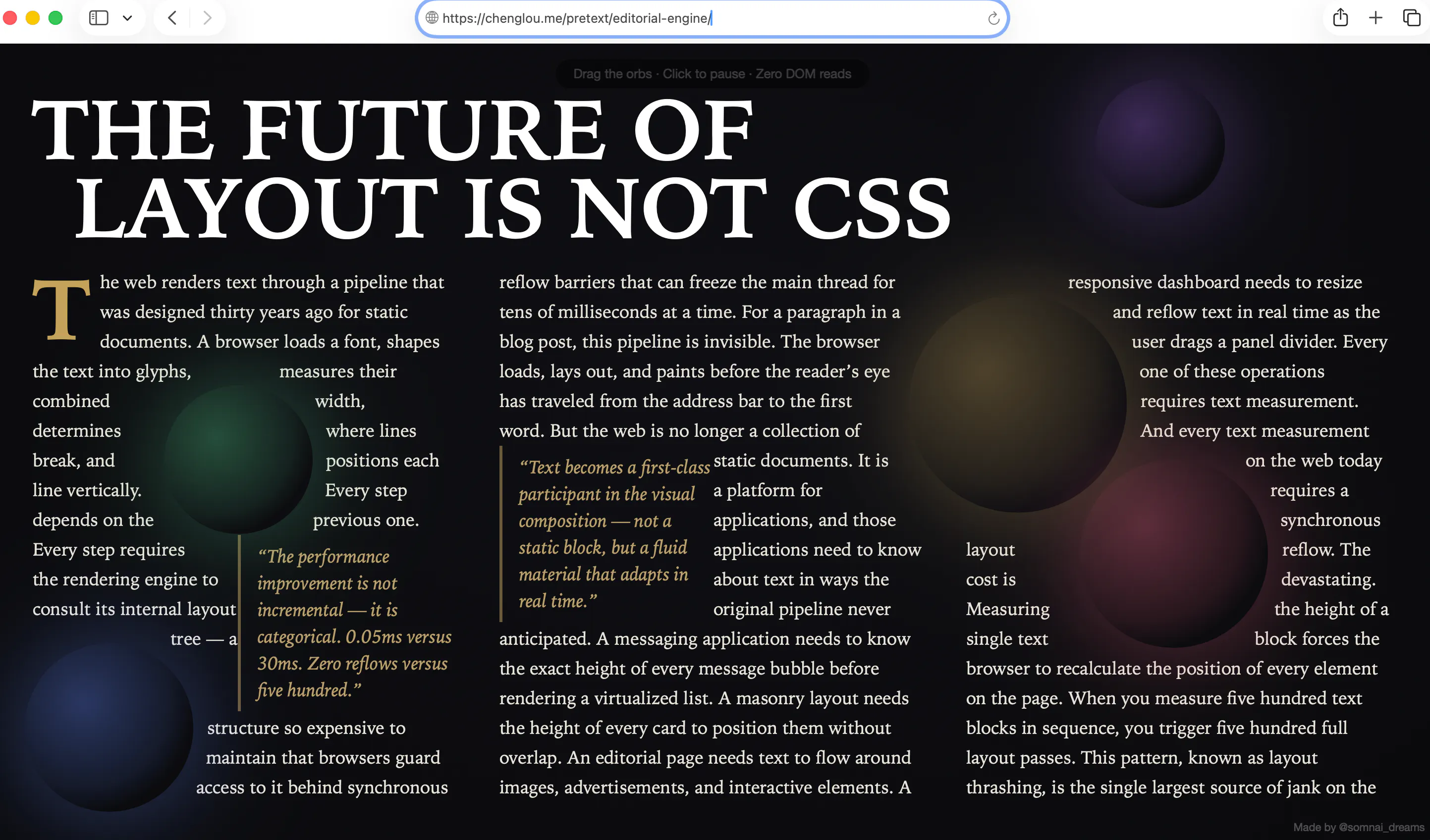
Pretext Does What CSS Can't — Measuring Text Before the DOM Even Exists | HackerNoon
Cheng Lou's Pretext library measures multiline text height without touching the DOM — unlocking layout capabilities CSS has never been able to offer.
Shrink-wrap Text with `position-anchor`
Normal text wrapping can leave big gaps in your container, which can become even more exaggerated with the new-ish CSS values of text-wrap: balance and text-wrap: pretty. You almost certainly want …


Patrick Brosset


CSS masonry (aka grid-lanes) has two orientations: rows and columns. I'm trying to think of good metaphors... Row is easy: a brick wall, that's where the masonry term comes from. Column: many call it waterfall, but trying to put it into an image doesn't work. Motorway works a lot better.