


In this blog post, we will learn how to create a new project using four powerful tools: Meteor.js, Vite, Solid, and Tailwind CSS.
Installing with Vite - Installation
Integrate Tailwind CSS with frameworks like Laravel, SvelteKit, React Router, and SolidJS.
Meteor.js 3.1: A New Dawn for Full-Stack JavaScript Development
After years of careful architectural evolution, Meteor.js has emerged stronger than ever with its latest 3.1 release. This version…

Meteor + Vue JS + Storybook = A Complete Guide To Scalable UI System 🔥
It has been more than one year since we have introduced Vue Js in our Meteor Production App, and last month we have implemented the…

What’s New at Meteor: Beta Releases, Community Tutorials, and More
At Meteor Software, we are committed to keeping our community informed and connected with the latest advancements.


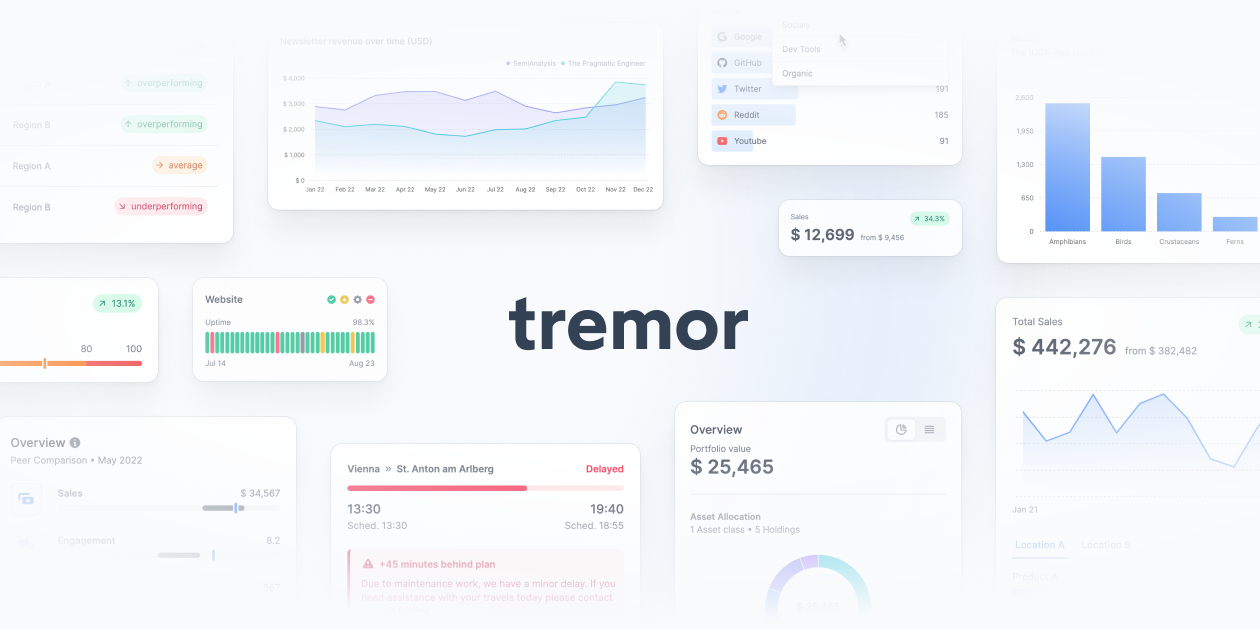
Tremor – Copy-and-Paste Tailwind CSS UI Components for Charts and Dashboards
Open-source, accessible React UI components styled with Tailwind CSS to build charts and dashboards.
tailwindcss - npmx
A utility-first CSS framework for rapidly building custom user interfaces.

Tailwind CSS - Rapidly build modern websites without ever leaving your HTML.
Tailwind CSS is a utility-first CSS framework for rapidly building modern websites without ever leaving your HTML.
Why I Love Tailwind
Why Tailwind is blowing up, why I (the creator of styled-components) love it and how I avoid the downsides of atomic CSS.
Tailwind CSS is the worst…
Tailwind, and the death of web craftsmanship • pdx.su
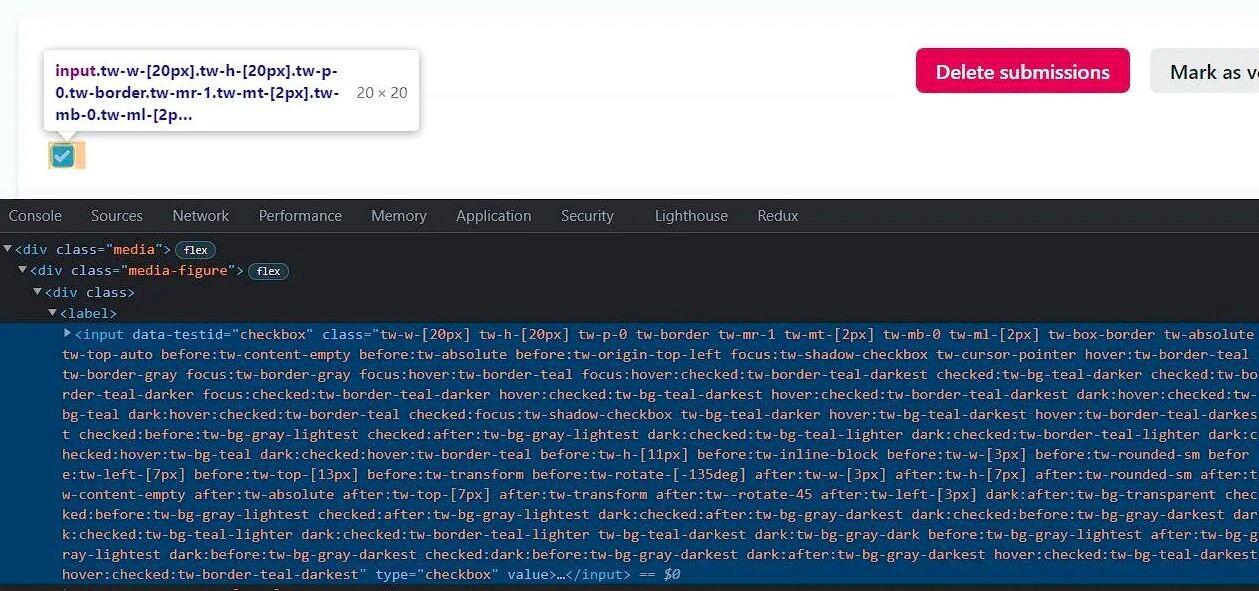
There's a worrying trend in modern web development, where developers are throwing away decades of carefully wrought systems for a bit of perceived convenience. Tools such as Tailwind CSS seem to be spreading like wildfire, with very few people ever willing to acknowledge the regression they bring to our field…
Svelte component library
daisyUI is the best Tailwind CSS component library for Svelte projects
Kaan by Astro
Svelte has this awesome built in styling capability but Tailwind will have you mostly ignore it, since “no custom CSS” while using it is a virtue. The best practice for production builds is a regexp based pass over generated content that is completely outside of the Svelte build process. It may seem conceptually awkward but I actually think they go well together if you use them in a certain way, a way that may be different that what you’ve seen before.