


Today we're excited to announce the future of Readwise: We've built our own, fully-integrated reading app.
The Next Chapter of Reader: Public Beta
Today, we're excited to announce the public beta of our own, fully-integrated reading app (known as "Reader"). Get started for free at readwise.io/read. What is Reader? In case you missed our original manifesto, Reader is a more powerful, more flexible version of the classic read-it-later app. If you've

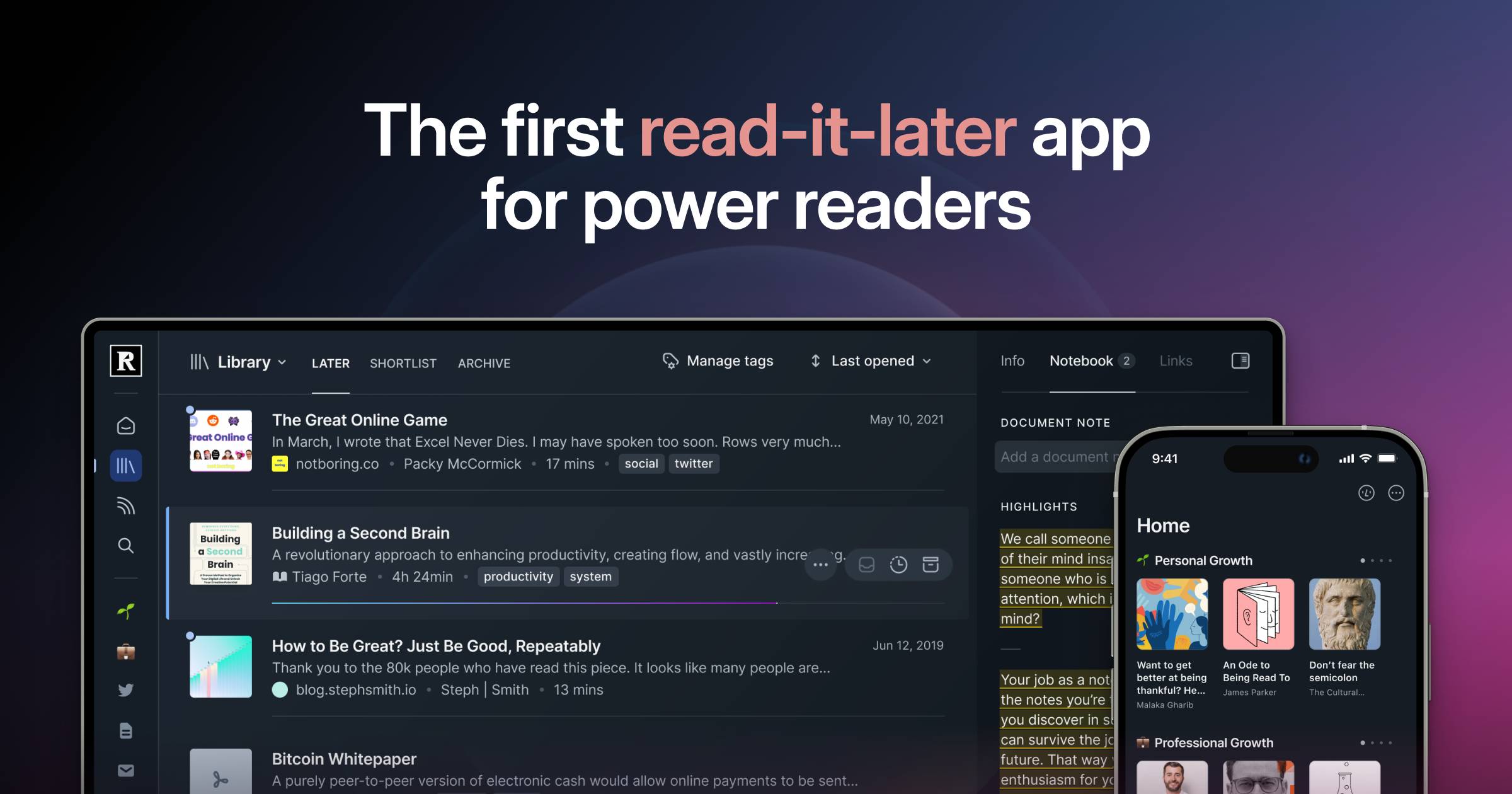
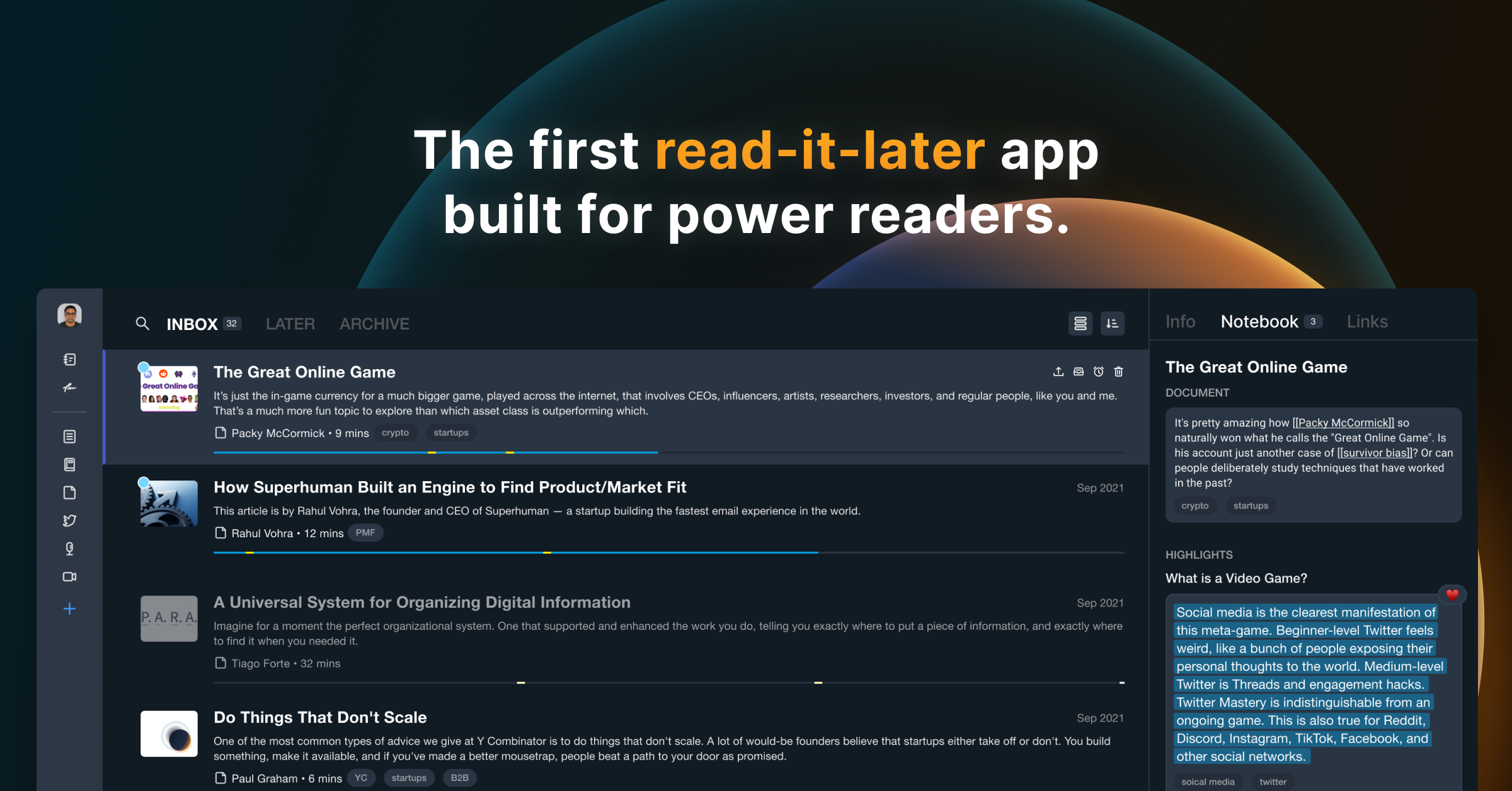
Readwise Reader: The first read-it-later app built for power readers.
Save everything to one place to overcome content overload, search instantly, and highlight like a pro.
Readwise Reader Winter Update
It's been a few months since we announced our work on Reader so we figured it’s time for an update on our progress, timelines, and the private beta!
Readwise Changelog - Readwise Docs
Follow the latest feature releases, product improvements, and bug fixes across Readwise Reader, Highlights, and Books.
Readwise Books: Step Three of Our Master Plan
Readwise Books is an indie ebook store & app — a cross between Kindle and Goodreads — that tracks your reading like Strava.


Readwise
Grow wiser and retain books better: Readwise sends you a daily email resurfacing your best highlights from Kindle, Instapaper, iBooks, and more.
GitHub - Scarvy/awesome-readwise at readwise-community.ghost.io
A curated list of awesome Readwise libraries, plugins, software, and resources. - Scarvy/awesome-readwise
Readwise Reader: Top 15 Features, Tips, and Tricks!
Automate Your Highlights: The Lazy Genius Guide to Remembering What You Read
Getting Started with Reader
Welcome to the essential beginners tutorial for Reader: our very own read-it-later app that helps you bring *all* of your reading into one place. That includes articles, books, PDFs, RSS feeds, email newsletters, Tweets, and videos. 🎁 Sign up for a free 30-day trial: https://readwise.io/read *This video will teach you everything you need to get started:* 00:00 The Problem 00:15 What is Reader? 00:33 Installing web extension and mobile apps 00:40 Adding new documents on desktop 01:14 Uploading files from desktop 01:23 Subscribing to email newsletters 01:37 Importing your library from Pocket, Instapaper, or Omnivore 01:44 Saving documents on mobile 01:50 What's the difference between Library and Feed? 02:38 Importing feeds from another app 02:49 Home section 03:08 Keyboard shortcuts 03:50 Full-text search 04:05 Reading and highlighting 04:20 Exporting and searching your highlights 04:40 Text-to-speech 05:00 What is Ghostreader? 05:47 De-activate AI features 06:00 Submitting feedback and questions *More Resources:* How To Set Up Your Reader Feed: https://www.youtube.com/watch?v=uDr9N0rV4EE Organizing Your Documents in Reader: https://www.youtube.com/watch?v=uefrzMb5qBc

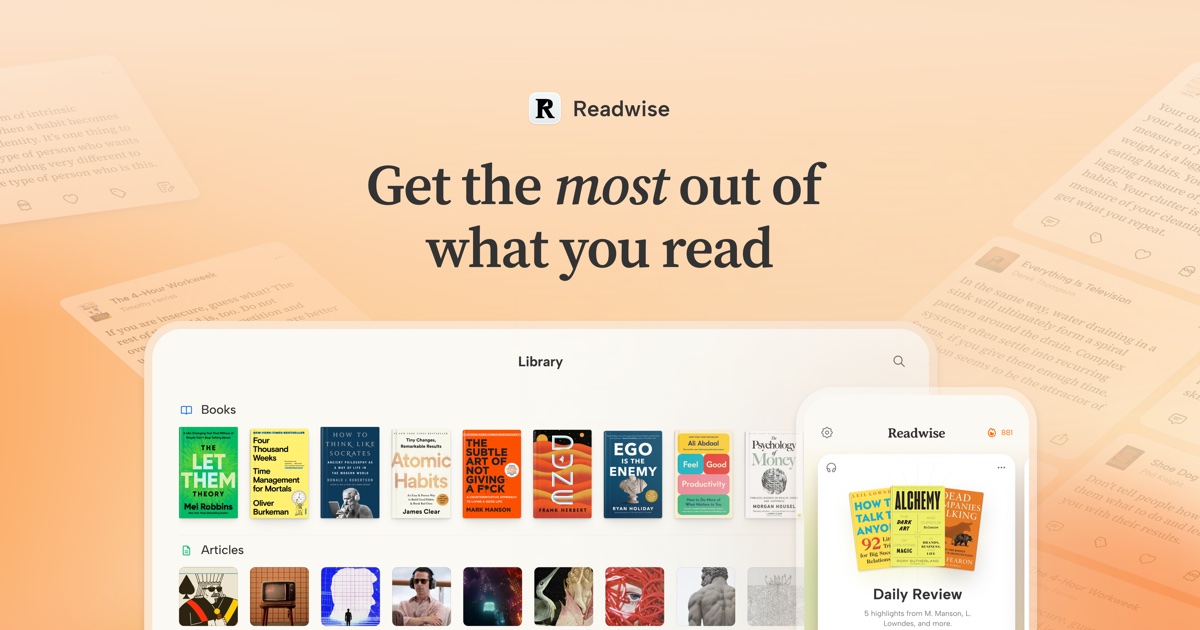
Readwise: Get the most out of what you read
Easily revisit and learn from your highlights and annotations.

Daniel Doyon
A private weekly newsletter rounding up all our updates in the Readwise Reader private beta
Daniel Doyon
A private weekly newsletter rounding up all our updates in the Readwise Reader private beta
Just released a new @skyreader.app update with an experimental feature call Reading Rooms that attempts to recreate the experience of a book/journal club where you can gather to read together. skyreader-dev.leaflet.pub/3mvnm3f4src23

Skyreader update - Reading Rooms
skyreader-dev.leaflet.pub