

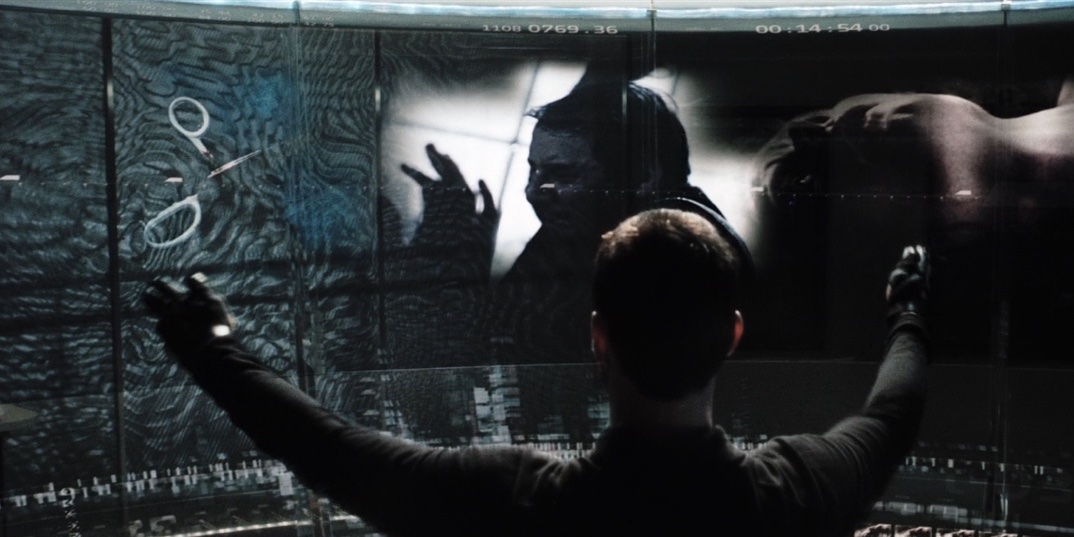
How we overvalue the wrong technology and novel aspects of interface design at the expense of substantial gains to our productivity.
History of The Graphical User Interface (GUI): A Wonderful Curse
Make It So: Interaction Design Lessons from Science Fiction
Many designers enjoy the interfaces seen in science fiction films and television shows. Freed from the rigorous constraints of designing for real users, sci-fi production designers develop blue-sky interfaces that are inspiring, humorous, and even instructive. By carefully studying these “outsider” user interfaces, designers can derive lessons that make their real-world designs more cutting edge and successful

Our interfaces have lost their senses
We programmed them by punching cards, plugging in wires, and flipping switches. Programmers walked among banks of switches and cables, physically choreographing their logic. Being on a computer used to be a full-body experience.
The Weird Death Of User Interfaces
Desktop Neo – rethinking the desktop interface for productivity.
The desktop computer hasn’t changed much in the last 30 years. It’s still built on windows, folders and mouse input. But we have changed. We now use smartphones and tablets most of the time, since they are much easier to use.The traditional desktop computer is struggling to adapt the simple interfaces of mobile devices while also keeping its focus on productivity. With people switching to mobile devices for mundane tasks, we have the opportunity to rethink the desktop computer with a focus on getting professional work done.
Physicality: the new age of UI
There’s a lot of rumors of a big impending UI redesign from Apple. Let’s imagine what’s (or what could be) next for the design of iPhones, Macs and iPads.

Reverse-engineering Claude's generative UI - then building it for the terminal
Extracting Anthropic's design system from a conversation export and rebuilding generative UI for the terminal.
Why Do We Interface?
In this micro book we look at the past, present, and future of interfaces and how they allow us to utilize information in ways that change what it means to be human.
Interfaces › Design Engineering Magazine
Interfaces is a design engineering magazine about building great interfaces that covers topics such as animation, typography, layout and color.

Instrumental interaction: an interaction model for designing post-WIMP user interfaces
Although the power of personal computers has increased 1000-fold over the past 20 years, user interfaces remain essentially the same. Innovations in HCI research, particularly novel interaction techniques, are rarely incorporated into products. In this ...

UI redesigns are mostly a waste of time
To preface the article, I primarily work on, and prefer, back-end code. I've been involved in both web and software development for over 4 y...
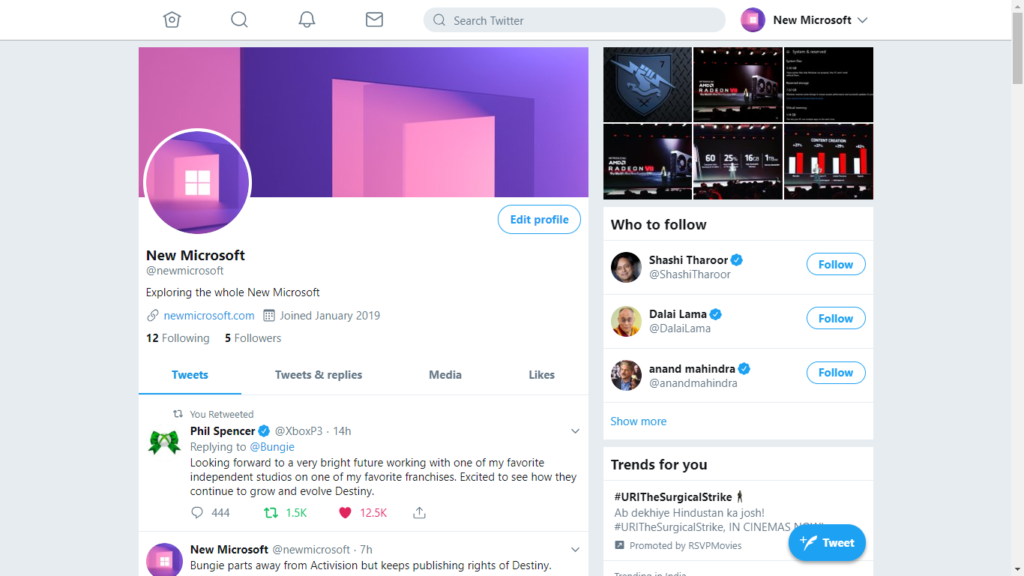
Accommodating Both Expert Users and Novice Users in One Interface by Utilizing Multi-layer Interface in Complex Function Products
Rapid development of electronic technology promotes the complex function of a product. Users have to adapt themselves to interface with diverse mental model setting. To improve usability, both resolutions of consistent interface and wizard interface were frequently applied to help novice. However, both of them require as much time for those who are familiar with the system, i.e. expert users. Shneiderman (2000) remarked that Universal Usability requires that software systems accommodate a diverse set of users. Multi-Layer interface might be a solution for complex user interface and satisfy both novice and expert users. The idea of multi-layer interface has been applied to hardware and software interface design. Cases were discussed in which the improved Multi-Layer Interface was analyzed and conclusions made.

Hidden Costs of Graphical User Interfaces: Failure to Make the Transition from Menus and Icon Toolbars to Keyboard Shortcuts
Graphical interfaces allow users to issue commands using pull-down menus, icon toolbars, and keyboard shortcuts. Menus and icon toolbars are easier to learn, whereas keyboard shortcuts are more ef...
ui.sh — Turn your terminal into a design engineer
A toolkit for coding assistants like Claude Code, Cursor, and Codex to help you build UIs that don't suck.
Are we stuck with the same Desktop UX forever? | Ubuntu Summit 25.10
