

Desktop and laptop computers run operating systems that provide desktop environments: windows, buttons, and a mouse. So responsibility ends up split: programs control their windows, but the desktop environment controls the screen. Therefore:

RDP in the Browser: Remote Desktop Without Installing a Client | Pangolin
Access Windows desktops through a full RDP session rendered in the browser, with clipboard, file transfer, and standard RDP features. Users need only a web browser on their side.
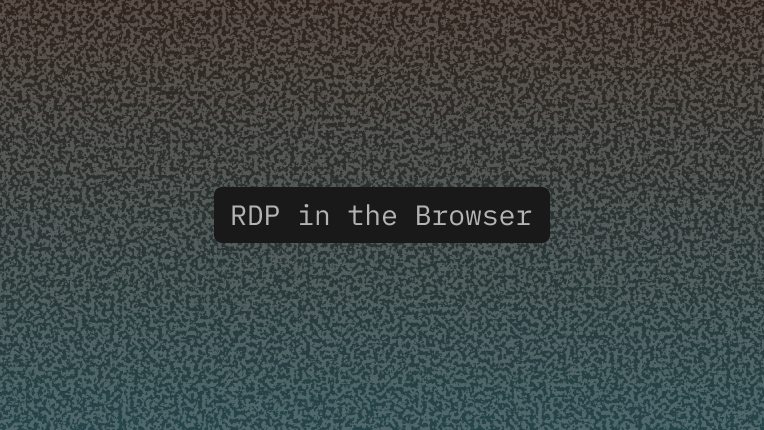
A visual editor for the Cursor Browser · Cursor
Bringing design and engineering closer together.
Stripped Down Browsers
I started learning programming in High School by using a toy language with graphics.
10/GUI
Here it is: my crazy summer project to reinvent desktop human-computer interaction. This video examines the benefits and limitations inherent in current mouse-based and window-oriented interfaces, the problems facing other potential solutions, and visualizes my proposal for a completely new way of interacting with desktop computers. There's more information at http://10gui.com .
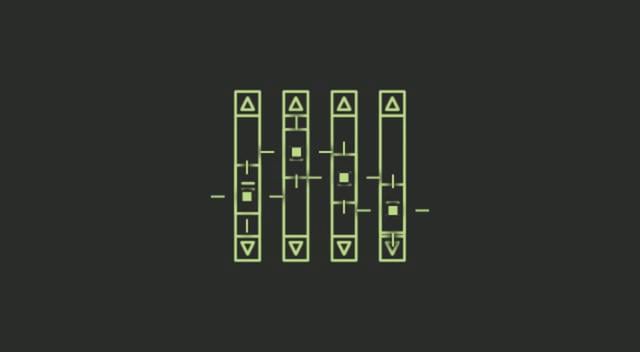
Our interfaces have lost their senses
We programmed them by punching cards, plugging in wires, and flipping switches. Programmers walked among banks of switches and cables, physically choreographing their logic. Being on a computer used to be a full-body experience.
What Happened After a Teacher Ditched Screens
Why one early adopter of computers in classrooms has decided to toss them
Making Content Accessible | Web Browser Engineering
So far, we’ve focused on making the browser an effective platform for developing web applications. But ultimately, the browser is a user agent. That means it should assist the user in whatever way it can to access and use web applications. Browsers therefore offer a range of accessibility features that take advantage of declarative UI and the flexibility of HTML and CSS to make it possible to interact with web pages by touch, keyboard, or voice.
Spatial Computing
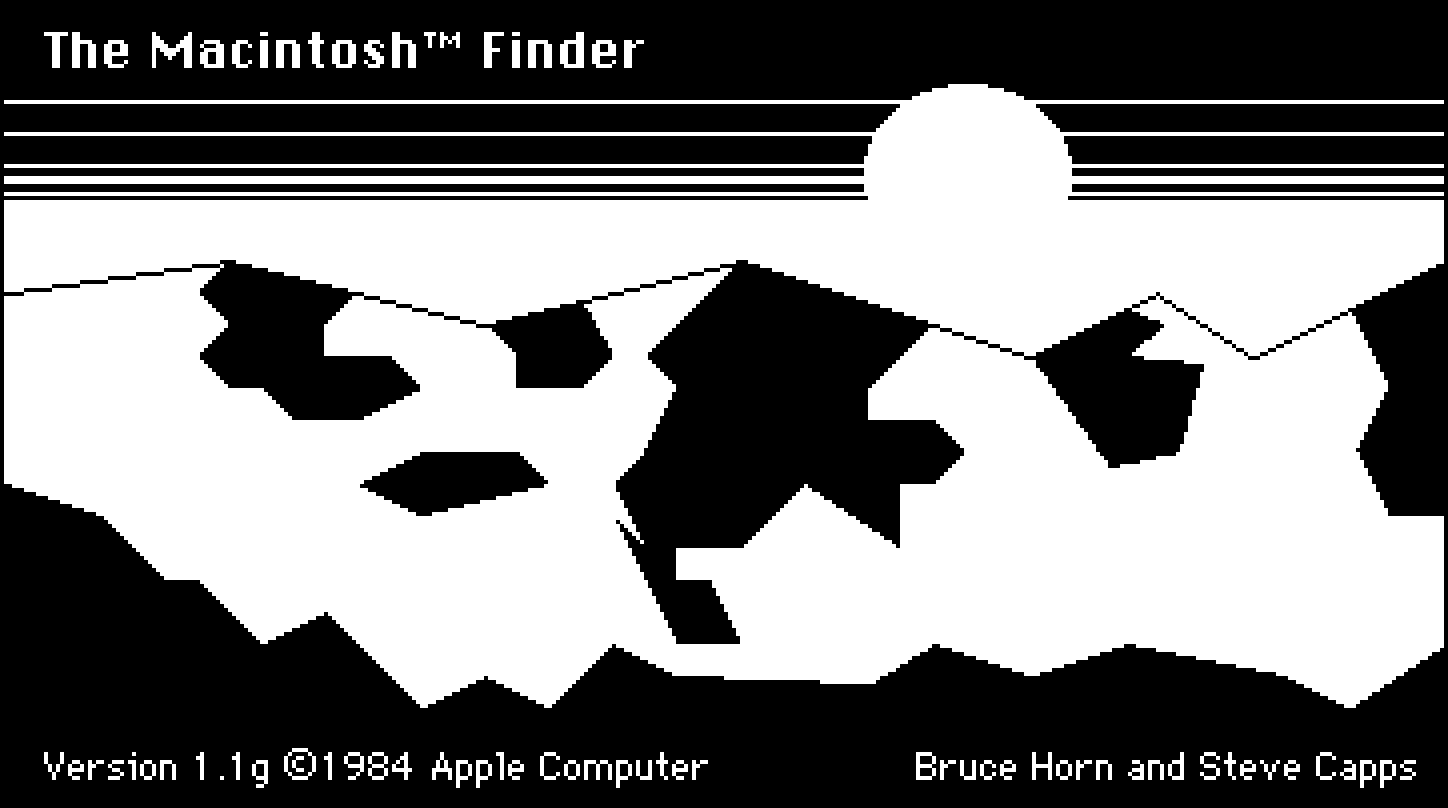
The graphical user interface on the original Macintosh was a revelation to me when I first used it at the tender age of 8 years old. Part of the magic was thanks to its use of "direct manipulation." This term was coined in the 1980s to describe the ability to control a computer without using the keyboard to explain what you wanted it to do. Instead of typing a command to move a file from one place to another, the user could just grab it and drag it to a new location.
Desktop, Touch, Browser, Now AI? The Next OS in Computing
Explore how AI is reshaping human-computer interaction, from command lines to modern SaaS. Key insights on the next computing paradigm for startups and tech leaders.
Why build a new browser? From intuition to reality - Blog | Lightpanda
Three years ago when we started Lightpanda, we asked ourselves a seemingly simple question what would a browser look like if it were built specifically for automation?

Desktop Neo – rethinking the desktop interface for productivity.
The desktop computer hasn’t changed much in the last 30 years. It’s still built on windows, folders and mouse input. But we have changed. We now use smartphones and tablets most of the time, since they are much easier to use.The traditional desktop computer is struggling to adapt the simple interfaces of mobile devices while also keeping its focus on productivity. With people switching to mobile devices for mundane tasks, we have the opportunity to rethink the desktop computer with a focus on getting professional work done.
The Software That Shapes Workers’ Lives
By dragging icons on a screen, supply-chain managers schedule factory work down to the second.

Why We Need to Rethink the Computer ‘Desktop’ as a Concept
Thoughts about a new direction for desktop UI
What Even Is An OS Now?
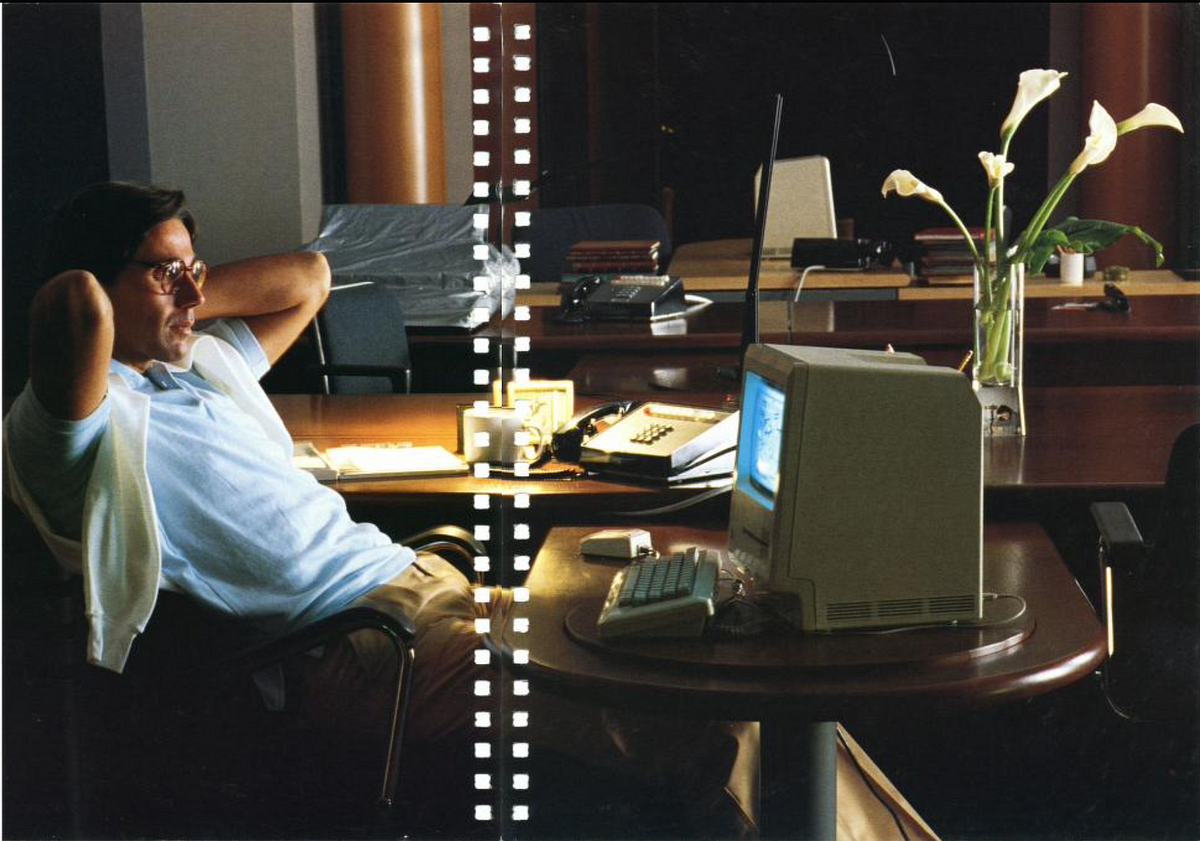
Computers now work the way I thought they did when I was 8. What does computing look like when most applications have an audience of 1-2 people? I'm leaving Fly.io to build a phone for that world.
Group Note Draft: Web User Agents
Web user agents include both web browsers and other intermediaries between end-users and the web.