

my life's work is in @obsidian.md, nearly thirty years of thoughts, in markdown, on this minidisc
Nov 17, 2026 at 12:50 AM

How I Write Blog Posts with Obsidian — Unattributed
You've probably run into some Obsidian evangelist espousing some convoluted system of organizing all their notes, and building some knowl...
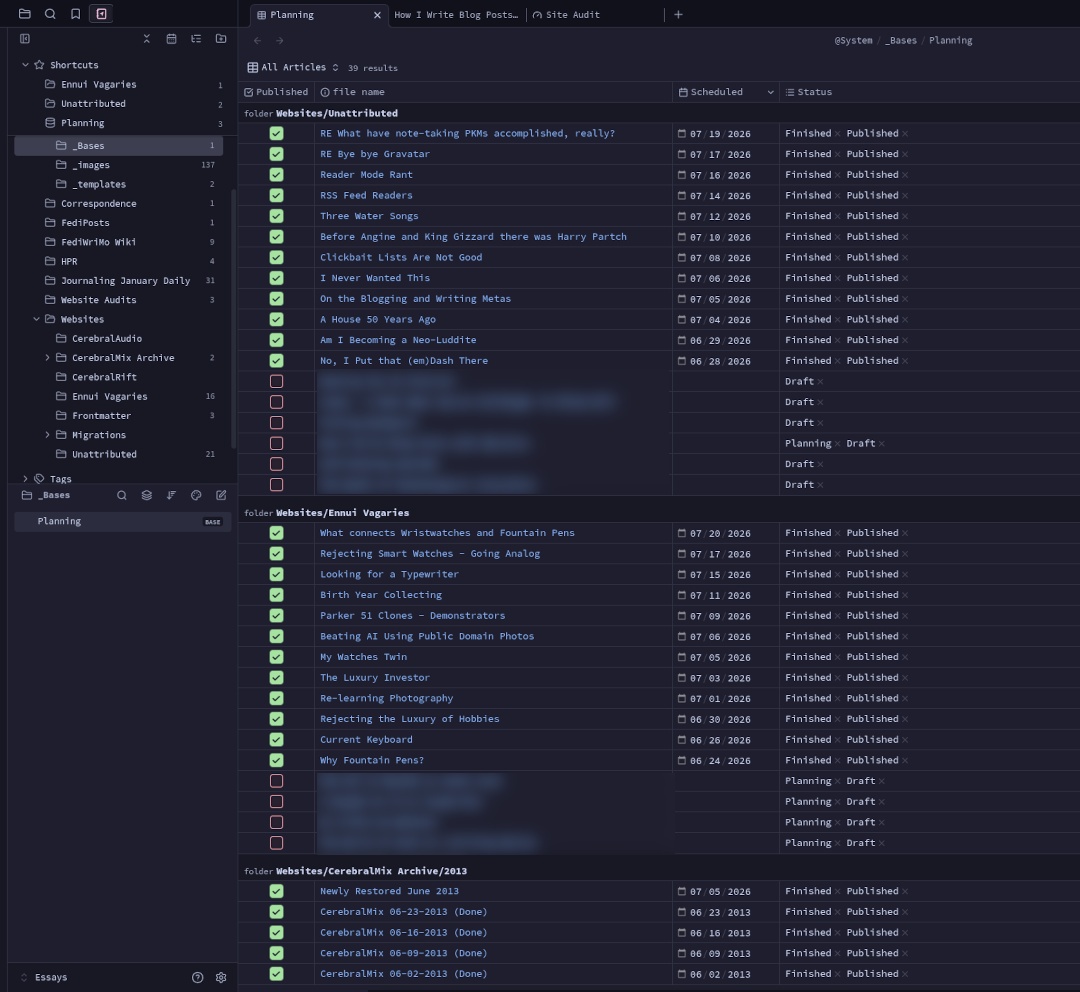
Life in Weeks
My life, where each week I’ve been alive is a little box, inspired by this post by Tim Urban. When meaningful things happen (for both better and worse) I make a note of it so I can remember how much of life is influenced by these factors. If you’d like to create your own version of this, it’s basically a data file, a template, and a blog post mashed together on Jekyll blog hosted on Netlify.
HackMD & Obsidian: The ultimate markdown workflow - HackMD
Limiting yourself to a single markdown tool might restrict your productivity and workflow. Discover how combining the strengths of top markdown editors, HackMD and Obsidian, can enhance your projects and speed up your feedback process.

Karpathy's LLM Knowledge Base Wiki for Enterprise | Vijoy Pandey posted on the topic | LinkedIn
There's a new kind of computer media in the enterprise: Write once, Read never. The docs are perpetually stale, constantly diverging from reality, and scattered across Confluence, SharePoint, GitHub, Webex (or Slack) threads, Notion, Obsidian - and in my personal life, add Apple Notes, Goodnotes, web clippings, and multiple Google Drives worth of docs and slides that nobody is ever going back to. Karpathy tweeted his LLM knowledge base wiki architecture which went viral last weekend and I decided to give it a run yesterday. Verdict: You *have* to try this out. Prediction: You won’t be able to live without it soon. There were a few mods and decisions I made to the base Karpathy provided. First, the vault / folder structure in Obsidian. I already use Obsidian as a human. Instead of creating separate vaults and dealing with the sync nightmare, I just have folders for Human and Agent, and a Raw folder. (1) The Human/ folder is where I write long form articles and notes independent of the knowledge base wiki. No LLM or agent touches this folder. (2) I do have Arnold Layne, my OpenClaw agent, doing background tasks for me. Raw/ is where both Arnold and I, dump raw snippets. Inclusive of diverse kinds of media. (3) The Agent/ folder is where the LLM (Claude in my case) synthesizes the wiki. No human touches this folder. Second, some customizations to CLAUDE.md for enterprise-like usage - (4) Domain extensions - the agent needs to know that quantum computing and agentic AI have different entity types and different provenance thresholds. (5) Primary source protection, when I drop in my own original work, secondary sources can extend it or raise questions against it, but they cannot overwrite it. It sounds like a small thing but its’s not, especially at enterprise scale where provenance actually matters. Karpathy is upfront that what he’s built is working memory for a single agent, and it’s truly remarkable at that. The jump to Shared Context across teams, reconciling conflicting beliefs at org scale, ontologies that don’t collapse under the weight of a hundred contributors - those are much harder problems and what we are exploring with the Internet of Cognition. PS: The screenshot shows my Obsidian vault after just two runs: one with Karpathy’s original tweet and gist file itself (so meta!) and one with our Internet of Cognition paper. Claude (Sonnet) read it, compiled it into structured summaries, entity pages, concept pages, backlinks, merged all the information cohesively, and keeps it all maintained from there. You just read the Wiki. It’s simply magical.

StepanKropachev/obsidian-pm
Project management natively in your Obsidian vault. Table, Gantt, and Kanban views with subtasks, dependencies, time tracking, and custom fields — all stored as plain Markdown. No external services.
Publish Markdown as a Website — Blogs, Docs & Knowledge Bases | Flowershow - Flowershow — Publish Markdown as a Website
Turn markdown files into beautiful websites in seconds. Publish Obsidian vaults, blogs, docs, and knowledge bases — free, no coding required.

elvis on Twitter / X
Building a personal knowledge base for my agents is increasingly where I spend my time these days. Like @karpathy, I also use Obsidian for my MD vaults. What's different in my approach is that I curate research papers on a daily basis and have actually tuned a Skill for… https://t.co/4AQSFOv4PV pic.twitter.com/YI5cWUhqT3— elvis (@omarsar0) April 2, 2026

Using Obsidian Bases for Tasks - cauenapier
WHy and How I switched to Bases for my tasks management in Obsidian

Programming in Markdown with MDFlow
An outtake from Sunday School: Drop In, Vibe On.

Hey @tgoerke.bsky.social, today you said you wanted to try @obsidian.md and I mentioned that I've been considering moving away from it (despite having been a user for ~2 years now) I don't want to negatively bias you against it, but I thought it might be interesting to share my reasoning publicly

Brad Wenner


i vibed a quick plugin for @obsidian.md to show @currents.is collections in my markdown docs tangled.org/bradwenner.photo/obsidian-cur… #personalsoftware #atproto

bradwenner.photo/obsidian-currents
tangled.orgBrad Wenner
I set up photo crossposting from @grain.social / bsky to @currents.is if yall would like to follow me there: currents.is/profile/bradwenner.photo It's very cool to me that doing interop like this on the Atmosphere is incredibly easy. Feels inevitable that more artists & creatives will adopt it
Intrigued by @semble.so as a potential research tool for creatives as well as encouraging deeper thinking, making connections between ideas. For me, I can see using it alongside @obsidian.md (which I use similarly, but for my private use). Also love how responsive the developers are to questions.


