

It's possible to change UI contrast in Unreal Engine: Change `GSlateContrast` from C++, or `Slate.Contrast` from the cheat console. Maybe an easy accessibility win to add to your game? #UnrealEngine
Mar 11, 2025 at 1:05 AM
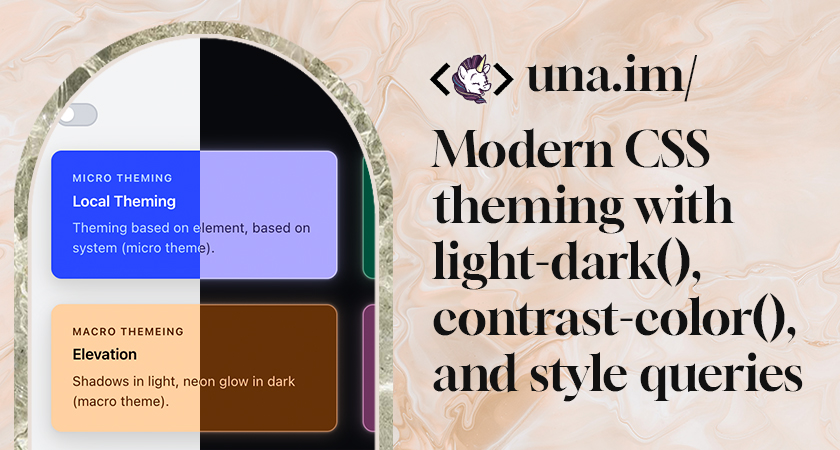
Unreal Scoop: Make your own “shaded textured unlit” viewmode real quick
Hammer, king of level editors, has a view mode where the scene is unlit, but not fullbright; it’s shaded to make it easier to parse. Unreal doesn’t have that! But you can add it yourself, really easily, with no C++ or Blueprint – just a postprocess material and a line in a config file. Here’s how!
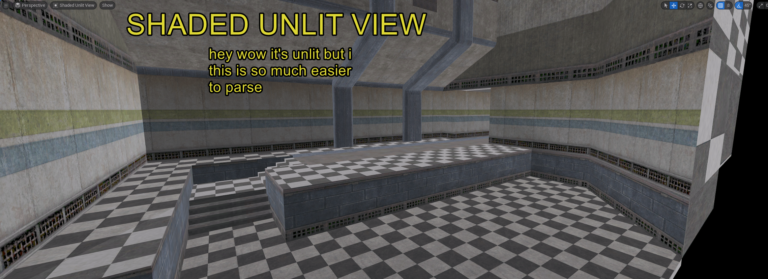
Styled Nodes in Unreal Engine
I showcase how you can style a collection of Unreal Engine nodes
una.im | Modern CSS theming with light-dark(), contrast-color(), and style queries
Combine three new CSS features to build fully adaptive themed components.
Unreal Scoop: Making a “Compiling Shaders…” Screen
Unreal has a reputation amoung the ill-informed for being plagued by shader compilation stutter. As an attribute of Unreal itself, this is basically made up – devs are just not always doing what they are supposed to do pre-ship to avoid this issue. I’ll elaborate, but basically, to avoid compiling shaders during gameplay, you want to do it up-front, like during an initial loading screen, which maybe says “Compiling shaders” on it, and not let the player begin until it’s done. To do that last part properly, you need a little bit of C++. I had to do this for InFlux Redux recently, so here’s mine.

Dark mode & accessibility myth by Stéphanie Walter - UX Researcher & Designer.
Dark mode isn't always better for accessibility, you need to let users chose. And if you build a dark theme, make it accessible!
The Easy Intro to the APCA Contrast Method
This is the APCA project repo on GitHub.Documentation linked below.
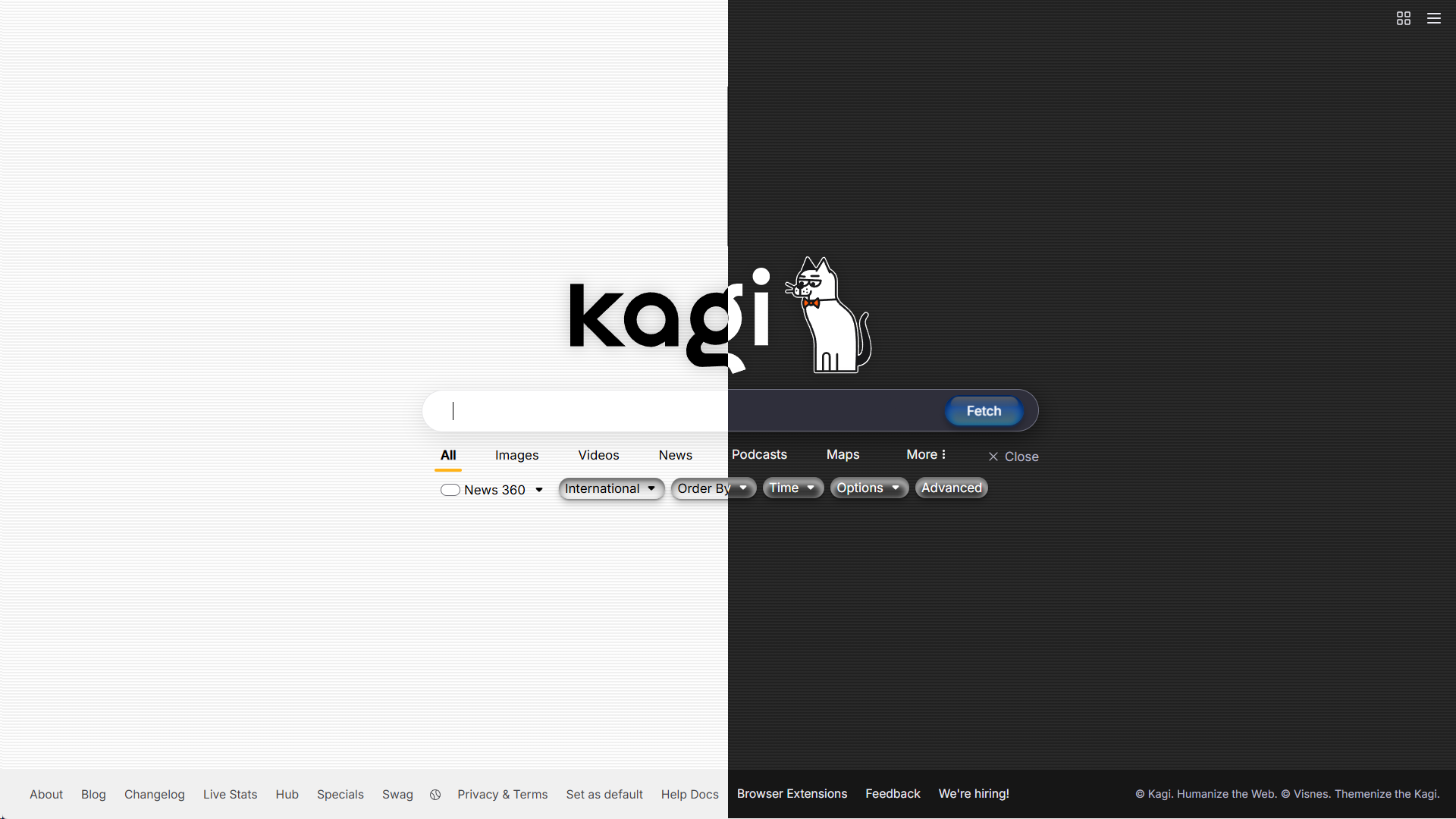
OS X Aqua - Kagi Search Theme
A custom theme that's inspired by old school Apple's OS X Aqua theme. Has both Dark and Light mode that changes based on your system settings. ** [Github repo](https://github.com/Visnes/kagi-aqua/) ** Do the following: Go to Appearance → Change theme to "Default", not "Light" or "Dark" → Enable Custom CSS & Paste custom.css → Save changes
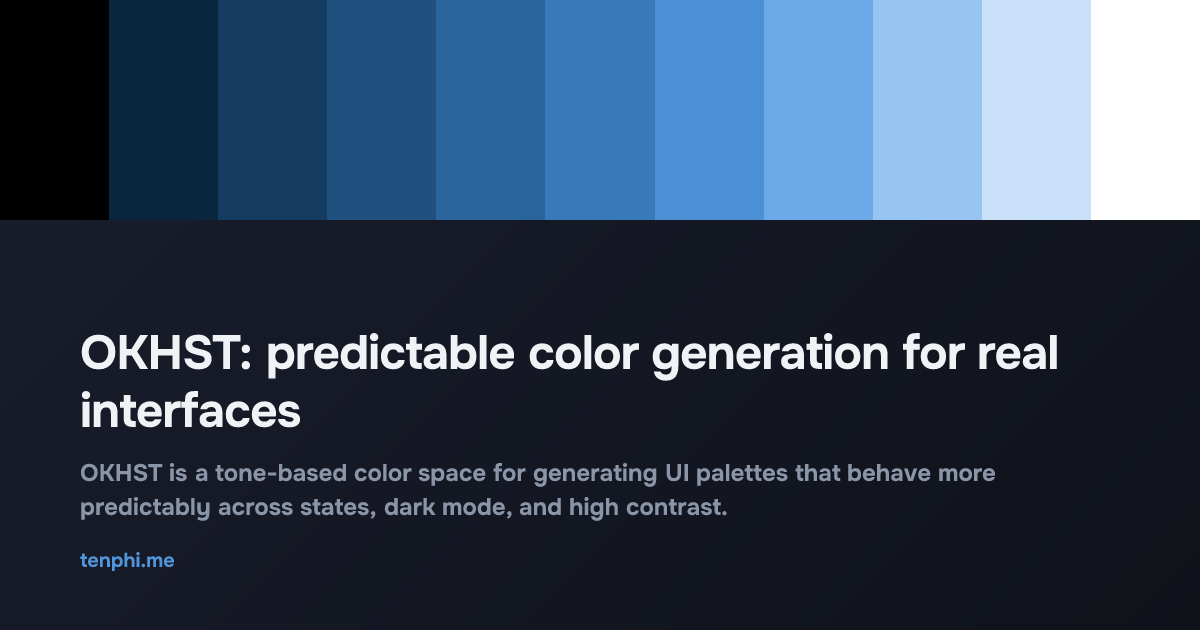
OKHST: predictable color generation for user interfaces — tenphi.me
OKHST is a tone-based color space for generating UI palettes that behave more predictably across states, dark mode, and high contrast.
Open Props UI | A modern CSS UI library
CSS UI library leveraging the most modern features. Components you can copy and paste into your project.

Dark mode with web standards
Implementing dark mode with minimal JavaScript and standard CSS
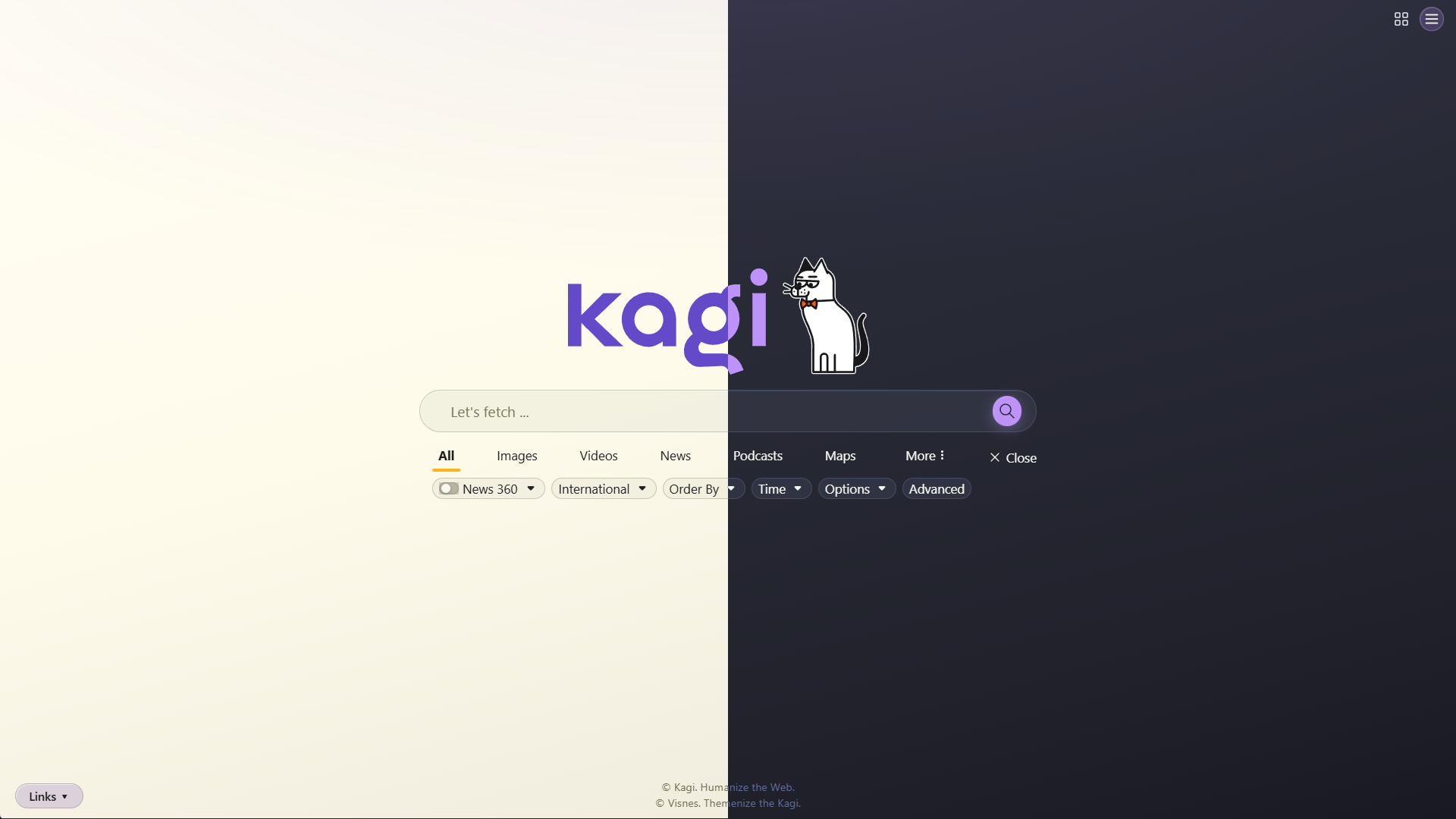
🧛 Official Dracula & Alucard Theme - Kagi Search Theme
A modern and sleek custom theme for Kagi that follows the styling rules of the very popular [Dracula theme](https://draculatheme.com). **Features** - Automatic dark and light mode based on system - All(?) elements have been skinned - Responsive to desktop, tablet & mobile **Install** - Go to Appearance and change theme to "Default" - Enable Custom CSS, paste content of custom.css and save **[Github repo](https://github.com/dracula/kagi)**
prefers-color-scheme: Hello darkness, my old friend | Articles | web.dev
Many devices now support an operating system wide dark mode or dark theme experience. This post explains how dark mode can be supported on web pages, lists best practices, and introduces a custom element named dark-mode-toggle that allows web developers to offer users a way to override their operating system level preference on specific web pages.
Radix UI
Components, icons, and colors for building high‑quality, accessible UI. Free and open-source.
Where to Find the Colors Your Screen Can’t Show You
An atlas of the vibrance of the real world


Devon Govett


Fun CSS demo I built today: automatically compute a partially transparent white or black color that meets a target WCAG contrast ratio against an arbitrary background color. No JavaScript needed. 😃 codepen.io/editor/devongovett/pen/01a01b…
oklch() has only one problem left. If a user chooses a color that this screen can’t display, browsers will look for the nearest alternative using a simplified algorithm instead of the one from the CSS spec: clipping instead of chroma reduction. evilmartians.com/chronicles/oklch-in-css-why-q…

OKLCH in CSS: why we moved from RGB and HSL—Martian Chronicles, Evil Martians’ team blog
evilmartians.com
