


It’s quite gratifying that Markdown has not only become so popular, but after 21 years, continues to grow in popularity, to the point now where there clearly are a lot of people who seemingly enjoy writing in Markdown more than even I do. But I think it would be a huge mistake for Apple to make Apple Notes a “Markdown editor”, even as an option.
Why You Shouldn’t Use “Markdown” for Documentation
“Markdown” is the most commonly used lightweight markup language on the internet. It is great for a subset of tasks, mainly blog posts and commenting. However, lately it has been adopted by the tec...

Why You Shouldn’t Use “Markdown” for Documentation
“Markdown” is the most commonly used lightweight markup language on the internet. It is great for a subset of tasks, mainly blog posts and commenting. However, lately it has been adopted by the tec...

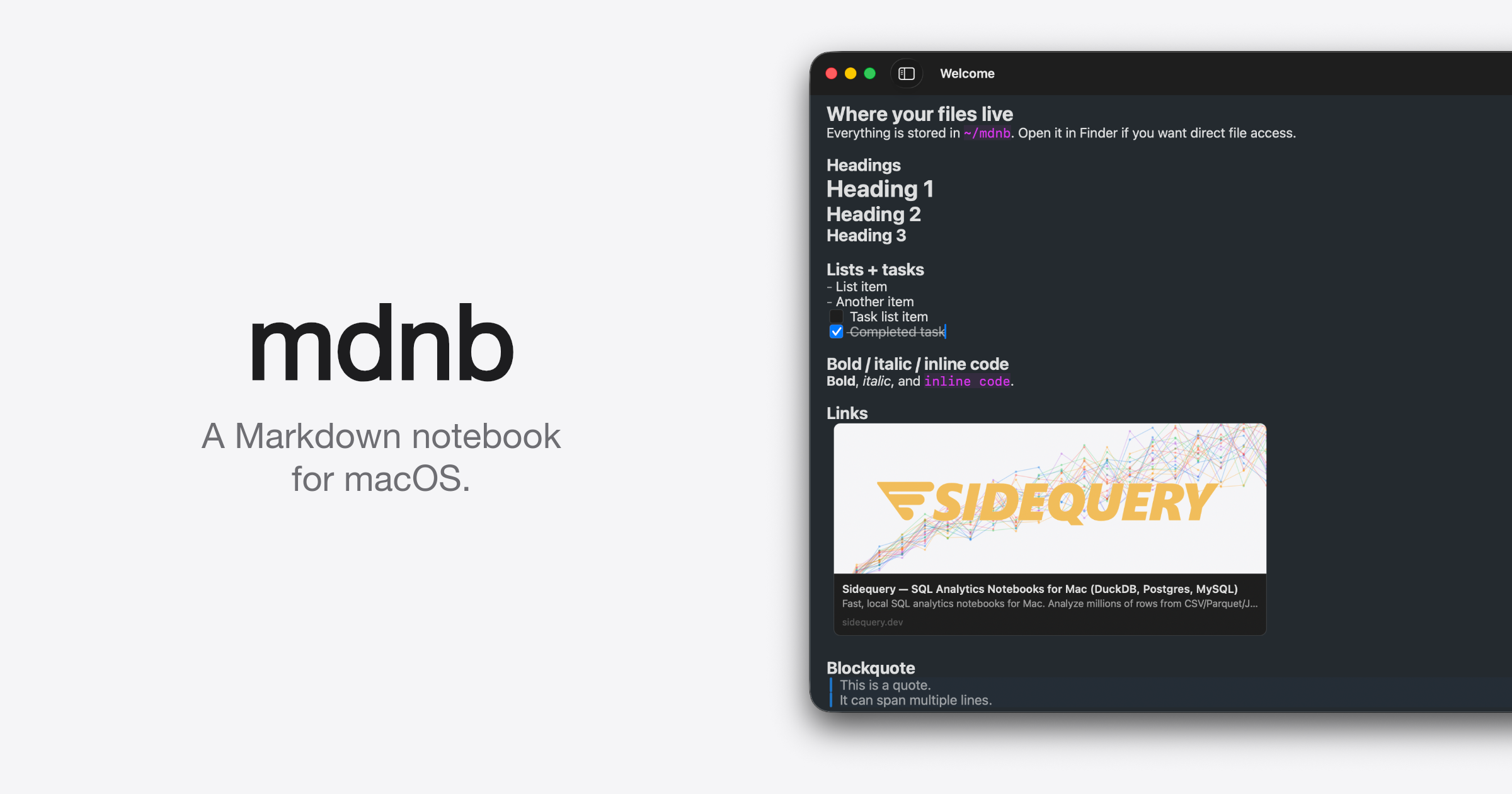
mdnb — A Markdown Notebook for macOS
A native macOS notebook app. Your notes are plain Markdown files on disk, yours forever. Free.
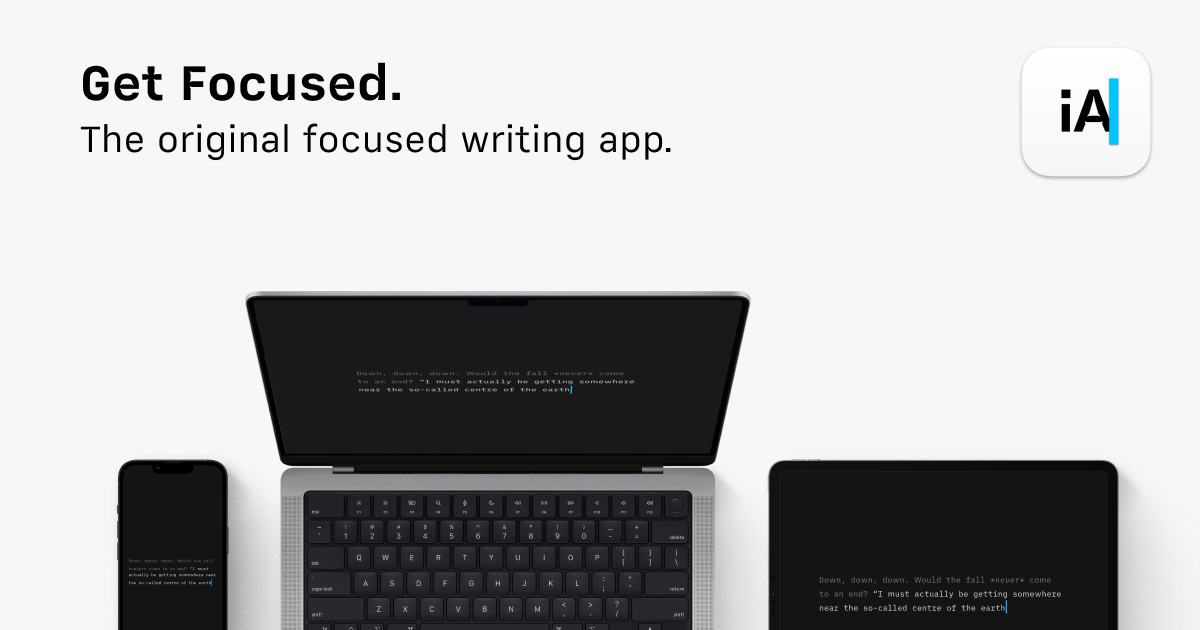
iA Writer: The Benchmark of Markdown Writing Apps
Plain text. Total focus. The Industry standard Markdown text editor. Available for Mac, iPhone, iPad, Android, and Windows. Download it now, try it for free
Scratch – A minimalist markdown scratchpad
An offline-first, open source markdown note-taking app. No cloud, no account, no subscriptions.

Export Apple Wallet Passes to Markdown
Exporter writes every Wallet pass as a Markdown file: boarding passes, event tickets and store cards, with their fields and barcode, kept in sync. First 20 passes free.
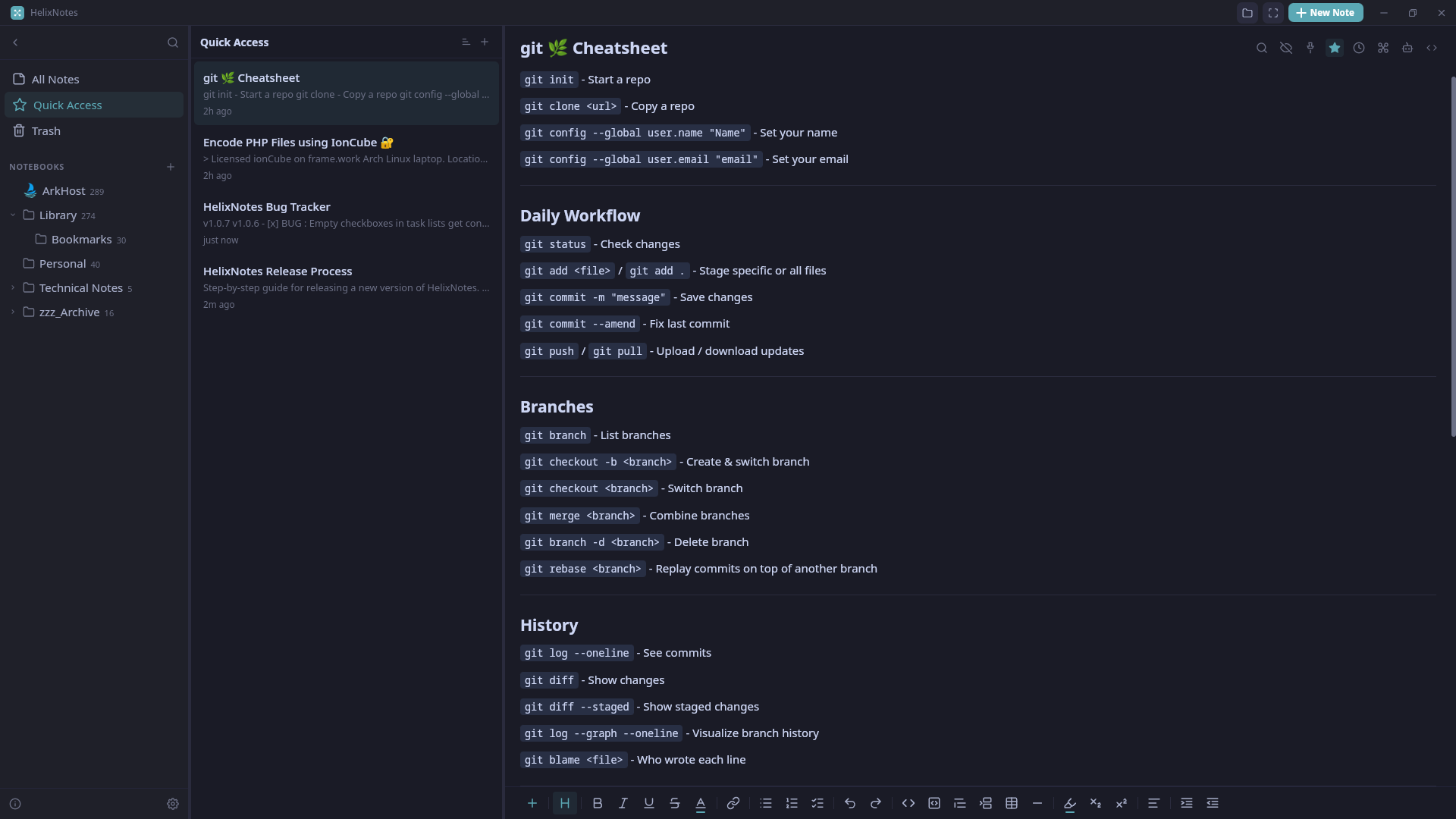
HelixNotes | Local Markdown Notes
A local markdown note-taking app. Plain .md files on your disk. Sync them your way, or don't.
Markdown Reference
Markdown is a simple way to format text that looks great on any device. It doesn’t do anything fancy like change the font size, color, or type — just the essentials, using keyboard symbols you already know.
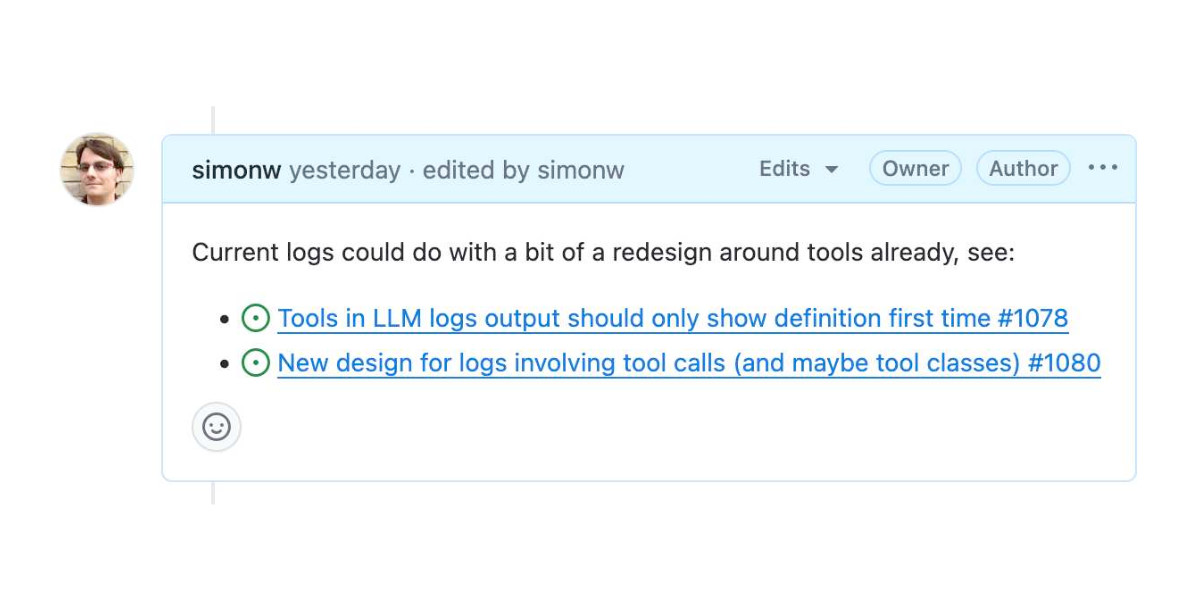
GitHub issues for notes
GitHub issues is almost the best notebook in the world. Free and unlimited, for both public and private notes. Comprehensive Markdown support, including syntax highlighting for almost any language. Plus …
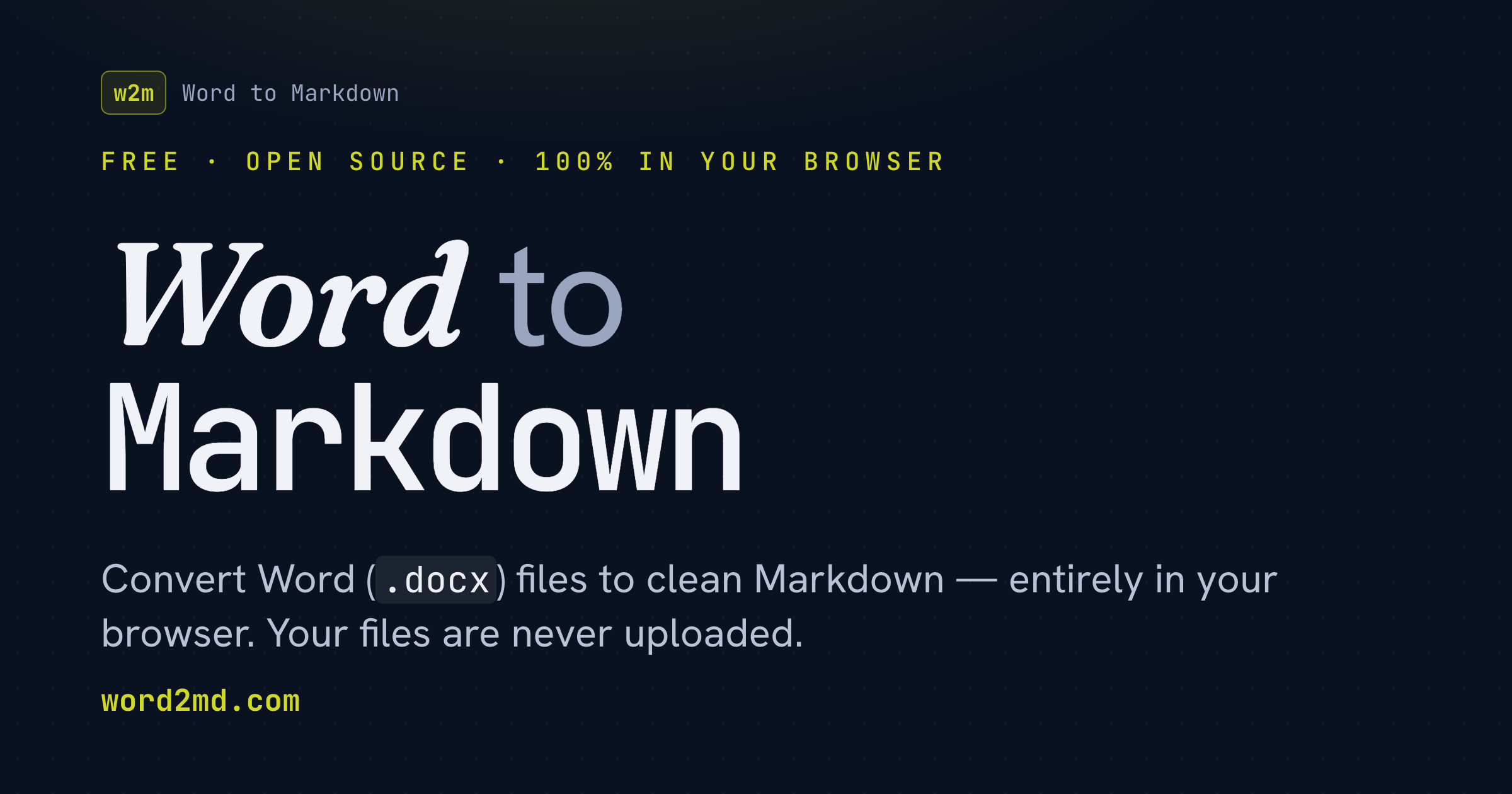
Word to Markdown — Free .docx to .md Converter
Free, open-source converter that turns Word (.docx) and Google Docs into clean, GitHub-flavored Markdown — entirely in your browser. Nothing is uploaded.
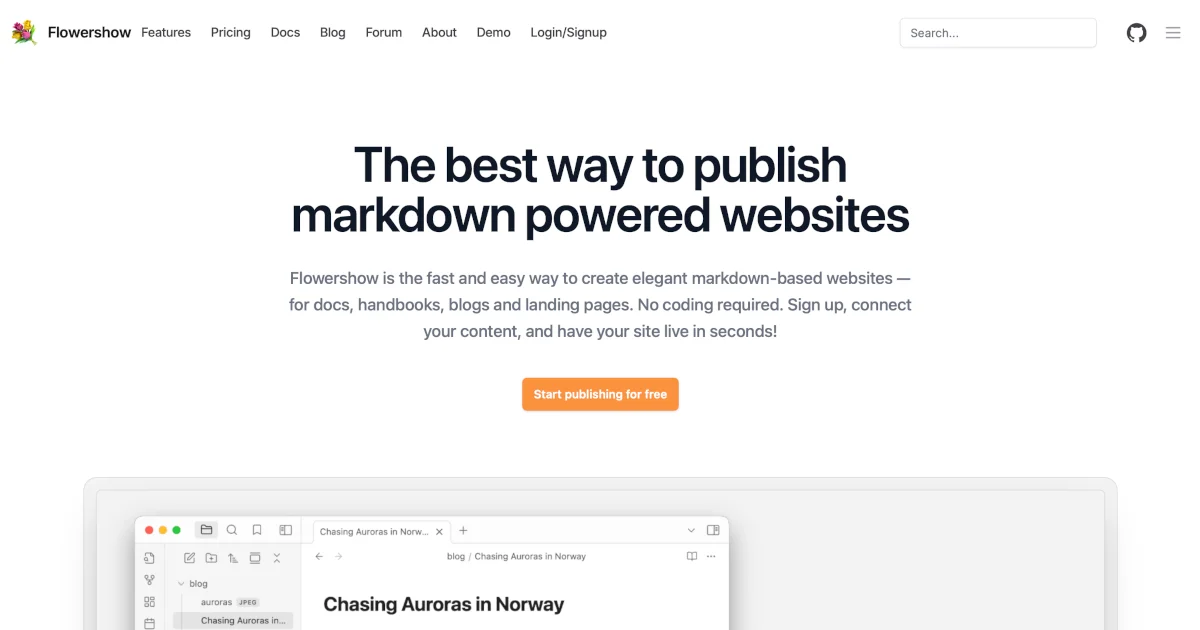
Publish Markdown as a Website — Blogs, Docs & Knowledge Bases | Flowershow - Flowershow — Publish Markdown as a Website
Turn markdown files into beautiful websites in seconds. Publish Obsidian vaults, blogs, docs, and knowledge bases — free, no coding required.
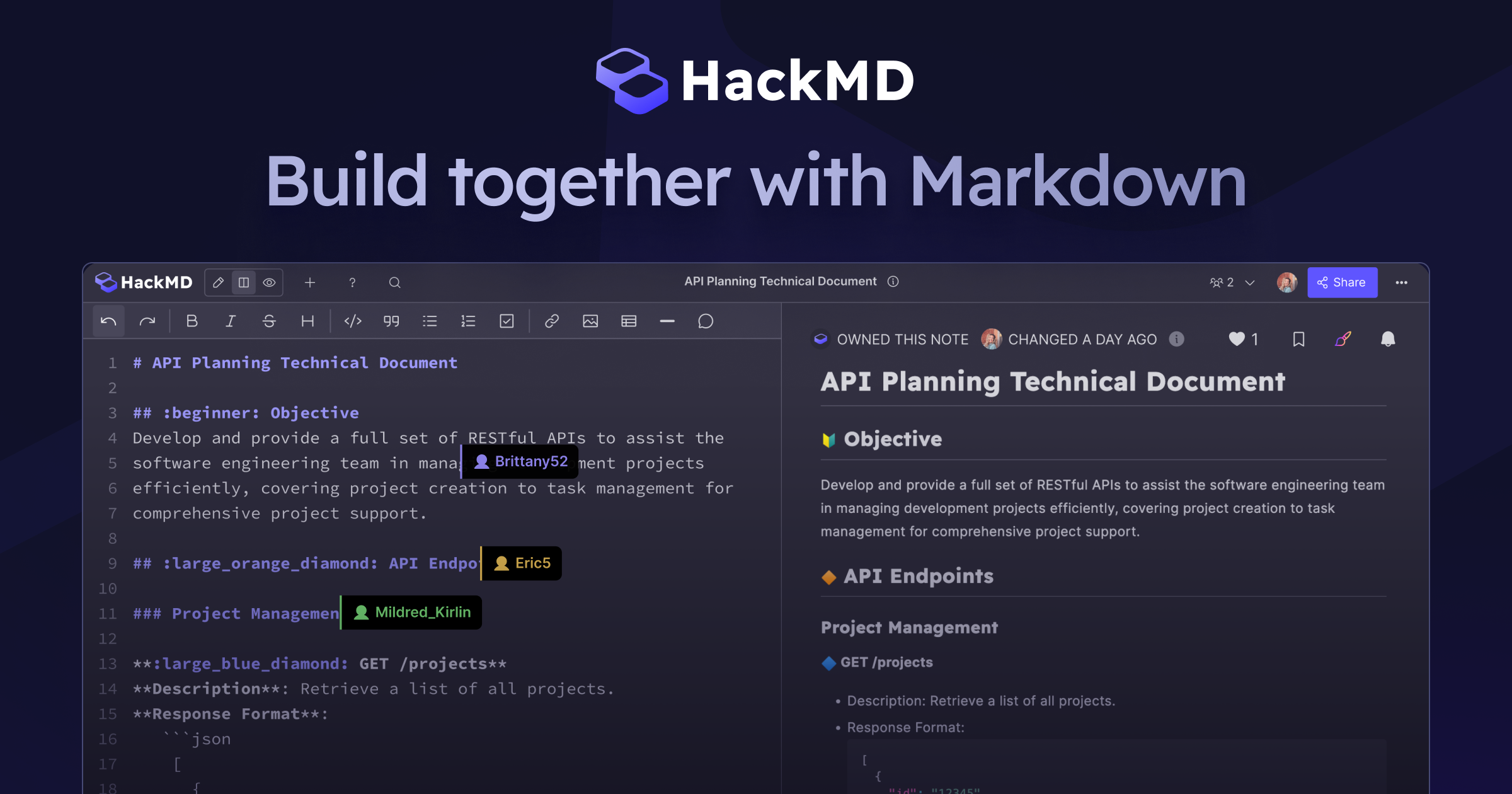
HackMD: Your Collaborative Markdown Workspace for Knowledge Sharing
HackMD gives you a real-time Markdown editor for collaborative work. Working with Markdown files in HackMD is simple, straightforward, and fun.
Best Notes App - Write and Organize with UpNote
UpNote is a clean and beautiful app for writing and organizing notes. It’s easy to use with rich features and delightful experience. Available on Mac, iOS, Android, Windows and Linux.
Marker
Marker is an open-source, user-friendly UI for writing & editing markdown files. Everything you create lives in your filesystem.
Own the source. Compose with anything. - The Way of Markdown
Websites, knowledge bases, blogs, even a Notion replacement — built from plain text files you own, with tools you can swap anytime. Markdown is quietly everywhere; here's the way to make it work for you.

Note taking apps

Notes, Outliners, Markdown Editors, PKMs, Memexs, Second Brains, Commonplace books, and more
OmniCanvas - Free Infinite Canvas Notes App
Best Notes App - Write and Organize with UpNote
Antinote — a $5 scratchpad for macOS

NotePlan – Notes, Tasks and Calendar in One Daily Note
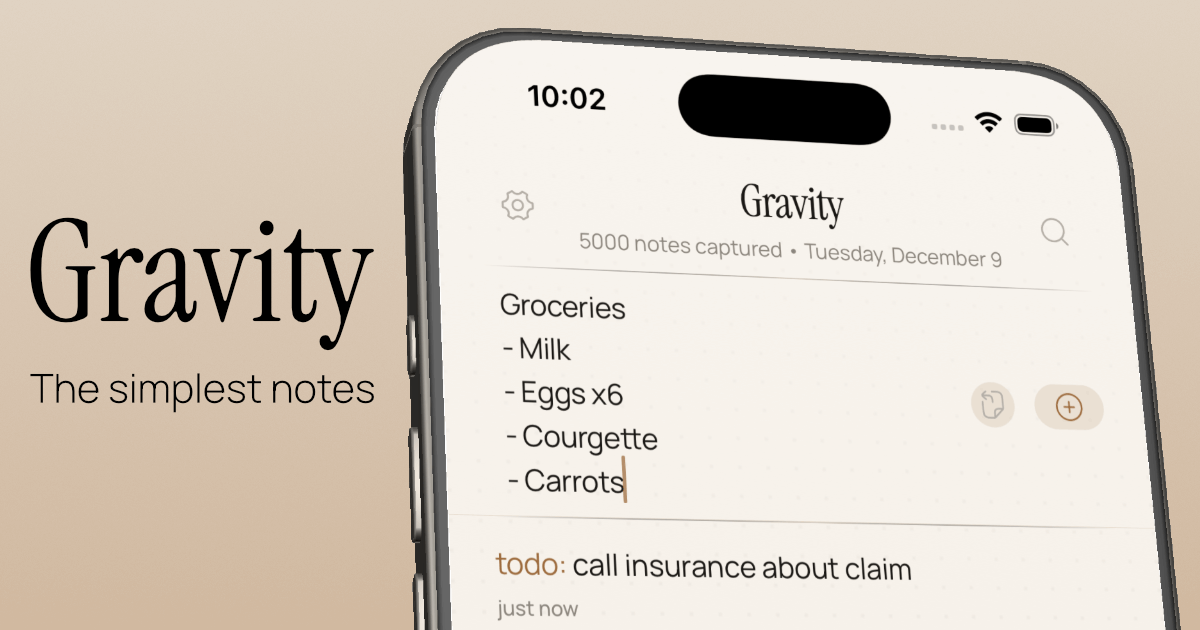
Let your thoughts sink in — Gravity
Knowledgebase Apps (by Boris) — Semble