A font that renders markdown.
Markdown | Codecademy
Markdown is a lightweight markup language for creating formatted text using a plain-text editor.

StateFace
A font you can use in your web apps when you want tiny state shapes as a design element.
Quarkdown | Markdown with superpowers
Quarkdown is a modern, open-source, Markdown-based typesetting system for creating papers, presentations, knowledge bases and static websites.
isaqueseneda/shieldfont
A web font that protects written content from AI scraping — humans see the text, scrapers see a plausible decoy.
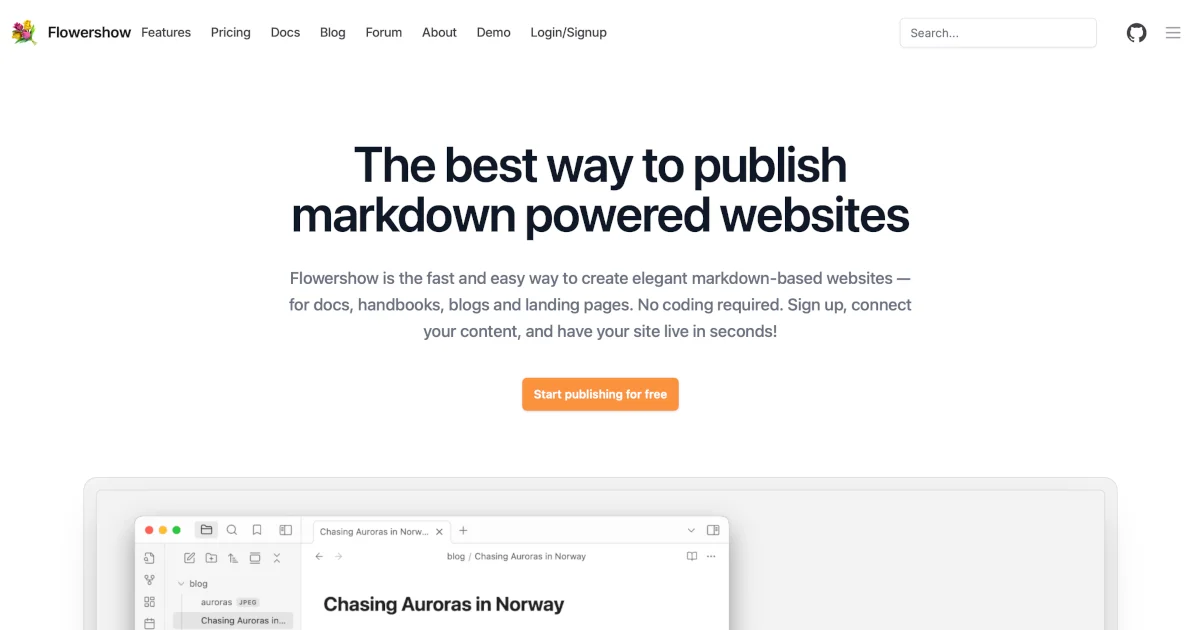
Publish Markdown as a Website — Blogs, Docs & Knowledge Bases | Flowershow - Flowershow — Publish Markdown as a Website
Turn markdown files into beautiful websites in seconds. Publish Obsidian vaults, blogs, docs, and knowledge bases — free, no coding required.
Why You Shouldn’t Use “Markdown” for Documentation
“Markdown” is the most commonly used lightweight markup language on the internet. It is great for a subset of tasks, mainly blog posts and commenting. However, lately it has been adopted by the tec...

Fonts In Use
A searchable archive of typographic design, indexed by typeface, format, and topic.
Using Claude Code: The Unreasonable Effectiveness of HTML
Thought-provoking piece by Thariq Shihipar (on the Claude Code team at Anthropic) advocating for HTML over Markdown as an output format to request from Claude. The article is crammed with …
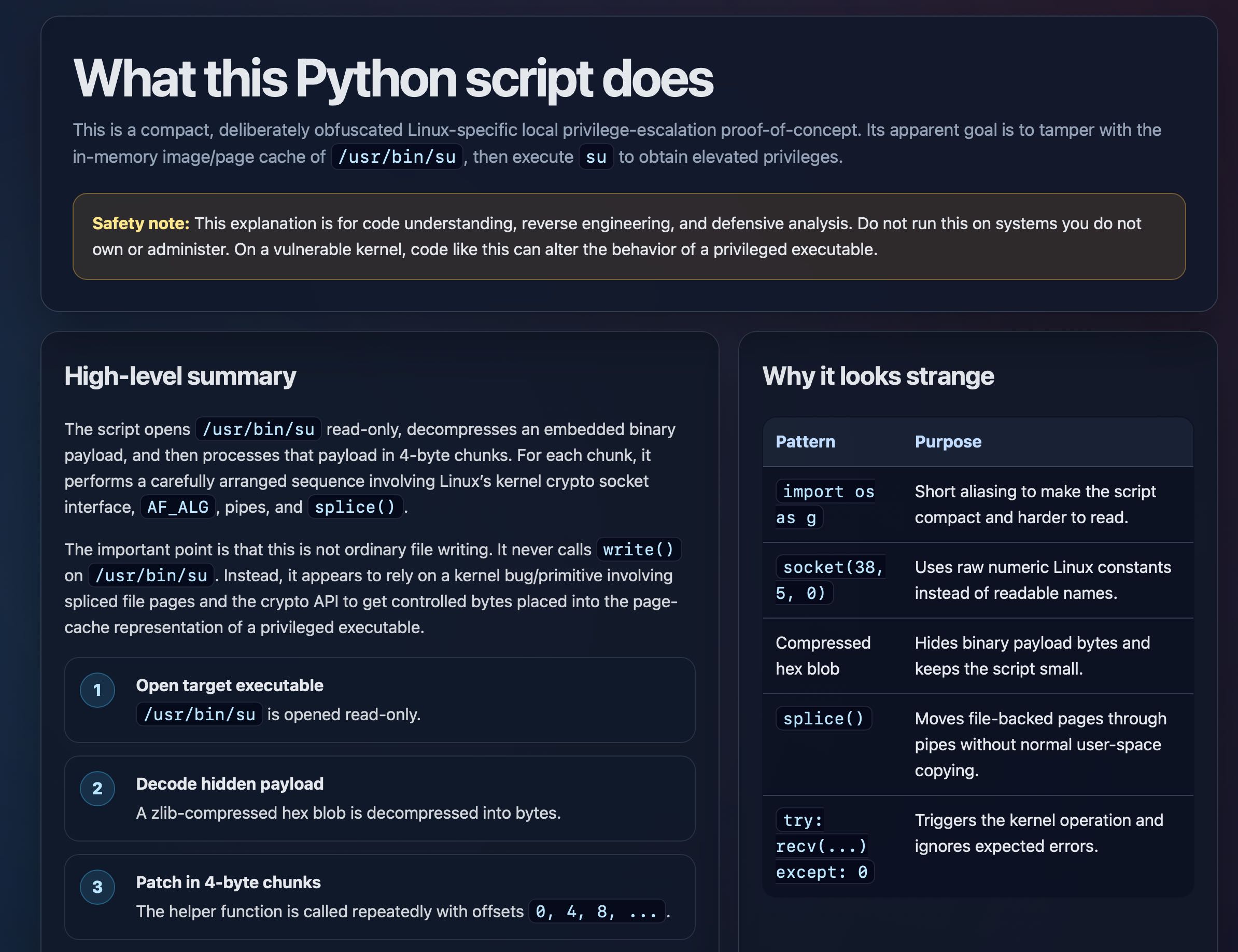
Using Claude Code: The Unreasonable Effectiveness of HTML
Thought-provoking piece by Thariq Shihipar (on the Claude Code team at Anthropic) advocating for HTML over Markdown as an output format to request from Claude. The article is crammed with …
Suggestion: Obsidian-Flavored Markdown ('ofm') support · Issue #7 · AramZS/markpub.at
A suggestion or request to add Obsidian-Flavored Markdown. "flavor": { "description": "Markdown may be rendered in many flavors. The most common are CommonMark, Github-Flav...

leaf : Terminal Markdown previewer — GUI-like experience.
leaf renders Markdown files with rich formatting, syntax highlighting, LaTeX math, Mermaid diagrams, and more — all without leaving your terminal.