


The redesigned layout brings big changes. With a focus on improving users' workflows, the app is now cleaner, easier to browse, and faster to navigate!
New Element Web and Desktop apps have distinct Element X vibes!
The brand new updates of the Element Web and Desktop apps include a major rework of room listings. It brings the ‘laptop and PC versions’ of the Element apps in line with the Element X design on mobile devices to give a far sleeker experience. This update marks the first

Helping to get everyone in their element
Element is now more accessible by design and by default, thanks to more than 40 accessibility improvements.

The New Update for Element Call Beta 3: Enhanced Scalability & User Experience
Discover the latest update to Element Call: enhanced scalability now supporting hundreds of users, a dynamic grid layout, Element Web/Desktop, and upcoming end-to-end encryption.


Exciting Improvements Delivered Today in Firefox for Desktop and Android | The Mozilla Blog
Today we’re proud to announce the initial rollout of multi-process Firefox for Desktop to our general audience. With this, we’re taking a major step fo
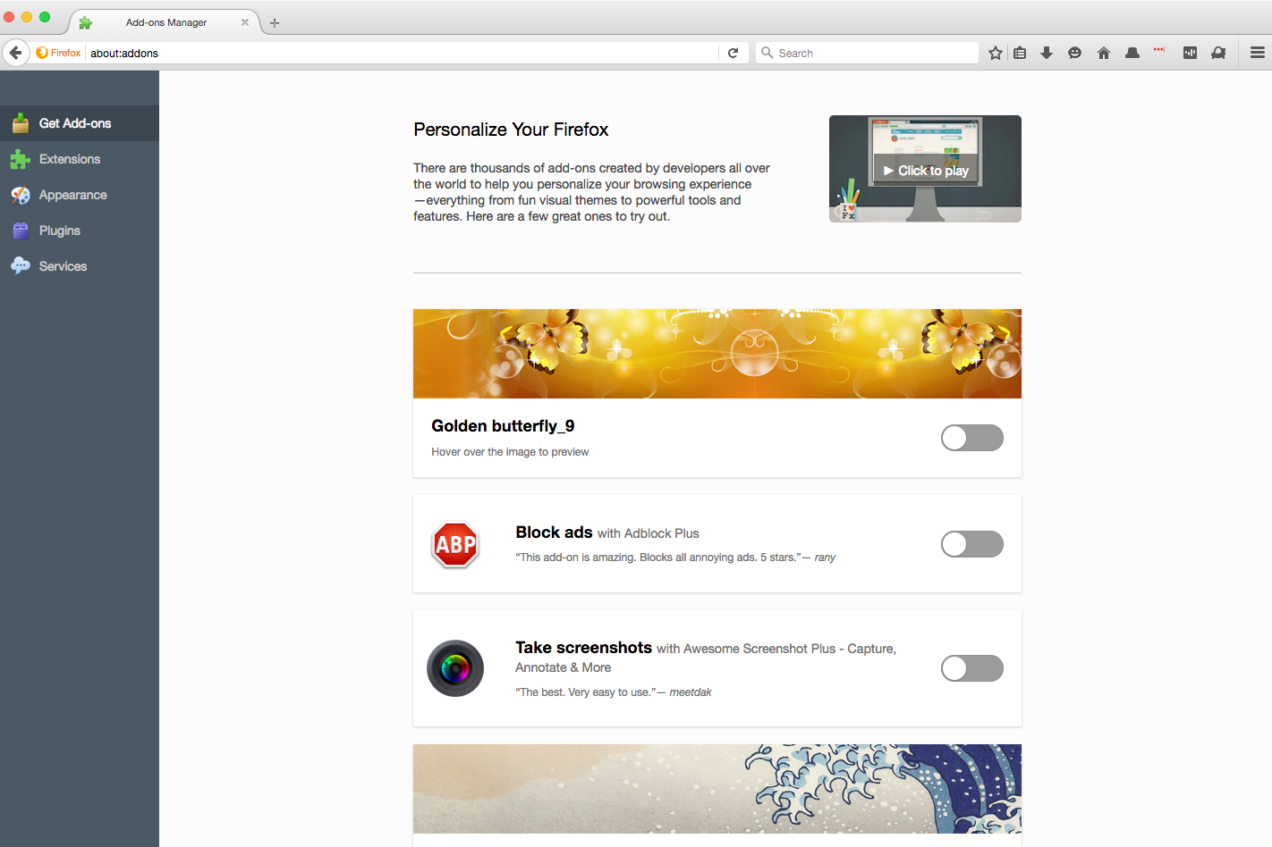
More progress on Webium development (Google's rewritten Chromium interface in webui)
24 votes, 13 comments. 140K subscribers in the browsers community. Topics on web browsers.
Modern CSS snippets. Every old hack, replaced.
Side-by-side comparisons of outdated CSS techniques and their modern native replacements. Grid, custom properties, nesting, container queries, and more.
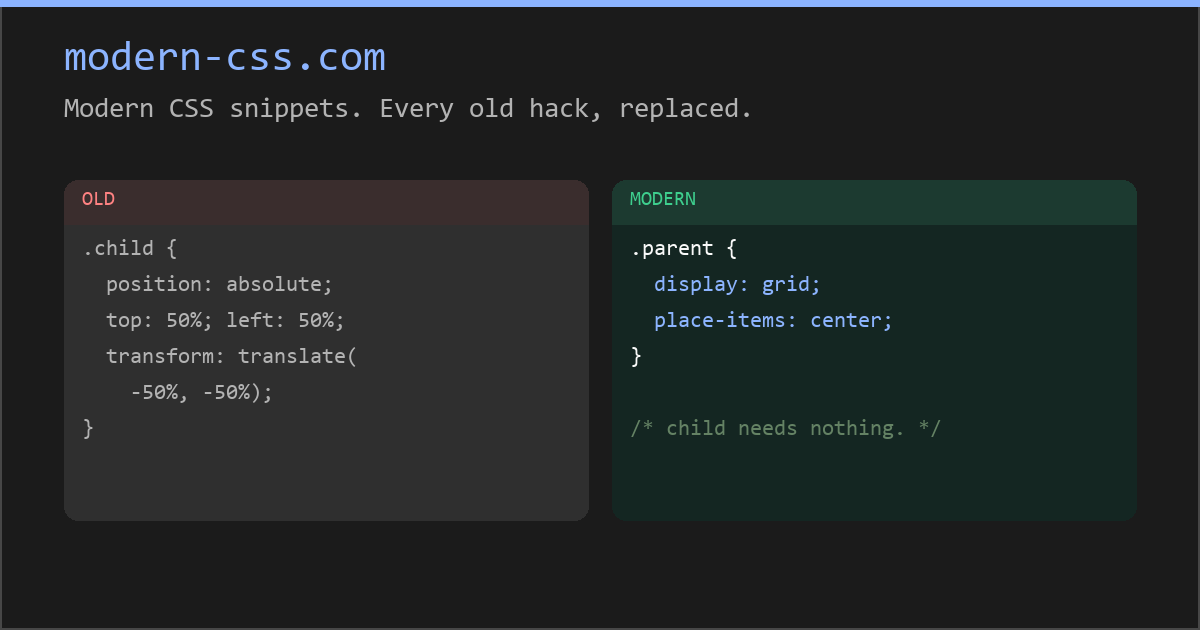
Modern CSS snippets. Every old hack, replaced.
Side-by-side comparisons of outdated CSS techniques and their modern native replacements. Grid, custom properties, nesting, container queries, and more.
8 UI design trends for 2020
The rapid growth of technology influences design trends every year. As designers we need be aware of the existing and upcoming design…

How we redesigned the Linear UI (part Ⅱ) - Linear
We have redefined the foundational layers of Linear’s application with a full redesign. This is the second post in a two-part series where we dive into why and how we redesigned the application. In part one, we shared why redesigns are important. In part two, we introduce you to the new UI and cover how we tackled the project — no infinite-loop processes, workshops, or sticky notes were involved.
New in Chrome 150 | Blog | Chrome for Developers
CSS text-fit property, Focusgroup declarative keyboard navigation, and CSS background-clip border-area.


Matrix Live S07E22 — Element UI experiments, and customising Element Web with greasemonkey
Relearn CSS layout
If you find yourself wrestling with CSS layout, it’s likely you’re making decisions for browsers they should be making themselves.

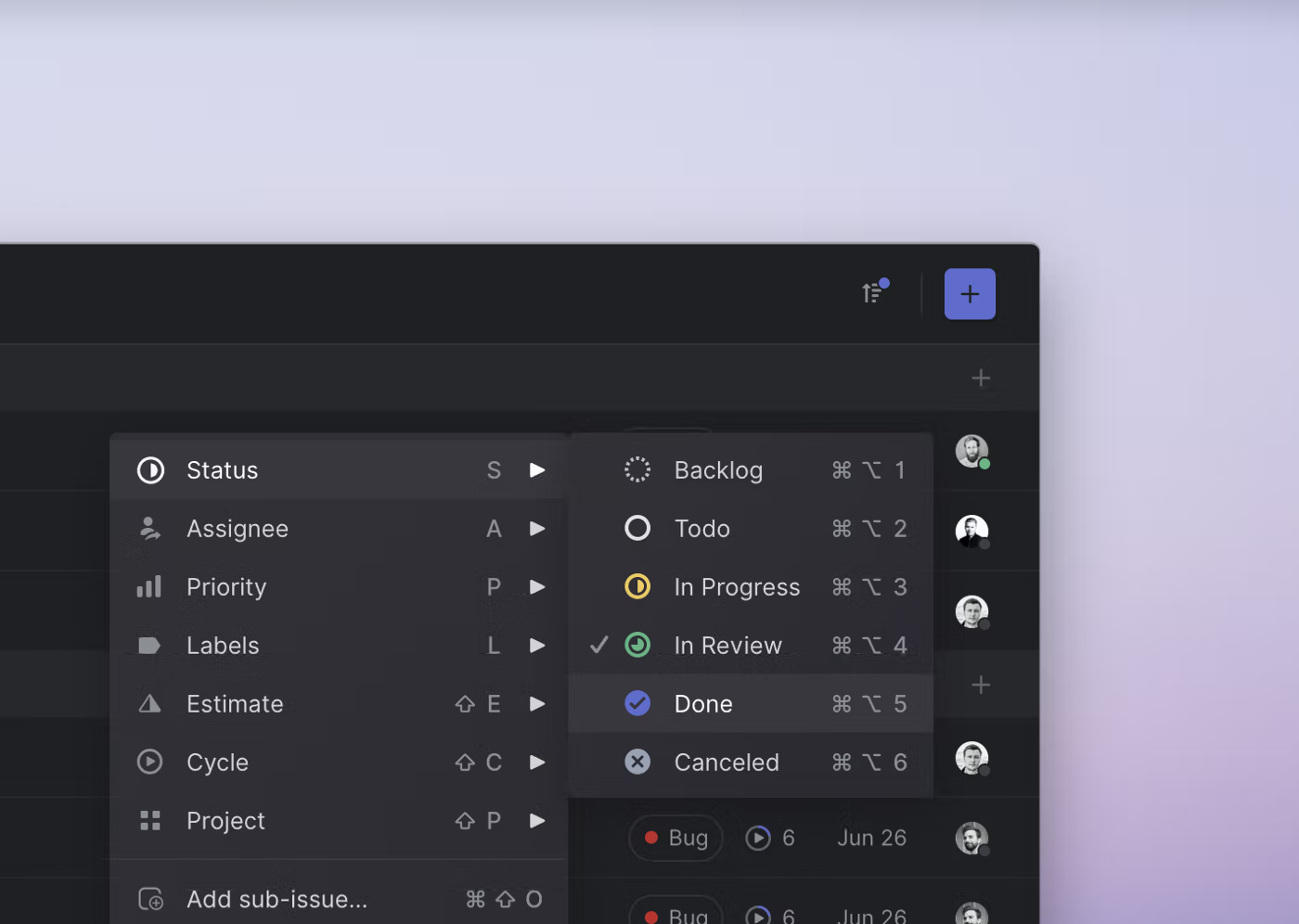
Invisible details - Building contextual menus - Linear
We recently added contextual menus to Linear. This makes the app faster and easier to use for people who prefer their mouse. One small thing that you won’t see or think about but will hopefully feel is a detail we designed into how sub-menus work.
feel free to use these layouts! use inspect element/view source to get the code ^-^