


The aim here isn’t to teach you how to use a screen reader, nor really about how screen readers work. My aim is to help build a mental model of
An introduction to screen readers
A screen reader allows people who are blind or visually impaired to use their computer. This factsheet provides an overview of the main screen readers available for people to use with their computer
React component for screen reader accessibility • Josh W. Comeau
A convenient component for contextualizing visual content for screen readers
Foundations: the accessibility tree - TetraLogical
There's a common misconception that when browsing the web using a screen reader, it's reading the actual screen. This is not really surprising, as the name suggests that's exactly what it's doing. And, this is what early screen readers did, so, we can't really blame anybody for thinking that!
Aspects of Reality - The Dooyeweerd Pages
(Designed to be readable on phones; for widescreens, reduce window width.)
A History of Accessibility at IBM
If you are reading this article, there is a good chance that you are using a screen reader, a term that is as generic to assistive technology as Kleenex is to facial tissues or Jell-o is to gelatin desserts. What you may not know, however, is that Screen Reader was once a proprietary product of IBM, rather than the generic term for the way people who are blind or have low vision gain access to computer screens. In fact, our terminals became "talkies" just 20 years ago, in 1984, largely because of the work of Jim Thatcher, then a mathematician for IBM, the world's largest technology company. This auspicious anniversary is an appropriate time to look back on the pioneering efforts of IBM and what it plans for the future.
Ubiquitous Accessibility for People with Visual Impairments: Are We There Yet?
Ubiquitous access is an increasingly common vision of computing, wherein users can interact with any computing device or service from anywhere, at any time. In the era of personal computing, users with visual impairments required special-purpose, assistive technologies, such as screen readers, to interact with computers. This paper investigates whether technologies like screen readers have kept pace with, or have created a barrier to, the trend toward ubiquitous access, with a specific focus on desktop computing as this is still the primary way computers are used in education and employment. Towards that, the paper presents a user study with 21 visually-impaired participants, specifically involving the switching of screen readers within and across different computing platforms, and the use of screen readers in remote access scenarios. Among the findings, the study shows that, even for remote desktop access—an early forerunner of true ubiquitous access—screen readers are too limited, if not unusable. The study also identifies several accessibility needs, such as uniformity of navigational experience across devices, and recommends potential solutions. In summary, assistive technologies have not made the jump into the era of ubiquitous access, and multiple, inconsistent screen readers create new practical problems for users with visual impairments.

The Road to Good Intentions Is Paved with Hell: A Deep Dive into Accessibility APIs, Part 2 — Knowbility
This post is the second in a three-part series about how screen readers obtain what users need from applications and operating systems.

Creative Reading: Scaffolding Reading for Transformation
Reading augmentation systems increasingly help readers process text at scale. While these tools address real constraints of time and cognitive load, they often implicitly frame reading as...

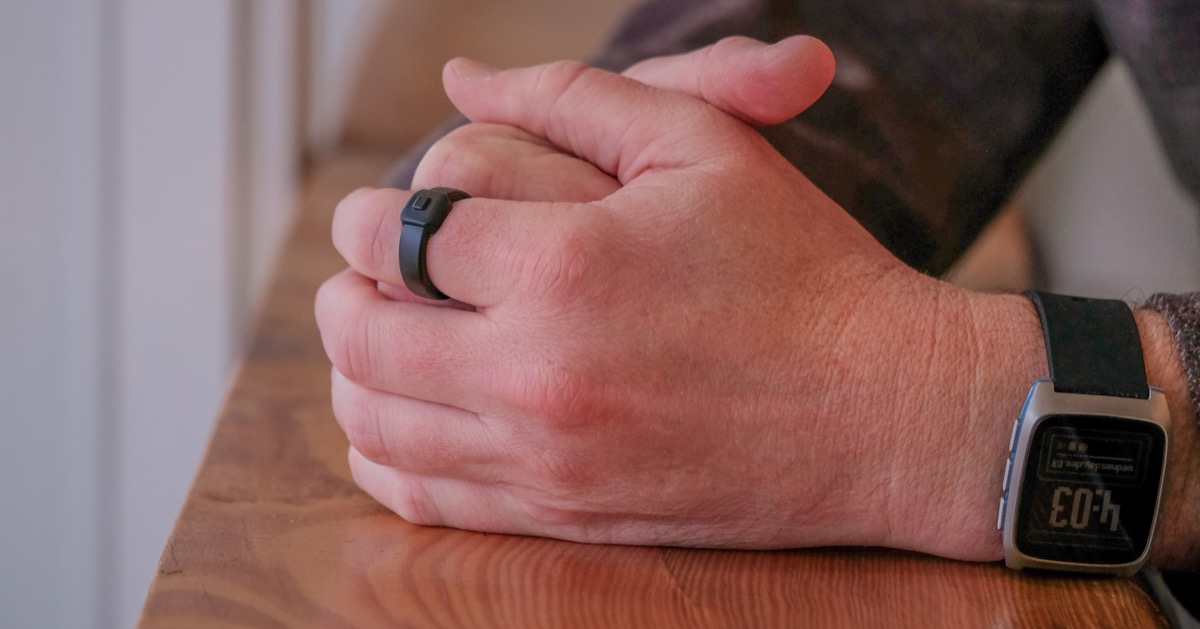
Pebble Index 01
A smart ring that records voice notes at the press of a button and transcribes them to your phone. External memory for your brain.
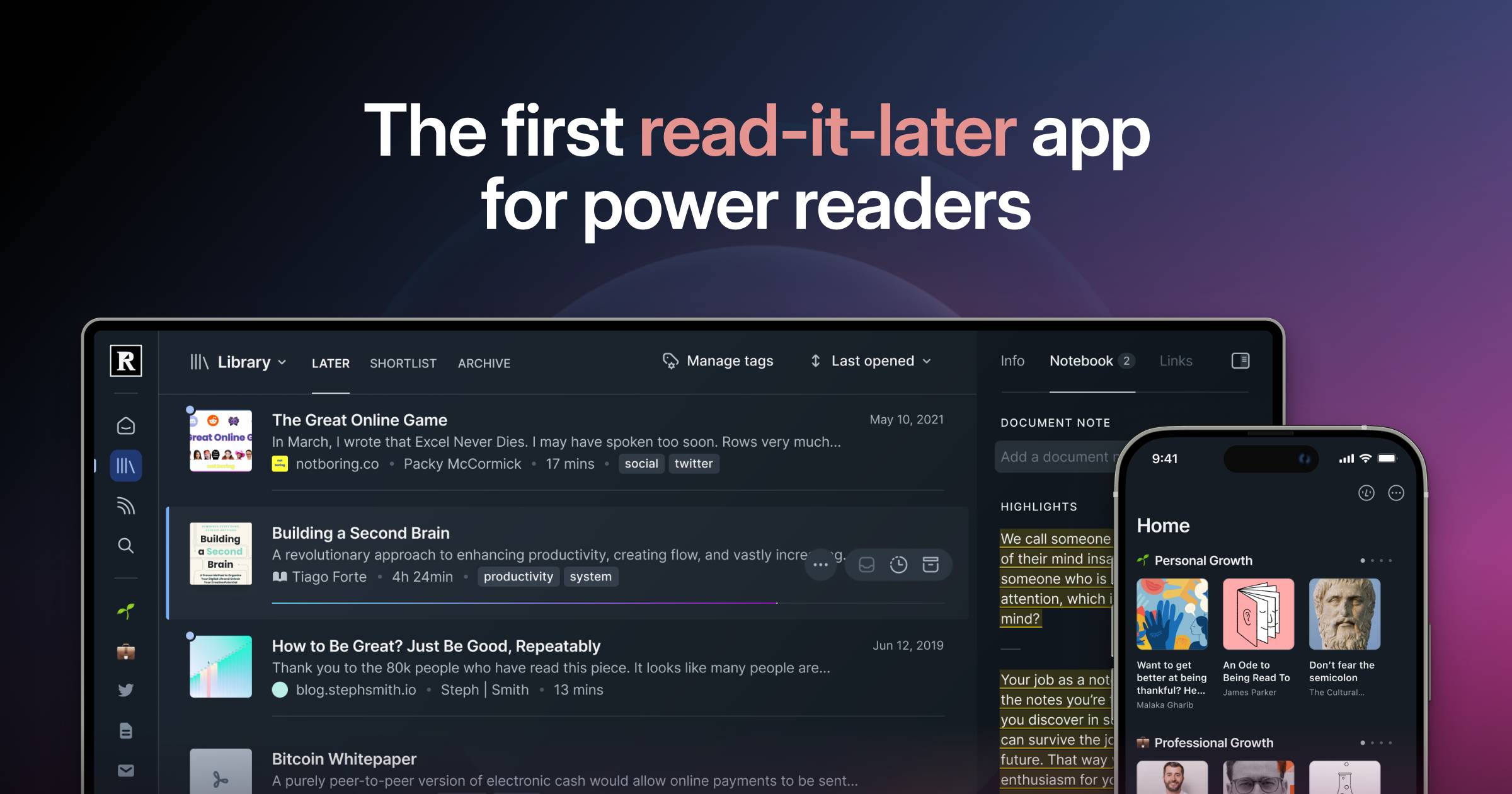
Readwise Reader: The first read-it-later app built for power readers.
Save everything to one place to overcome content overload, search instantly, and highlight like a pro.
A Deep Dive into Accessibility APIs, Part 1 — Knowbility
In this first Deep Dive into Accessibility APIs installment, we'll start from absolute scratch and recount the widely available basic story. It's written for beginners, but the fact that I describe web accessibility in the broader context of software accessibility might offer a different twist for current practitioners as well. Parts 2 and 3, on the other hand, are more technical. Although those discussions may largely be of interest only to "inquiring minds that want to know", understanding the history and variety of the specialized protocols at the heart of this process sheds light on why screen readers sometimes perform differently in the same application or on the same web site while also providing a glimpse of a likely future.

This Viral ‘Purse Kindle’ Is Tiny, Adorable, and a Lot of Work
The Xteink e-readers are compact and portable, but, with a steep learning curve, they’re not for everyone.

Marker — Read with intention
A reading and annotation browser for iOS and Android. Select text, create highlights, attach notes, and keep annotations on device.
Your Browser May Be Having a Secret Relationship with a Screen Reader: A Deep Dive into Accessibility APIs, Part 3 — Knowbility
The final installment of the three-part saga on the technical details of how screen readers communicate with other software.

The revolt of the reader | The Observation Deck
Reading is important to me. While I’m not a quick reader nor an especially voracious one, I have found that long-form reading has had a profound influence on me over my life. And because reading is important to me, writing is too: writing not only allows us to convey our ideas, but the very act forces us to test and distill them — at once making our ideas more robust while providing the vehicle by which to share them.
How to create reading experiences that "go beyond information transmission and toward reader transformation.” Great paper by @blue-phia.bsky.social @lepidopterane.bsky.social @yijunliu.bsky.social Sarah Sterman @sh1m.bsky.social @maxkreminski.bsky.social arxiv.org/abs/2606.04308 >
