

In computing, post-WIMP ("windows, icons, menus, pointer") comprises work on user interfaces, mostly graphical user interfaces, which attempt to go beyond the paradigm of windows, icons, menus and a pointing device, i.e. WIMP interfaces.
Instrumental interaction: an interaction model for designing post-WIMP user interfaces
Instrumental interaction: an interaction model for designing post-WIMP user interfaces
As part of the Digital Library's transition to Open Access, new features for researchers are available in the Premium Edition. Click here to learn more.

Instrumental interaction: an interaction model for designing post-WIMP user interfaces
As part of the Digital Library's transition to Open Access, new features for researchers are available in the Premium Edition. Click here to learn more.
Instrumental interaction: an interaction model for designing post-WIMP user interfaces
As part of the Digital Library's transition to Open Access, new features for researchers are available in the Premium Edition. Click here to learn more.
Pointer Events
The Pointer Events specification defines a unified hardware-agnostic framework for handling input from various devices, including mice, touchscreens, and pens/styluses. By providing a single set of events (e.g., pointerdown, pointermove, pointerup), it allows developers to support diverse input methods without writing device-specific logic for each.
Hello, Operator!
Part of the WonderOS project, this is presented as the operating manual that would come with the reader’s first machine running WonderOS. It is an exercise in exploring how people familiar with mainstream personal computing devices and systems would become computer literate in an itemized environment. It is written as though the reader is familiar with today’s mainstream operating systems, and is exploring their first itemized OS.
The Interfaces With Which We Think
The concepts in modern operating systems — apps, windows, desktops, notifications, and so on — have so permeated our understanding of personal computing, it’s hard to imagine anything else, let alone believe there could be anything better.
Pad++: A Zooming User Interface (1998)
Design for spatial user interfaces - WWDC23 - Videos - Apple Developer
Learn how to design great interfaces for spatial computing apps. We'll share how your existing screen-based knowledge easily translates...
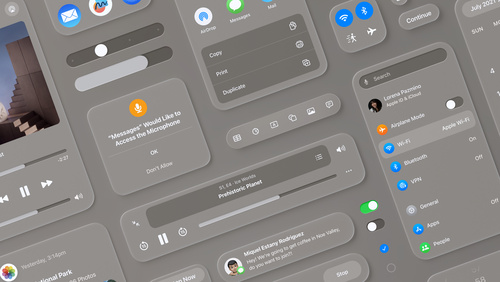
Spatial Computing
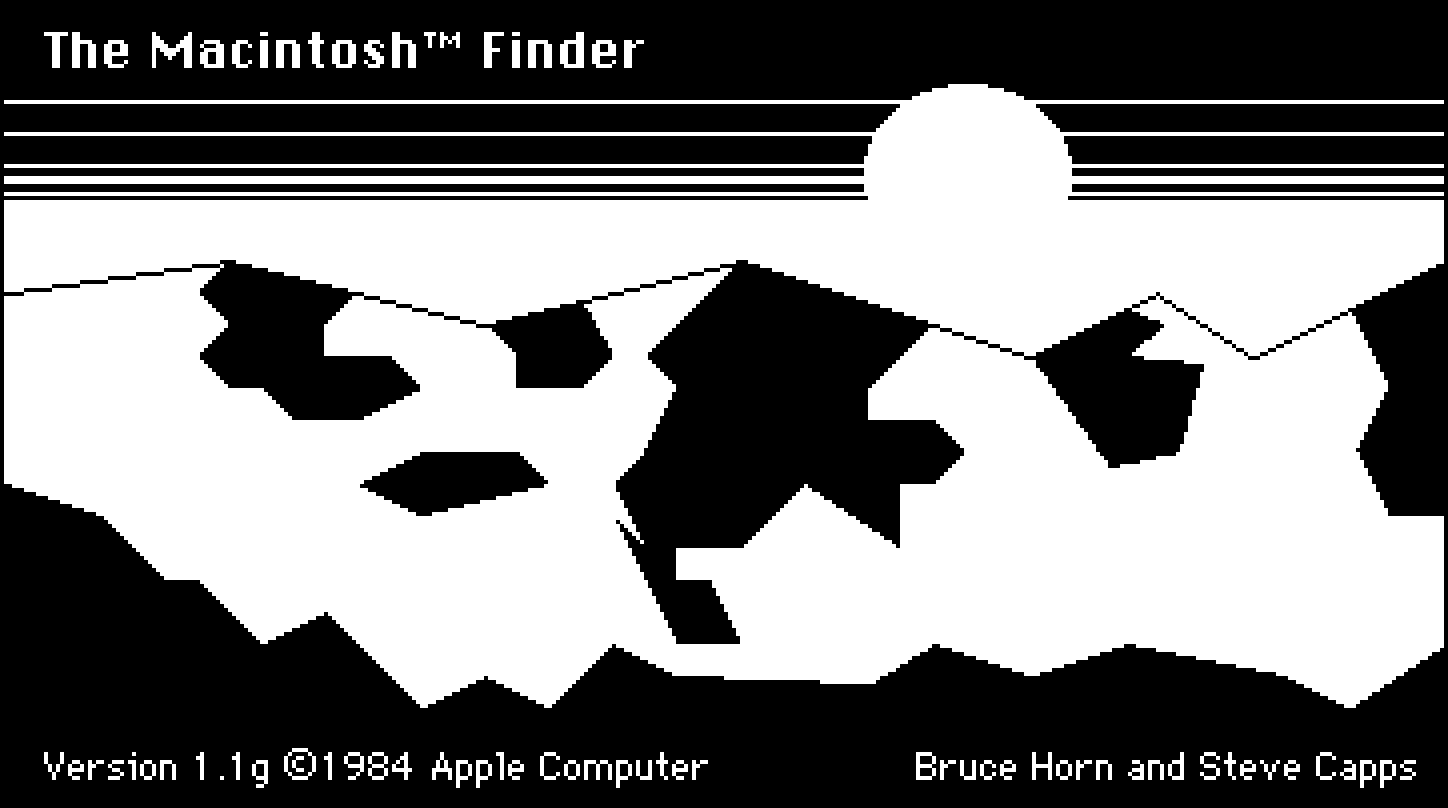
The graphical user interface on the original Macintosh was a revelation to me when I first used it at the tender age of 8 years old. Part of the magic was thanks to its use of "direct manipulation." This term was coined in the 1980s to describe the ability to control a computer without using the keyboard to explain what you wanted it to do. Instead of typing a command to move a file from one place to another, the user could just grab it and drag it to a new location.
Drawing to the Screen | Web Browser Engineering
Desktop and laptop computers run operating systems that provide desktop environments: windows, buttons, and a mouse. So responsibility ends up split: programs control their windows, but the desktop environment controls the screen. Therefore:
macOS WM — Window Managers for macOS
A curated directory of window managers, status bars, and scripting tools for macOS. From automatic tiling to gesture controls, find the perfect tool for your workflow.
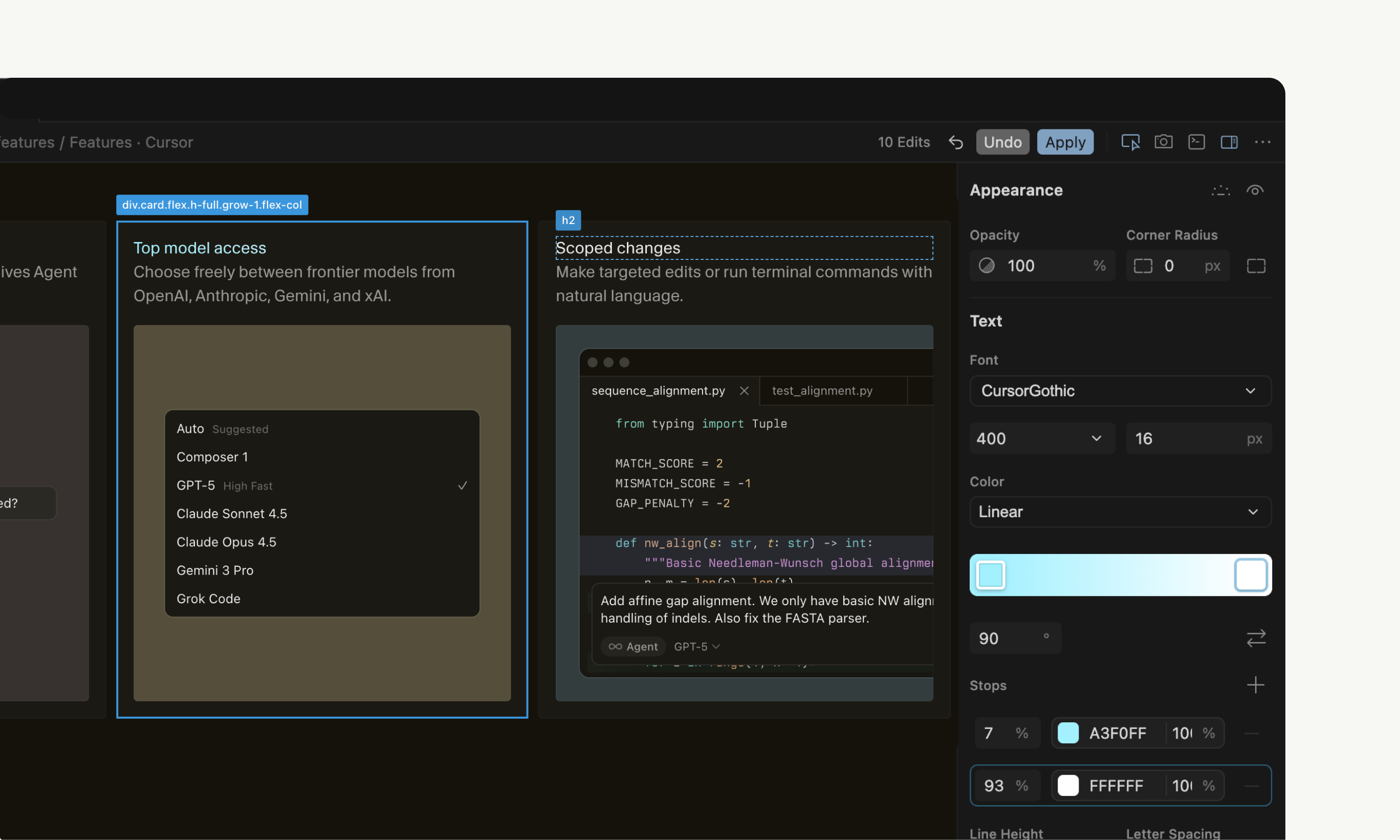
A visual editor for the Cursor Browser · Cursor
Bringing design and engineering closer together.
What Even Is An OS Now?
Computers now work the way I thought they did when I was 8. What does computing look like when most applications have an audience of 1-2 people? I'm leaving Fly.io to build a phone for that world.
Post-app computing

Imagining computing beyond siloed, rigid apps

Nobody Wants Your Damn App

Golems, smart objects, and the file metaphor
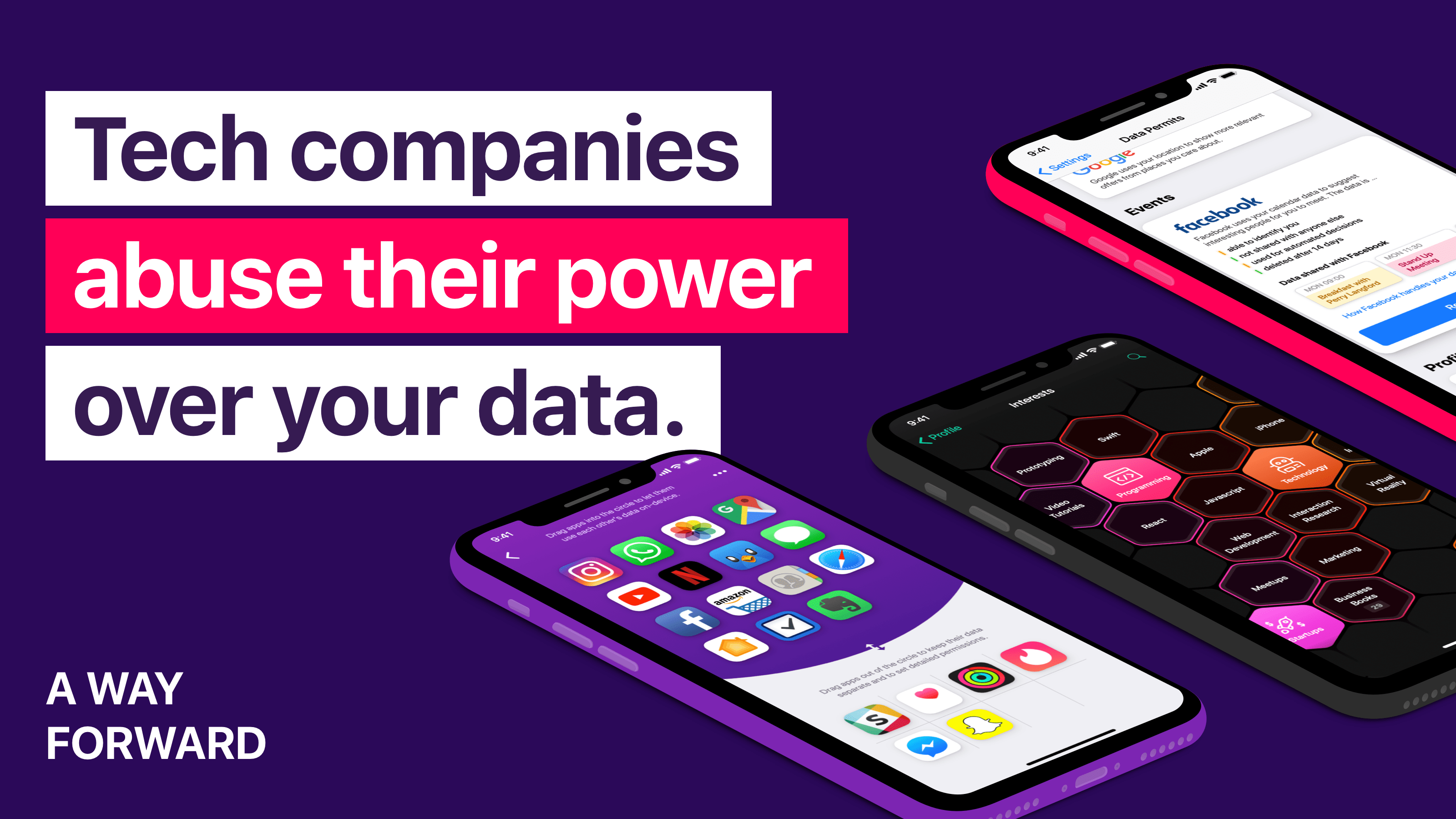
Rethinking how technology uses our personal data
User-tailorable systems: pressing the issues with buttons
everest-pipkin.com

Wesley Finck (@wesleyfinck.org)
