💚 Secure remote browsing anywhere, any way you like it.
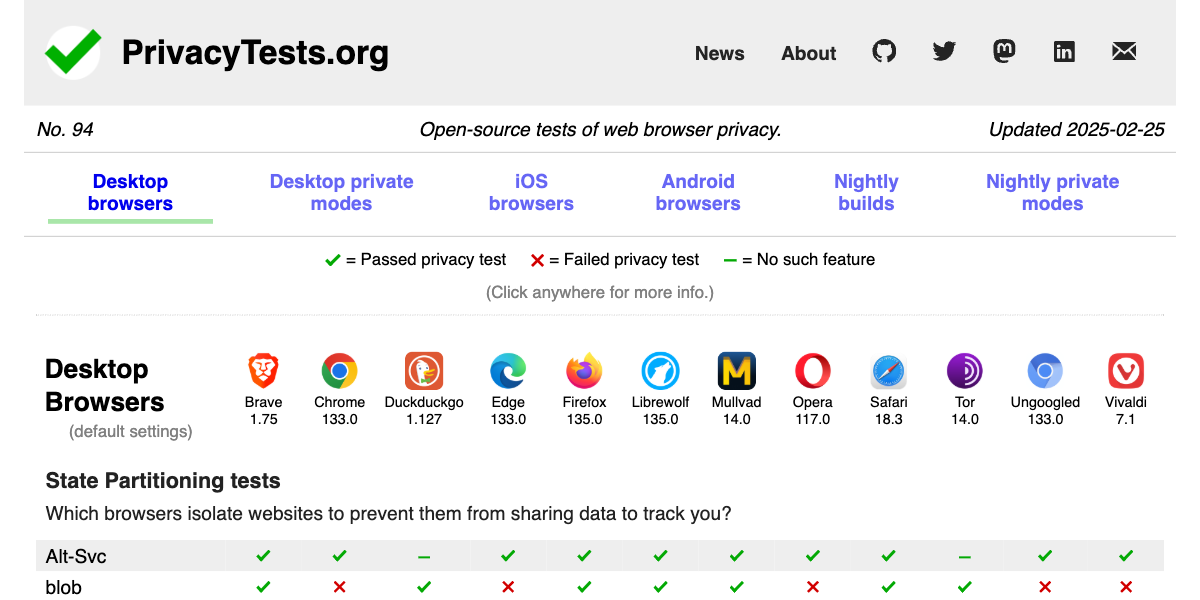
Which browsers are best for privacy?
An open-source privacy audit of popular web browsers.
secureblue/Trivalent
A security-focused, Chromium-based browser for desktop Linux inspired by Vanadium.
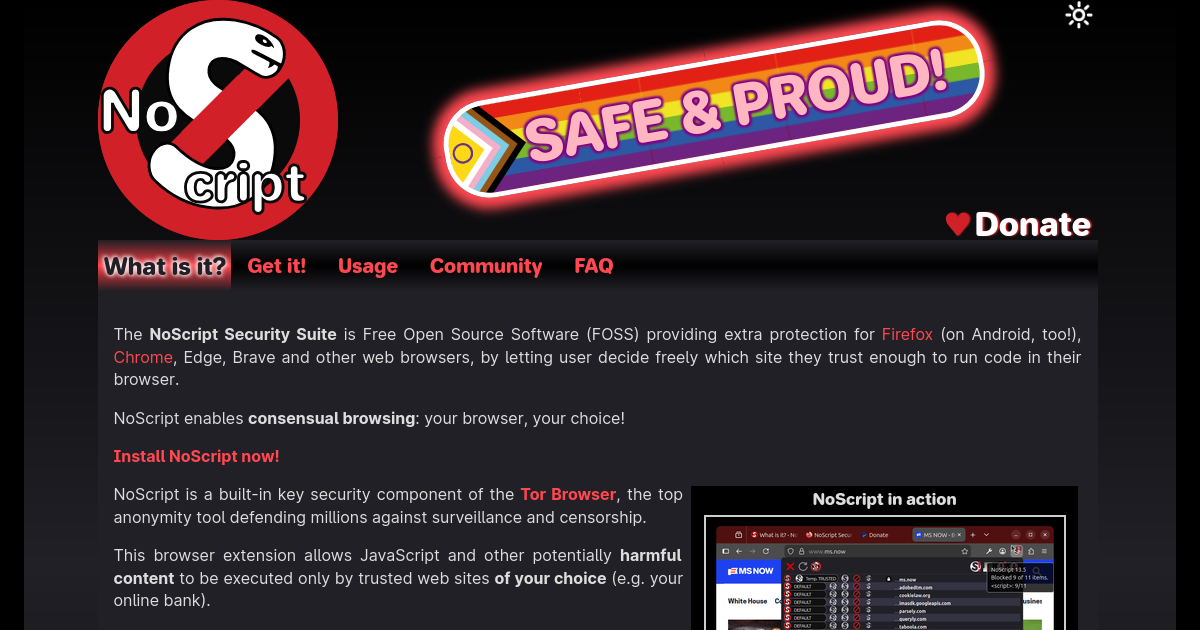
What is it? - NoScript: consensual browsing!
The NoScript Security Suite is Free Software protecting Firefox (on Android, too!), Chrome, Edge, Brave and other web browsers. Install NoScript now!
RDP in the Browser: Remote Desktop Without Installing a Client | Pangolin
Access Windows desktops through a full RDP session rendered in the browser, with clipboard, file transfer, and standard RDP features. Users need only a web browser on their side.
tholian-network/stealth
:rocket: Stealth - Secure, Peer-to-Peer, Private and Automateable Web Browser/Scraper/Proxy
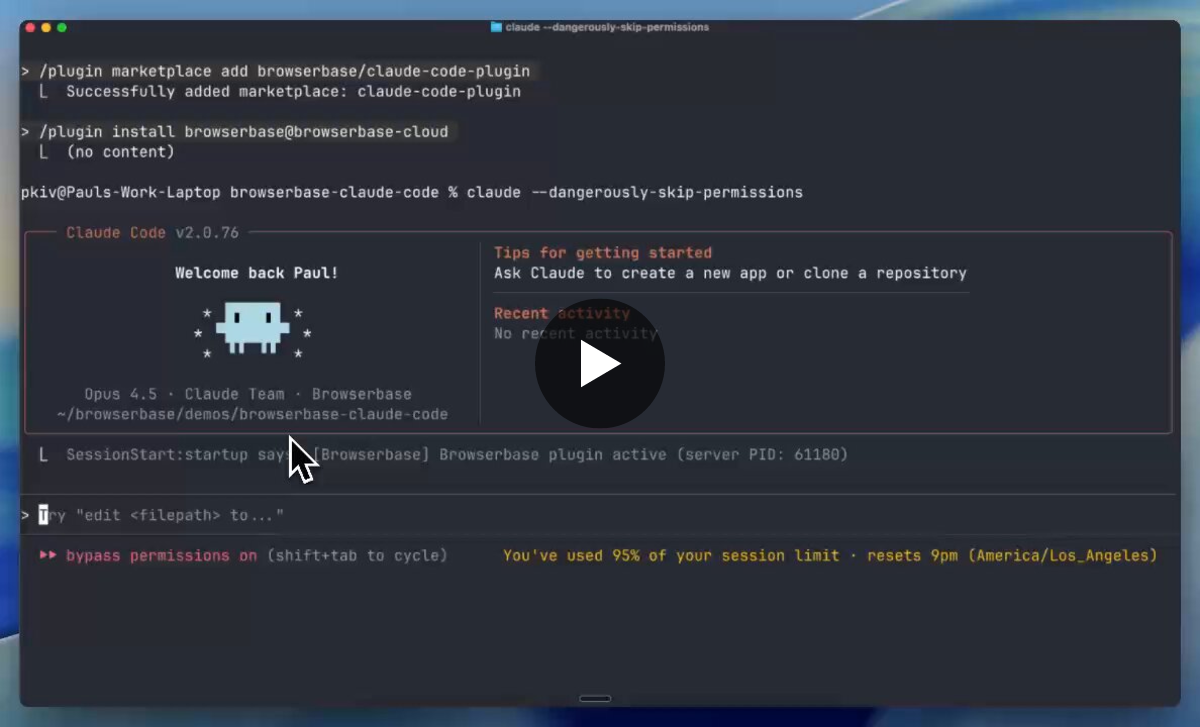
Paul Klein IV on Twitter / X
I spent all of Christmas reverse engineering Claude Chrome so it would work with remote browsers. Here's how Anthropic taught Claude how to browse the web (1/7) pic.twitter.com/kBJA1DUWxA— Paul Klein IV (@pk_iv) December 29, 2025
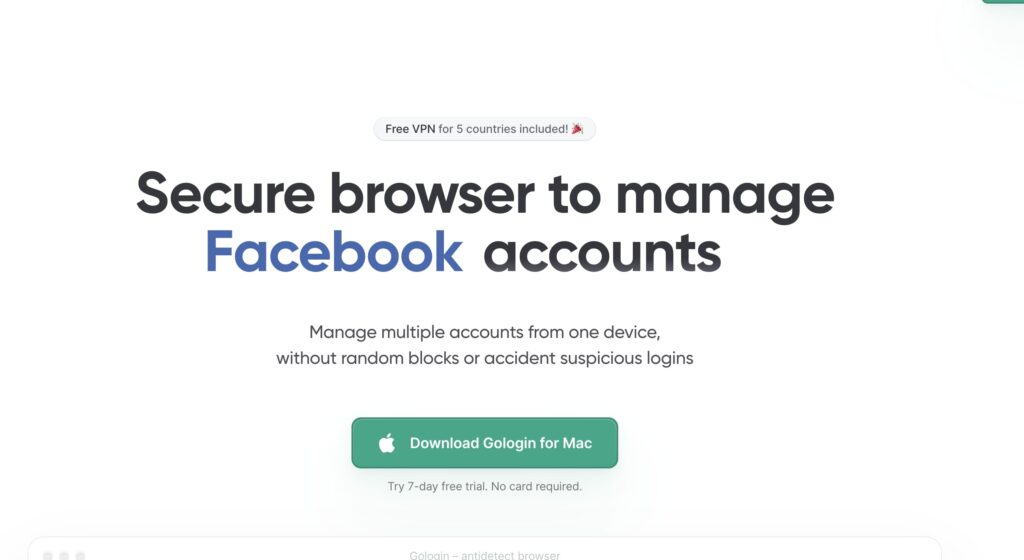
Antidetect Browser for Managing Multiple Accounts Safely | Gologin
Create and run multiple accounts on any platform without bans. Gologin antidetect browser helps you manage unlimited profiles safely with unique digital fingerprints.⚡️7-Days Trial!
The browser that puts you first | Brave
The Brave browser is a fast, private and secure web browser for PC, Mac and mobile. Download now to enjoy a faster ad-free browsing experience that saves data and battery life by blocking tracking software.

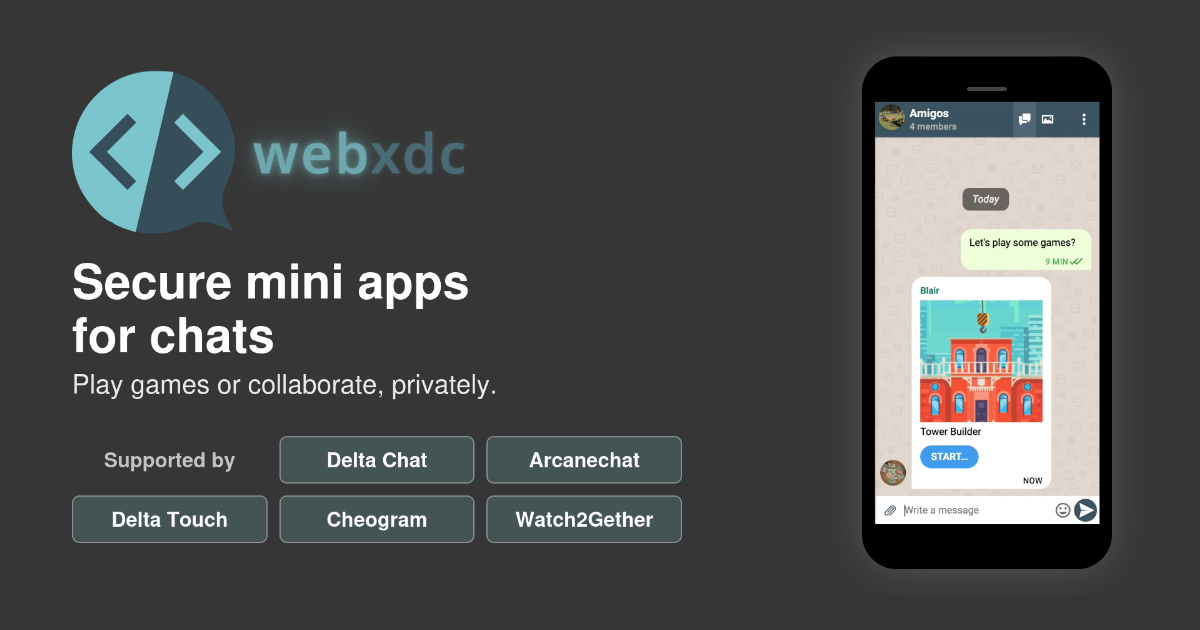
Webxdc: mini apps shared in a chat
Secure mini apps for chats. No internet access, no tracking, no servers.
Secure Snake Home (SSH)
SSH is the most secure way to play multiplayer snake online.
Make a secure Ubuntu web kiosk
A kiosk or smart display is a full-screen application running on a secure device, with the sole purpose of driving that display to provide specific information or a particular function at that loca...

BrowserOS - Open-Source AI Browser
The open-source browser with AI superpowers. Privacy-first Chrome alternative backed by Y Combinator.
LibreWolf Browser
A custom version of Firefox, focused on privacy, security and freedom.