

A virtual monitor for screen sharing
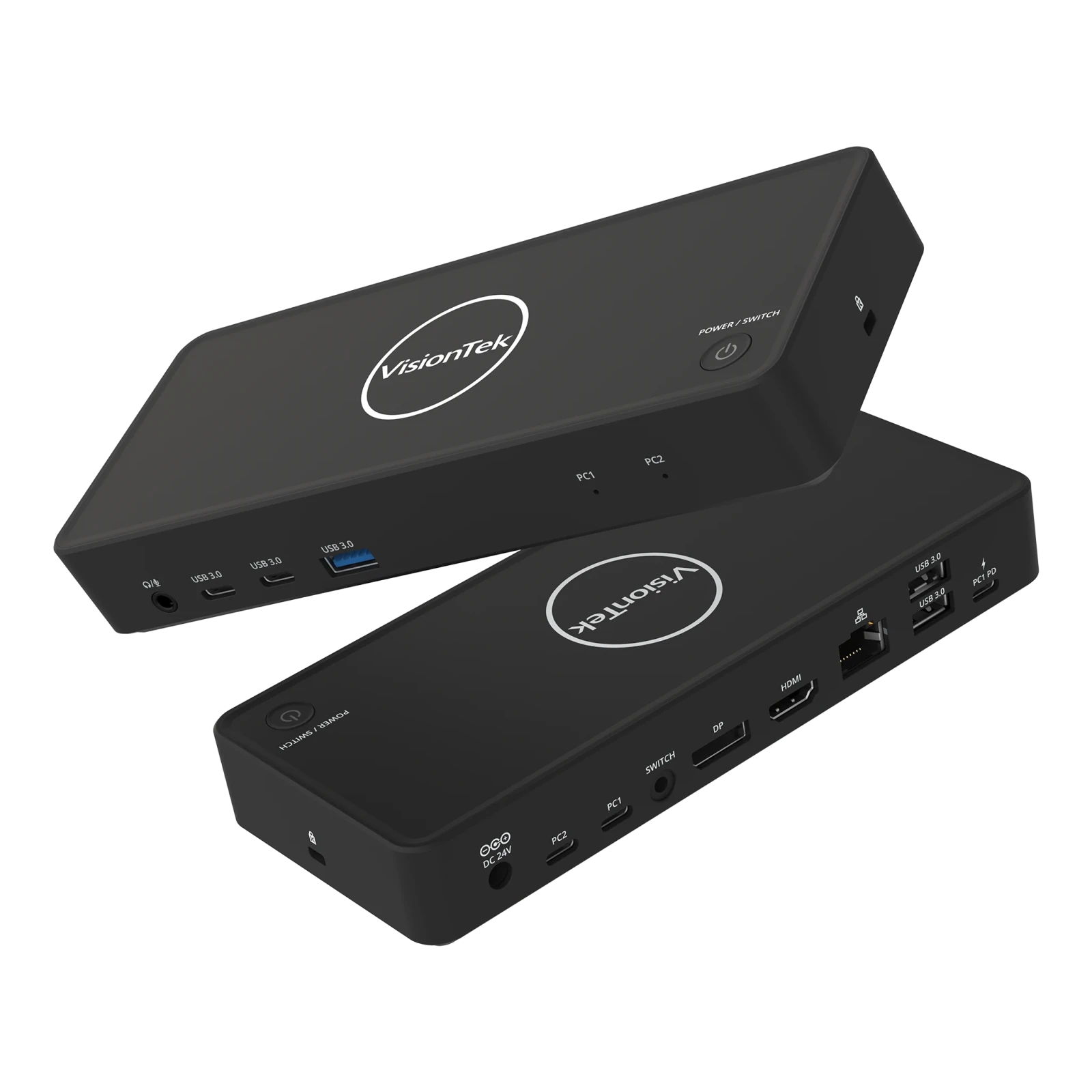
VisionTek VT2900 USB-C KVM Docking Station | Dual System Dock | DP Alt Mode | Dual Display | 100W Power Delivery | 130W Power Adapter Included | Best For Windows
The VisionTek VT2900 USB-C Docking Station with integrated KVM switch is built for professionals managing multiple systems who need reliable connectivity and seamless workflow transitions. Switch between two laptops using a single set of monitors, keyboard, mouse, and peripherals with the press of a button, eliminating cable swapping and reducing desk clutter. Expand your workspace with dual monitor support via HDMI and DisplayPort using USB-C DisplayPort Alt Mode. The VT2900 supports productivity-focused setups with essential connectivity including USB-A, USB-C, Gigabit Ethernet, and a 3.5mm audio jack. Power your primary laptop with up to 100W USB-C Power Delivery while maintaining fast 5Gbps data transfer speeds for connected devices. Compatible with Windows laptops that support DisplayPort Alt Mode. macOS supports a single external display. DESIGNED FOR HYBRID DESKS - Share one desk between your work and personal laptop with no cable swapping. KVM docking station for dual laptop control built for Windows users. macOS supports one extended display and mirrors the second. ONE-CLICK SWITCHING - Switch between two laptops in seconds using the built-in KVM button. Your keyboard, mouse, monitors, Ethernet, and audio move together with the active system. No unplugging, no interruptions. ALL YOUR PORTS, ONE DOCK - Connect everything through a single setup. Includes HDMI, DisplayPort, 3x USB-A, 2x USB-C, Gigabit Ethernet, and 3.5mm audio. Supports up to 5Gbps data transfer. Plug and play with no drivers required. POWER BOTH LAPTOPS - Charge your primary laptop with up to 100W USB-C Power Delivery (PC2). A second USB-C passthrough port allows you to connect another charger to power your second laptop at the same time. DUAL MONITOR SUPPORT FOR WINDOWS - Connect two 4K monitors via HDMI and DisplayPort for expanded workspace and multitasking. Windows supports dual extended displays using MST. macOS supports one extended display with the second mirrored. BUILT FOR WINDOWS LAPTOPS - Works with USB-C laptops supporting DisplayPort Alt Mode, including Dell XPS and Latitude, Lenovo ThinkPad, HP EliteBook, Microsoft Surface, ASUS, and Acer. Check your USB-C port for video support before purchase.
Stardust XR
Stardust XR is a display server for VR and AR headsets on Linux-based systems - Stardust XR

Petal — Open Source Pair Programming
Low latency, high resolution screensharing and remote control.
You Love Your Ultrawide Gaming Monitor. What About an Ultrawide Gaming Laptop?
Lenovo brought a Legion gaming laptop to CES this year with a rollable OLED display that expands horizontally by six inches.

10/GUI
Here it is: my crazy summer project to reinvent desktop human-computer interaction. This video examines the benefits and limitations inherent in current mouse-based and window-oriented interfaces, the problems facing other potential solutions, and visualizes my proposal for a completely new way of interacting with desktop computers. There's more information at http://10gui.com .
Pad++: A Zooming User Interface (1998)
Zain Shah (@zan2434)
Imagine every pixel on your screen, streamed live directly from a model. No HTML, no layout engine, no code. Just exactly what you want to see. @eddiejiao_obj, @drewocarr and I built a prototype to see how this could actually work, and set out to make it real. We're calling it Flipbook. (1/5)

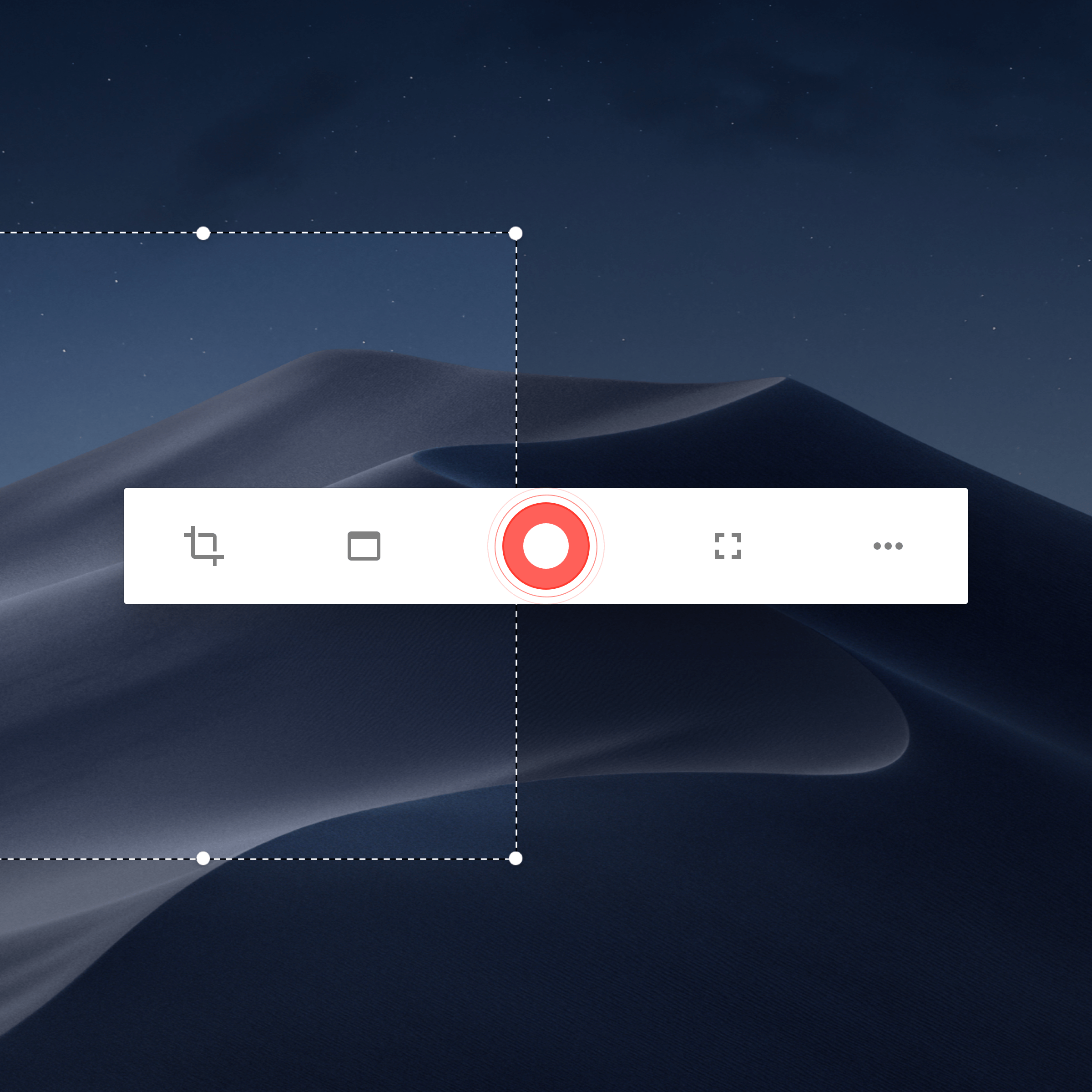
EtienneLescot/openscreen
Create stunning demos for free. Open-source, no subscriptions, no watermarks, and free for commercial use. An alternative to Screen Studio.
Wayland vs X11: 2026 Comparison
The Linux display server landscape has been evolving dramatically over the past decade. Wayland,...


Odyssey Ark: A New Frontier in Gaming | Samsung