

macOS menu bar app that tells you, in plain English, what each USB-C cable plugged into your Mac can actually do
Essential Cable - The USB-C 100W Standard
A cable that does exactly what it's supposed to. With 100W charging, 480Mbps data transfer, and a 1.5m / 5ft reach, our Essential USB-C to C cable is built around the essentials. Super-durable nylon braiding, CNC anodized aluminum housings, and premium materials deliver a solid feel and long-lasting reliability.This is the core of great tech: reliable, minimal, and built to last.Designed with love ❤️️ in Switzerland

Interactive connectors and MCP Apps | Claude
MCP Apps bring interactive connectors to Claude. Interact with connectors with a live UI right in your conversation — no tab-switching required.

USB hardware
The initial versions of the USB standard specified connectors that were easy to use and that would have high life spans; revisions of the standard added smaller connectors useful for compact portable devices. Higher-speed development of the USB standard gave rise to another family of connectors to permit additional data links. All versions of USB specify cable properties. Version 3.x cables, marketed as SuperSpeed, added a data link; namely, in 2008, USB 3.0 added a full-duplex lane (two twisted pairs of wires for one differential signal of serial data per direction), and in 2014, the USB-C specification added a second full-duplex lane.
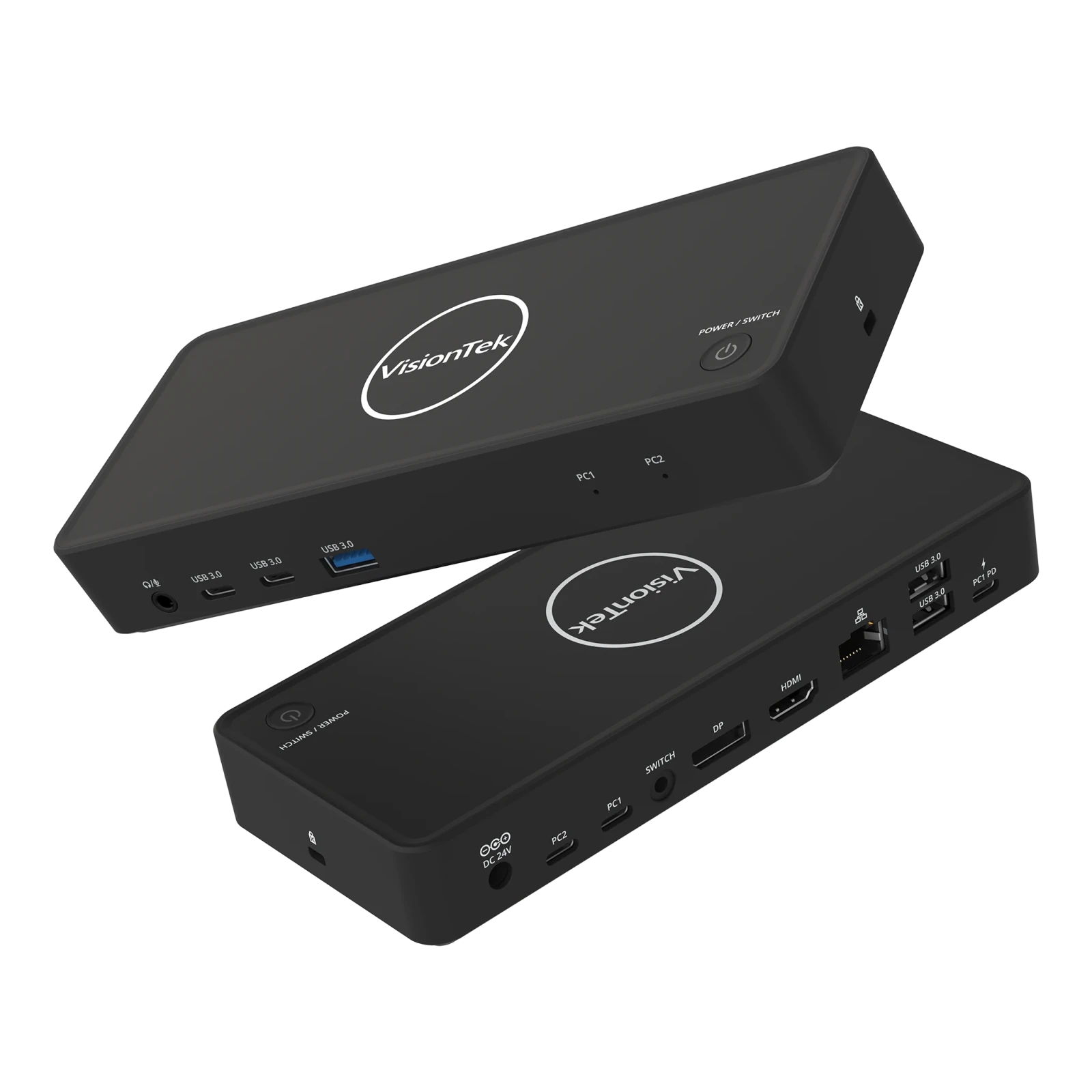
VisionTek VT2900 USB-C KVM Docking Station | Dual System Dock | DP Alt Mode | Dual Display | 100W Power Delivery | 130W Power Adapter Included | Best For Windows
The VisionTek VT2900 USB-C Docking Station with integrated KVM switch is built for professionals managing multiple systems who need reliable connectivity and seamless workflow transitions. Switch between two laptops using a single set of monitors, keyboard, mouse, and peripherals with the press of a button, eliminating cable swapping and reducing desk clutter. Expand your workspace with dual monitor support via HDMI and DisplayPort using USB-C DisplayPort Alt Mode. The VT2900 supports productivity-focused setups with essential connectivity including USB-A, USB-C, Gigabit Ethernet, and a 3.5mm audio jack. Power your primary laptop with up to 100W USB-C Power Delivery while maintaining fast 5Gbps data transfer speeds for connected devices. Compatible with Windows laptops that support DisplayPort Alt Mode. macOS supports a single external display. DESIGNED FOR HYBRID DESKS - Share one desk between your work and personal laptop with no cable swapping. KVM docking station for dual laptop control built for Windows users. macOS supports one extended display and mirrors the second. ONE-CLICK SWITCHING - Switch between two laptops in seconds using the built-in KVM button. Your keyboard, mouse, monitors, Ethernet, and audio move together with the active system. No unplugging, no interruptions. ALL YOUR PORTS, ONE DOCK - Connect everything through a single setup. Includes HDMI, DisplayPort, 3x USB-A, 2x USB-C, Gigabit Ethernet, and 3.5mm audio. Supports up to 5Gbps data transfer. Plug and play with no drivers required. POWER BOTH LAPTOPS - Charge your primary laptop with up to 100W USB-C Power Delivery (PC2). A second USB-C passthrough port allows you to connect another charger to power your second laptop at the same time. DUAL MONITOR SUPPORT FOR WINDOWS - Connect two 4K monitors via HDMI and DisplayPort for expanded workspace and multitasking. Windows supports dual extended displays using MST. macOS supports one extended display with the second mirrored. BUILT FOR WINDOWS LAPTOPS - Works with USB-C laptops supporting DisplayPort Alt Mode, including Dell XPS and Latitude, Lenovo ThinkPad, HP EliteBook, Microsoft Surface, ASUS, and Acer. Check your USB-C port for video support before purchase.
Apple Archives | TechRepublic
Get the latest Apple news, hands-on tips, and best practices for supporting and managing Macs in the workplace.
3 Premium Anker USB-C Cable Alternatives That Users Recommend - BGR
If you're looking for Anker alternatives because of availability, pricing, quality, or reliability concerns, consumers recommend a range of competing brands.
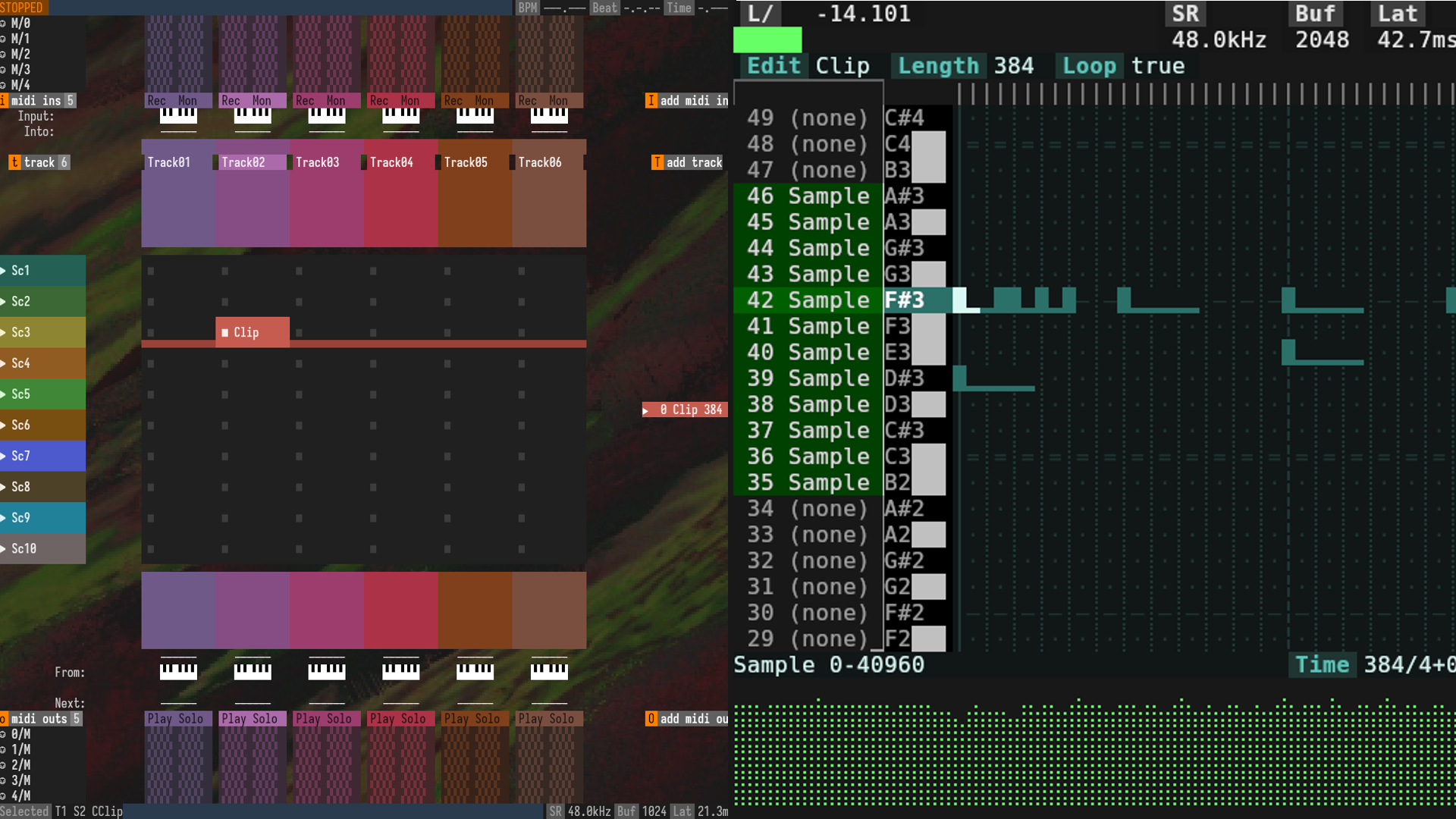
Terminal DAW Does It In Style
As any Linux chat room or forum will tell you, the most powerful tool to any Linux user is a terminal emulator. Just about every program under the sun has a command line alternative, be it CAD, not…
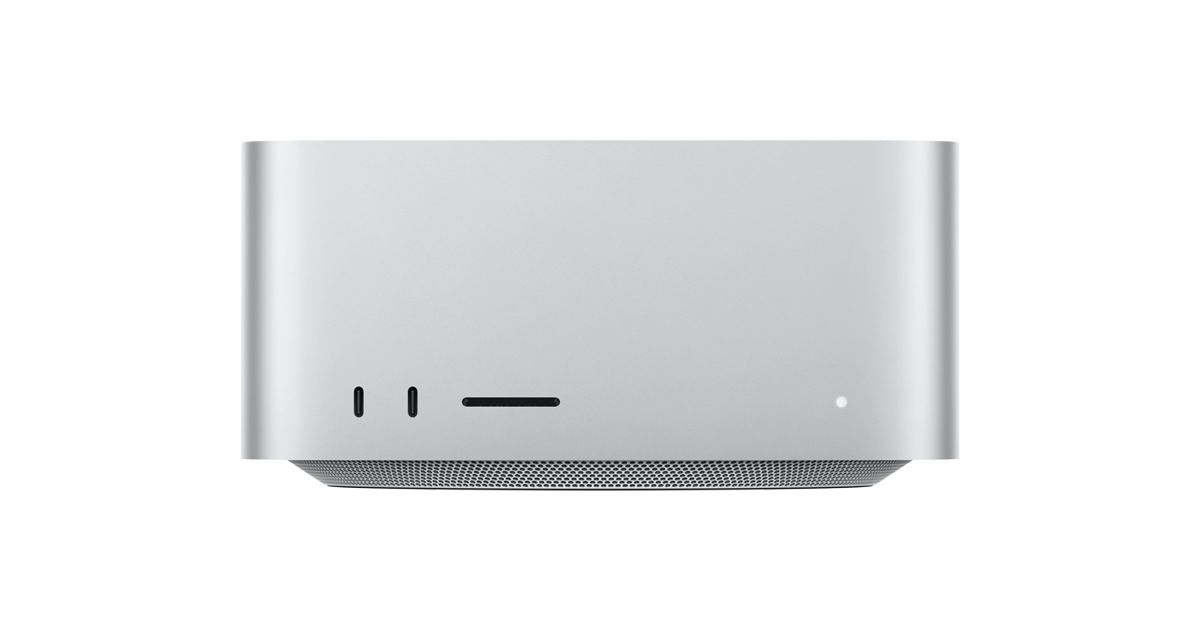
Mac Studio
The ultimate pro desktop. Powered by M4 Max and M3 Ultra for all-out performance and extensive connectivity. Built for Apple Intelligence.
AlexsJones/llmfit
Hundreds of models & providers. One command to find what runs on your hardware.
Automator User Guide for Mac
Learn how to use Automator on your Mac to automate much of what you do on your computer.
Ash Hart on Twitter / X
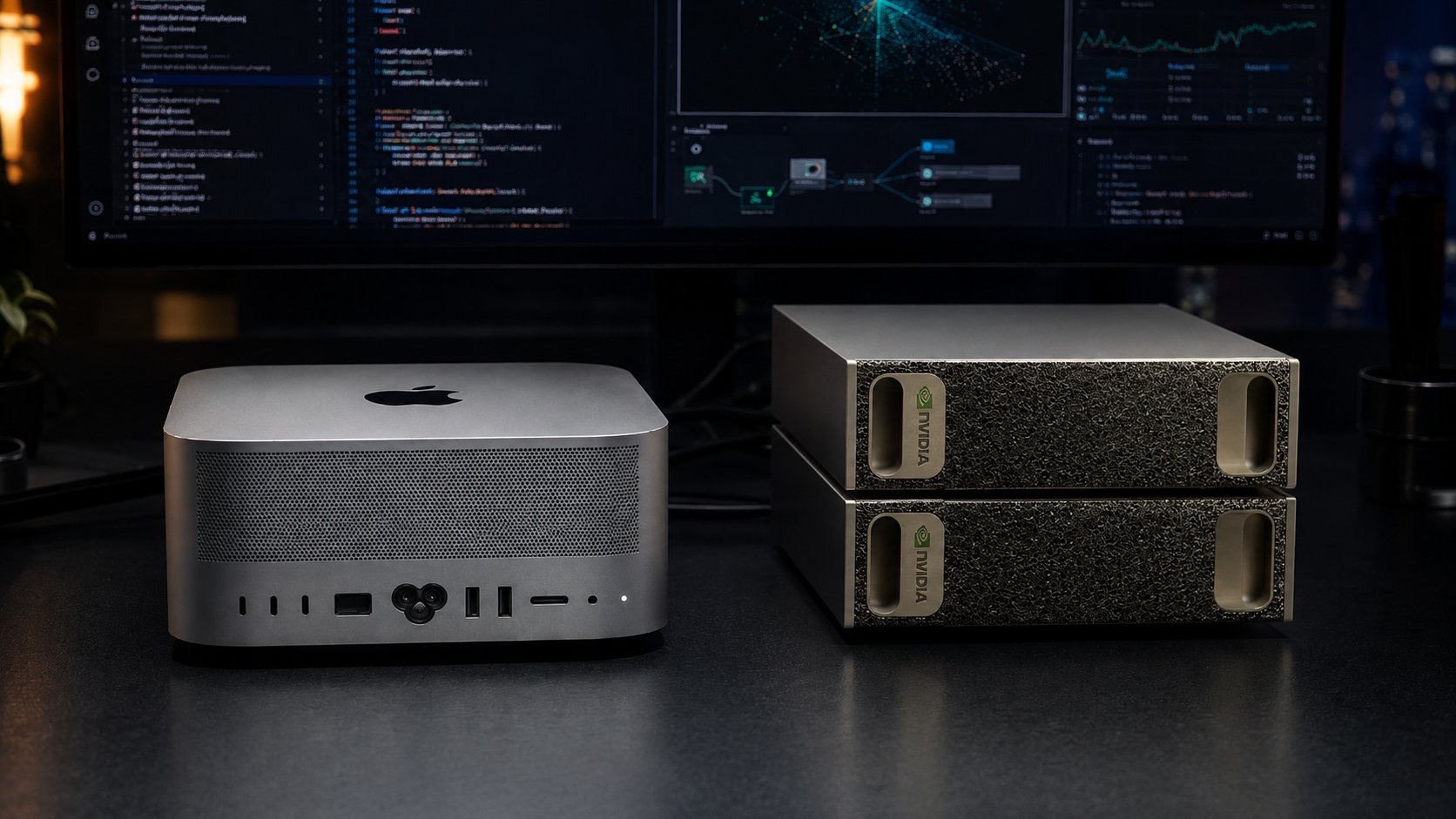
MCDMA | Metal CUDA Direct Memory Access 🚀If you have a Spark and an Apple Silicon Mac, MCDMA gives you a direct RDMA path between CUDA memory and Metal-side unified memory over USB-C.Registered memory, rkeys, one-sided READ/WRITE, two-sided SEND/RECV with credit flow… pic.twitter.com/gFt8tx9xII— Ash Hart (@ashxhart) August 18, 2026
Your USB devices deserve better than lsusb(8) 🔥 🔌 usbtree — A modern USB inspector for the terminal 💯 Live device monitoring, hot-plug events, bandwidth stats, safe eject 🦀 Written in Rust & built w/ @ratatui.rs ⭐ GitHub: github.com/gnomeria/usbtree #rustlang #ratatui #tui #linux #terminal
