Most advanced XSS scanner.
XSS Rays - The Spanner
I've developed a new XSS scanner tool that's written in Javascript called XSS Rays for Microsoft. They have given me permission to release the tool as open source which is awesome because it can be used for other open source applications. I recommend you use it as part of the web development process to make sure you've filtered XSS correctly on your application. It works as a bookmarklet and scans any links, paths or forms on the target scanning page (even cross domain). You can add vectors to it quite easily and it includes some of the most common injections I've found on sites over the years. I've tested it on IE7/IE8 and Firefox but it could work in other browsers. The advantage of the bookmarklet is that vectors can be customised for each browser and they are executed in the context of the browser, in IE8 standards mode were css expressions are disabled in IE8 the vector won't be executed for example. Hopefully there should be no false positives either because each vector is actually executed and it reported back as successful, in fact if there is a false positive it will be a bug in my code (lets hope not). Technical details The code works by creating connections to the target links/paths using iframes, each iframe is assign a name which is the url to return to on successful execution (the originating url). This allows cross domain links to be checked. The vectors are stored in a simple object, each vector has the following properties:- input, name, browser, form, url, path (there's a optional second input). Input is the XSS vector, the string "XSS" is used to replace with a logger or a poc url and is required by all vectors. Name is just a meaningful name applied to the vector, browser supports ALL|FF|IE and helps to save time when testing specific browser vectors as XSS Rays will only target those versions for the vector. Form, url, path allows you to disable the vector for scanning forms etc, supports TRUE|FALSE. There are a few configuration properties supported:- 1. externalLog - Sends all executions to a external logger by default "http://127.0.0.1/XSSRays/logging/xsslogger.php", the vector is encoded and sent to a get variable xss and can be easily customised to log in another language, each field is sent tab separated. 2. excludeURLS - allows you to exclude certain urls from the scan, the variable is a regular expression so remember to double escape special characters. 3. sameorigin - When enabled it should stay to the same site and not scan external links, this has not be tested fully yet. There's a interesting little hack for IE to enable the onload event of a dynamic iframe, I use the following code to create a specific IE loader:- <pre lang="javascript"> var ieLoader = "document.getElementById('"+'ray'+self.uniqueID+"').ieonload()"; if(self.isIE()) { try { var iframe = document.createElement('<iframe name="'+location + '#xss'+'" onload="'+ieLoader+'">'); } catch (e) { var iframe = document.createElement('iframe'); } } else { var iframe = document.createElement('iframe'); } </pre> Download & Instructions Download here 1. You need to install a local web server like xampp:- http://www.apachefriends.org/en/xampp.html 2. Once installed copy the XSSRays directory to your web server root xampp root is :- C:\xampp\htdocs\ 3. Open the bookmarklet.html file in the helpers directory of XSSRays. Drag to your bookmarks toolbar on Firefox or on IE right click the link and click add to favorites (You might get a security warning in IE). 4. Find your web site that you wish to scan, click your bookmarklet. Then press CTRL+SHIFT+X which will now run XSS Rays on the target site. Thanks Big thanks to David Ross, Manuel Caballero and you (you know who you are) for testing and feedback. Thanks to Microsoft for supporting the development of XSS Rays. Updates.... The latest version of XSS Rays is now online (0.5.0), it contains some speed improvements and bug fixes. 1. Fixed conflicts with form elements with the name action or submit was causing form posts not to be submitted. Thanks Mike W 2. Removed unneeded cleanup code now the IE onload works. 3. Added the ability to exclude certain field types and names from being XSS'd. 4. Fixed name vector to specify window.name which was causing conflicts with image elements. 5. Fixed and checked same origin code. Thanks to Arshan who gave me a kick up the backside :) 6. Removed keyboard shortcut and added a button instead. New update 0.5.5 1. Fixed Firefox bug with same origin 2. Fixed form Post to allow field names with submit. Thanks Kuza55 for the awesome form post hack :)

franssjz/cpr-vcodex
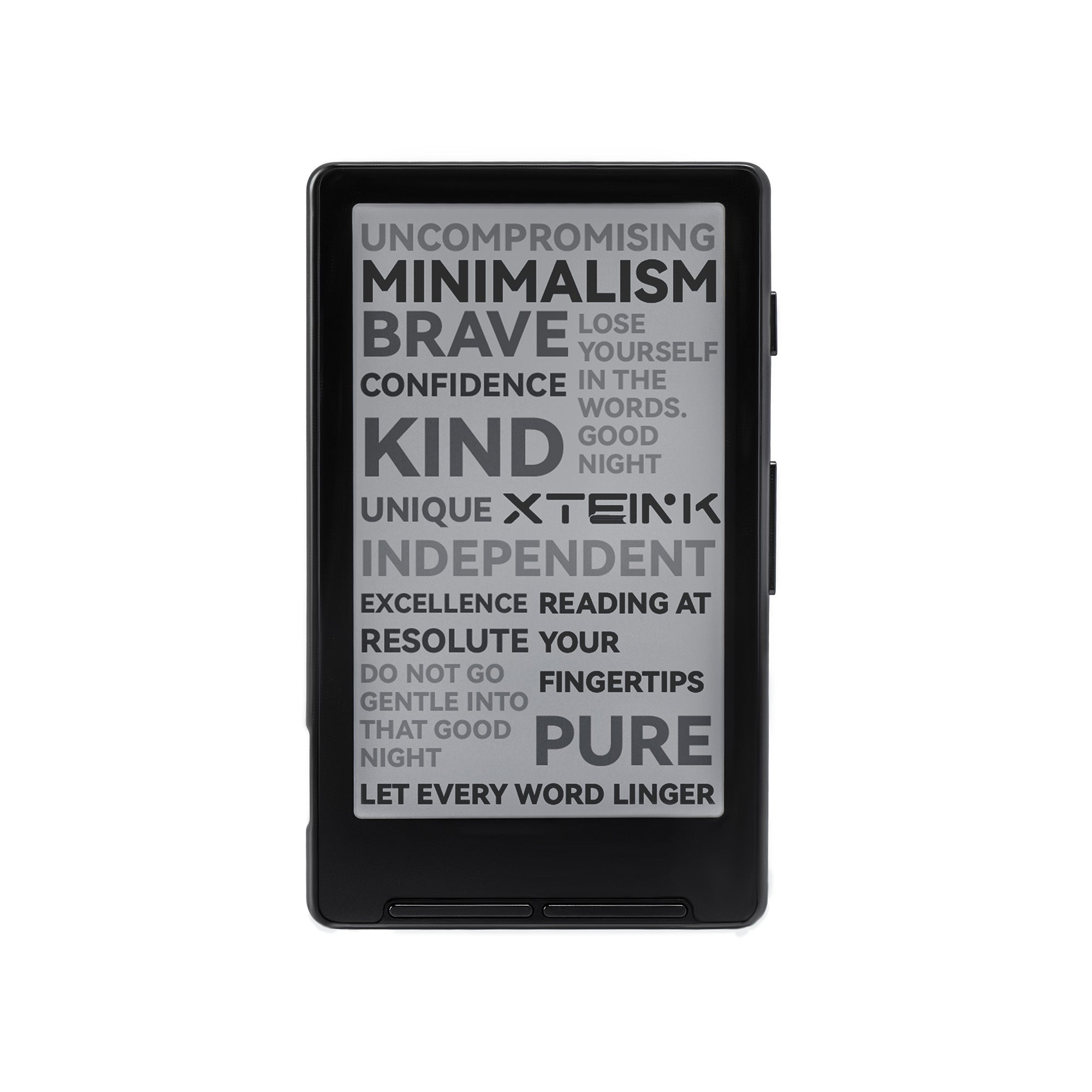
CPR-VCODEX : Improving the reading experience and consistency for Xteink X4. One-click install or edit stats via the link below: ⬇⬇
RetractionRisk Scanner
Thanks to Altmetric, Crossref, OpenAlex, Retraction Watch, PubPeer, and Bluesky for API and open data support.

This tiny, magnetic e-reader could stop you from doomscrolling | TechCrunch
The Xteink X3 is a delightfully tiny, MagSafe-compatible e-ink reader that attaches to the back of your phone like a Pop Socket.

XR Web Browsers - HackMD
Comparing the many web browsers offering a sliding scale of support and features with the latest VR/AR devices.
WerWolv/ImHex
🔍 A Hex Editor for Reverse Engineers, Programmers and people who value their retinas when working at 3 AM.
LlamaIndex | AI Agents for Document OCR + Workflows
LlamaParse is the world's best agentic OCR for processing complex documents with messy tables, charts, images, and more with human-level accuracy.

ARahim3/mlx-tune
Fine-tune LLMs on your Mac with Apple Silicon. SFT, DPO, GRPO, Vision, TTS, STT, Embedding, and OCR fine-tuning — natively on MLX. Unsloth-compatible API.
ARahim3/mlx-tune
Fine-tune LLMs on your Mac with Apple Silicon. SFT, DPO, GRPO, Vision, TTS, STT, Embedding, and OCR fine-tuning — natively on MLX. Unsloth-compatible API.
XTC.js - Free XTC Converter for XTEink X4
Convert CBZ and PDF files to XTC format for your XTEink X4 e-reader. Free, fast, and private - runs entirely in your browser.
🤏 Making my tiny e-reader practical: a guide to the Xteink X4
The tools and configs I use with my Xteink X4.

XSharp - Administration
XSharp, un compilateur xBase pour .NET, libre et Open-Source. Il supporte Visual Objects, Vulcan.NET, xBase ++, Harbour, Visual Foxpro
Xteink X4
Meet Xteink X4, the palm-sized eReader with magnetic back. Just 74g and 4.9mm thin, it delivers a paper-like reading experience in a minimalist design. Snap it, carry it, and read anywhere—perfect for modern readers on the go.