chardetng is a new small-binary-footprint character encoding detector for Firefox written in Rust. Its purpose is user retention by addressing an ancient—and for non-Latin scripts page-destroying—Web compat problem that Chrome already addressed. It puts an end to the situation that some pages showed up as unreadable garbage in Firefox but opening the page in Chrome remedied the situation more easily than fiddling with Firefox menus. The deployment of chardetng in Firefox 73 marks the first time in the history of Firefox (and in the entire Netscape lineage of browsers since the time support for non-ISO-8859-1 text was introduced) that the mapping of HTML bytes to the DOM is not a function of the browser user interface language. This is accomplished at a notably lower binary size increase than what would have resulted from adopting Chrome’s detector. Also, the result is more explainable and modifiable as well as more suitable for standardization, should there be interest, than Chrome’s detector
Programmable fonts with Rust by Valdemar Erk
Obfuscate – Get this Extension for 🦊 Firefox (en-US)
Download Obfuscate for Firefox. Make web page text unreadable

XSS Rays - The Spanner
I've developed a new XSS scanner tool that's written in Javascript called XSS Rays for Microsoft. They have given me permission to release the tool as open source which is awesome because it can be used for other open source applications. I recommend you use it as part of the web development process to make sure you've filtered XSS correctly on your application. It works as a bookmarklet and scans any links, paths or forms on the target scanning page (even cross domain). You can add vectors to it quite easily and it includes some of the most common injections I've found on sites over the years. I've tested it on IE7/IE8 and Firefox but it could work in other browsers. The advantage of the bookmarklet is that vectors can be customised for each browser and they are executed in the context of the browser, in IE8 standards mode were css expressions are disabled in IE8 the vector won't be executed for example. Hopefully there should be no false positives either because each vector is actually executed and it reported back as successful, in fact if there is a false positive it will be a bug in my code (lets hope not). Technical details The code works by creating connections to the target links/paths using iframes, each iframe is assign a name which is the url to return to on successful execution (the originating url). This allows cross domain links to be checked. The vectors are stored in a simple object, each vector has the following properties:- input, name, browser, form, url, path (there's a optional second input). Input is the XSS vector, the string "XSS" is used to replace with a logger or a poc url and is required by all vectors. Name is just a meaningful name applied to the vector, browser supports ALL|FF|IE and helps to save time when testing specific browser vectors as XSS Rays will only target those versions for the vector. Form, url, path allows you to disable the vector for scanning forms etc, supports TRUE|FALSE. There are a few configuration properties supported:- 1. externalLog - Sends all executions to a external logger by default "http://127.0.0.1/XSSRays/logging/xsslogger.php", the vector is encoded and sent to a get variable xss and can be easily customised to log in another language, each field is sent tab separated. 2. excludeURLS - allows you to exclude certain urls from the scan, the variable is a regular expression so remember to double escape special characters. 3. sameorigin - When enabled it should stay to the same site and not scan external links, this has not be tested fully yet. There's a interesting little hack for IE to enable the onload event of a dynamic iframe, I use the following code to create a specific IE loader:- <pre lang="javascript"> var ieLoader = "document.getElementById('"+'ray'+self.uniqueID+"').ieonload()"; if(self.isIE()) { try { var iframe = document.createElement('<iframe name="'+location + '#xss'+'" onload="'+ieLoader+'">'); } catch (e) { var iframe = document.createElement('iframe'); } } else { var iframe = document.createElement('iframe'); } </pre> Download & Instructions Download here 1. You need to install a local web server like xampp:- http://www.apachefriends.org/en/xampp.html 2. Once installed copy the XSSRays directory to your web server root xampp root is :- C:\xampp\htdocs\ 3. Open the bookmarklet.html file in the helpers directory of XSSRays. Drag to your bookmarks toolbar on Firefox or on IE right click the link and click add to favorites (You might get a security warning in IE). 4. Find your web site that you wish to scan, click your bookmarklet. Then press CTRL+SHIFT+X which will now run XSS Rays on the target site. Thanks Big thanks to David Ross, Manuel Caballero and you (you know who you are) for testing and feedback. Thanks to Microsoft for supporting the development of XSS Rays. Updates.... The latest version of XSS Rays is now online (0.5.0), it contains some speed improvements and bug fixes. 1. Fixed conflicts with form elements with the name action or submit was causing form posts not to be submitted. Thanks Mike W 2. Removed unneeded cleanup code now the IE onload works. 3. Added the ability to exclude certain field types and names from being XSS'd. 4. Fixed name vector to specify window.name which was causing conflicts with image elements. 5. Fixed and checked same origin code. Thanks to Arshan who gave me a kick up the backside :) 6. Removed keyboard shortcut and added a button instead. New update 0.5.5 1. Fixed Firefox bug with same origin 2. Fixed form Post to allow field names with submit. Thanks Kuza55 for the awesome form post hack :)

Reducing XSS by way of Automatic Context-Aware Escaping in Template Systems
Posted by Jad S. Boutros, Security Team Building on our earlier posts on defenses against web application flaws [ "Automating Web Applicatio...

Gregor Zunic on Twitter / X
Browser Use 0.6.0 no longer runs on Playwright😮We released a new version of Browser Use based directly on CDP (Chrome DevTools Protocol). Say hi to new era of web automation.New @browser_use is🥷much less detectable (no Playwright leaks)⚡faster🎯more performant😮no… pic.twitter.com/M1j2zcoWKI— Gregor Zunic (@gregpr07) August 19, 2025

isaqueseneda/shieldfont
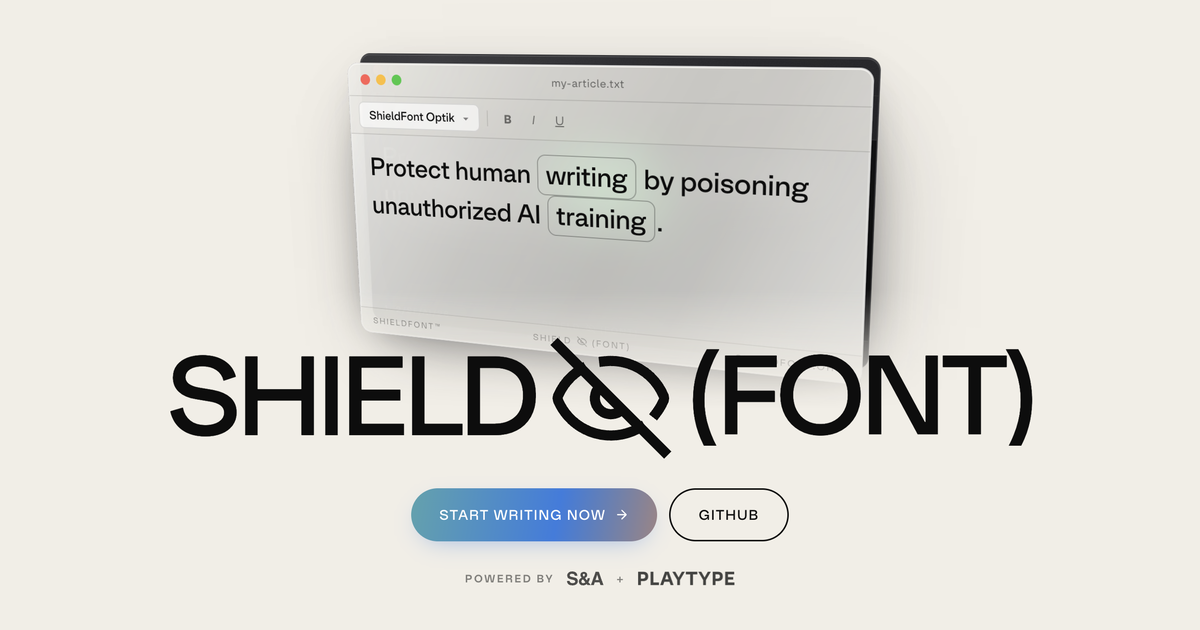
A web font that protects written content from AI scraping — humans see the text, scrapers see a plausible decoy.
The Baseline Interpreter: a faster JS interpreter in Firefox 70 – Mozilla Hacks - the Web developer blog
Modern web applications load and execute a lot more JavaScript code than they did just a few years ago. While JIT (just-in-time) compilers have been very successful in making JavaScript ...

Unicode Toys
Transliterate plain text (letters, sometimes numbers, sometimes punctuation) to obscure characters from Unicode. The output is fully cut-n-pastable text.
The Consent Layer: Using ligatures to make web text expensive to scrape without asking
Publish for humans, not for crawlers. A web font that swaps the words in your HTML, so readers see your writing and AI training gets a stale copy.
BFTML/docs/notes.md at main · npetrangelo/BFTML
Blazingly Fast Text Markup Language. Standards designed for web apps. Browser implementation in Rust. - npetrangelo/BFTML
Browsers Reimagined
Browsers are the lens through which we see the web. And considering how much the content of the web has changed over the past few decades —…

Mozilla now only seems to speak using creepy, gibberish lunatic language.
In nearly 30 years of using Netscape and Firefox, I've never had any problem understanding Mozilla's written communication. Sadly, that has now drastically changed. I am sad to say that, despite being an intelligent, adult native English-speaker, I now find myself in the sad position of being incapa...

The Consent Layer: Using ligatures to make web text expensive to scrape without asking
ShieldFont is an open-source creative technology project that offers a practical opt-out from unauthorized AI training and disrupts what is collected when that choice is ignored. It swaps 45.8% of content words (around 24.4% of all words) in a page's source code for other (partially) random words, while the font restores the original text on screen. Readers see the work as intended; mass scrapers collect an altered version. In testing, shielding caused over 90% of pages that would otherwise pass the quality filter to be rejected, keeping them out of the training pipeline. Of those that still passed, 19.4% of all words conveyed false meaning, adding noise to unauthorized AI training datasets. This paper's goal is to walk newcomers through the whole process, in plain language and in order: the project's rationale, how it was built, the results, how to deploy it, and where to contribute.
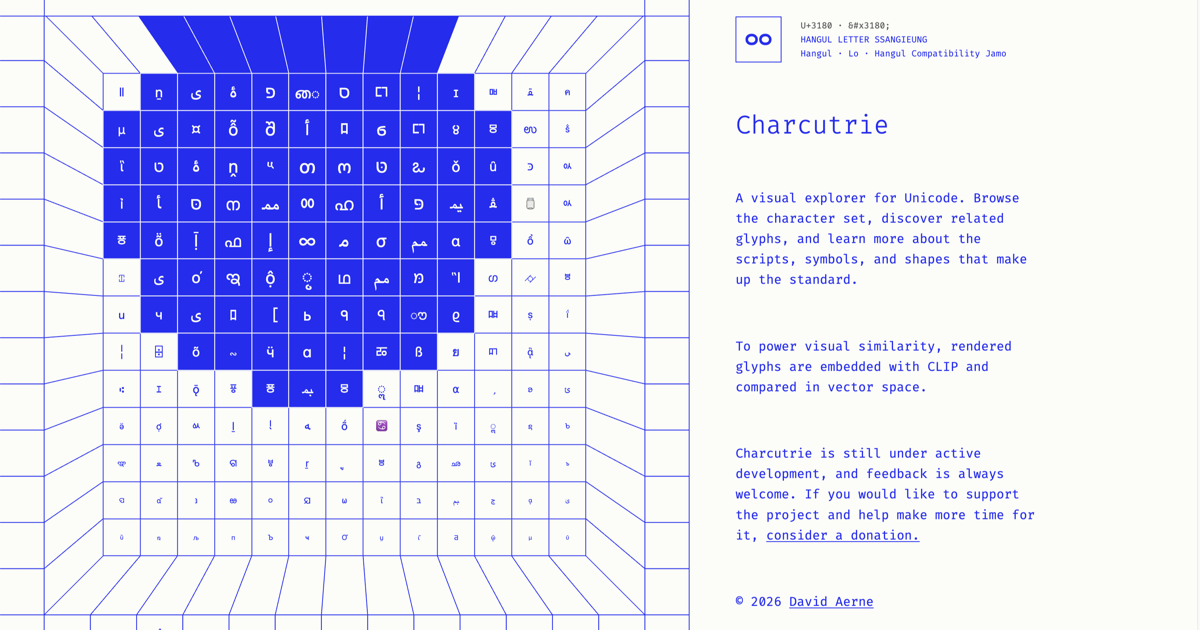
Charcuterie
A visual explorer for Unicode. Browse characters, discover related glyphs, and explore scripts, symbols, and shapes across the standard.