
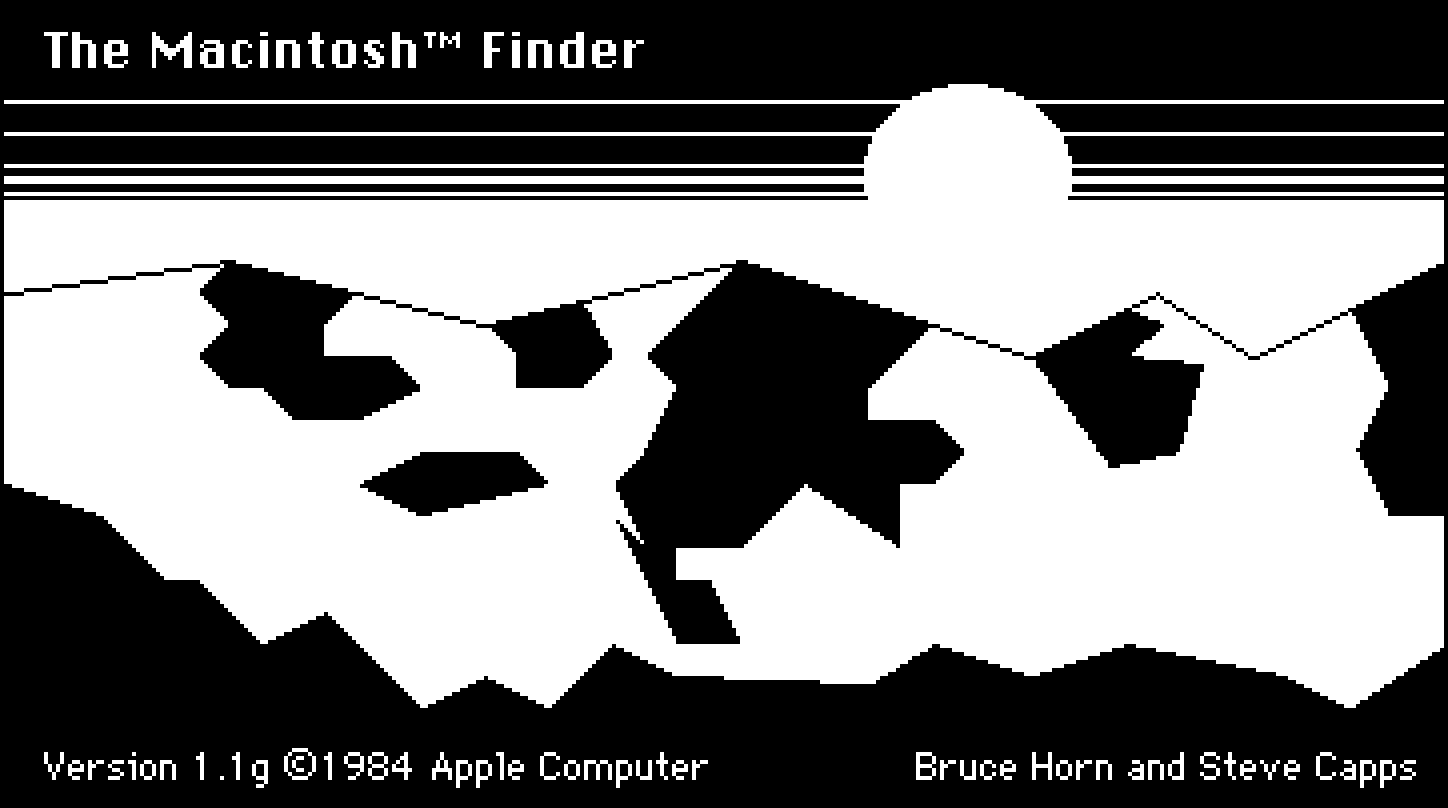
The graphical user interface on the original Macintosh was a revelation to me when I first used it at the tender age of 8 years old. Part of the magic was thanks to its use of "direct manipulation." This term was coined in the 1980s to describe the ability to control a computer without using the keyboard to explain what you wanted it to do. Instead of typing a command to move a file from one place to another, the user could just grab it and drag it to a new location.
Pad++: A Zooming User Interface (1998)
Our interfaces have lost their senses
We programmed them by punching cards, plugging in wires, and flipping switches. Programmers walked among banks of switches and cables, physically choreographing their logic. Being on a computer used to be a full-body experience.
Personal Computer for Mac - Perplexity
Personal Computer for Mac. One keyboard shortcut opens an always-on AI that controls local files, native apps, and Comet browser. No uploads. No tab switching.

Terminal Graph — A spatial development environment for macOS
See everything. Switch nothing. Terminals, browsers, editors, and notes on one infinite canvas with dataflow connections. Native macOS.
10/GUI
Here it is: my crazy summer project to reinvent desktop human-computer interaction. This video examines the benefits and limitations inherent in current mouse-based and window-oriented interfaces, the problems facing other potential solutions, and visualizes my proposal for a completely new way of interacting with desktop computers. There's more information at http://10gui.com .
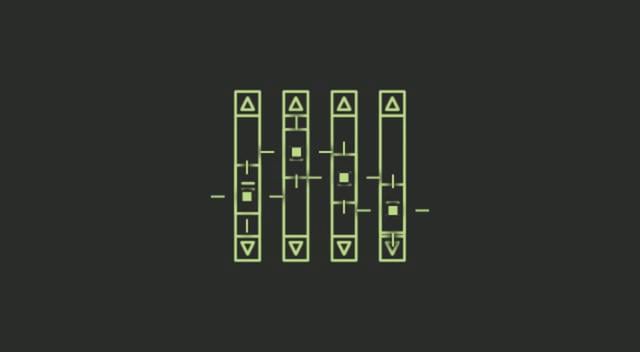
Direct manipulation vs. interface agents
As part of the Digital Library's transition to Open Access, new features for researchers are available in the Premium Edition. Click here to learn more.
Ink & Switch malleable software essay
When I program, I personally prefer to be controlled by the tools I use. They were build for a reason, for a specific workflow. I want my program to typecheck. I dont want to have the freedom to write untyped programs. I don’t want git to also have the ability to crop images. At this specific moment, I want to perform a specific task and I want the tools to help me do it, nothing more complex , or annoying , that could allow me to shoot myself to the foot. Control is bliss. Control is bliss as ...
Drawing to the Screen | Web Browser Engineering
Desktop and laptop computers run operating systems that provide desktop environments: windows, buttons, and a mouse. So responsibility ends up split: programs control their windows, but the desktop environment controls the screen. Therefore:
The Computer Should Know the Way
A research essay from Mirai Labs: why the layer that turns what I want into actions should run on my own Mac, call operations directly, and answer while the thought is still there.

The Interfaces With Which We Think
The concepts in modern operating systems — apps, windows, desktops, notifications, and so on — have so permeated our understanding of personal computing, it’s hard to imagine anything else, let alone believe there could be anything better.
"Watch What I Do"
I don't know who first made the parallel between programming a computer and using a tool, but it was certainly implicit in Jack Licklider's thoughts about "man-machine symbiosis" as he set up the ARPA IPTO research projects in the early sixties. In 1962, Ivan Sutherland's Sketchpad became the exemplar to this day for what interactive computing should be like--including having the end-user be able to reshape the tool.
Ivan Sutherland's Sketchpad
The Curious Case of Zoomable User Interfaces and AI
paint: a timeline — Kristen Roos
This timeline is the result of researching the origins of digital paint and draw software, and the tools that were developed to allow for hand manipulation (versus plotter drawn) drawing and painting - the mouse, light pen & drawing tablet. If we look at the software that has become commonplace today (such as adobe photoshop), which allows for painting, animation and photo manipulation in one, we can trace the roots of this software to the University and Corporate Labs that housed large computers with advanced capabilities for their time - MIT Lincoln Labs & Radiation Labs, DARPA & the Augmented Research Centre (ARC), Bell Labs, NYIT’s Computer Graphics Lab, Xerox Palo Alto Research Centre (Xerox PARC), NASA’s Jet Propulsion Labs (JPL). The artistic collaborations that grew out of these labs fueled the advent of Computer Graphics, Computer Art and Video Art from the 1960's to the 1990's.