


We recently polled readers with suggestions for the best note-taking apps. Most of you said you still do things the old-fashioned way with pen and p
Note-ifying all the things (with Boris Mann)
Conversation about note-taking, the overwhelm of tools, and future possibilities. (shortlink:…

What's the point of a note-taking app?
The true purpose of a note-taking app is to facilitate deep learning through three interconnected processes—externalizing ideas, internalizing them into new insights, and resurfacing them over time—and good design should minimize accidental friction while preserving the productive friction that enables genuine understanding.
Best Notes App - Write and Organize with UpNote
UpNote is a clean and beautiful app for writing and organizing notes. It’s easy to use with rich features and delightful experience. Available on Mac, iOS, Android, Windows and Linux.
Reflect
A beautifully minimalist note-taking app designed to mirror the way you think. Now with a native AI integration.
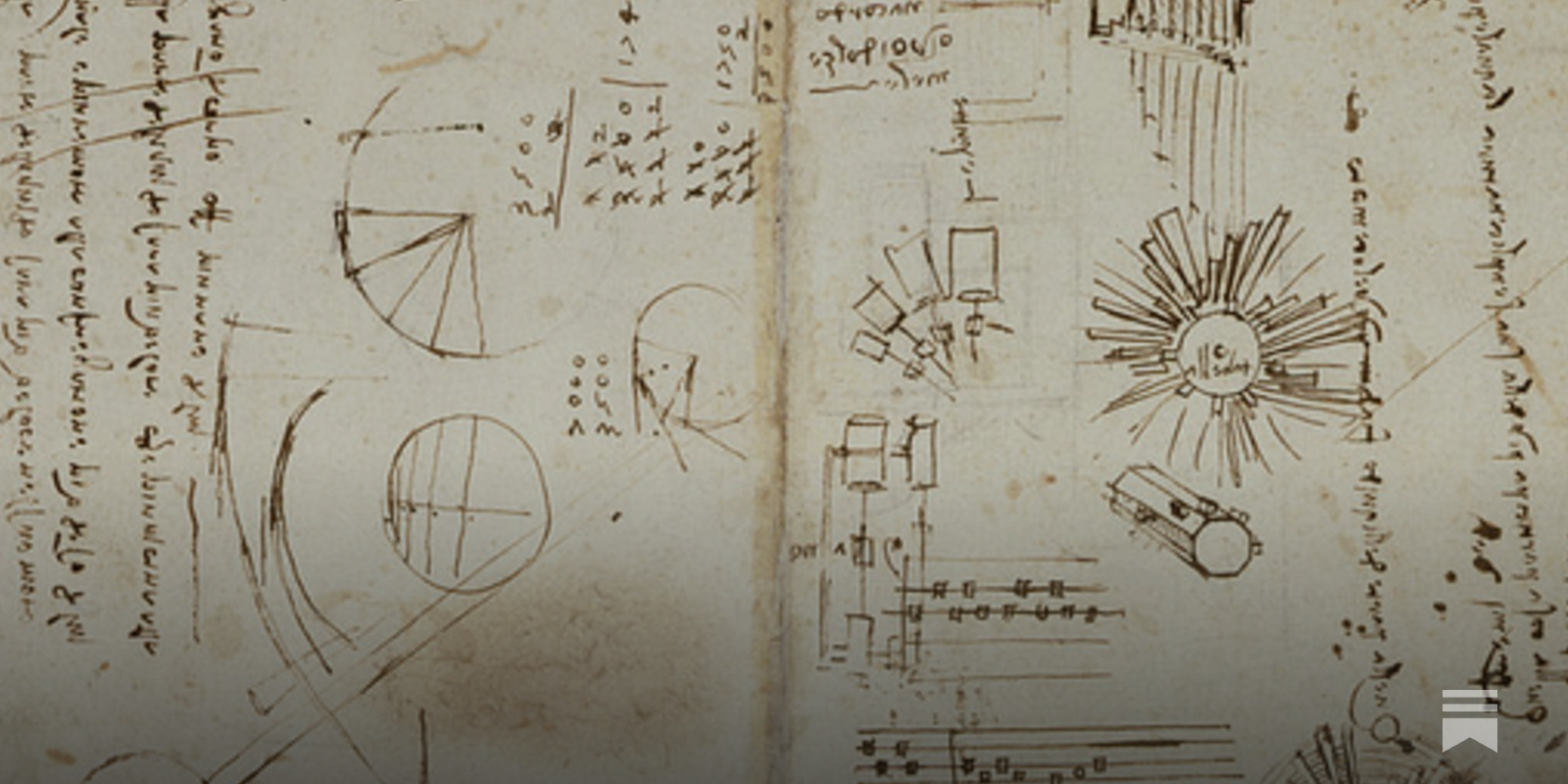
Note-taking: A Research Roundup | Cult of Pedagogy
A summary of 8 best practices in note-taking, straight from the research.

The Linear Oppression of Note-taking Apps
What we lose when our digital notes remove the freedom to move
Supernote - Go Paperless with Our Digital Note-Taking Solution
Supernote is a modern E-Ink tablet and digital notebook designed for handwriting, note-taking, and sketching. Shop Supernote online today.

Agenda - Notes meets Calendar
Organize your days with Agenda, the Apple Design Award winning note taking app. Download for free and start getting things done today!

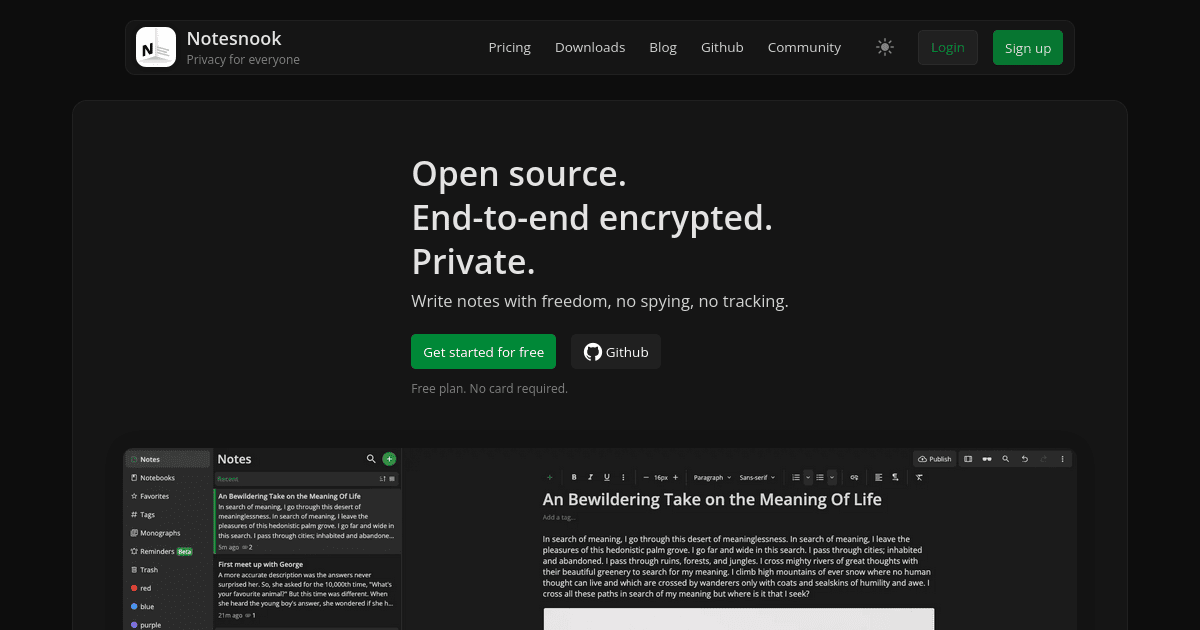
Notesnook | Open source & zero knowledge private note taking app
Express yourself with freedom, no spying, no tracking — only private notes. Unlike Evernote and other note apps, your data is private — not open for everyone to see.
“Better note-taking” misses the point; what matters is “better thinking”
Lots of people write about solutions to the problem that Note-writing practices are generally ineffective .NoteLink.Active { background-color: rgba(10, 132, 255, 0.15); } . The vast majority of that writing fixates on a myopic, “lifehacking”-type frame, focused on answering questions like: “how should I organize my notes?”, “what kind of journal should I use?”, “how can I make it easy to capture snippets of things I read?”, etc.
Dangerous Writing App
Dangerous Writing App. If you stop typing, all progress will be lost. Now with over 500+ writing prompts to choose from.
Note taking apps

Notes, Outliners, Markdown Editors, PKMs, Memexs, Second Brains, Commonplace books, and more
OmniCanvas - Free Infinite Canvas Notes App
Best Notes App - Write and Organize with UpNote
Antinote — a $5 scratchpad for macOS

NotePlan – Notes, Tasks and Calendar in One Daily Note
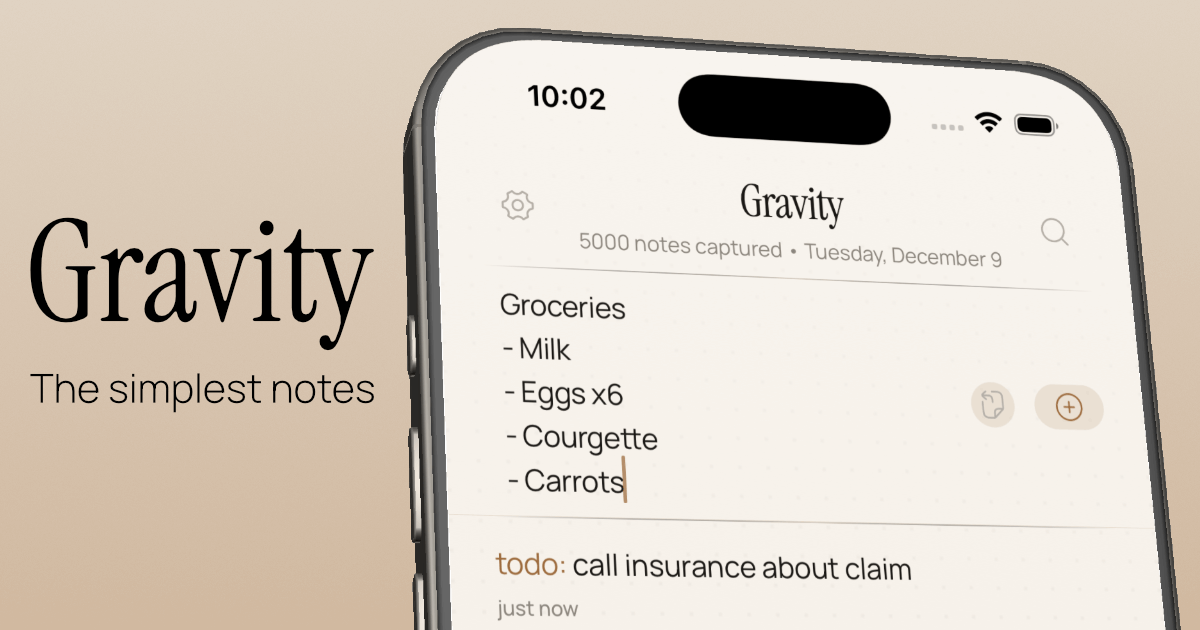
Let your thoughts sink in — Gravity
Knowledgebase Apps (by Boris) — Semble