

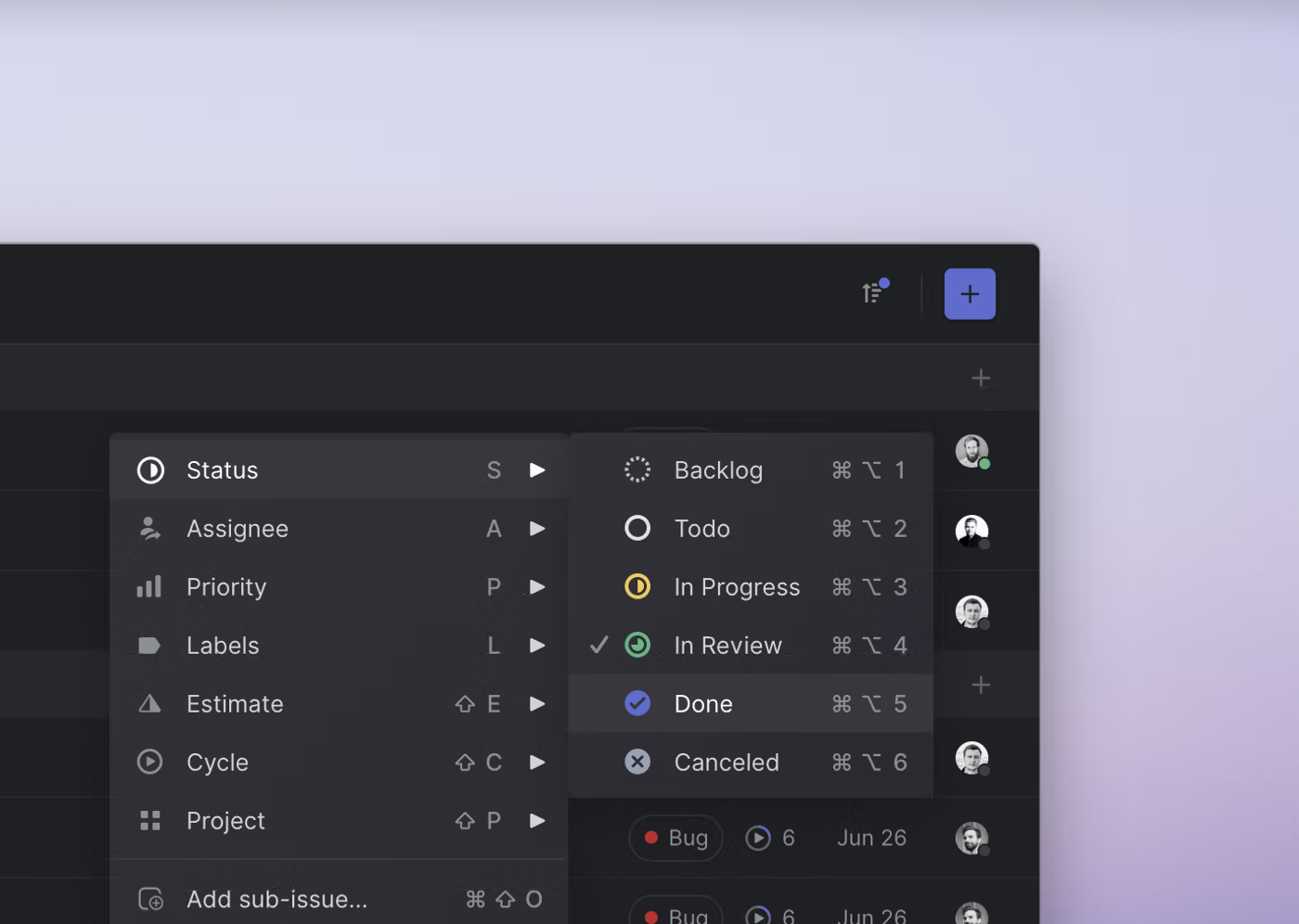
We recently added contextual menus to Linear. This makes the app faster and easier to use for people who prefer their mouse. One small thing that you won’t see or think about but will hopefully feel is a detail we designed into how sub-menus work.
How we redesigned the Linear UI (part Ⅱ) - Linear
We have redefined the foundational layers of Linear’s application with a full redesign. This is the second post in a two-part series where we dive into why and how we redesigned the application. In part one, we shared why redesigns are important. In part two, we introduce you to the new UI and cover how we tackled the project — no infinite-loop processes, workshops, or sticky notes were involved.
Malleable Overview Detail Interfaces
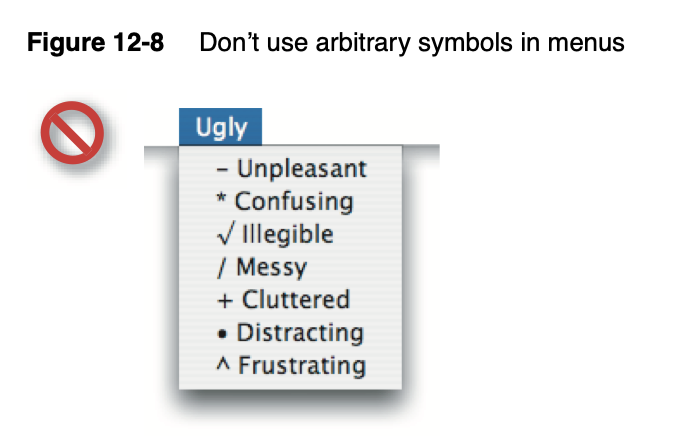
Icons in Menus Everywhere — Send Help
Writing about the big beautiful mess that is making things for the world wide web.
Hidden Costs of Graphical User Interfaces: Failure to Make the Transition from Menus and Icon Toolbars to Keyboard Shortcuts
Graphical interfaces allow users to issue commands using pull-down menus, icon toolbars, and keyboard shortcuts. Menus and icon toolbars are easier to learn, whereas keyboard shortcuts are more ef...

Omar Rizwan on Twitter / X
Plan 9 and Dynamicland both dramatically simplify application code by providing _common ways to list and act on objects_a ton of code is just about enumerating things for the user, then letting the user pick from them -- list views, buttons, drag & drop, checkboxes, commands— Omar Rizwan (@rsnous) July 15, 2018
Accessible faux-nested interactive controls
A really common user interface pattern is a big clickable area, such as a card. Sometimes you need controls within that card that are also clickable. There's lots of ways to do it wrong, but fret not, Eric is here to show you how to do it right.
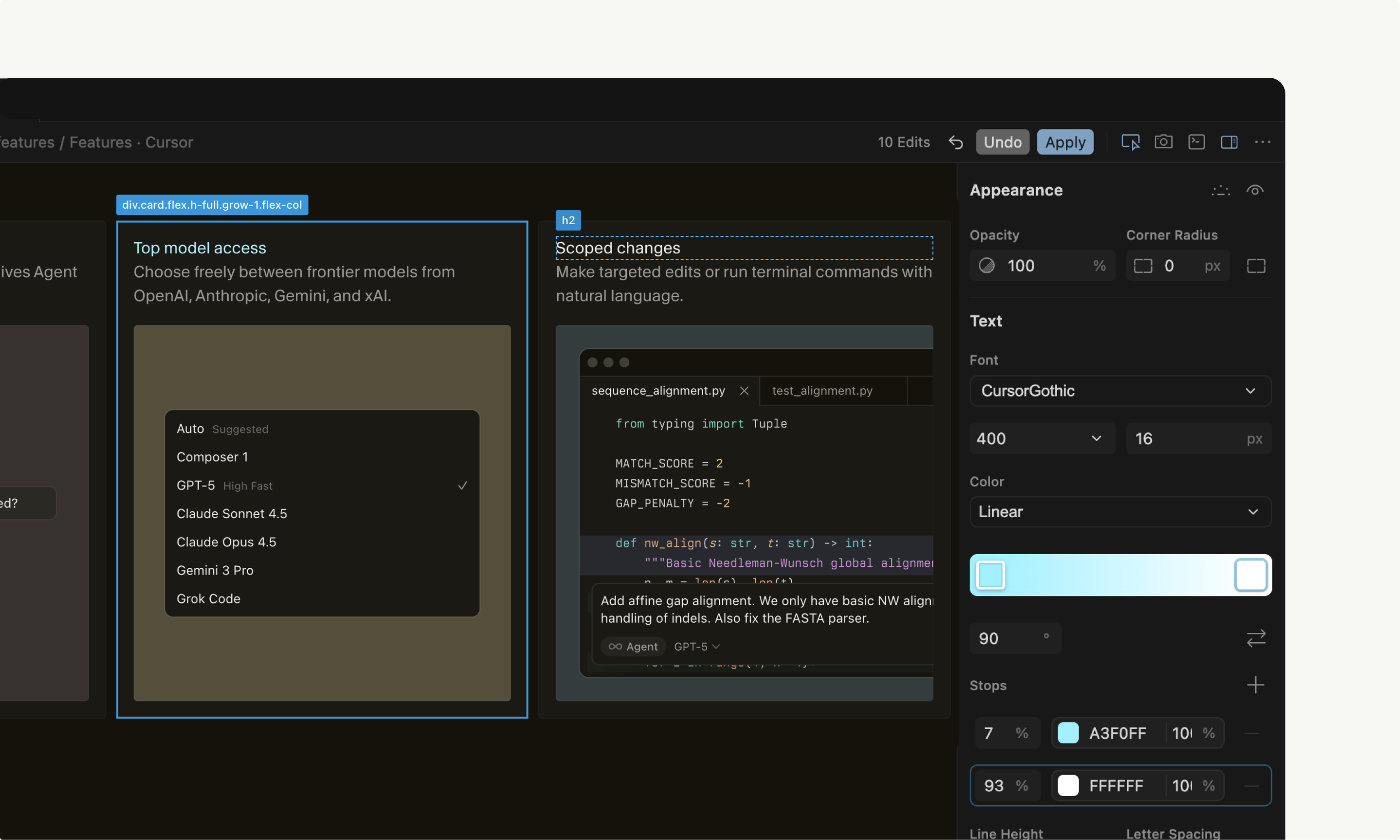
A visual editor for the Cursor Browser · Cursor
Bringing design and engineering closer together.
Pad++: A Zooming User Interface (1998)
How an accessibility designer adds keyboard shortcuts to a web app
Keyboard shortcuts occupy a strange area for web design.
Focus-plus-context screen
Building a UI framework
Building a UI Framework Ian Hickson (ian@hixie.ch) — 2025 — First Edition — https://software.hixie.ch/ui-frameworks To leave comments, use the edit version. Introduction This document examines important design decisions for creating a new graphical UI framework. It was commissioned to answer the...

The HTML presentation framework | reveal.js
Documentation and demos for the open source reveal.js HTML presentation framework.
App Dissection
Breaking down the design details of well-crafted mobile apps. In-depth analysis of UI patterns, interactions, and user experience.

10/GUI
Here it is: my crazy summer project to reinvent desktop human-computer interaction. This video examines the benefits and limitations inherent in current mouse-based and window-oriented interfaces, the problems facing other potential solutions, and visualizes my proposal for a completely new way of interacting with desktop computers. There's more information at http://10gui.com .
+ ui primitives for navigating between, discovering them, managing them, etc ! (and on all the above, and the ones dan mentions, I don't think they need to look anything like the solutions we already have for these things, new ideas are possible!)

daniel holmgren 🫠
so you have a "universal" app that pulls together all these disparate highly-contextual apps. notifications for all of them in one spot, a algorithm/discovery for seeing updates across all of them, etc
