


Move, zoom, and snap windows. Arrange windows in layouts. Auto-adjust to display setups.
Rectangle
Move and resize windows in macOS using keyboard shortcuts or snap areas. The official page for Rectangle.

PowerToys Crop And Lock for Windows
Crop And Lock to crop a current application into a smaller window or just create a thumbnail.

macOS WM — Window Managers for macOS
A curated directory of window managers, status bars, and scripting tools for macOS. From automatic tiling to gesture controls, find the perfect tool for your workflow.
mut-ex/awesome-wm-nice
An Awesome WM module that add MacOS-like window decorations, with seamless titlebars, double click to maximize, and window shade feature
Pad++: A Zooming User Interface (1998)
Shift Browser | Drag and Drop. Build Your Custom Browser
Build a custom layout for your browser. Create Spaces to separate work, hobbies, and passion projects. Integrate apps to make your browser capable of anything.

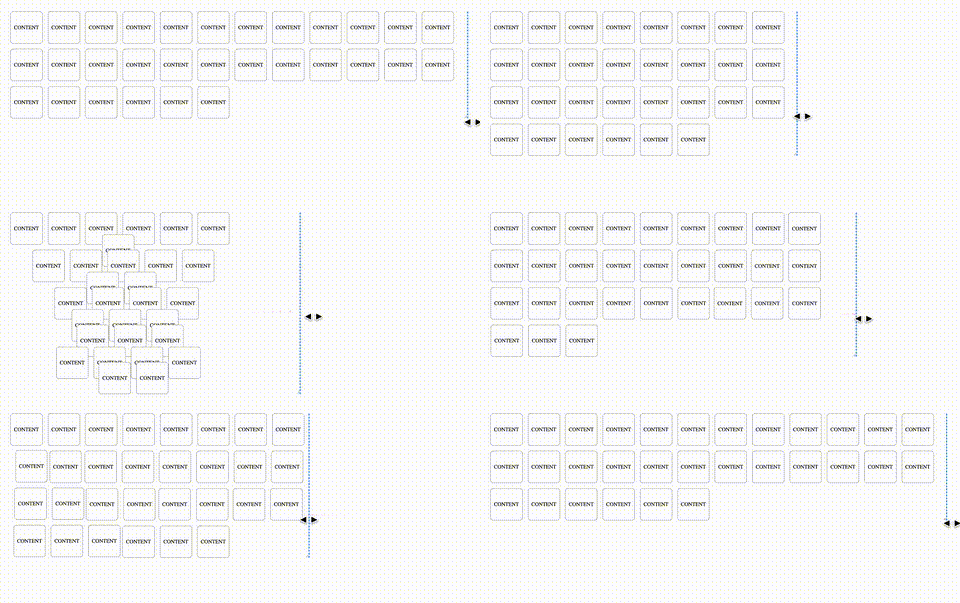
Animating CSS Grid Layouts with CSS Anchor Positioning
At CSS Day (back in June), someone asked me how Brave (the browser) might have built their New Tab Page which features some tiles laid out in a grid. While the grid is nothing spectacular, something special happens with it when you resize the viewport: as the available space changes, the grid nicely reorganizes itself in an animated way. The animations are also interruptible, so no View Transitions seem to be at play.So, how did they do it? I’m not sure. But if I were to recreate it, I’d use CSS Anchor Positioning with regular CSS Transitions on top.
The iPhone Duo’s windows into Liquid Glass - Quibbletown by Keren
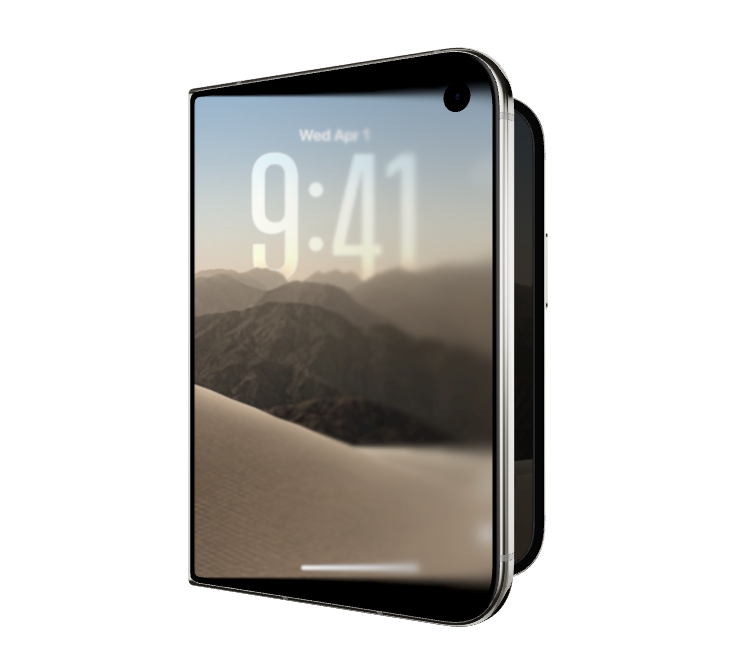
With the reveal of the new iPhone Duo1, I was delighted to see how iOS was adapted to accommodate the strange, shifting nature of a folding display. How do we communicate the weird turns and tumbles of the hardware not just to the system, but to the user, to prepare them for what their big cumbersome motion will do to the apps they’re interacting with?

Mac window tiling icons & keyboard shortcuts
A list of the icons and keyboard shortcuts for tiling windows on Mac.
