


CSS tip: recolor every checkbox, radio and range slider with one line. :root { accent-color: #EA580C; } No custom markup, no hidden inputs. The browser even picks a readable checkmark color for you.
Pure CSS Custom Checkbox Style | Modern CSS Solutions
We'll create custom, cross-browser, theme-able, scalable checkboxes in pure CSS. We'll use `currentColor`, the `em` unit, SVG, and CSS grid layout.

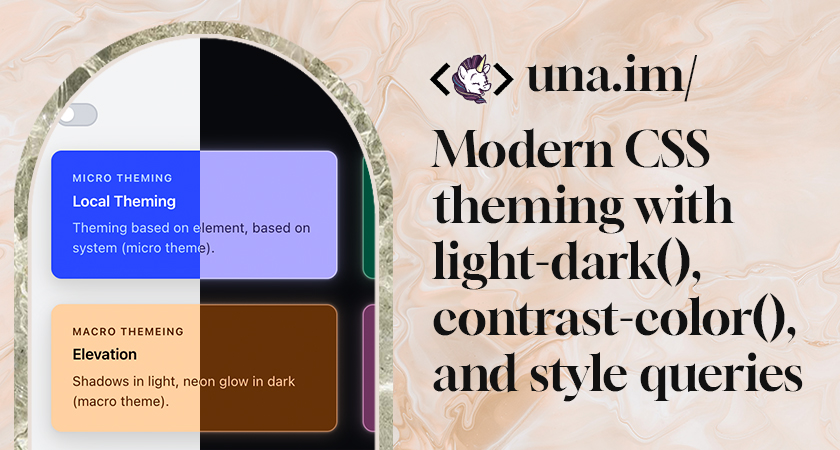
una.im | Modern CSS theming with light-dark(), contrast-color(), and style queries
Combine three new CSS features to build fully adaptive themed components.
Subtle text "highlighter" in pure CSS

A Colorblind-Friendly Customizer for Parfait · Off-Axis
Tuning parfait.social for protan, deutan, and tritan vision—and any hue on the CMYK wheel.
WebAIM: Contrast Checker
Please enter a valid hex value (alpha value optional) or use the color picker.
Selection Controls UX Checklist – Learn UI Design
Selection Controls UX Checklist – Learn UI Design

CSS Color Spaces and Relative Color Syntax | 12 Days of Web
Learn how to define color palettes that are perceptually uniform using the new Oklch color space and the relative color syntax in CSS.
CSS Selectors: A Visual Guide & Reference
Visual guide to CSS selectors, including pseudo-classes (:nth-child, :hover,...), functional pseudo-classes (:not, :is,...) and pseudo-elements.
I Just Wanted Emacs to Look Nice — Using 24-Bit Color in Terminals
Thanks to some coworkers and David Wilson’s Emacs from Scratch playlist, I’ve been getting back into Emacs. The community is more vibrant than the last time I looked, and LSP brings modern completion and inline type checking.
UI Style Guide — 67 Interactive Design Styles | Free Reference
The free UI style guide for designers, developers and AI coding agents: 67 design styles with live demos, color palettes, CSS and copy-paste prompts.
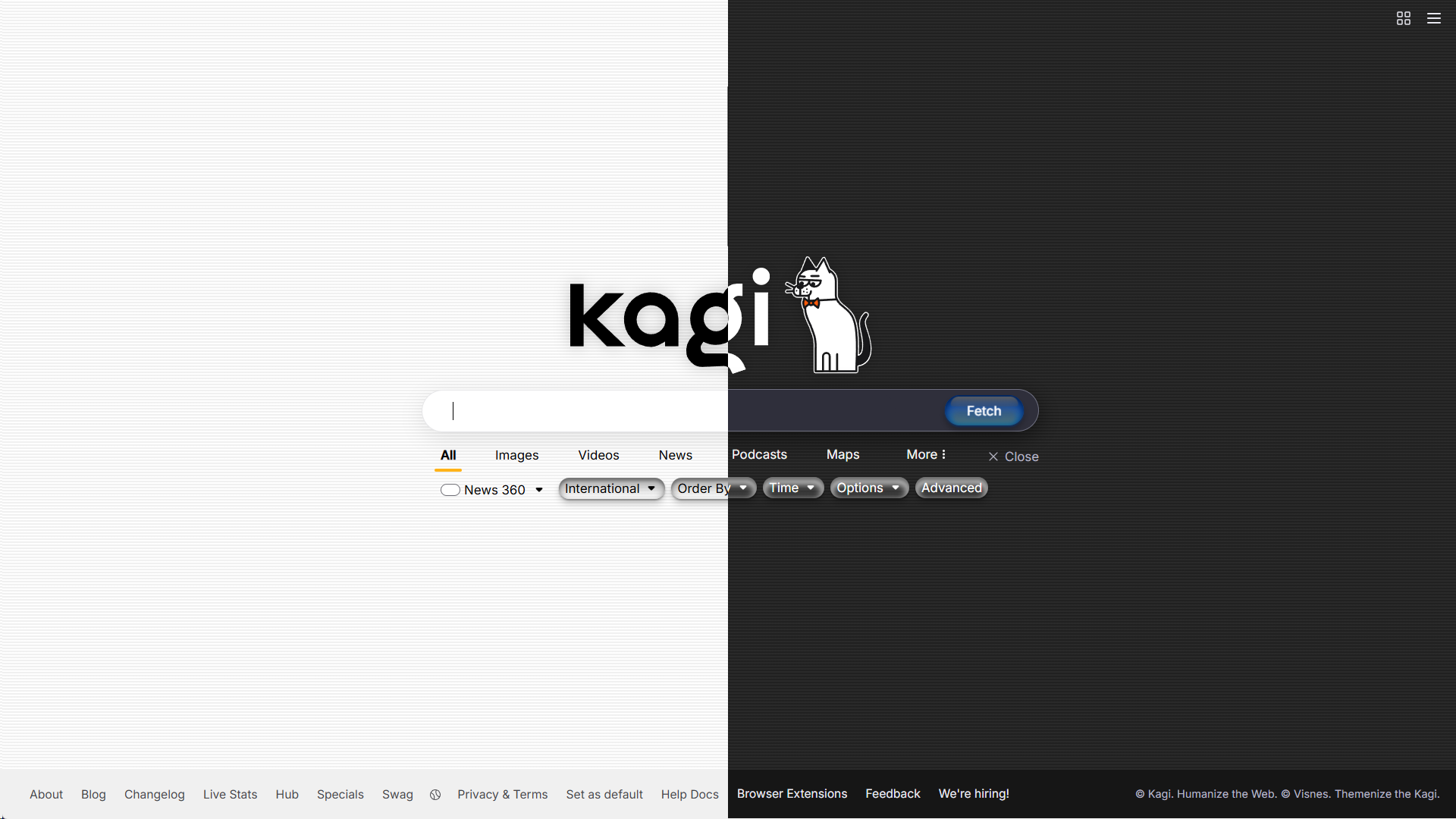
OS X Aqua - Kagi Search Theme
A custom theme that's inspired by old school Apple's OS X Aqua theme. Has both Dark and Light mode that changes based on your system settings. ** [Github repo](https://github.com/Visnes/kagi-aqua/) ** Do the following: Go to Appearance → Change theme to "Default", not "Light" or "Dark" → Enable Custom CSS & Paste custom.css → Save changes
ignore the code: Toggles Considered Harmful
I just read this post from Marcin Wichary's Unsung, where he points out a peculiar macOS dialog box that shows boolean toggles in four different shades of grey:
CSS Tutorials | HTML Dog
Everything in these tutorials comply with CSS3. That’s the freshest, healthiest, sparkliest flavour of CSS. Its newer aspects will find their way into later tutorial pages.
This was based on the second screenshot in the post I linked to, but I think it might be a misunderstanding on my end (I thought the checkbox is grayed out and unselectable, leading me to misinterpret the message underneath, which I’ve now realized is the same as Bsky’s; maybe it’s not unselectable)
