

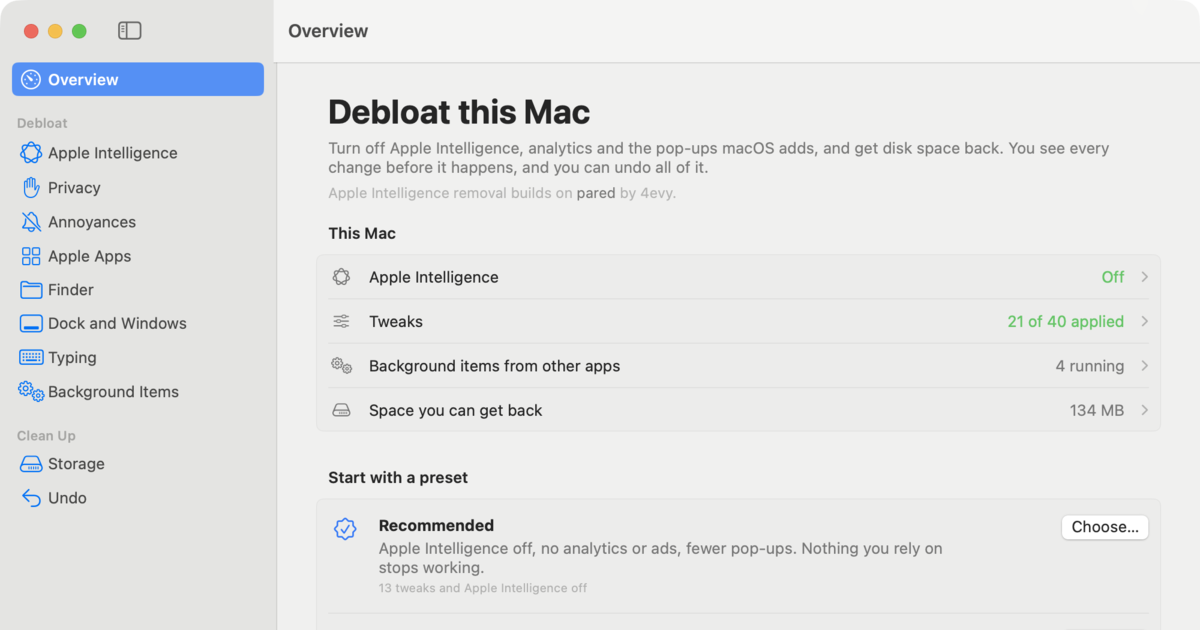
Turn off Apple Intelligence, analytics, ads and pop-ups. See every change first, undo any of it.
omlahore/RemoveMacAI
Turn off Apple Intelligence and delete its models on your Mac. Optional tweaks for analytics, ads and pop-ups. A native app and CLI, and every change can be undone.
Mac Users Reclaim 12GB+ of Storage With Apple Intelligence Removal Tool
A new open-source tool is making waves in the Mac community by helping users reclaim valuable storage space taken up by Apple's AI models. Called "RemoveMacAI," the command line tool disables Apple Intelligence on macOS 27, removes its downloaded models, and prevents them from being downloaded again. In macOS 27, Apple removed the toggle to disable Apple Intelligence wholesale, and simply disabling individual features doesn't remove the models from your Mac's drive.

macOS 27 dropped the Apple Intelligence off switch, so I wrote a command that turns it all off and deletes the ~12 GB of models
1.4K votes, 356 comments. macOS 27 doesn't have one toggle for Apple Intelligence any more. You have to find about a dozen settings, and several of…
Apple’s Software “Problem” and “Fixing” It (via twitter)
The following was shared as a twitter thread. Here’s the medium version.

The solution might be cancelling my AI subscription
An open-source tool lets you delete 12GB of Apple Intelligence data on macOS
Delete Apple’s AI with a single command.

An open-source tool lets you delete 12GB of Apple Intelligence data on macOS
Delete Apple’s AI with a single command.
How to Disable the AI Features in Gmail and Google Docs
New AI toolbars and prompts are showing up in Google Docs and Gmail. If you don’t want Gemini’s help in writing documents and emails, here’s how to turn that stuff off.

Thoughts on the WWDC 2024 keynote on Apple Intelligence
Today’s WWDC keynote finally revealed Apple’s new set of AI features. The AI section (Apple are calling it Apple Intelligence) started over an hour into the keynote—this link jumps straight …
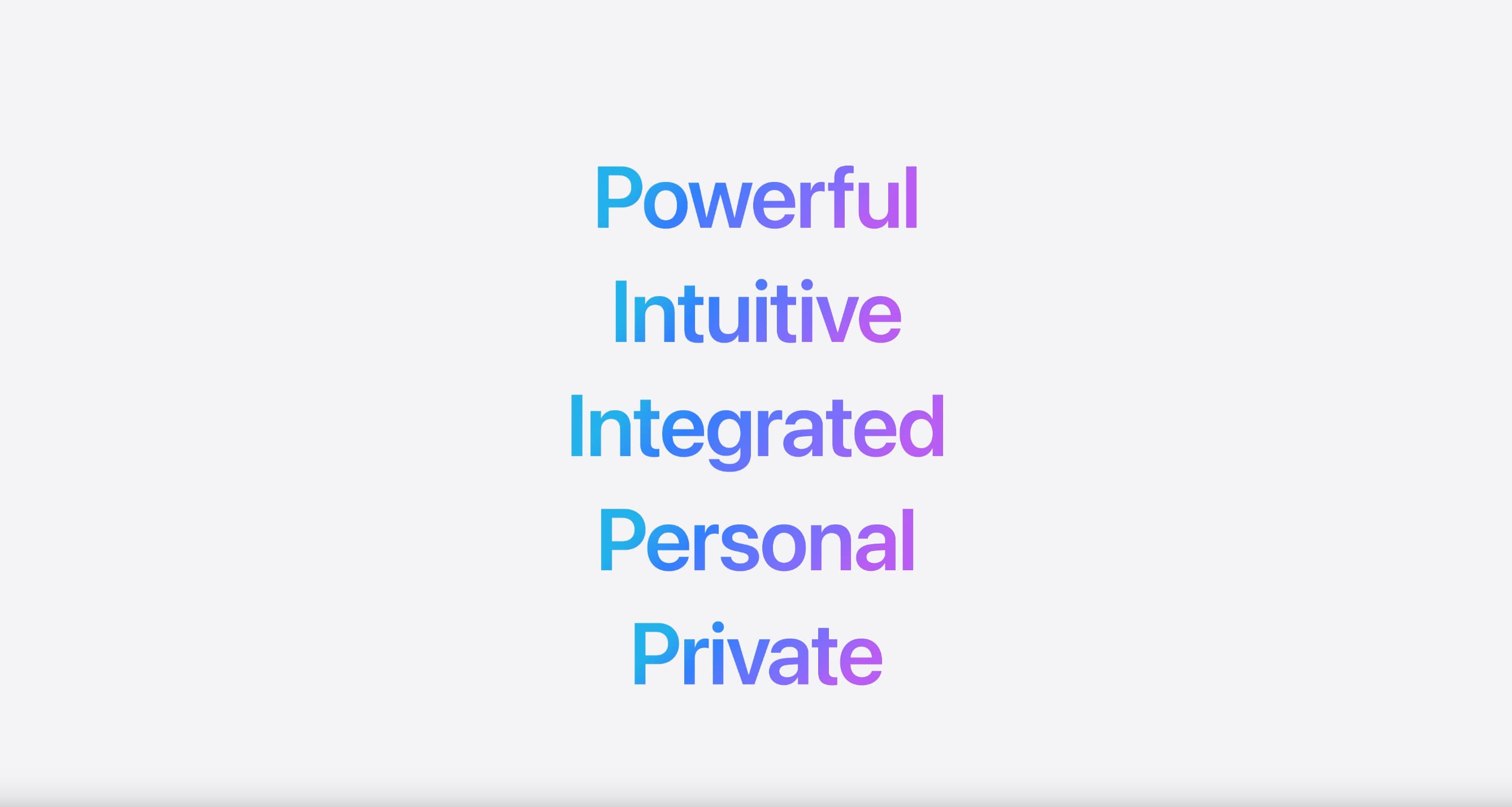
How to Opt Out of AI Tools or Training Made by Big Tech
It seems like every software or website update brings new AI features. Some people find these features useful and immediately integrate them into their work. Others find them annoying or in the way.
Apple threat notifications and spyware: what everyone should know - Access Now
Since 2001, Apple has been warning its users when they may have been targeted by spyware, using email, iMessage, and banners in their accounts. But in
How to disable or avoid intrusive AI – librarian.net
One of the biggest questions I get at Drop-In Time at the library (besides “what is taking up all my cloud storage?”) is how to disable or avoid intrusive AI that shows up where people don’t want it. I’m going to make a handout that explains how to do some of the basic AI-removal or AI-avoidance things. This is a guide for people who would like less intrusive AI in their tech environment. Maybe you like AI and find it useful? That’s fine, this document is probably not for you. Additions/edits welcome. Leave a comment or drop me an email.
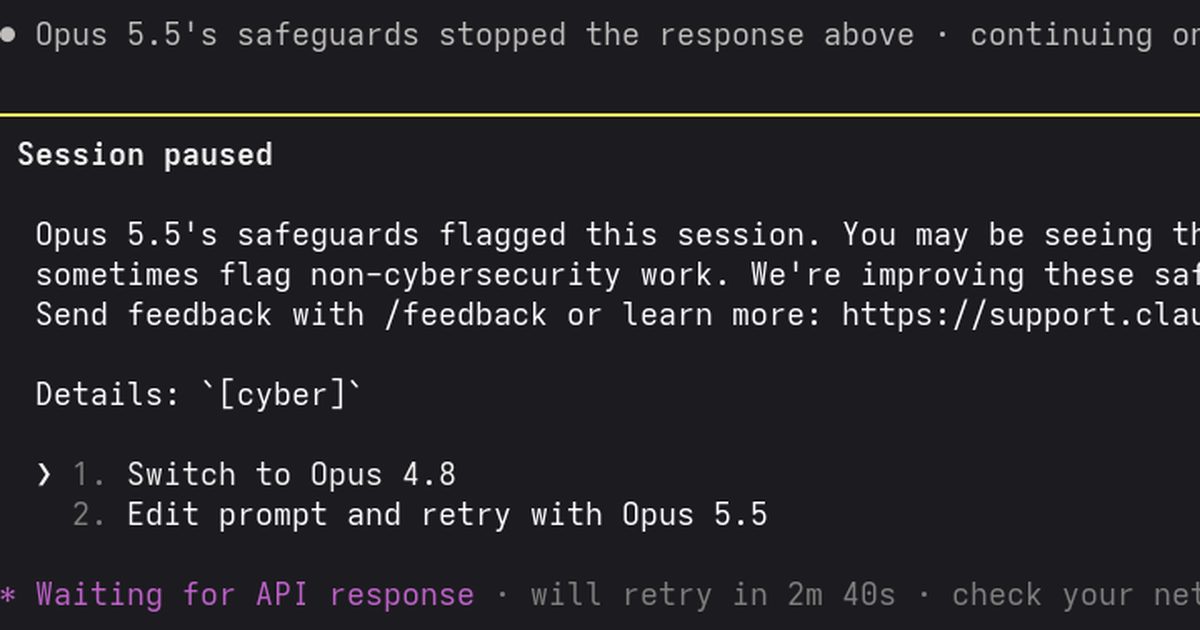
Fuck your AI safeguards
You can't tell me that you found a security issue in my product and then refuse to fix it.
Apple Will Permanently Remove Dashboard In macOS Catalina - Slashdot
"Apple's Dashboard is getting quietly removed from the company's upcoming macOS Catalina update," reports The Verge, citing Appleosophy and MacRumors. "The Dashboard first launched seven years ago with Mac OS X 10.4 Tiger in 2005 and saw its final update in 2011 with the launch of OS X 10.7 Lion." F...


macOS and iOS introduced an irritating new AI writing assistance feature in version 27. if you want to turn it off, go to settings > screen time > content privacy, turn it on, then scroll down to siri, select it, then turn off writing assistance (and any other feature you're not interested in).
