


If you're a nerd like me, you'll love this 🤓 Stop centering icons with align-items: center. Here's how to build a flexible box that perfectly aligns icons, text, and the box itself at any size, using CSS and a little math.
Better Icon and Label Alignment
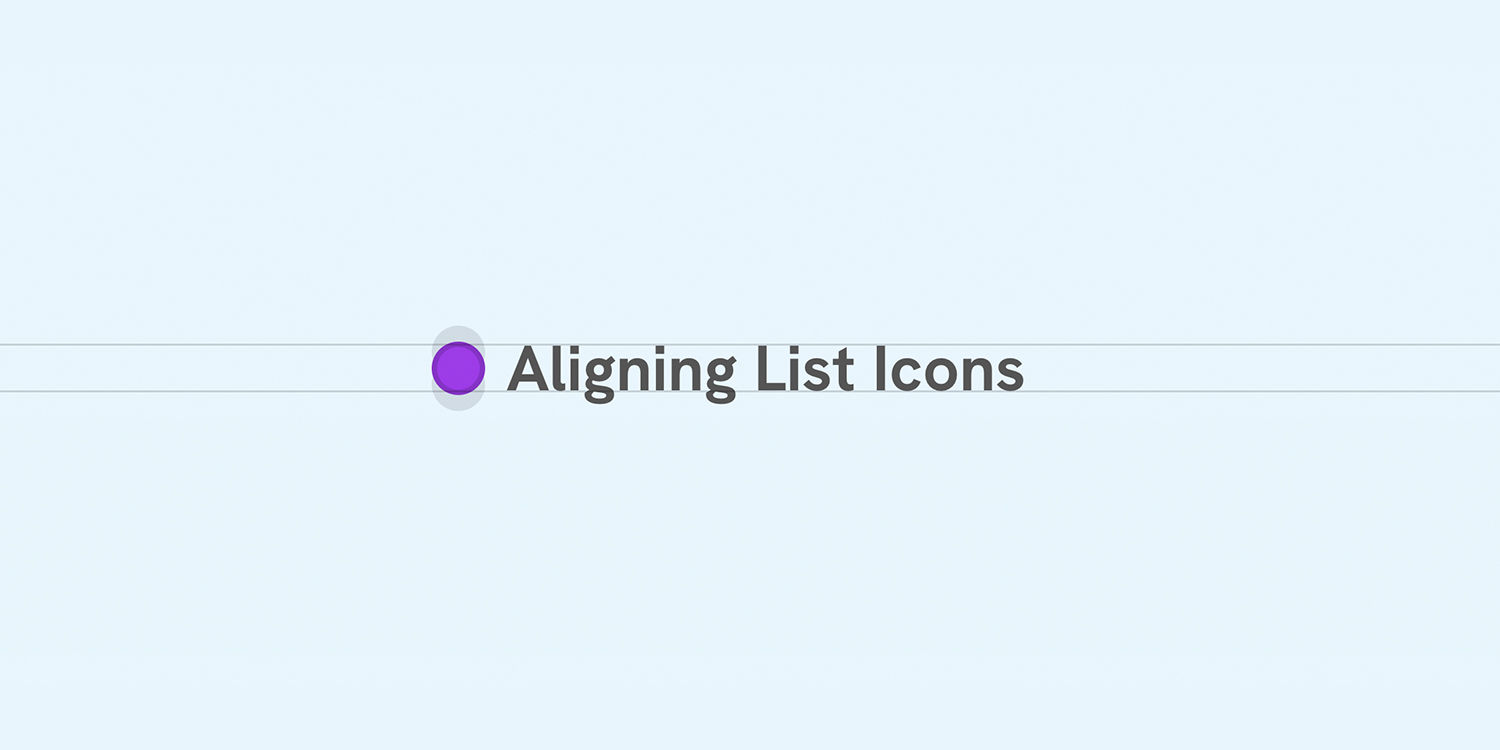
There is a common design pattern that sometimes gets missed or overlooked. It’s having a list of items, each with an icon. When the text is one line, the icon is centered, but when the text has multiple lines, the icon is still centered but looks odd.
Making features generic in CSS
CSS has two new positional alignment keywords as part of CSS Box Alignment Level 3: flow-start and flow-end. These are defined as aliases for the existing flex-start and flex-end keywords. Therefore, in a supporting browser, the following two lines should align flex items to the end of the flex container (the right assuming you are working in English).
Hardest Problem in Computer Science: Centering Things
Somehow we forgot how to center rectangles and must find our way back
Shrink-wrap Text with `position-anchor`
Normal text wrapping can leave big gaps in your container, which can become even more exaggerated with the new-ish CSS values of text-wrap: balance and text-wrap: pretty. You almost certainly want …

we finally learned to center a div, then browsers added sidebars
an extension for centering a page in the browser window instead of the webview.

Haz (@haz.dev)
You (and Claude) have been styling pill buttons wrong all along. Fair warning: this one gets VERY nerdy 🤓 Round ends steal space from the text and push the icon off-center. Here's the CSS that fixes both, with a bit of π.

2050141 - [text-box-trim] Set layout.css.text-box.enabled for all users
RESOLVED (sajidanwar94) in Core - Layout: Block and Inline. Last updated 2026-07-15.
Quirks and Vintage Uses of CSS Table Display
Jokes about aligning divs will not be tolerated.

Learn CSS Layout
Having no layout whatsover is almost ok if all you want is one big column of content. However, if a user makes the browser window really wide, it gets kind of annoying to read: after each line your eyes have a long distance to travel right-to-left to the next line. Try resizing your browser to see what I mean!
Pure CSS Custom Checkbox Style | Modern CSS Solutions
We'll create custom, cross-browser, theme-able, scalable checkboxes in pure CSS. We'll use `currentColor`, the `em` unit, SVG, and CSS grid layout.

Josh W. Comeau (@joshwcomeau.com)
✨ Neat CSS trick ✨ We can use `width: fit-content` to have a container element shrink to fit its element's width. This is useful for cards! But if that card has any text content, that text will blow out the width of the card, since it won't automatically linewrap. So we wind up with this issue:

CSS JOY Webring
This is the home of a new webring that I've decided to set up for those of us who take joy in messing around with CSS :)
CSS Anchor Positioning Guide | CSS-Tricks
Learn about CSS Anchor Positioning, including its syntax, properties, how it is used to position one element next to another, and even how it's used to resize elements relative to other elements.

box-sizing CSS property - CSS | MDN
The box-sizing CSS property sets how the total width and height of an element is calculated.