


Move and resize windows in macOS using keyboard shortcuts or snap areas. The official page for Rectangle.
Mac window tiling icons & keyboard shortcuts
A list of the icons and keyboard shortcuts for tiling windows on Mac.
Moom
Move, zoom, and snap windows. Arrange windows in layouts. Auto-adjust to display setups.

PowerToys Crop And Lock for Windows
Crop And Lock to crop a current application into a smaller window or just create a thumbnail.

macOS WM — Window Managers for macOS
A curated directory of window managers, status bars, and scripting tools for macOS. From automatic tiling to gesture controls, find the perfect tool for your workflow.
Kit Langton on Twitter / X
Spaceman. A macOS window manager.here's a little demo ;-) pic.twitter.com/QGXr7qb1eo— Kit Langton (@kitlangton) November 23, 2026

mut-ex/awesome-wm-nice
An Awesome WM module that add MacOS-like window decorations, with seamless titlebars, double click to maximize, and window shade feature
Amethyst | ianyh
If you want to learn more about tiling window managers and the features of Amethyst there are some great community resources on YouTube.
Jetty Pro
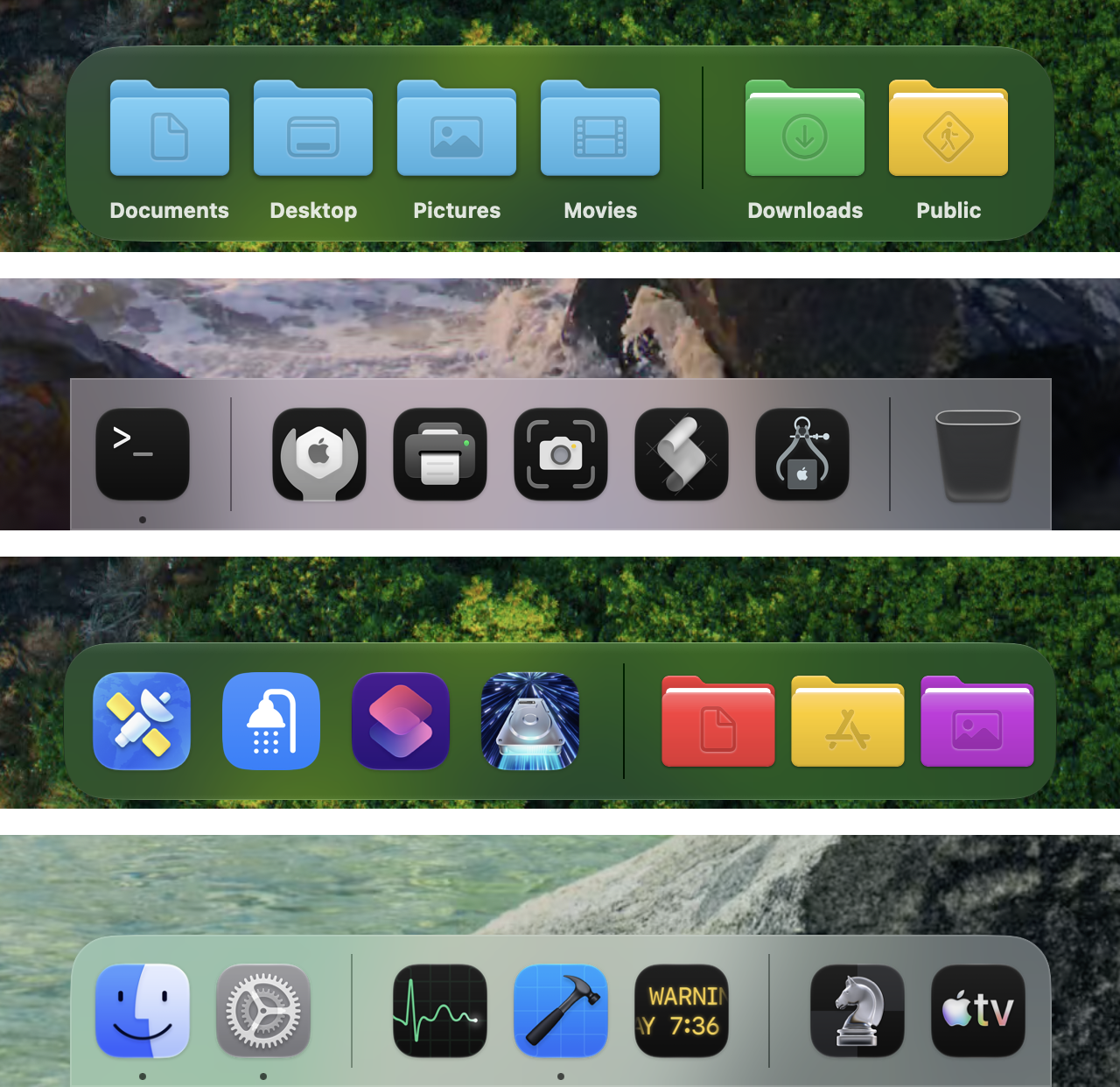
My first two Mac apps, Front and Center and SwitchGlass, were both created back in 2020 to restore features from DragThing, the venerable Mac app that was retired in 2019. The one tiny feature that Front and Center provided was literally a single checkbox within DragThing’s preferences. SwitchGlass went a bit farther, recreating one specific kind of floating palette from DragThing (and classic Mac OS).
Hardest Problem in Computer Science: Centering Things
Somehow we forgot how to center rectangles and must find our way back
Pad++: A Zooming User Interface (1998)
updated feature: Window Shape API
Tilemap Editor - a Hugging Face Space by HugoDzz
Built with SvelteKit and EXE: https://github.com/Hugo-Dz/exe