

Use the keyboard, mouse, or trackpad of your Mac to control up to two other nearby Mac or iPad devices, and work seamlessly between them.
Personal Computer for Mac - Perplexity
Personal Computer for Mac. One keyboard shortcut opens an always-on AI that controls local files, native apps, and Comet browser. No uploads. No tab switching.

after hours
This room needs a keyboard and mouse. It isn’t playable with touch controls.

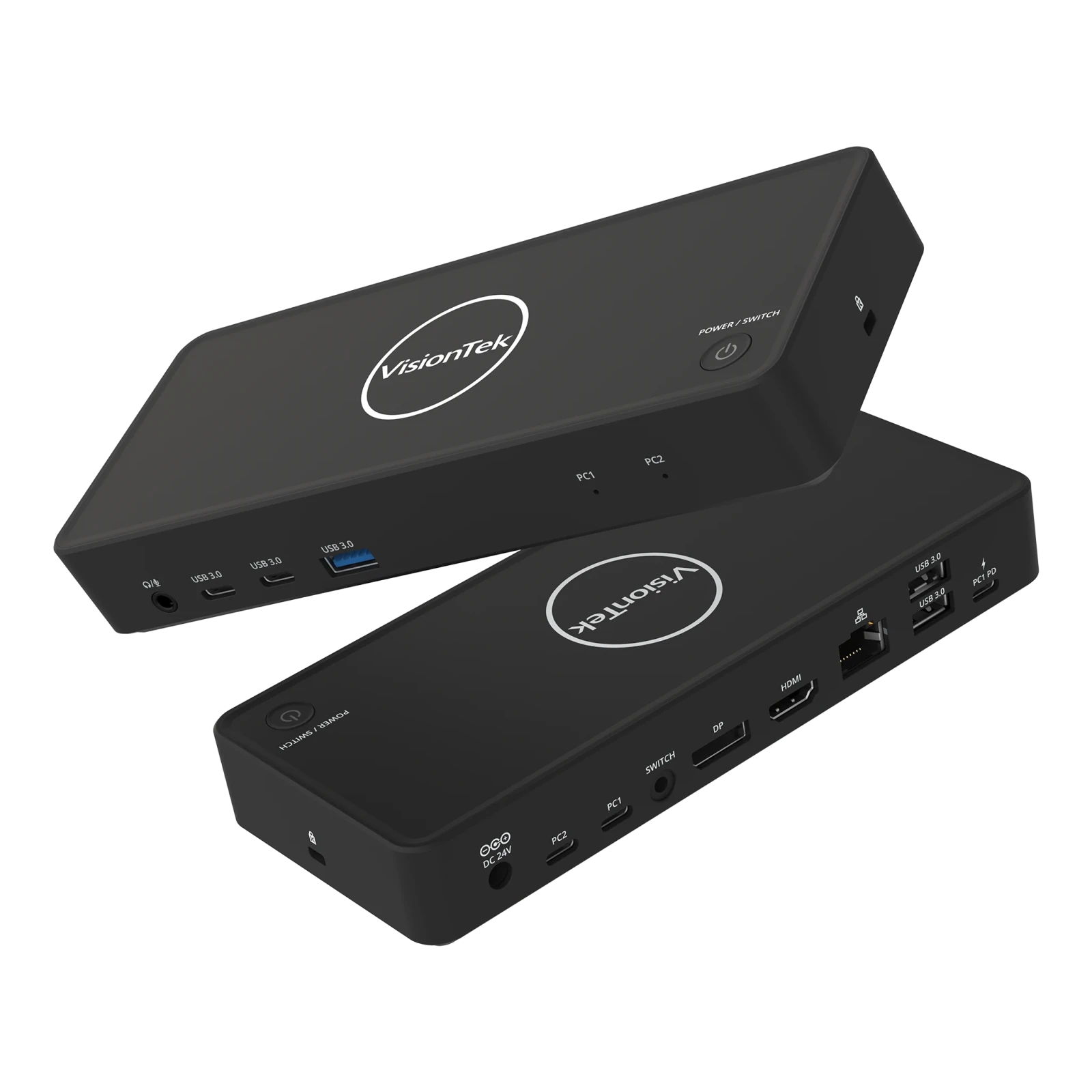
VisionTek VT2900 USB-C KVM Docking Station | Dual System Dock | DP Alt Mode | Dual Display | 100W Power Delivery | 130W Power Adapter Included | Best For Windows
The VisionTek VT2900 USB-C Docking Station with integrated KVM switch is built for professionals managing multiple systems who need reliable connectivity and seamless workflow transitions. Switch between two laptops using a single set of monitors, keyboard, mouse, and peripherals with the press of a button, eliminating cable swapping and reducing desk clutter. Expand your workspace with dual monitor support via HDMI and DisplayPort using USB-C DisplayPort Alt Mode. The VT2900 supports productivity-focused setups with essential connectivity including USB-A, USB-C, Gigabit Ethernet, and a 3.5mm audio jack. Power your primary laptop with up to 100W USB-C Power Delivery while maintaining fast 5Gbps data transfer speeds for connected devices. Compatible with Windows laptops that support DisplayPort Alt Mode. macOS supports a single external display. DESIGNED FOR HYBRID DESKS - Share one desk between your work and personal laptop with no cable swapping. KVM docking station for dual laptop control built for Windows users. macOS supports one extended display and mirrors the second. ONE-CLICK SWITCHING - Switch between two laptops in seconds using the built-in KVM button. Your keyboard, mouse, monitors, Ethernet, and audio move together with the active system. No unplugging, no interruptions. ALL YOUR PORTS, ONE DOCK - Connect everything through a single setup. Includes HDMI, DisplayPort, 3x USB-A, 2x USB-C, Gigabit Ethernet, and 3.5mm audio. Supports up to 5Gbps data transfer. Plug and play with no drivers required. POWER BOTH LAPTOPS - Charge your primary laptop with up to 100W USB-C Power Delivery (PC2). A second USB-C passthrough port allows you to connect another charger to power your second laptop at the same time. DUAL MONITOR SUPPORT FOR WINDOWS - Connect two 4K monitors via HDMI and DisplayPort for expanded workspace and multitasking. Windows supports dual extended displays using MST. macOS supports one extended display with the second mirrored. BUILT FOR WINDOWS LAPTOPS - Works with USB-C laptops supporting DisplayPort Alt Mode, including Dell XPS and Latitude, Lenovo ThinkPad, HP EliteBook, Microsoft Surface, ASUS, and Acer. Check your USB-C port for video support before purchase.
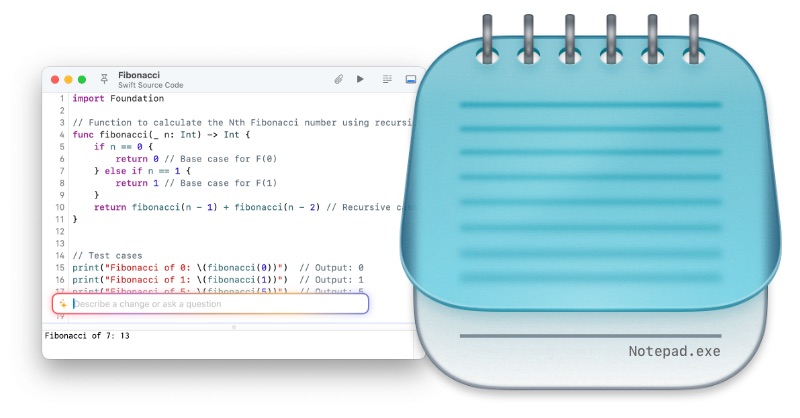
Notepad.exe - Native macOS Code Editor for Swift & Python
Lightweight macOS code editor. Skip the setup, write code, run instantly. Built-in iOS simulator, AI assistance, and Linux support.
MacPaw Partners with Liquid AI to Bring On-Device AI to Millions of Mac Users — Blog
MacPaw partners with Liquid AI to bring private, fast, on-device AI to millions of Mac users, starting with the Eney assistant for macOS.
Henry on Twitter / X
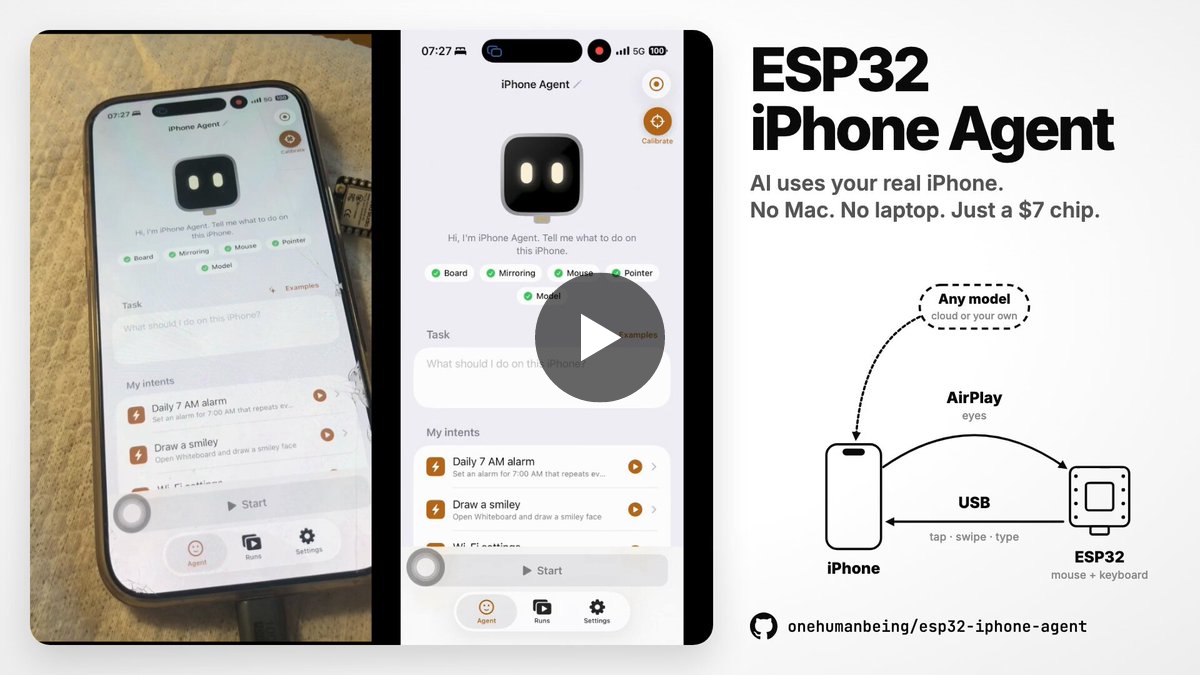
Updated: A $7 ESP32 lets an AI agent control a stock iPhone. THAT'S ALL.New version, no Linux box, no laptop. The ESP32 takes the iPhone's AirPlay screen and taps back over USB. We also built a very cute agent app that works together with the ESP32 to automate any iPhone.Use… pic.twitter.com/iAgyRPCN6U— Henry (@iamhenryyuan) October 15, 2026
FocusWriter
FocusWriter is a distraction-free text editor for Microsoft Windows and Linux. An old version (1.7.6) still can be used on MacOS.

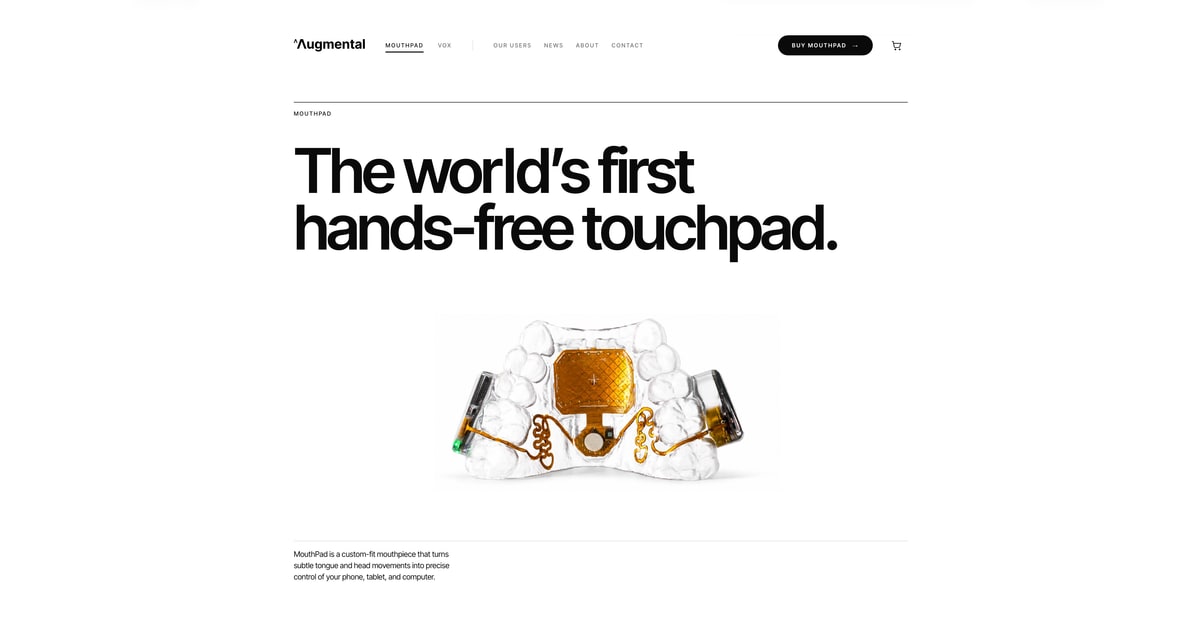
MouthPad: the hands-free touchpad
A trackpad worn on the roof of the mouth: hands-free control of your devices, driven by the tongue. From Augmental.
You can now use TextExpander for free across Mac, iPhone, iPad, and more
TextExpander now offers a free plan, letting users access its core Snippets feature on the Mac, iPhone, iPad, Windows, and Chrome. Here are the details.

Syncing my clipboard between macOS and remote terminals
I'm Jesse. I make stuff. Software, hardware. Very occasionally, trouble.

built an atproto terminal ui for setting up alternative plc rotation keys. there are two types of keys. hardware-based: no sync software-based: synced via icloud is anyone interested in this? I could package it up and release it, though it needs a lot of UX work. tangled.org/saewitz.com/plc-touch/
