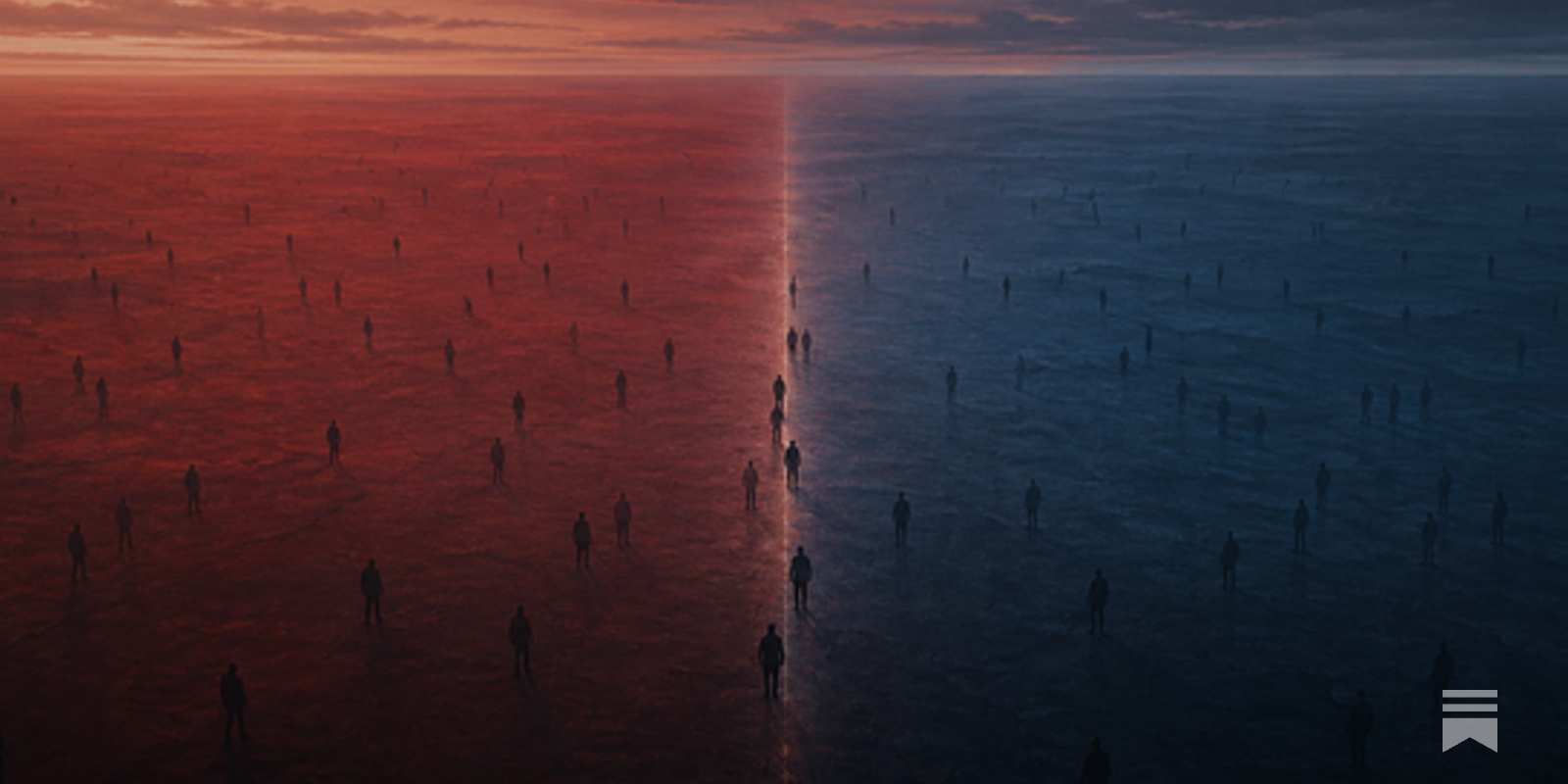
Traditional keyboards force your fingers to move across an unnatural row-staggered layout. The evolution of ergonomic keyboards has progressed through layouts such as ortholinear, split ortholinear, column staggered, and splayed column staggered - each attempting to better match your hand's natural anatomy. Yet all the
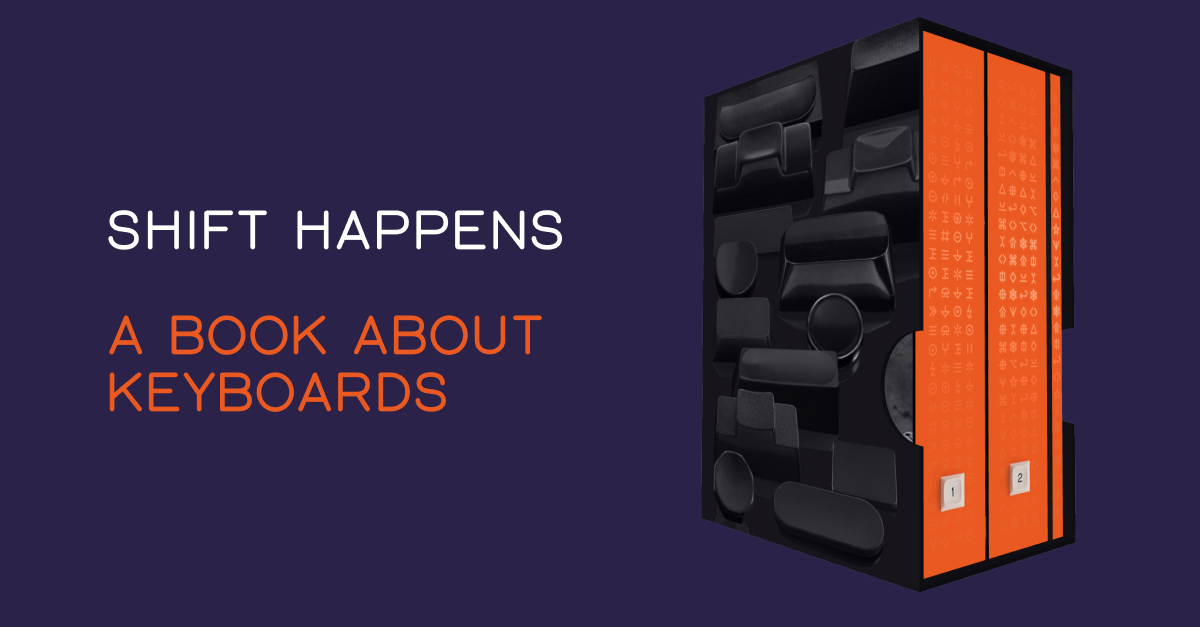
Shift Happens: A book about keyboards
Shift Happens tells the story of keyboards like no book ever before, covering 150 years from the early typewriters to the pixellated keyboards in our pockets.
author's note and welcome
I didn’t mean to know about computers. I didn’t study them in school, though I enjoyed using the clackety-clack keys in grade nine keyboarding class. “Keyboa...
unicode-keyboard-layout-phoenician
The Phoenician Unicode Keyboard Layout or PHNX-UKL is the first Unicode-compliant keyboard layout for the Phoenician Unicode block.<br/>
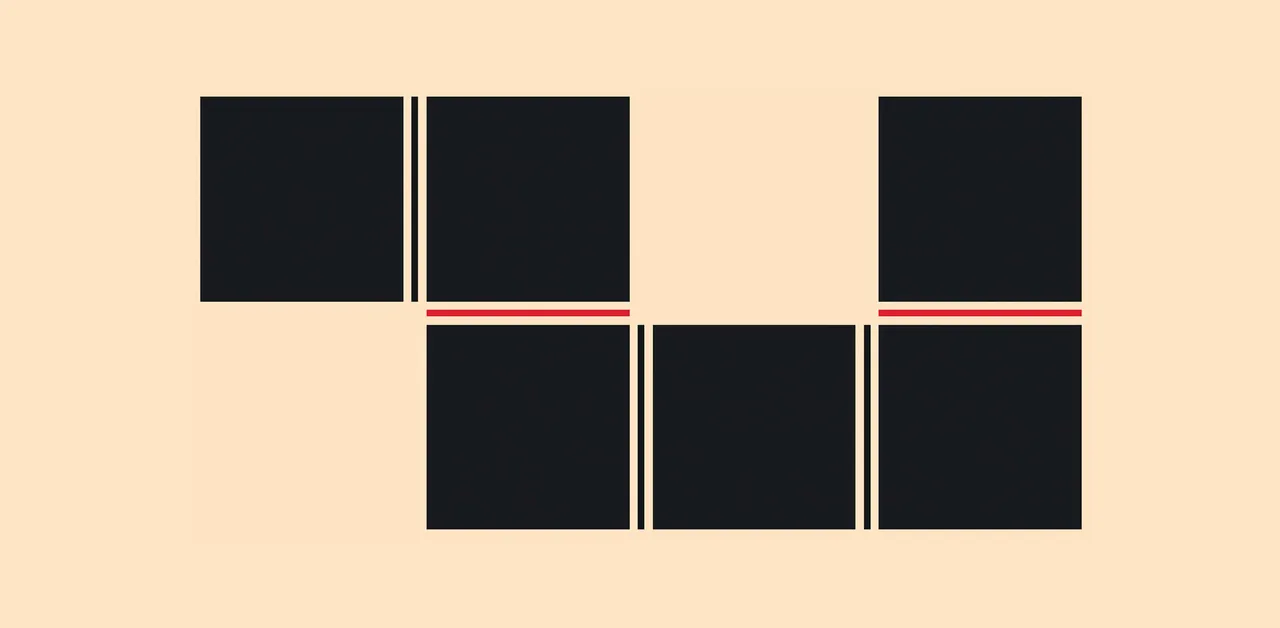
CSS is filling the gaps with rules. A way to style gaps in grid and flex. | utilitybend
A practical walkthrough of CSS gap decorations: column-rule, row-rule, rule-break, rule-inset, rule-visibility-items, repeat(), and animation.
Beginner’s Guide to Piano Arpeggios and Patterns – Free Piano Lessons Online | The Note | Pianote
Like scales, piano arpeggios are a very important skill. And they’re useful: arpeggios will help you master chords, develop dexterity, practice hand independence, and get comfortable moving up and down the keys. Plus, they just sound so nice!
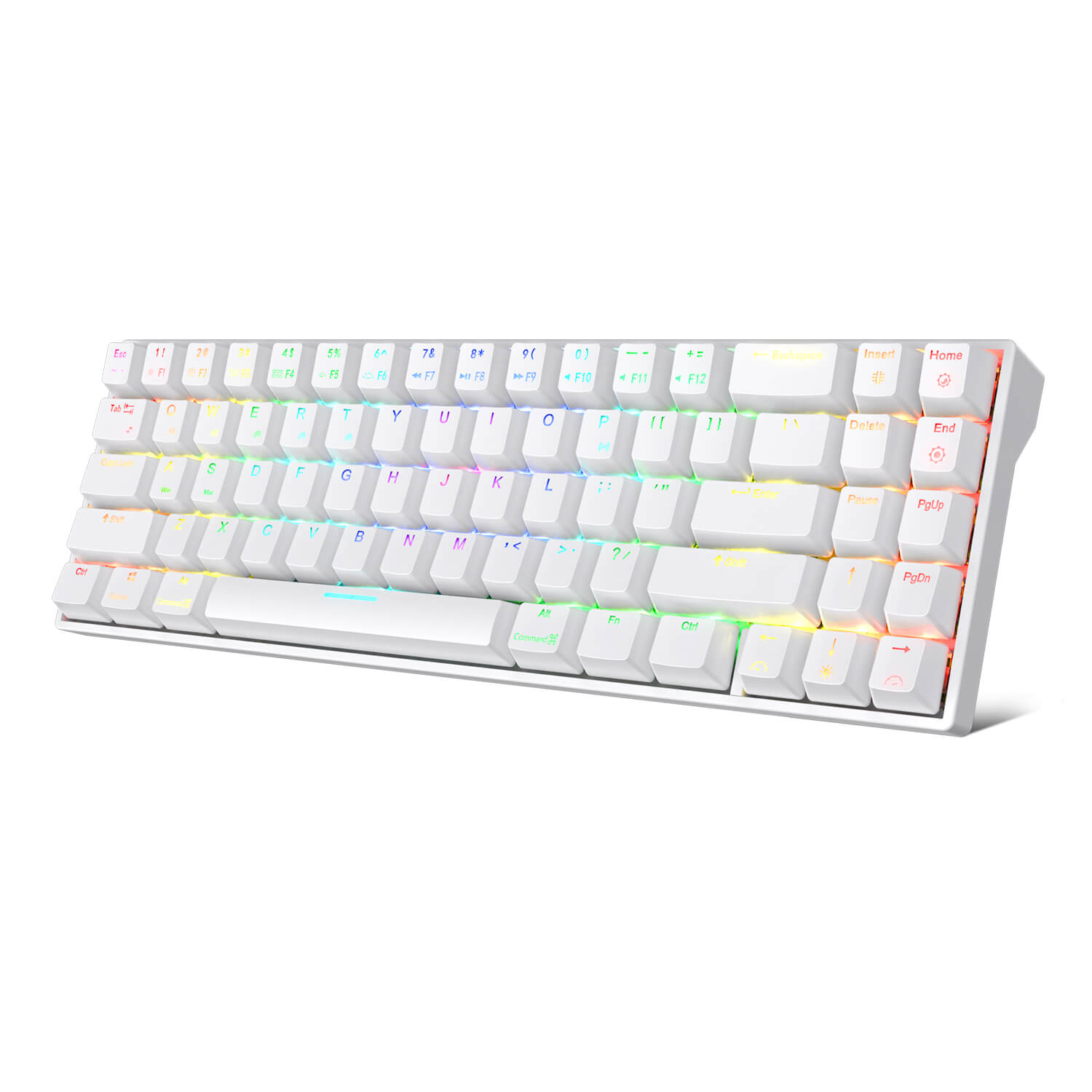
RK71 70% Wireless Mechanical Keyboard
Win+Mac Design for All Users Press FN + A/S to easily switch between Windows and Mac devices, detailed Windows+Mac layout meets the needs of each user to work efficiently or gaming/working status switching. 10 Keys Anti-Ghosting in BT Mode Triggering 10 keys instantly in wireless mode is available and full keys rollover with the cable connected. You can register as many keys as you can press at once without missing out characters in different modes. Ergonomic 8° Angle or Add a Pad Foot The tested comfortable Ergonomic 8°angle might not meet every users’ need, so we give them another options to choose. Add a magnetic pad foot or not, is up to your definition of comfort. RK61 White RK84 White RK71 White RK68 White RK87 Wihte Keys Layout 61 keys 84 keys 71 keys 68 keys 87 keys Connection Bluetooth (3 devices) 2.4Ghz + Bluetooth (3 devices) Bluetooth (3 devices) Bluetooth (3 devices) 2.4Ghz Wireless Backlight Blue RGB RGB Blue RGB Switches Blue Brown Brown Brown Brown Size 289*103*39mm 315*125*39mm 330*102*37mm 309*103*39mm 360*135*39mm Weight 0.50kg 0.79kg 0.64kg 0.60kg 1.10kg Battery Capacity 1450mAh 3750mAh 1000mAh 1450mAh 1850mAh Software ✓ ✓ ✓ ✓ ✓
UHK 60 v2
The UHK 60 is fully programmable, impeccably built, 60% split mechanical keyboard designed for extreme productivity and ergonomics. Make the most out of your UHK by reading its interactive onboarding manual! Key switch type Key switch type is the defining factor that determines the feel of any keyboard. We offer the following Kailh switch types; each has its character. Let us first look at the vertical axis of the matrix. You may already be familiar with regular MX switches on countless other keyboards. The box switches feel more precise and better protected from dust; we recommend them for the best typing experience. The silent switches make your UHK more bearable in noise-sensitive environments at the expense of some mushiness. For the matrix’s horizontal axis, we recommend clicky switches. They provide the best typing experience, but your environment may not tolerate their noise. Gamers often prefer linear switches; tactile switches are the best middle ground between typing and gaming. Switch name Feel Actuation force Audio sample Regular Brown Tactile 50 gf Play Regular Blue Clicky 50 gf Play Regular Red Linear 45 gf Play Box Brown Tactile 50 gf Play Box White Clicky 45 gf Play Box Red Linear 50 gf Play Silent Brown Tactile 45 gf Play Silent Pink Linear 35 gf Play If you're still not sure which switch to choose, we strongly recommend purchasing the UHK switch tester. Layout and keycaps The UHK keycaps are best-in-class double-shot PBT keycaps that offer excellent shine-through performance, and the legends are easy to read even when they’re not backlit. The surface of these keycaps never gets shiny with use, and their legends never fade. The keycaps’ side legends are silk printed. We don't offer custom keycap printing options, and you can only choose the ones provided. You can select English US (ANSI), English UK (ISO), Blank ANSI, or Blank ISO. Being a backlit keyboard, we implemented the blank option by placing small translucent dots on every keycap. All these keycap options are made of double-shot PBT. We only provide a bar-shaped Enter key. The main reason is that it's more ergonomic than the L-shaped Enter key, and it's super easy to get used to, even for ISO users. If you want a custom UHK 60 keycap set (not backlight-friendly, but high quality), design and order yours from Yuzu. They have presets for German, UK, Norwegian, Swedish, Danish, French, Italian, Spanish, Portuguese, Swiss, Colemak, Colemak-DH, and Dvorak layouts. We don't get any kickback from Yuzu. Box contents The following items are included: The UHK 60 v2 (left and right keyboard halves) Braided bridge cable (11 cm collapsed - 30 cm expanded, or 0.35 - 1 foot), or make a custom length bridge cable Braided USB-C to USB-C cable (180cm long, or 6 feet) USB-C to USB-A adapter Combined keycap and switch puller Four hot-swappable flip-out feet For maximum ergonomics (tenting and negative tilting), the UHK palm rest is strongly recommended. Tenting and tilting angles With the bundled flip-out feet, you can tent, positively tilt, and negatively tilt the UHK 60 with and without the palm rest. When the feet are assembled, you can unfold them for more elevation or fold them for less elevation. Negative tilting without the palm rest is only possible with closed feet. Combined tenting and tilting is not supported. The following angles are achievable with unfolded feet, with folded feet providing approximately half the unfolded angle: Tenting angle: 9° for the left half and 7° for the right half (both with and without palm rest) Negative tilting angle: 5.5° without palm rest (only with closed feet) and 7.3° with palm rest Positive tilting angle: 11° without palm rest and 6.3° with palm rest For a wider range of tenting angles, see Riser 60. Physical specifications (with and without palm rest) Keyboard weight: ~1 kg (2.2 lbs) Palm rest weight (both wooden and rubber): 0.5 kg (1.1 lbs) Width: 289 mm (11.38 inch) Left keyboard half (and also palm rest half) width: 135 mm (5.31 inch) Right keyboard half (and also palm rest half) width: 154 mm (6.06 inch) Keyboard height (without keycaps): 21 mm (0.83 inch) Keyboard height (with keycaps): 29 mm (1.14 inch) Palm rest height: 23mm (0.9 inch) Keyboard length: 132mm (5.2 inch) Palm rest length: 75mm (2.95 inch)

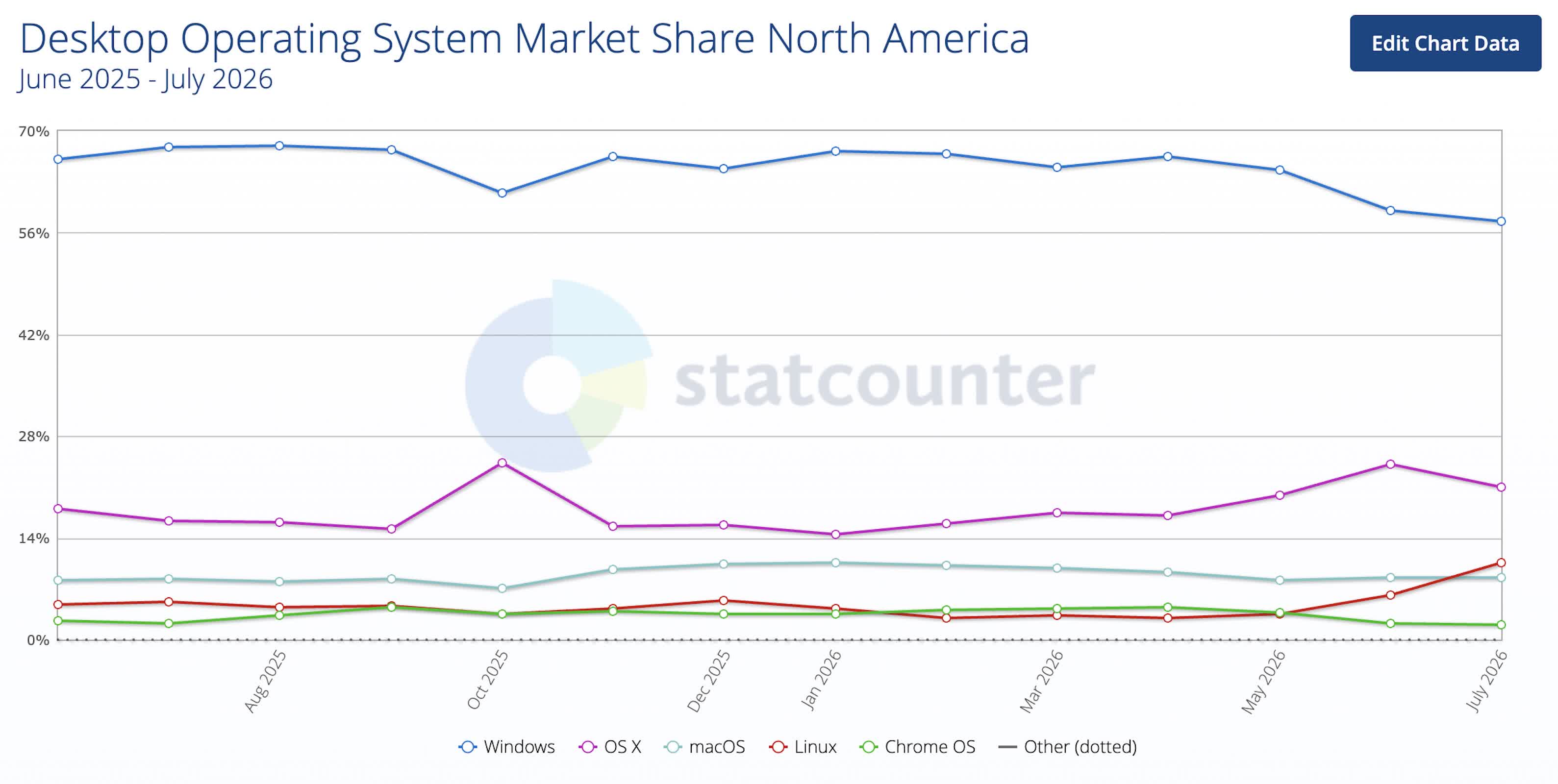
Linux just cracked 10% desktop usage in North America, but no one's sure why
The shift stands out because the change was not gradual but abrupt. Linux's rise came largely at Windows' expense, while macOS saw only limited movement over the...
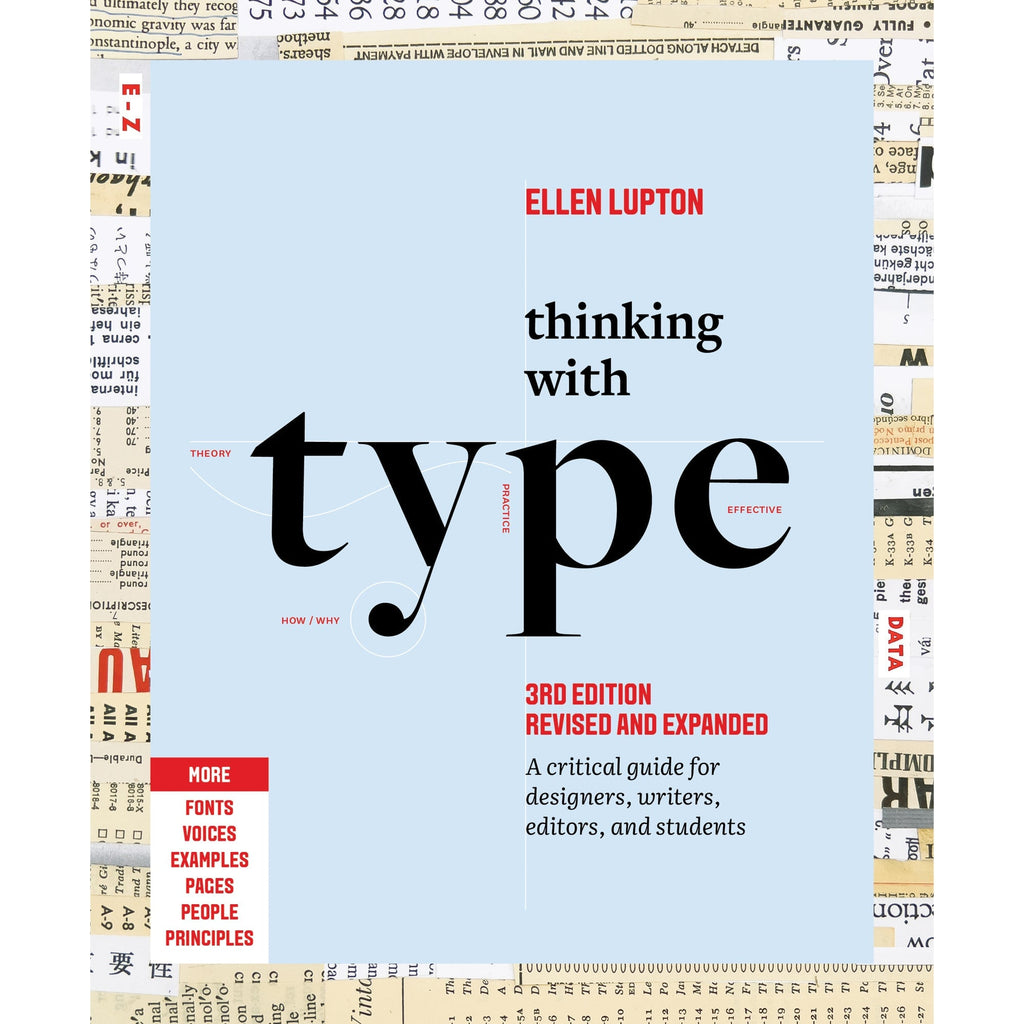
Thinking with Type
The essential and bestselling guide to typography from beloved design educator Ellen Lupton—revised and expanded to include new and additional voices, examples, and principles, and a wider array of typefaces. "Thinking with Type is to typography what Stephen Hawking's A Brief History of Time is to physics."—I Love TypographyThe bestselling Thinking with Type in a revised and expanded third edition: This is the definitive guide to using typography in visual communication. Covering the essentials of typography, this book explores everything from typefaces and type families to kerning and tracking to grids and layout principles.Ellen Lupton provides clear and focused guidance on how letters, words, and paragraphs should be aligned, spaced, ordered, and shaped. Historical and contemporary examples of graphic design show how to learn the rules and how to break them. Critical essays, eye-opening diagrams, helpful exercises, and dozens of examples and illustrations show readers how to be inventive within systems that inform and communicate.Featuring 32 pages of new content, the third edition is revised and refined from cover to cover: More fonts: old fonts, new fonts, weird fonts, libre fonts, Google fonts, Adobe fonts, fonts from independent foundries, and fonts and lettering by women and BIPOC designersIntroductions to diverse writing systems, contributed by expert typographers from around the worldDemonstrations of basic design principles, such as visual balance, Gestalt grouping, and responsive layoutCurrent approaches to typeface design, including variable fonts and optical sizes; tips for readability, legibility, and accessibility; and stunning reproductions from the Letterform Archive Thinking with Type is the typography book for everyone: designers, writers, editors, students, anyone who works with words on page or screen, and enthusiasts of type and lettering. Readers will also love Ellen Lupton's book Extra Bold: A Feminist, Inclusive, Anti-racist, Nonbinary Field Guide for Graphic Designers. Ellen Lupton is a designer, writer, and educator. She has written numerous books about graphic design, including Thinking with Type, Graphic Design Thinking, and Extra Bold: A Feminist, Inclusive, Anti-racist, Nonbinary Field Guide for Graphic Designers. She teaches in the Graphic Design MFA program at Maryland Institute College of Art in Baltimore (MICA), where she proudly serves as the Betty Cooke and William O. Steinmetz Design Chair. She is Curator Emerita at Cooper Hewitt, Smithsonian Design Museum in New York City, where her exhibitions included Herbert Bayer: Bauhaus Master and The Senses: Design Beyond Vision. Lupton loves reading, writing, teaching, and learning new things about design.
The Accidental History of the @ Symbol
Once a rarely used key on the typewriter, the graceful character has become the very symbol of modern electronic communication

3D printing my laptop ergonomic setup | nicole@web
Apparently, one of my hobbies is making updates to my ergonomic setup, then blogging about it from an Amtrak train. I've gone and done it again.
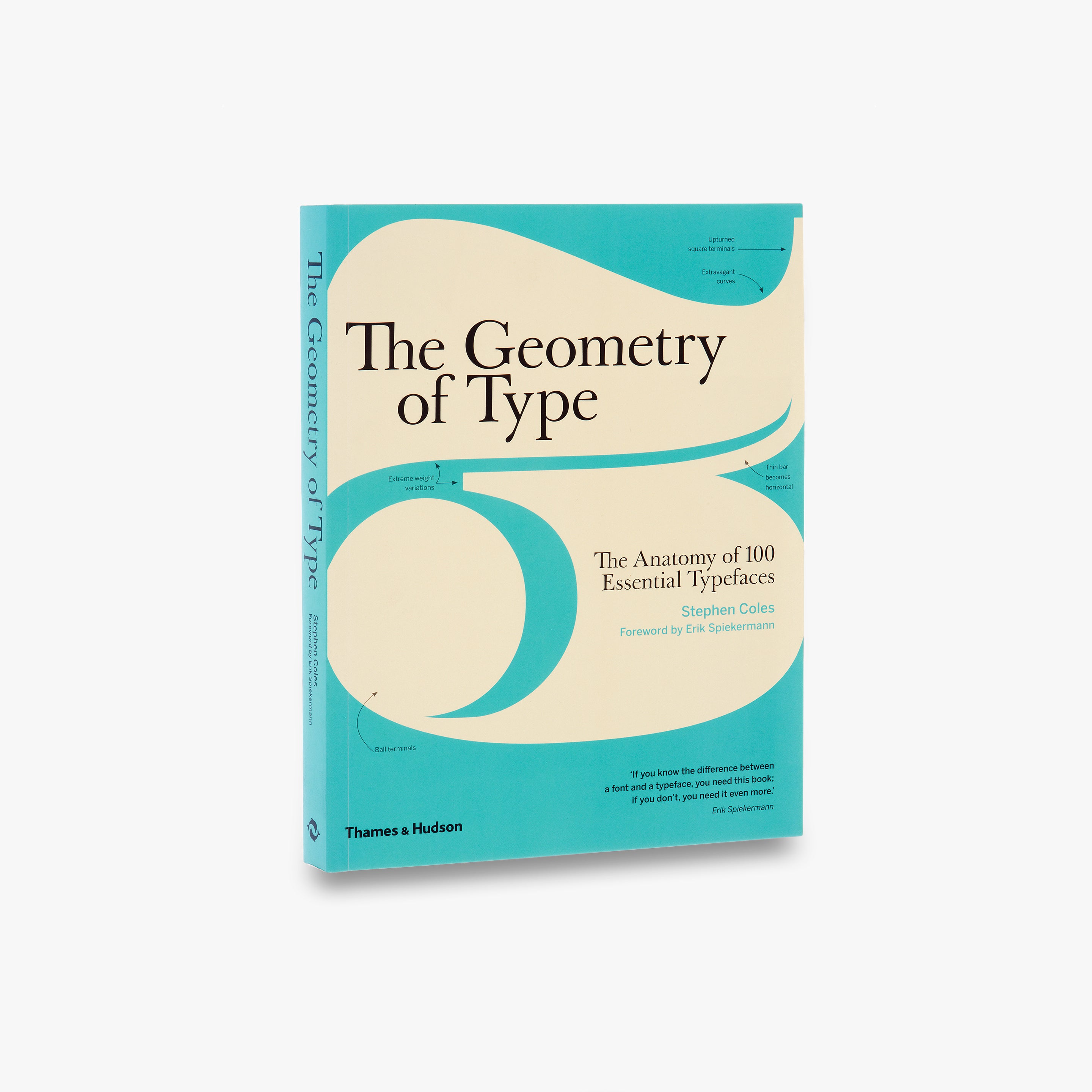
The Geometry of Type
The Geometry of Type explores 100 traditional and modern typefaces in detail, with a full spread devoted to each entry. Characters from each typeface are enlarged and annotated to reveal key features, anatomical details, and the finer, often-overlooked elements of type design, which shows how these attributes affect mood and readability. Sidebar information lists the designer and foundry, the year of release and the different weights and styles available, while feature boxes explain the origins and best uses for each typeface, such as whether it is suitable for running text or as a display font for headlines. To help the reader spot each typeface in the wider world, the full character set is shown, and the best letters for identification are highlighted.
Styling Tables the Modern CSS Way
Modern CSS makes styling HTML tables in a considered, responsive nature a breeze. Michelle Barker breaks it all down for you in this deep dive.