

Thread Reader helps you read and share the best of Twitter Threads
Read and Share Twitter Threads easily!
Thread Reader helps you read and share the best of Twitter Threads
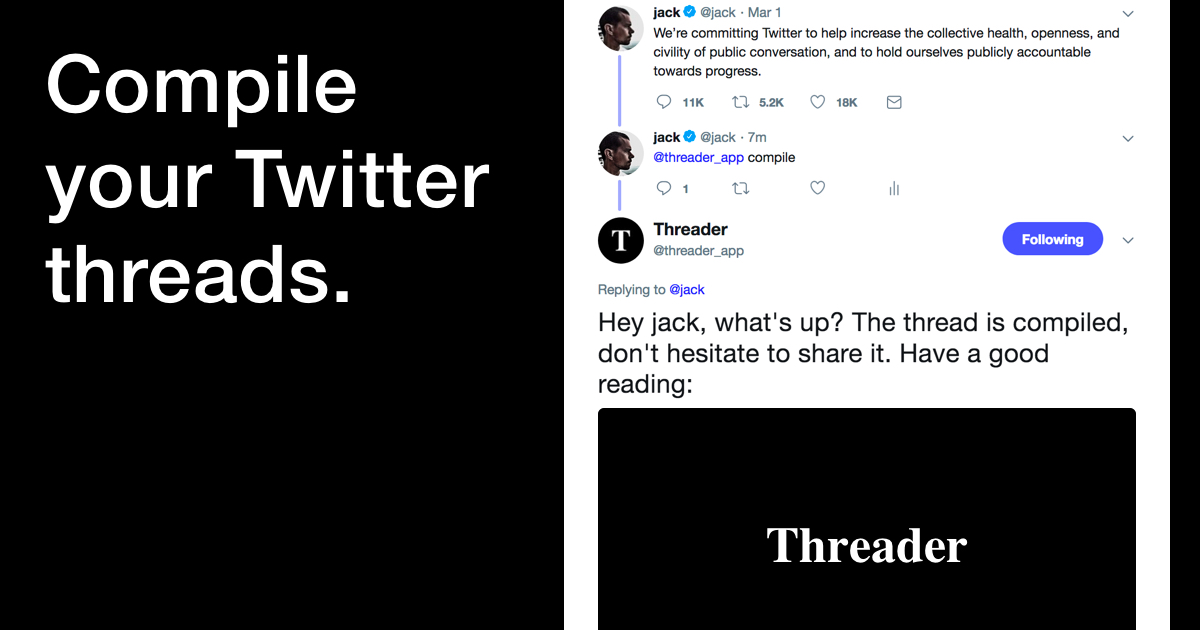
🐥 Want to start saving tweets and threads? ⮕ https://t.co/I1gVZlyn7G 🖍 Want to save, review, and sync your highlights from books/articles/twitter/anywhere? ⮕ https://t.co/WU9u8wyhwO 📚 Looking for our new app? ⮕ @ReadwiseReader
🐥 Want to start saving tweets and threads? ⮕ https://t.co/I1gVZlyn7G 🖍 Want to save, review, and sync your highlights from books/articles/twitter/anywhere? ⮕ https://t.co/WU9u8wyhwO 📚 Looking for our new app? ⮕ @ReadwiseReader— Readwise (@readwise) September 1, 2022
A better way to publish and read on Twitter
Twitter acquires Scroll, giving readers a fast-loading, ad-free way to read articles and publishers a model that brings in more revenue than traditional ads.
How to Blow Up a Timeline — Remains of the Day
NOTE: I’d been working on this piece on and off for a few weeks while trying to move to NYC and settle into my new apartment, and just as I was about to publish it, Elon rate-limited Twitter and so, sensing a moment of weakness, Meta pulled up its launch date for Threads to yesterday. This piece doesn’t cover Threads directly, nor does it talk about the rate-limiting fiasco. It’s focused on why I think Twitter got so much worse over the past year. I thought about holding off and reworking it entirely to incorporate all that happened this week, but in the end I decided that it was cleaner to publish this one as is. If Twitter hadn’t botched so much over this past year, Threads wouldn’t matter. Still, like past pieces I’ve written on topics related to Twitter, you can apply a lot of the ideas in this piece to analyzing Threads’ prospects. And I’ll push a follow-up piece with my specific reactions to and predictions for Threads soon-ish. Follow me on Substack to get a note when that drops.
Ian Vanagas on Twitter / X
I've been enjoying writing screenshot essays lately because they provide more depth than tweets while being easier to finish and share than blogs.To help with this, I built a little app that makes it easier to make nice looking ones: https://t.co/mybEawgwgFEnjoy! https://t.co/gMHUCMzRbL— Ian Vanagas (@IanVanagas) March 30, 2024
How tweet threads cured my writer's block: Twitter as a medium for sketching
Twitter is a powerful <b>medium for sketching</b>: a tool for fluidly developing ideas in realtime. What can we learn from its design? I think it shows us the power of 1) the right constraints, 2) low barriers to starting and finishing, and 3) a social context.
Click Browser on Twitter / X
How do you keep up with the web?I'm a news hound, and I find social feeds too noisy. So I'm experimenting with something new in Click—a completely private feed reader, that lets you follow blogs, newsletters / substacks, YouTube channels, Bluesky creators, subreddits, and more.… pic.twitter.com/jjNO2x6614— Click Browser (@clickbrowser) February 4, 2026

How to Set Up Your Reader Feed
In this video, we'll teach you how to bring your favorite email newsletters, RSS feeds, and Twitter accounts into Reader, where you can process them in peace 😌 🎁 Sign up for a free 30-day trial: https://readwise.io/read *This video covers:* 00:00 Why set up your feed? 00:27 What's the difference between Feed and Library? 02:10 Subscribing to RSS feeds from the library 02:32 Suggested Feeds 02:59 Importing feeds from another service 03:33 Searching for feeds 03:42 Managing feeds 04:21 Subscribing to newsletter feeds 04:43 Subscribing directly with your Reader email 05:21 Setting up auto-forwarding 05:32 Clean vs Original View for emails 06:30 Subscribing to Twitter lists 07:14 Processing your feed 08:30 Maintaining app performance *More Resources:* Getting Started with Reader: https://www.youtube.com/watch?v=eJBtvfbcic0 Organizing Your Documents in Reader: https://www.youtube.com/watch?v=uefrzMb5qBc Setting up auto-forwards form Gmail: https://support.google.com/mail/answer/10957?hl=en Setting up auto-forwards from Apple Mail: https://support.apple.com/guide/icloud/automatically-forward-email-mm6b1a3960/icloud Setting up auto-forwards from Outlook: https://support.microsoft.com/en-us/office/turn-on-automatic-forwarding-in-outlook-7f2670a1-7fff-4475-8a3c-5822d63b0c8e

A Guide to Twitter - Tasshin
We hope that this guide to Twitter will be useful to you, wherever you are in your Twitter journey.

How to Set Up Your Reader Feed
Threads • Log in
Join Threads to share ideas, ask questions, post random thoughts, find your people and more. Log in with your Instagram.

Paper Notes - WTF - The Who to Follow Service at Twitter
Explore Twitter's recommendation system - in-memory graph processing with Cassovary, random walks, and SALSA for user suggestions.

WTF: the who to follow service at Twitter
As part of the Digital Library's transition to Open Access, new features for researchers are available in the Premium Edition. Click here to learn more.

Community Archive
An open, searchable archive of tweets that members of the community have chosen to make public. Browse profiles, search conversations, and build on the data.