

This week I put together a reading list for my digital aura series. I recall starting to write around Thanksgiving — but when I looked back at my reading, I’d started reading for it months earlier. (No wonder it’s felt like such a big endeavor!)
Readwise Reader Winter Update
It's been a few months since we announced our work on Reader so we figured it’s time for an update on our progress, timelines, and the private beta!
The Next Chapter of Readwise: Our Own Reading App
Today we're excited to announce the future of Readwise: We've built our own, fully-integrated reading app.

Automate Your Highlights: The Lazy Genius Guide to Remembering What You Read
Focus your reading with Readwise Reader filtered views
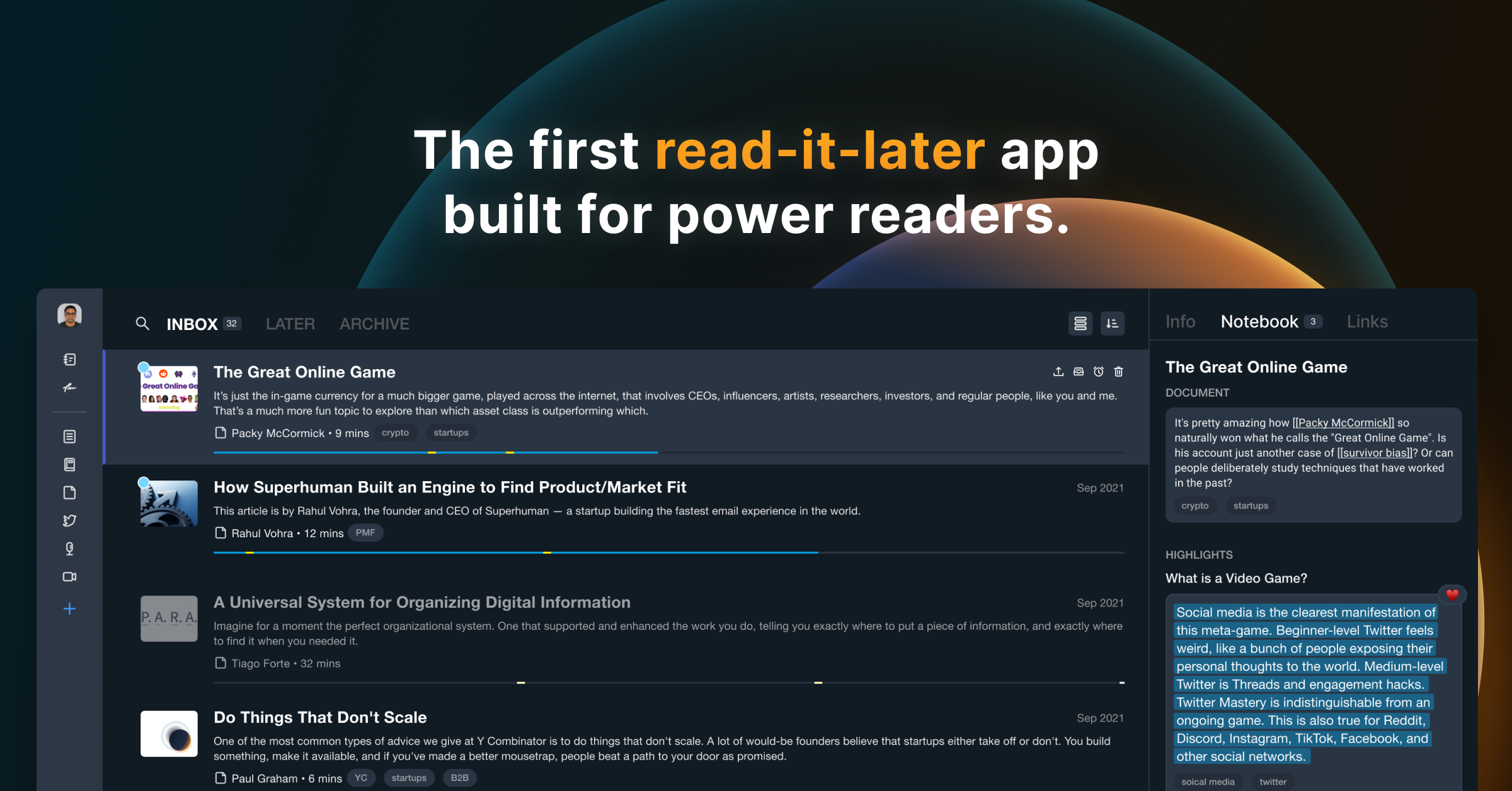
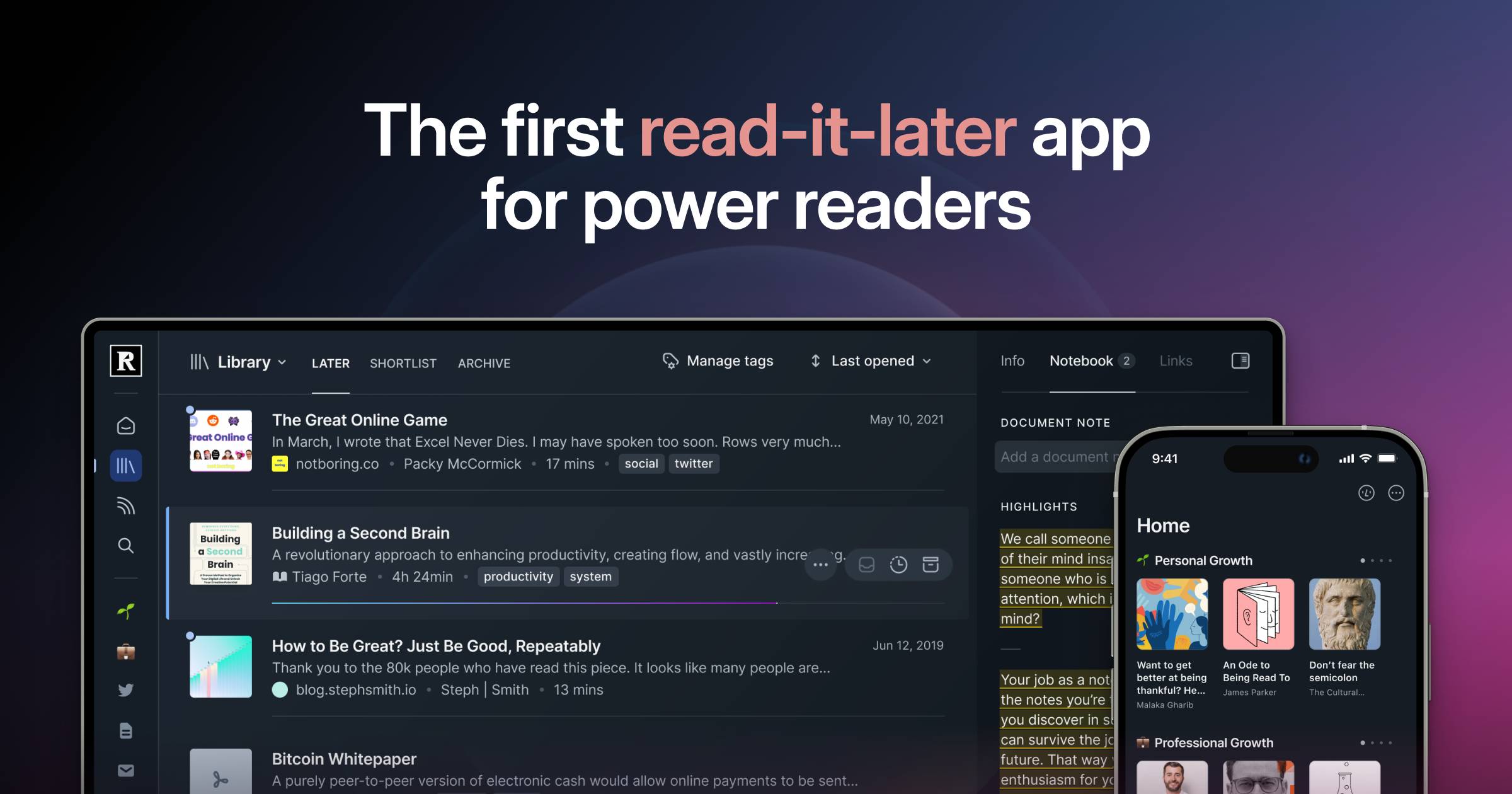
Readwise Reader: The first read-it-later app built for power readers.
Save everything to one place to overcome content overload, search instantly, and highlight like a pro.
dynamic abstractions
We will have our first reading group on February 28th! Visit the reading group page for details!
15 Must-Read Science Fiction and Fantasy Books Arriving This August
The end of summer is slowly approaching, but there’s no wrong time to do some lazy-day reading. Or, as the case may be,

The Only UX Reading List Ever
A recommended list of the books that have shaped the designer I am today, and inspire the designer I will be tomorrow.


Charlie's Reading Practice™
Readeck: Home
Save interesting articles, long read, pictures, videos. Read or revisit them later.

Getting Started with Reader
Welcome to the essential beginners tutorial for Reader: our very own read-it-later app that helps you bring *all* of your reading into one place. That includes articles, books, PDFs, RSS feeds, email newsletters, Tweets, and videos. 🎁 Sign up for a free 30-day trial: https://readwise.io/read *This video will teach you everything you need to get started:* 00:00 The Problem 00:15 What is Reader? 00:33 Installing web extension and mobile apps 00:40 Adding new documents on desktop 01:14 Uploading files from desktop 01:23 Subscribing to email newsletters 01:37 Importing your library from Pocket, Instapaper, or Omnivore 01:44 Saving documents on mobile 01:50 What's the difference between Library and Feed? 02:38 Importing feeds from another app 02:49 Home section 03:08 Keyboard shortcuts 03:50 Full-text search 04:05 Reading and highlighting 04:20 Exporting and searching your highlights 04:40 Text-to-speech 05:00 What is Ghostreader? 05:47 De-activate AI features 06:00 Submitting feedback and questions *More Resources:* How To Set Up Your Reader Feed: https://www.youtube.com/watch?v=uDr9N0rV4EE Organizing Your Documents in Reader: https://www.youtube.com/watch?v=uefrzMb5qBc

Organizing Your Documents in Reader
In this video, we'll teach two different ways to organize your documents in Reader, as well as how to share collections of documents with others using Reader Bundles. 🎁 Sign up for a free 30-day trial: https://readwise.io/read *This video covers:* 00:00 Reader's full-text search 00:25 Grouping RSS feeds into folders 00:54 What is a filtered view? 01:31 Grouping documents by tag 01:31 Grouping documents by tag 02:14 Grouping documents by author 02:28 Filtered views vs folders 03:18 Advanced filtered views 04:32 Navigating views 05:09 Adding views to homepage 05:20 Editing views 05:30 Sharing collections of documents 06:30 Customer support *More Resources:* Filtering Guide: https://docs.readwise.io/reader/guides/filtering/syntax-guide Getting Started with Reader: https://www.youtube.com/watch?v=eJBtvfbcic0 How To Set Up Your Reader Feed: https://www.youtube.com/watch?v=uDr9N0rV4EE&t=0s
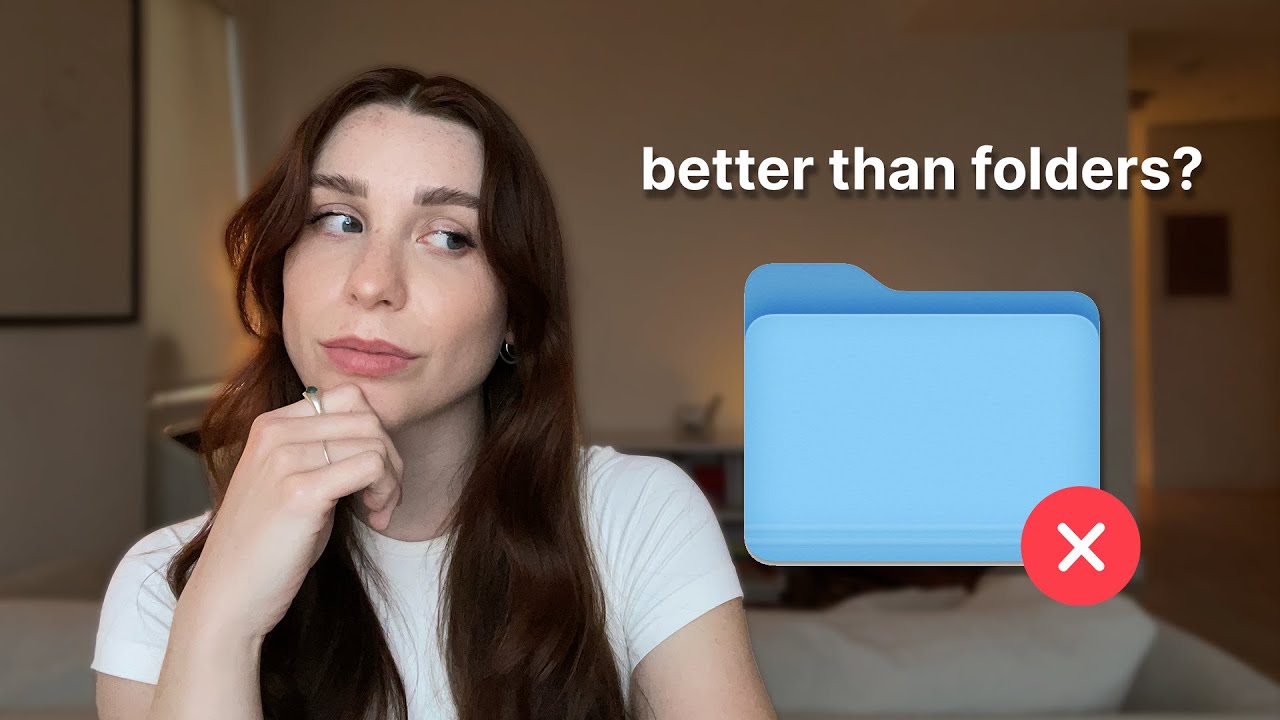
Readwise: Get the most out of what you read
Easily revisit and learn from your highlights and annotations.
Just released a new @skyreader.app update with an experimental feature call Reading Rooms that attempts to recreate the experience of a book/journal club where you can gather to read together. skyreader-dev.leaflet.pub/3mvnm3f4src23

Skyreader update - Reading Rooms
skyreader-dev.leaflet.pub
