

With the Window Controls Overlay feature, developers can customize the title bar of installed PWAs so that their PWAs feel more like apps.
mut-ex/awesome-wm-nice
An Awesome WM module that add MacOS-like window decorations, with seamless titlebars, double click to maximize, and window shade feature
Making PWAs installable - Progressive web apps | MDN
One of the defining aspects of a PWA is that it can be promoted by the browser for installation on the device. Once installed, a PWA appears to users as a platform-specific app, a permanent feature of their device which they can launch directly from the operating system like any other app.

Yes, That Web Project Should Be a PWA
A Progressive Web App (PWA) is a website with special powers. Despite what you might have heard, most websites—and, more importantly, their readers—can benefit from becoming PWAs. And it’s so easy!…

What PWA Can Do Today
A showcase of what is possible with Progressive Web Apps today.
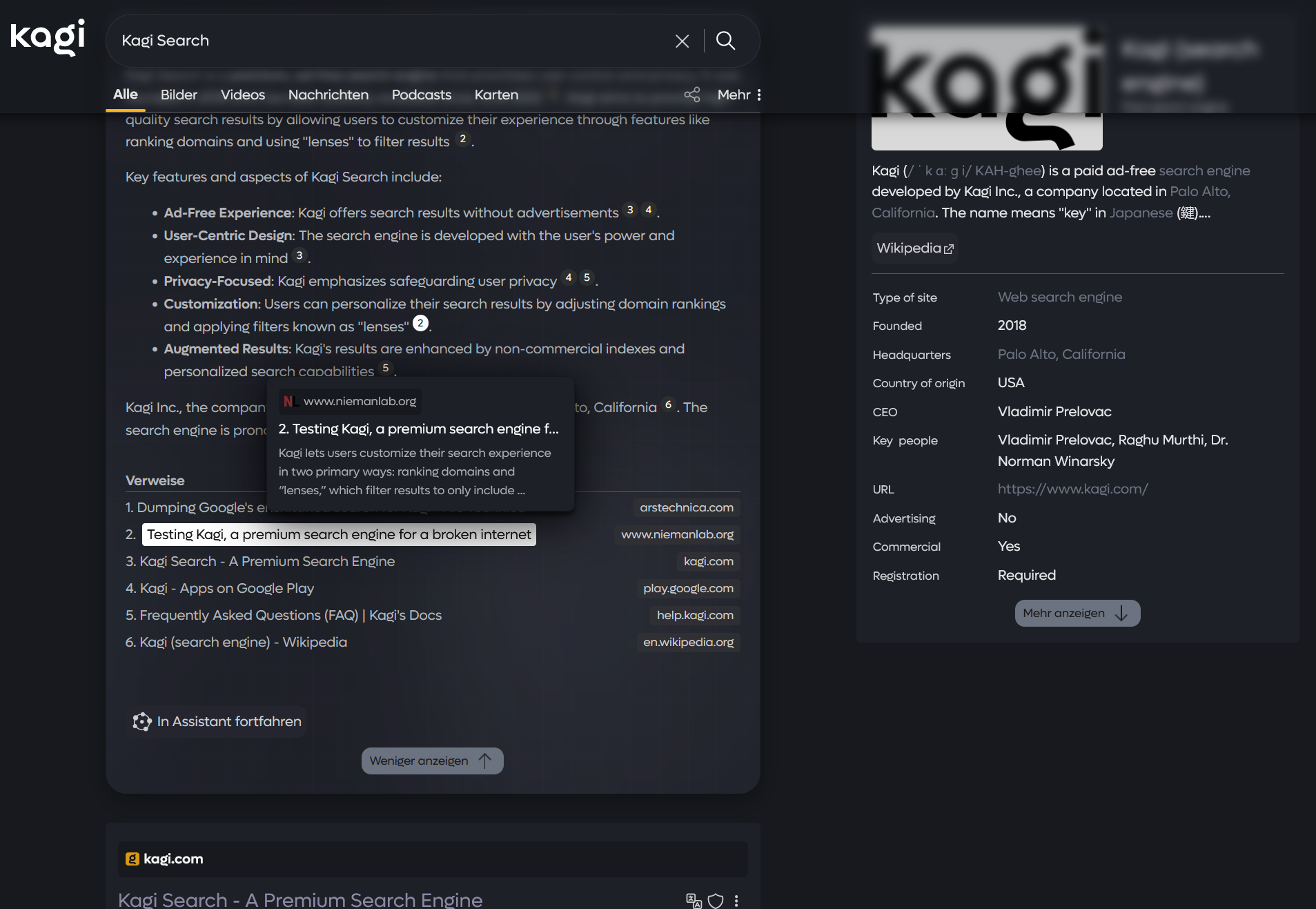
KageCSS - Kagi Search Theme
**Take Kagi to a whole new level** Fully revamped with sleek animations, glassmorphism effects, and numerous additional features. The project is under active development and also offers numerous customization options through simple attributes right at the top of the document. Please check the readme file on the home page beforehand to ensure that the theme looks as intended. [Link to README](https://github.com/pdanzma/kage-css)
KoboPatch Web UI
All I wanted to do is customize my Kobo's home screen, and I went down a reverse engineering rabbit hole and built the ultimate easy-to-use tool to mod your Kobo devices.

This TWA stuff rocks! Finally i got my PWA on Google Play Store 🎉
Thinking back of the the time before TWA (Trusted Web Activity) still frightens me. If you wanted to offer a project as a website and an…

Mac OS Liquid Glass - Kagi Search Theme
A modern and sleek custom theme for Kagi based on liquid glass introduced in Mac OS Tahoe. **Features** - Automatic dark and light mode based on system - All(?) elements have been skinned - You can configure look at top of file - Responsive to desktop, tablet & mobile - Refracts what's behind elements **Install** - Go to Appearance and change theme to "Default" - Enable Custom CSS, paste content of custom.css and save **[Github repo](https://github.com/Visnes/kagi-liquid-glass)**
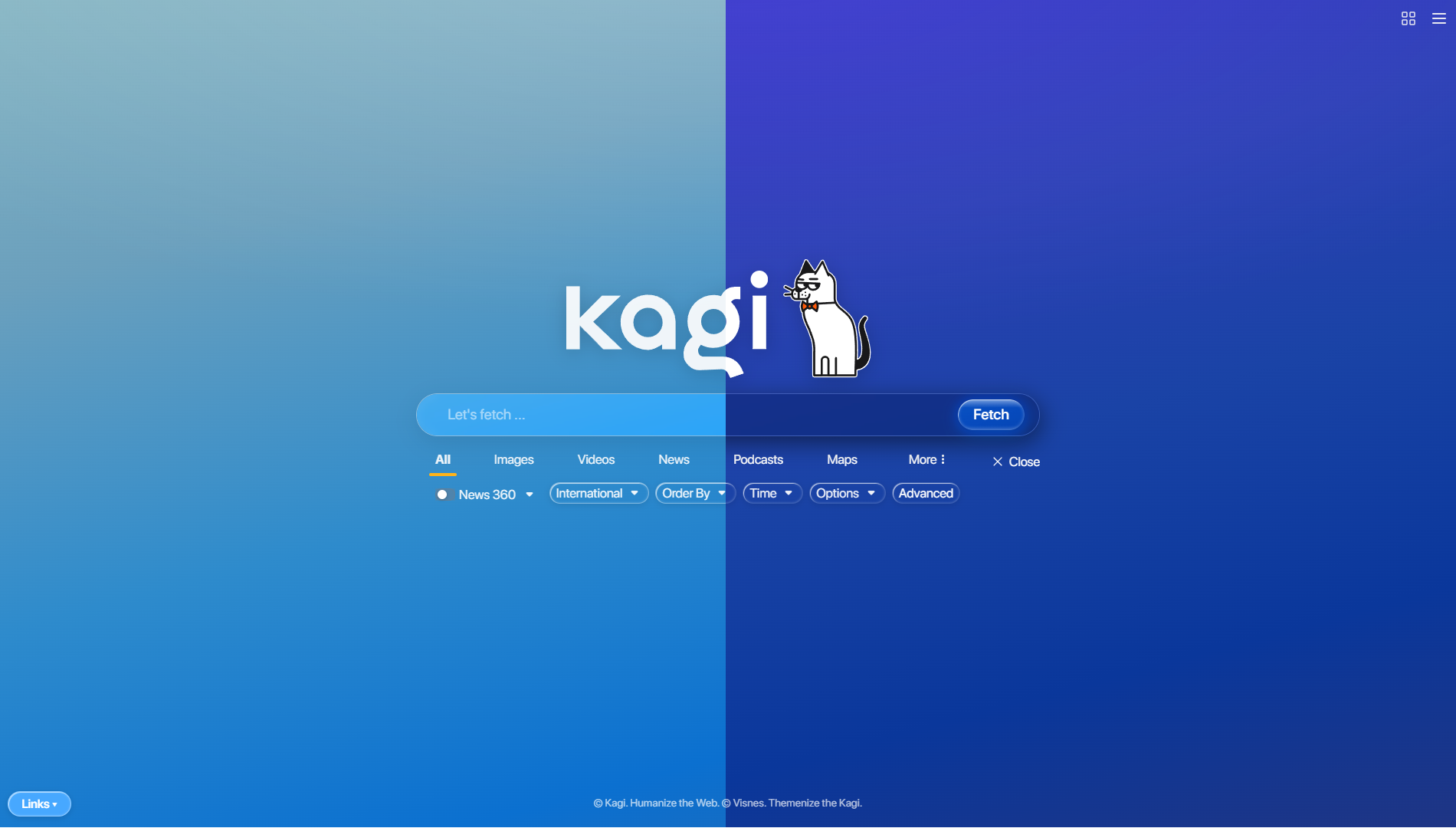
Powerful PWAs | ChromeOS | Google for Developers
New and upcoming features coming to the web to superpower your apps, plus a checklist to help you track adding them to your app.

PWA Demos & Examples — What PWA Can Do Today
Learn what Progressive Web Apps are and see 40+ live demos of what they can do today — installation, notifications, file system access, and more.
tailwindcss - npmx
A utility-first CSS framework for rapidly building custom user interfaces.

dietrich (@burrito.space)
A lot of Peek is window manager-y fun things, but with web pages, eg this design detail: - global hotkey -> cmd bar, doesn't take app focus - opening a URL there *does* take app focus, but *only* for the new/matching window, doesn't bring the rest along You get the page, but it *feels* in-place.

Moom
Move, zoom, and snap windows. Arrange windows in layouts. Auto-adjust to display setups.

updated feature: Window Shape API
PWA

Progressive web apps
Native Apps Should Be Avoided Whenever Possible — No One's Happy