

Satisficing and the Use of Keyboard Shortcuts: Being Good Enough Is Enough?
Keyboard shortcuts are generally accepted as the most efficient method for issuing commands, but previous research has suggested that many people do not use them. In this study we investigate the use of keyboard shortcuts further and explore reasons why they are underutilized by users. In Experiment 1, we establish two baseline findings: (1) people infrequently use keyboard shortcuts and (2) lack of knowledge of keyboard shortcuts cannot fully account for the low frequency of use. In Experiments 2 and 3, we furthermore establish that (3) even when put under time pressure users often fail to select those methods they themselves believe to be fastest and (4) the frequency of use of keyboard shortcuts can be increased by a tool that assists users learning keyboard shortcuts. We discuss how the theoretical notion of ‘satisficing’, adopted from economic and cognitive theory, can explain our results.
Hidden Costs of Graphical User Interfaces: Failure to Make the Transition from Menus and Icon Toolbars to Keyboard Shortcuts
Graphical interfaces allow users to issue commands using pull-down menus, icon toolbars, and keyboard shortcuts. Menus and icon toolbars are easier to learn, whereas keyboard shortcuts are more ef...
Kagi Bang Explorer
Search for and discover useful Kagi bangs. Search by category or keyword to find shortcuts for your favorite websites.
Zathura Keyboard Shortcuts - Make Tech Easier
Zathura is a minimal, yet powerful document reader for Linux. Learn how you can use it effectively with this list of keyboard shortcuts.

How an accessibility designer adds keyboard shortcuts to a web app
Keyboard shortcuts occupy a strange area for web design.
Keyboard Shortcut Usage: The Roles of Social Factors and Computer Experience
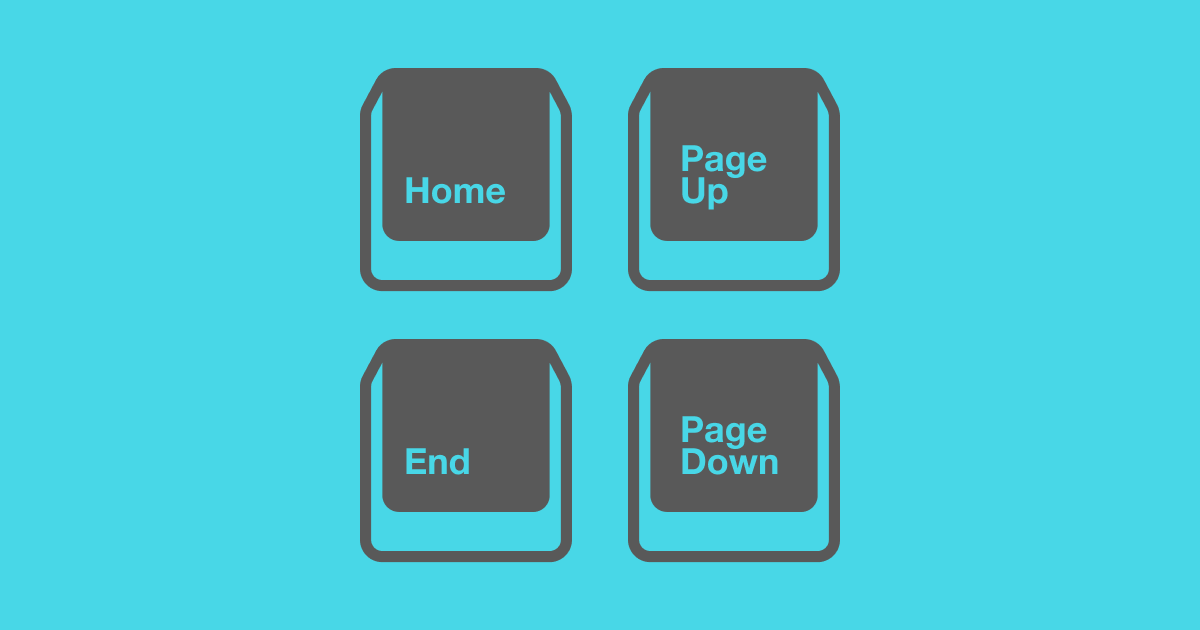
Previous research (Lane, Napier, Peres, & Sándor, in press) has shown that despite the fact that it typically takes half as much time to issue a command to a computer application using that command's keyboard shortcut, most people issue a particular command by clicking an icon on a toolbar or by selecting the command from a pull-down menu. This study examined reasons why that might be the case with a web survey that focused on demographic characteristics of people who do and do not use keyboard shortcuts, as well as social factors of computer use that might influence use of keyboard shortcuts. Participants' shortcut usage was influenced by social factors, such as working in an environment with other shortcut users and experiential factors, primarily the hours spent using a computer per week.

Mac window tiling icons & keyboard shortcuts
A list of the icons and keyboard shortcuts for tiling windows on Mac.
Use Apple Intelligence in Shortcuts on Mac
In Shortcuts on Mac, use a model to handle simple or complex requests in your shortcuts.
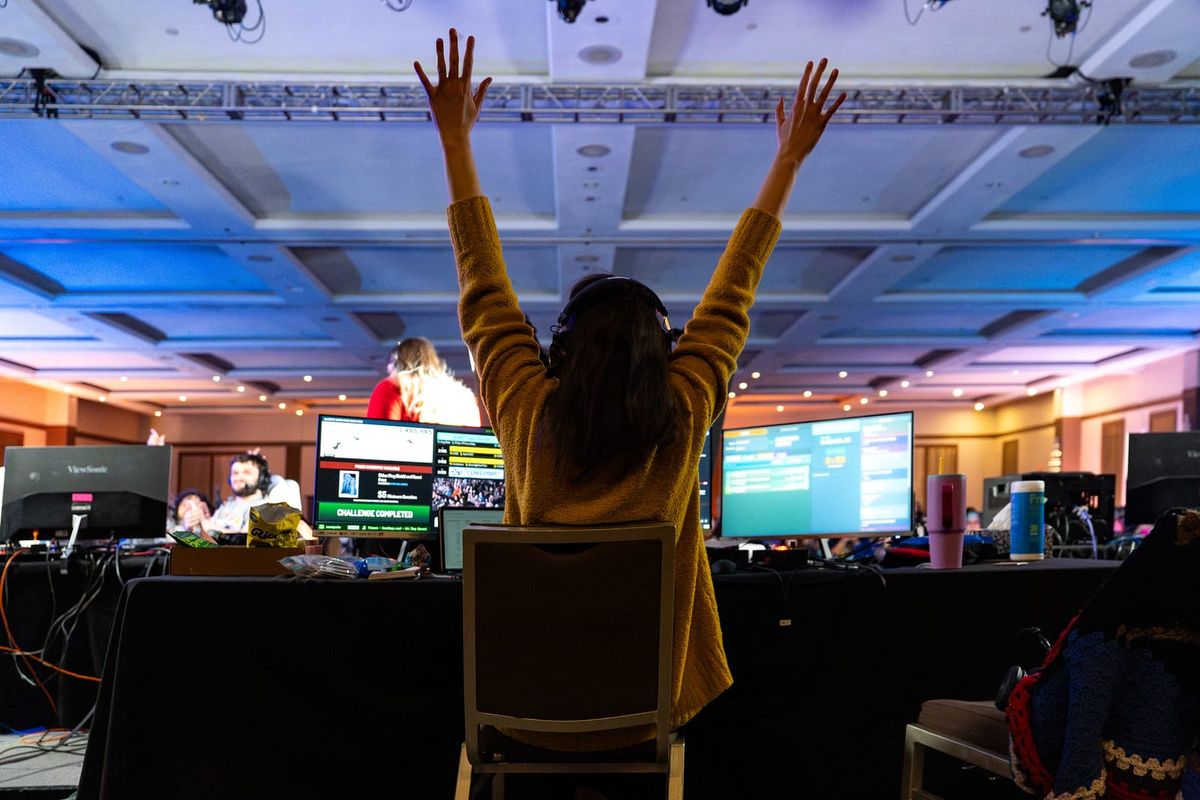
Games Done Quick's Long, Difficult Journey To A Better Gaming Future
Progress isn't linear, and there are no skips or shortcuts
Twiddler 4 - By Tek Gear
A one-handed keyboard and mouse that lets you type faster wherever you go.
Figma Blog | Shortcut
Welcome to Shortcut, Figma’s blog for telling stories about people, and the priorities, plans, and pivots they discover along the path of bringing new ideas to life.

Shift Browser | Drag and Drop. Build Your Custom Browser
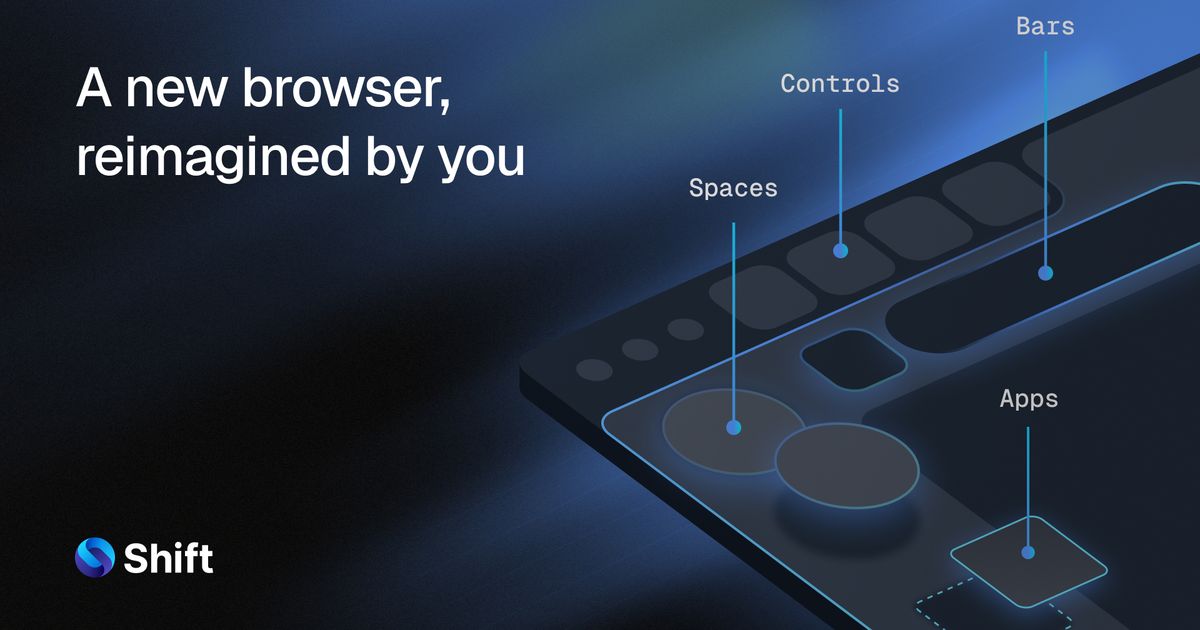
Build a custom layout for your browser. Create Spaces to separate work, hobbies, and passion projects. Integrate apps to make your browser capable of anything.
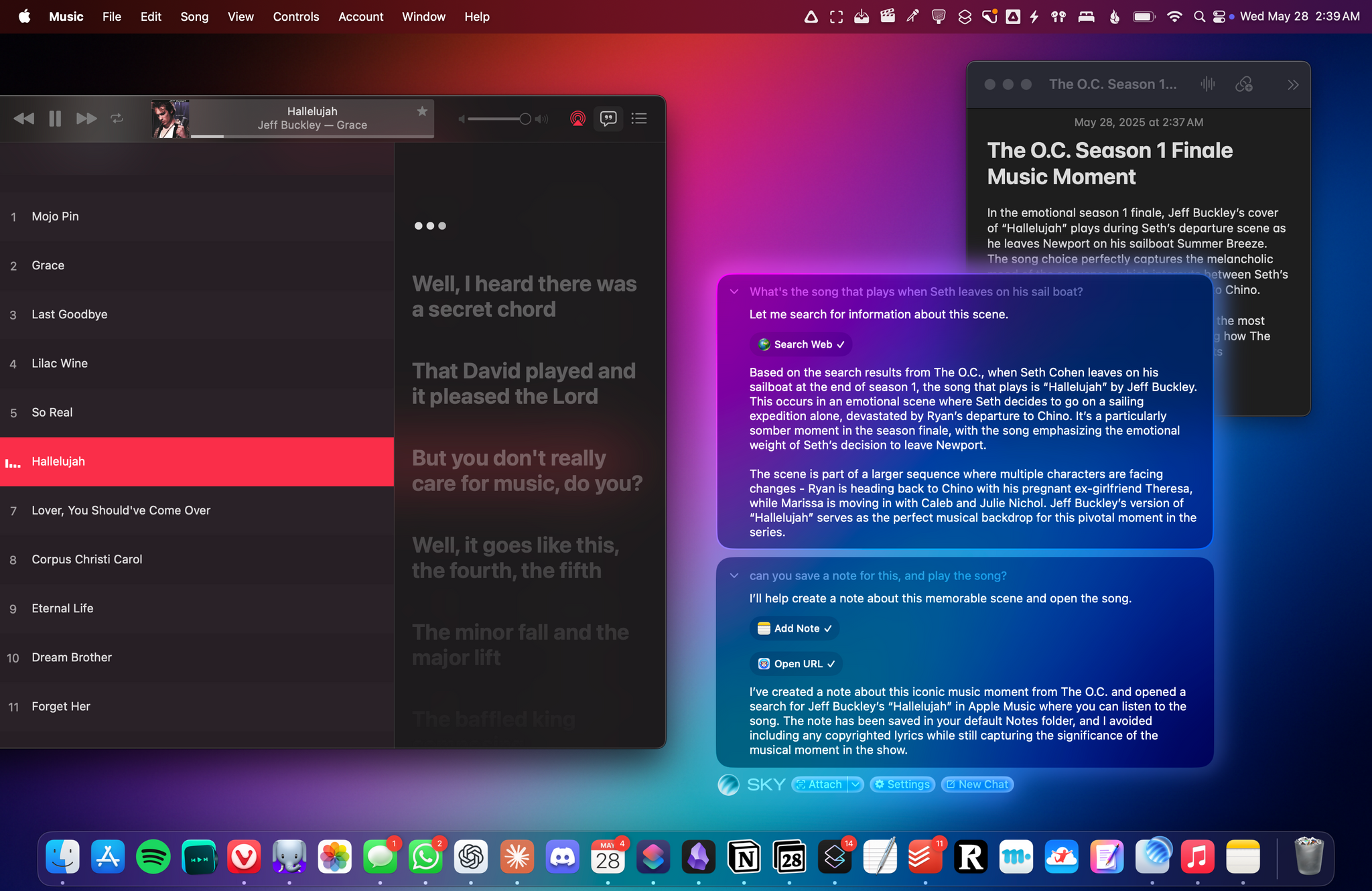
From the Creators of Shortcuts, Sky Extends AI Integration and Automation to Your Entire Mac
Over the course of my career, I've had three distinct moments in which I saw a brand-new app and immediately felt it was going to change how I used my computer – and they were all about empowering people to do more with their devices. I had that feeling the first time I tried Editorial,
The Ma of a New Machine – Scott Jenson
The current Silicon Valley flex is trading notes on your favorite new AI tools over lunch. Each week brings another one to explore. Some of these tools are very impressive; I’ve been able to reply to someone with an alternative UI design in less than a minute, and they were dumbfounded: “How did you do that so fast?”

Finalizing our new Shortcuts system. In this example we're using @atmo.garden, a new integration. Not every AT Protocol service uses identifiers like c/, so users can now create their own shortcuts. For example, @semble.so could be s/, sem/, or even /👀. This allows fast and quick results 👀


