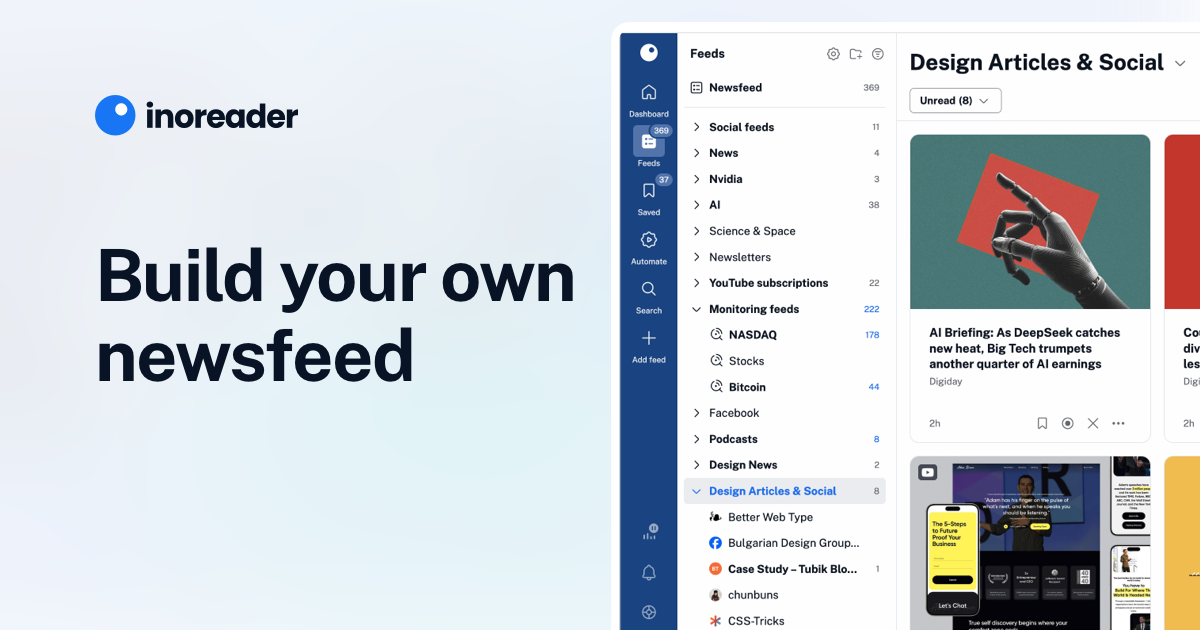
With Inoreader, content comes to you the minute it's available. Follow websites, social media feeds, podcasts, blogs, and newsletters. Enjoy what's important to you, all in one place.
Listen to the latest episode of the @CredderApp podcast where we talk social media and RSS, Inoreader’s role in the current media landscape, content consumption trends, and what's to come! 🎙️ https://t.co/SGMoABjzXj
Listen to the latest episode of the @CredderApp podcast where we talk social media and RSS, Inoreader’s role in the current media landscape, content consumption trends, and what's to come! 🎙️https://t.co/SGMoABjzXj— Inoreader (@Inoreader) January 18, 2023
NewsBlur - A Personal News Reader
Follow RSS feeds, train stories with intelligence filters, and read smarter. Free on web, iOS, and Android. Open source.

RSS Feed Reader
Feeder is the news manager that tracks any online source you choose and bundles it into an easy-to-digest reading experience. Follow blogs, news sites, RSS feeds and more.
How to Set Up Your Reader Feed
Feedrabbit - RSS and Atom web feed to email service
Follow your favorite blogs, news sites and comics by email. No apps to install, no extra sites to visit, your email is never shared, you are in control.
How to Set Up Your Reader Feed
In this video, we'll teach you how to bring your favorite email newsletters, RSS feeds, and Twitter accounts into Reader, where you can process them in peace 😌 🎁 Sign up for a free 30-day trial: https://readwise.io/read *This video covers:* 00:00 Why set up your feed? 00:27 What's the difference between Feed and Library? 02:10 Subscribing to RSS feeds from the library 02:32 Suggested Feeds 02:59 Importing feeds from another service 03:33 Searching for feeds 03:42 Managing feeds 04:21 Subscribing to newsletter feeds 04:43 Subscribing directly with your Reader email 05:21 Setting up auto-forwarding 05:32 Clean vs Original View for emails 06:30 Subscribing to Twitter lists 07:14 Processing your feed 08:30 Maintaining app performance *More Resources:* Getting Started with Reader: https://www.youtube.com/watch?v=eJBtvfbcic0 Organizing Your Documents in Reader: https://www.youtube.com/watch?v=uefrzMb5qBc Setting up auto-forwards form Gmail: https://support.google.com/mail/answer/10957?hl=en Setting up auto-forwards from Apple Mail: https://support.apple.com/guide/icloud/automatically-forward-email-mm6b1a3960/icloud Setting up auto-forwards from Outlook: https://support.microsoft.com/en-us/office/turn-on-automatic-forwarding-in-outlook-7f2670a1-7fff-4475-8a3c-5822d63b0c8e

feedle: Search and Discover Quality RSS Feeds from Thousands of Blogs and Podcasts
A search engine for blogs and podcasts, where every search is an RSS feed.
Webnerd News Fights Silos With Feeds, Follows, and Shares
The open web survives when it is easy to create, distribute, discover, and amplify content. How Webnerd News fights downstream silos with your feeds, follows, and shares.
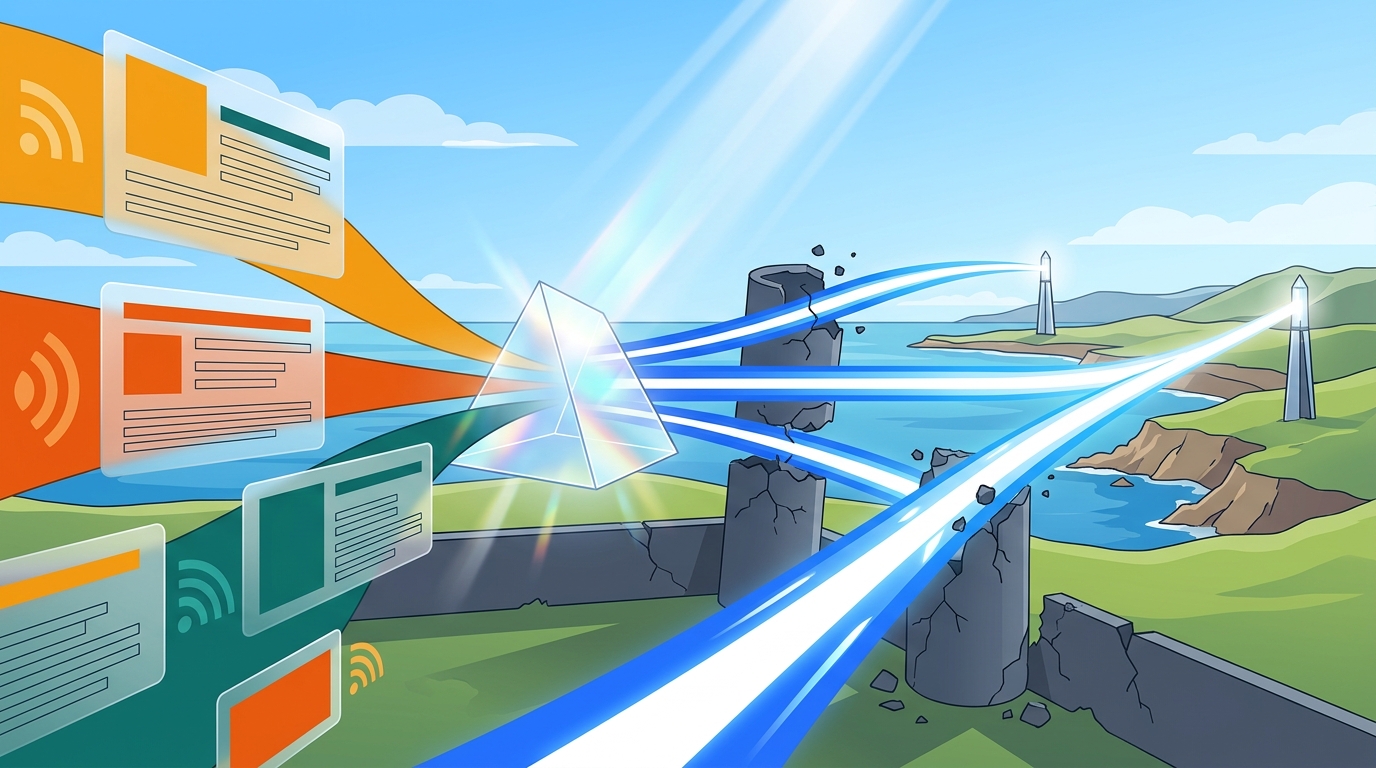
[Draft] Follow anyone — Open Indie
I just wanna keep track of people I care for and find interesting. The type of feed(s) available for subscription (blog, micro-blog, chat...

Curate your own newspaper with RSS
Escape newsletter inbox chaos and algorithmic surveillance by building your own enshittification-proof newspaper from the writers you already read
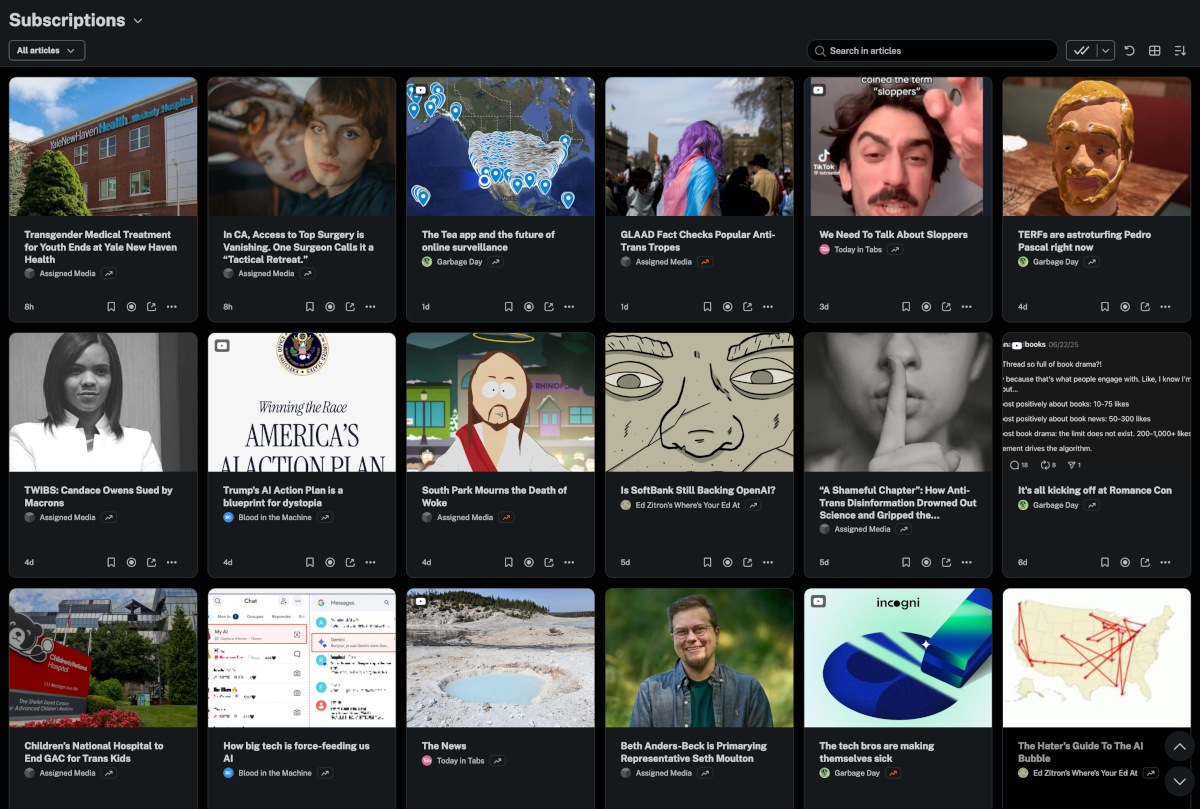
Fraidycat
Follow blogs, wikis, YouTube channels, as well as accounts on Twitter, Instagram, etc. from a single page.
RSS Feed to Social Media | Fedica
Fedica's RSS Feed to Social Media auto-posts new articles, videos, or podcasts to 13 platforms via Pipeline, with auto-formatting and thread-splitting.

Getting Started with Reader
Welcome to the essential beginners tutorial for Reader: our very own read-it-later app that helps you bring *all* of your reading into one place. That includes articles, books, PDFs, RSS feeds, email newsletters, Tweets, and videos. 🎁 Sign up for a free 30-day trial: https://readwise.io/read *This video will teach you everything you need to get started:* 00:00 The Problem 00:15 What is Reader? 00:33 Installing web extension and mobile apps 00:40 Adding new documents on desktop 01:14 Uploading files from desktop 01:23 Subscribing to email newsletters 01:37 Importing your library from Pocket, Instapaper, or Omnivore 01:44 Saving documents on mobile 01:50 What's the difference between Library and Feed? 02:38 Importing feeds from another app 02:49 Home section 03:08 Keyboard shortcuts 03:50 Full-text search 04:05 Reading and highlighting 04:20 Exporting and searching your highlights 04:40 Text-to-speech 05:00 What is Ghostreader? 05:47 De-activate AI features 06:00 Submitting feedback and questions *More Resources:* How To Set Up Your Reader Feed: https://www.youtube.com/watch?v=uDr9N0rV4EE Organizing Your Documents in Reader: https://www.youtube.com/watch?v=uefrzMb5qBc

Donate to #FreeOurFeeds - help secure the future of social media, organized by Free Our Feeds
Free Our Feeds | A campaign to keep social media open, people-po… Free Our Feeds needs your support for #FreeOurFeeds - help secure the future of social media