


Unreal has a reputation amoung the ill-informed for being plagued by shader compilation stutter. As an attribute of Unreal itself, this is basically made up – devs are just not always doing what they are supposed to do pre-ship to avoid this issue. I’ll elaborate, but basically, to avoid compiling shaders during gameplay, you want to do it up-front, like during an initial loading screen, which maybe says “Compiling shaders” on it, and not let the player begin until it’s done. To do that last part properly, you need a little bit of C++. I had to do this for InFlux Redux recently, so here’s mine.
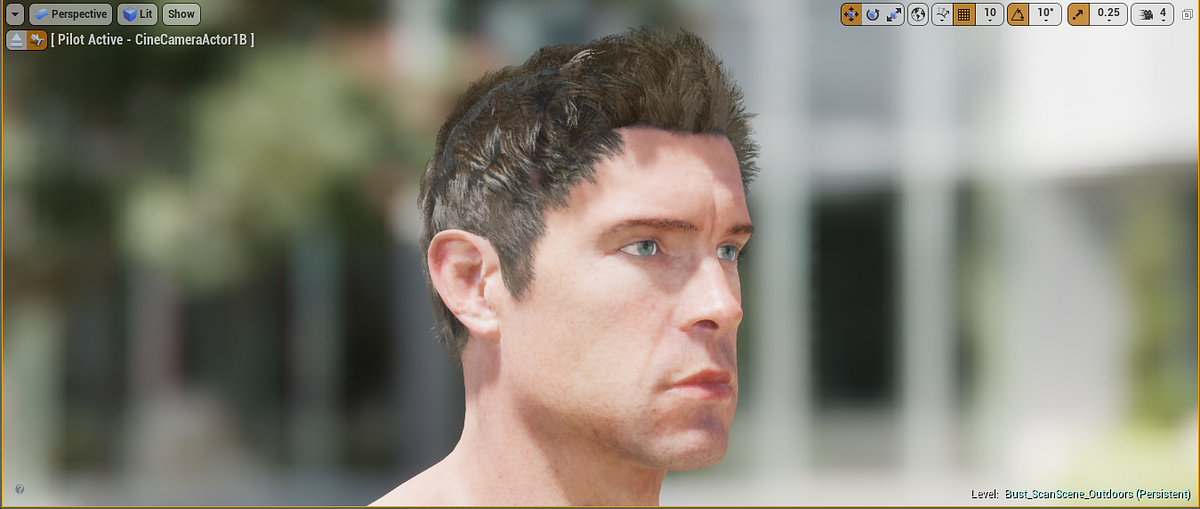
Visualizing GL_NV_shader_sm_builtins
Using GL_NV_shader_sm_builtins to visualize Streaming Multiprocessors and Warps
Ubershaders: A Ridiculous Solution to an Impossible Problem
When you're playing your favorite game on Dolphin with a powerful computer, things should run fairly well. The game is running full speed, there are no graphical glitches, and you can use your favorite controller if you want. Yet, every time you go to a new area, or load a new effect, there's a very slight but noticeable "stutter." You turn off the framelimiter to check and your computer can run the game at well over full speed. What's going on? The slowdown when loading new areas, effects, models, and more is commonly referred to as "Shader Compilation Stuttering," by users and developers alike. This problem has been a part of Dolphin since the very beginning, but has only recently become more of a focus.
Mesh Outlines Without Post-Processing in Unreal Engine
Some time ago I saw a neat solution by Cory Spooner on outlining meshes using particle sprites. The concept has been done before – but it’s interesting enough to cover it regardless for Unreal Engine...

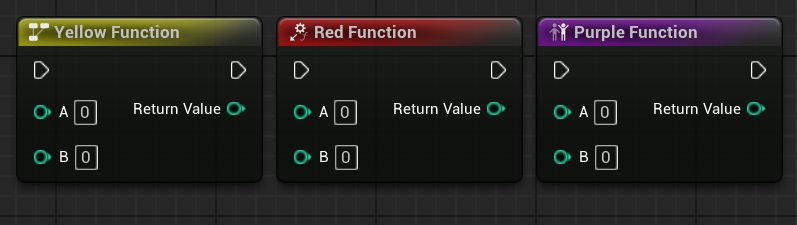
Styled Nodes in Unreal Engine
I showcase how you can style a collection of Unreal Engine nodes
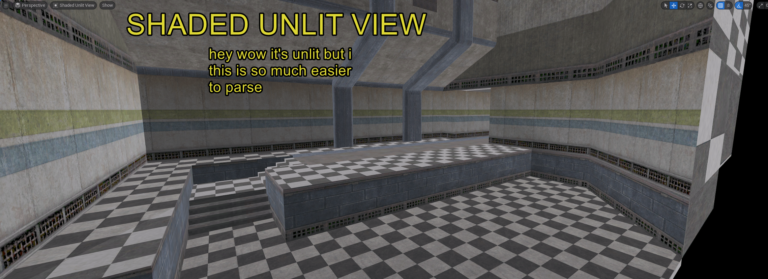
Unreal Scoop: Make your own “shaded textured unlit” viewmode real quick
Hammer, king of level editors, has a view mode where the scene is unlit, but not fullbright; it’s shaded to make it easier to parse. Unreal doesn’t have that! But you can add it yourself, really easily, with no C++ or Blueprint – just a postprocess material and a line in a config file. Here’s how!
Leveraging Rust and the GPU to render user interfaces at 120 FPS
From the Zed Blog: A deep-dive into the graphical underpinnings of GPUI, the hardware-accelerated framework that powers Zed's user interface.

Rendering Particles with Compute Shaders
Overview I developed a technique to render single-pixel particles (using additive blending) with compute shaders rather than the usual fixed-function rasterization with vertex and fragment shaders. My approach runs 31–350% faster than rasterization on the cases I tested and is particularly faster for some “pathological” cases (which for my application are not actually that uncommon). I observed these speedups on both NVIDIA and AMD GPUs. Using this technique allowed me to ship an app that runs on minimum-spec hardware without sacrificing visual fidelity.
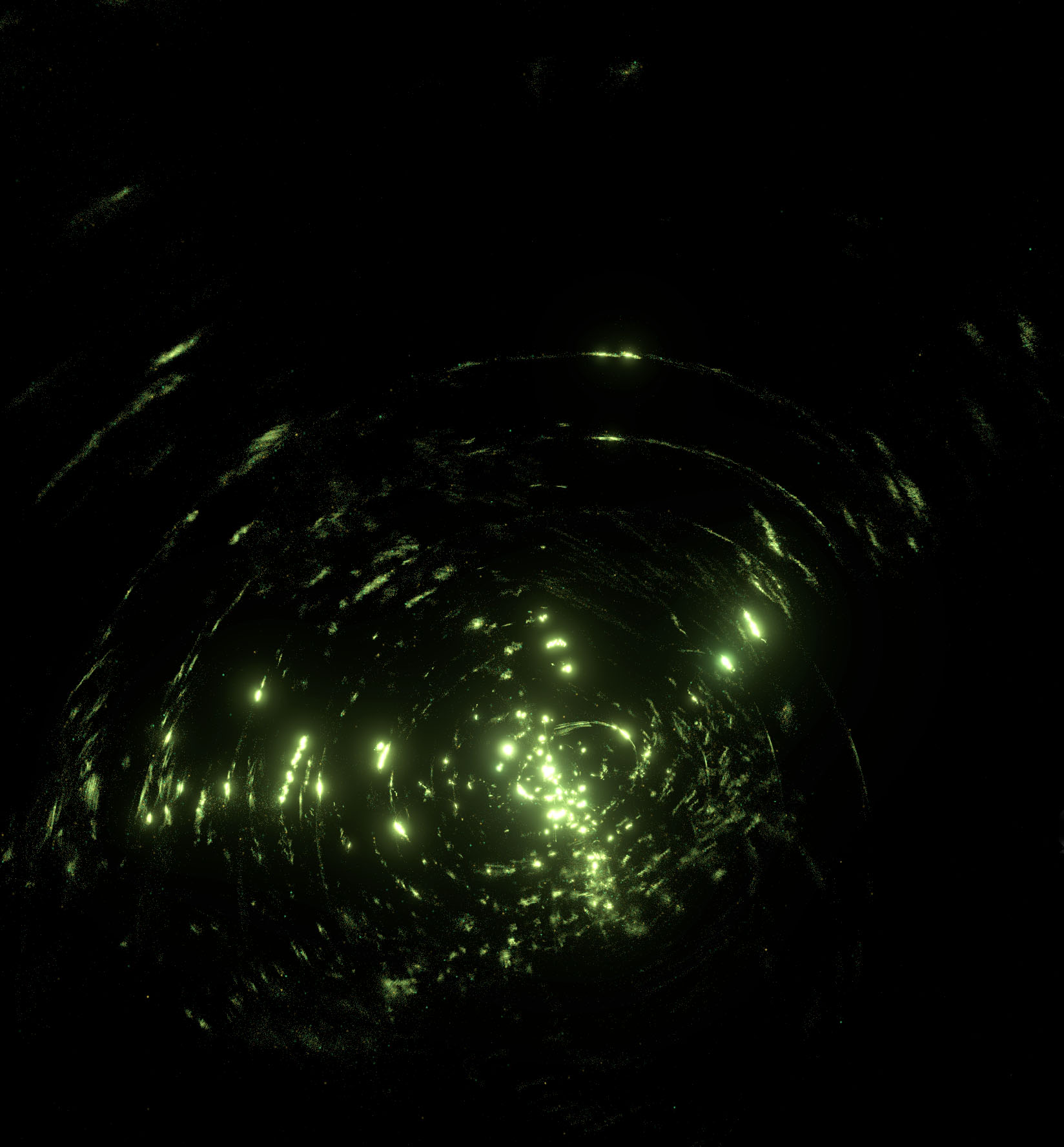
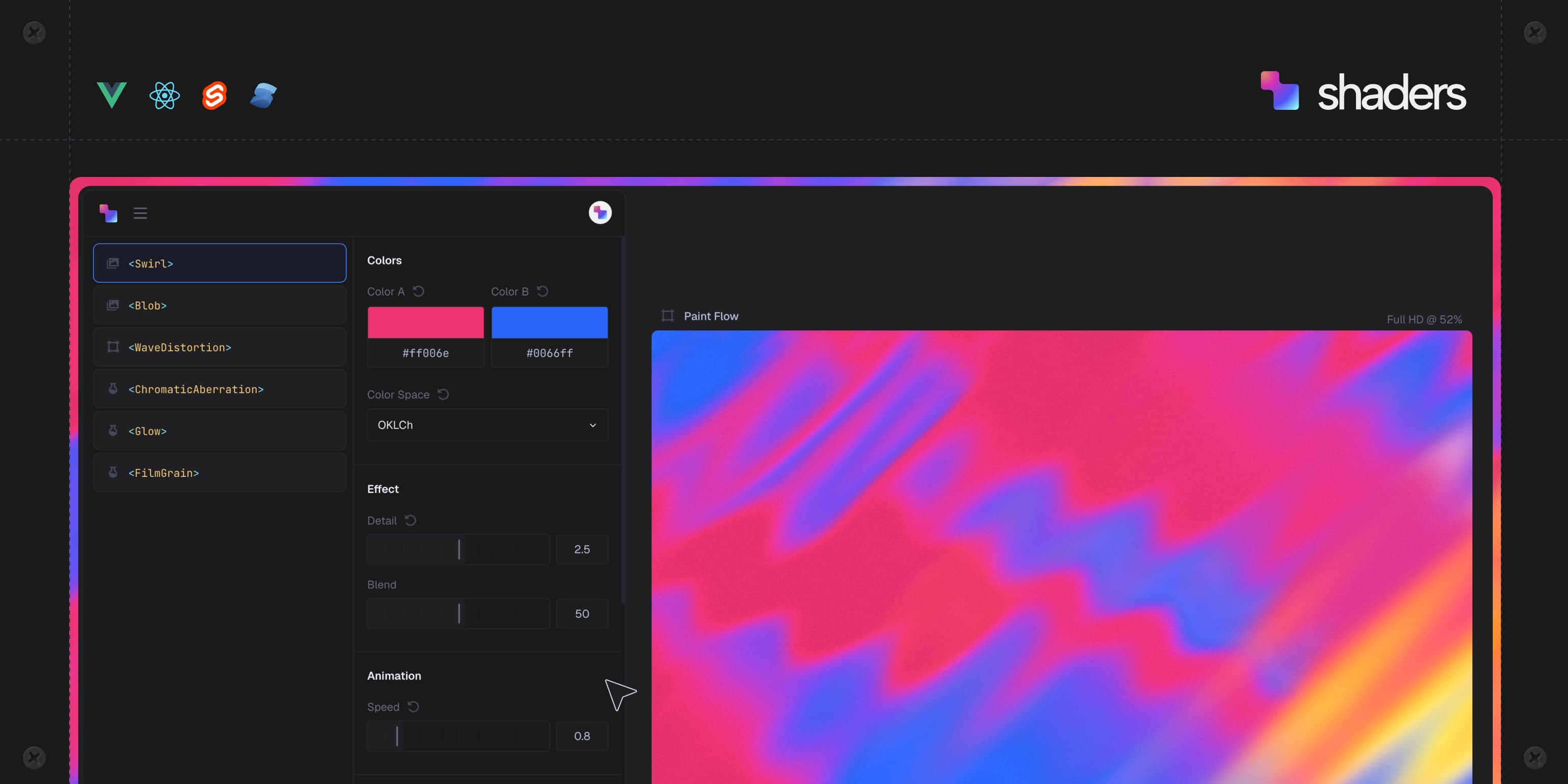
Shaders
Component library for creative WebGPU effects in modern frontend frameworks. Compose interactive visuals for Vue, React, Svelte and Solid.
Compiling Models to Megakernels
Fine-grained synchronization, deep pipelines, and zero kernel launch overheads, automatically.

Composing Time: Compositional Async in Solid 2.0
It's possible to change UI contrast in Unreal Engine: Change `GSlateContrast` from C++, or `Slate.Contrast` from the cheat console. Maybe an easy accessibility win to add to your game? #UnrealEngine
Introducing Public Beta for Shaders ✨ The wait is over 🎉 Try it now for @vuejs.org , @react.dev , @svelte.dev & @solidjs.com

