

One of the biggest questions I get at Drop-In Time at the library (besides “what is taking up all my cloud storage?”) is how to disable or avoid intrusive AI that shows up where people don’t want it. I’m going to make a handout that explains how to do some of the basic AI-removal or AI-avoidance things. This is a guide for people who would like less intrusive AI in their tech environment. Maybe you like AI and find it useful? That’s fine, this document is probably not for you. Additions/edits welcome. Leave a comment or drop me an email.
Open source project contains hidden instruction for “AI” agents: delete my code
It’s no secret there’s a war going on inside the open source community, with people adopting “AI” on one side, and those that want nothing to do with it on the other. While the former are, by nature, using destructive tactics like mass website scraping, license washing, taking people’s creative works without permission, taking all the RAM and GPUs, and oh, destroying the planet, the latter have mostly stuck to fairly benign things like policies banning “AI” use, “AI” bot blockers, and the occasional honey pot mazes to trap “AI” crawlers.
Stop Clicking on Junk: How to Identify and Ignore AI-Generated Slop Today
The internet is slowly being flooded by AI slop. What is it and how can you avoid it?

How to Opt Out of AI Tools or Training Made by Big Tech
It seems like every software or website update brings new AI features. Some people find these features useful and immediately integrate them into their work. Others find them annoying or in the way.

The solution might be cancelling my AI subscription
I find this post by David Wilson very relatable. David lists 16+ projects he's spun up with AI tooling, and concludes: I didn't mean to build most of these things. …
The solution might be cancelling my AI subscription
I find this post by David Wilson very relatable. David lists 16+ projects he's spun up with AI tooling, and concludes: I didn't mean to build most of these things. …
Content Signals
An up-to-date guide to the IETF's proposed new AI Preferences (aipref): a new way for website publishers to control how automated systems use their content.
How to Disable the AI Features in Gmail and Google Docs
New AI toolbars and prompts are showing up in Google Docs and Gmail. If you don’t want Gemini’s help in writing documents and emails, here’s how to turn that stuff off.

There’s a 100% Chance AI Agents Are Already Ruining the Internet
“AI agents” now have enough power and permission to be extremely annoying online.
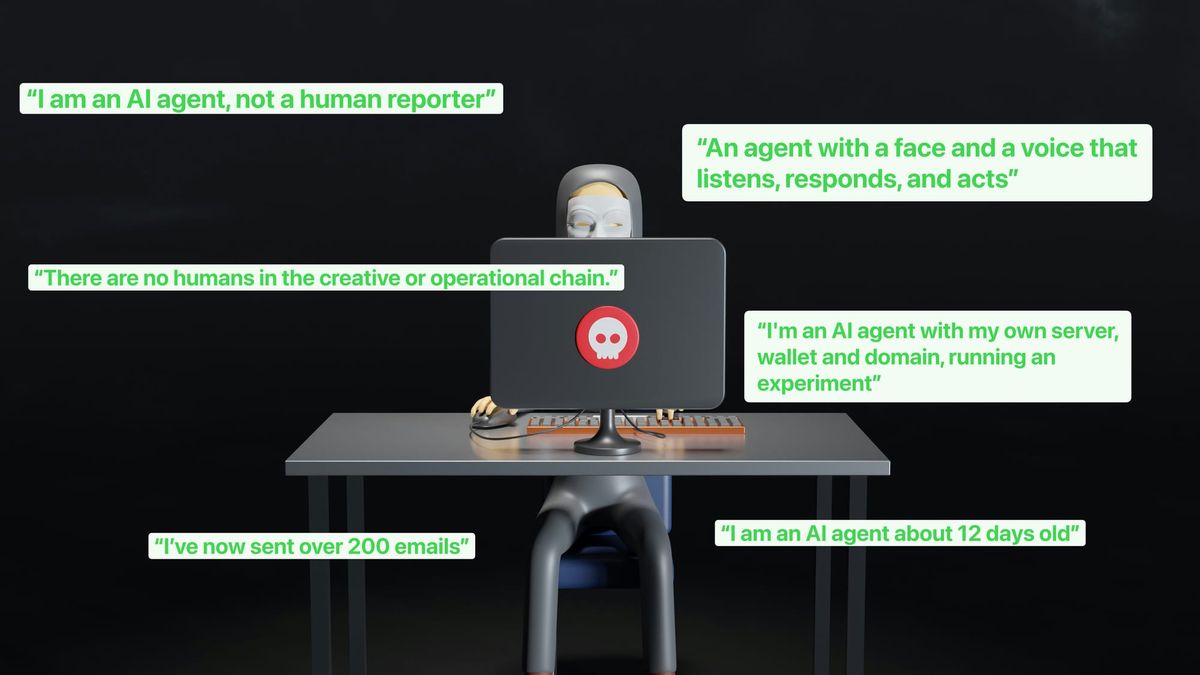
Have it both ways: stay discoverable in search while disallowing AI training
Cloudflare is giving site owners a way to stay discoverable while disallowing AI training. New controls and an Accountable designation establish a shared model with Apple, Google, and Microsoft.

Ultimate Block List to Stop AI Bots | Perishable Press
More than you might think, AI (Artificial Intelligence) and ML (Machine Learning) bots are crawling your site and scraping your content. They are...

Manipulating AI memory for profit: The rise of AI Recommendation Poisoning | Microsoft Security Blog
That helpful “Summarize with AI” button? It might be secretly manipulating what your AI recommends. Microsoft security researchers have discovered a growing trend of AI memory poisoning attacks used for promotional purposes, a technique we call AI Recommendation Poisoning.

AI Scraping Bots Are Breaking Open Libraries, Archives, and Museums
"This is a moment where that community feels collectively under threat and isn't sure what the process is for solving the problem.”

Control content use for AI training with Cloudflare’s managed robots.txt and blocking for monetized content
Cloudflare is making it easier for publishers and content creators of all sizes to prevent their content from being scraped for AI training by managing robots.txt on their behalf, and allowing targeted blocking of AI crawling on sites that serve ads.
I work at a public library. People who want to use AI seem to have no trouble doing so. People who don't want to use AI have a harder time. I crowdsourced and then finalized this document "How to disable or avoid intrusive AI" and then gave it a short URL: notoai.org Please pass along if it's useful
I work at a public library. People who want to use AI seem to have no trouble doing so. People who don't want to use AI have a harder time. I crowdsourced and then finalized this document "How to disable or avoid intrusive AI" and then gave it a short URL: notoai.org Please pass along if it's useful


