

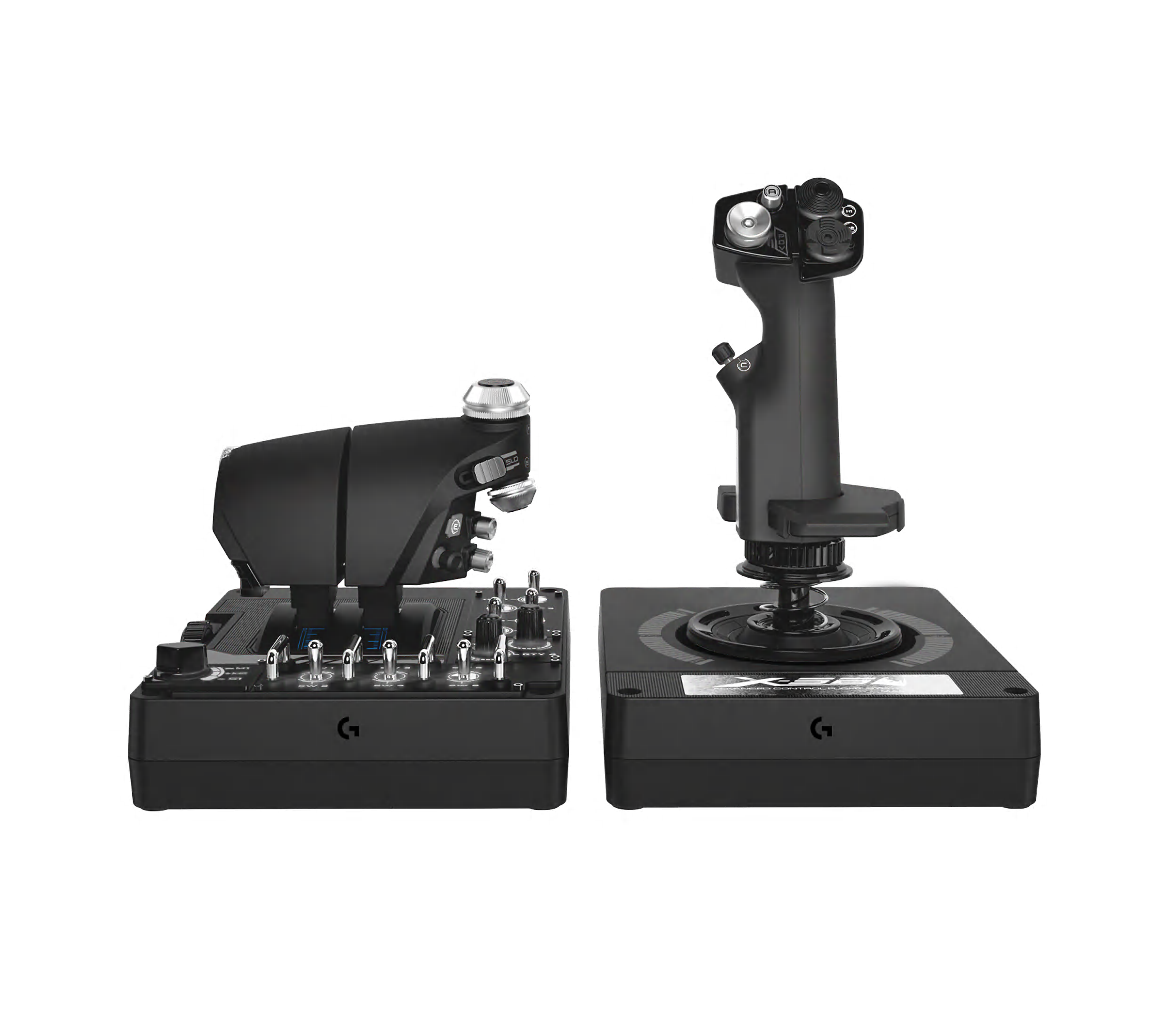
Logitech G X56 H.O.T.A.S. flight and space simulator stick & throttle put realistic, customizable cockpit controls at your fingertips. Perfect for VR games.
Flight Sim Rudder Pedals
Logitech G Flight Sim rudder pedals let you control your aircraft rudder & toe brakes with your feet—just like the real deal. Elevate your in-sim precision.

Stardust XR
Stardust XR is a display server for VR and AR headsets on Linux-based systems - Stardust XR

MANGMI AIR X
MANGMI AIR X is the best-priced Android retro gaming handheld - Snapdragon 662, FHD screen, Hall joysticks & 5000mAh battery. Play retro classics in style. Order now!

RS50 System
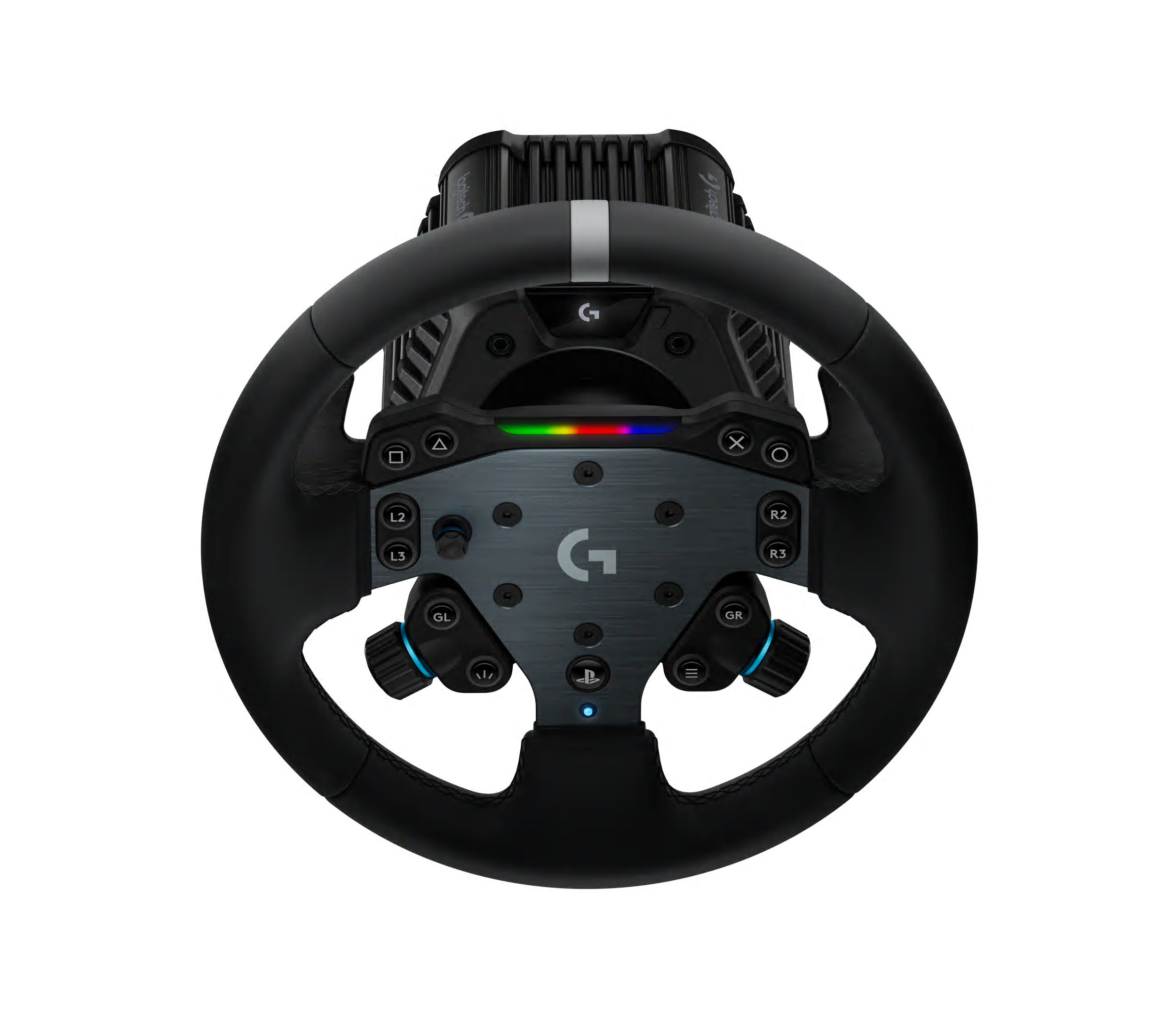
Experience ultimate immersion with the Logitech G RS50 System. This sim racing bundle includes an 8 Nm direct drive base, wheel hub, and round steering wheel. Compatible with PlayStation, Xbox, and PC. Get realistic TRUEFORCE feedback and customize your setup for the ultimate racing experience.
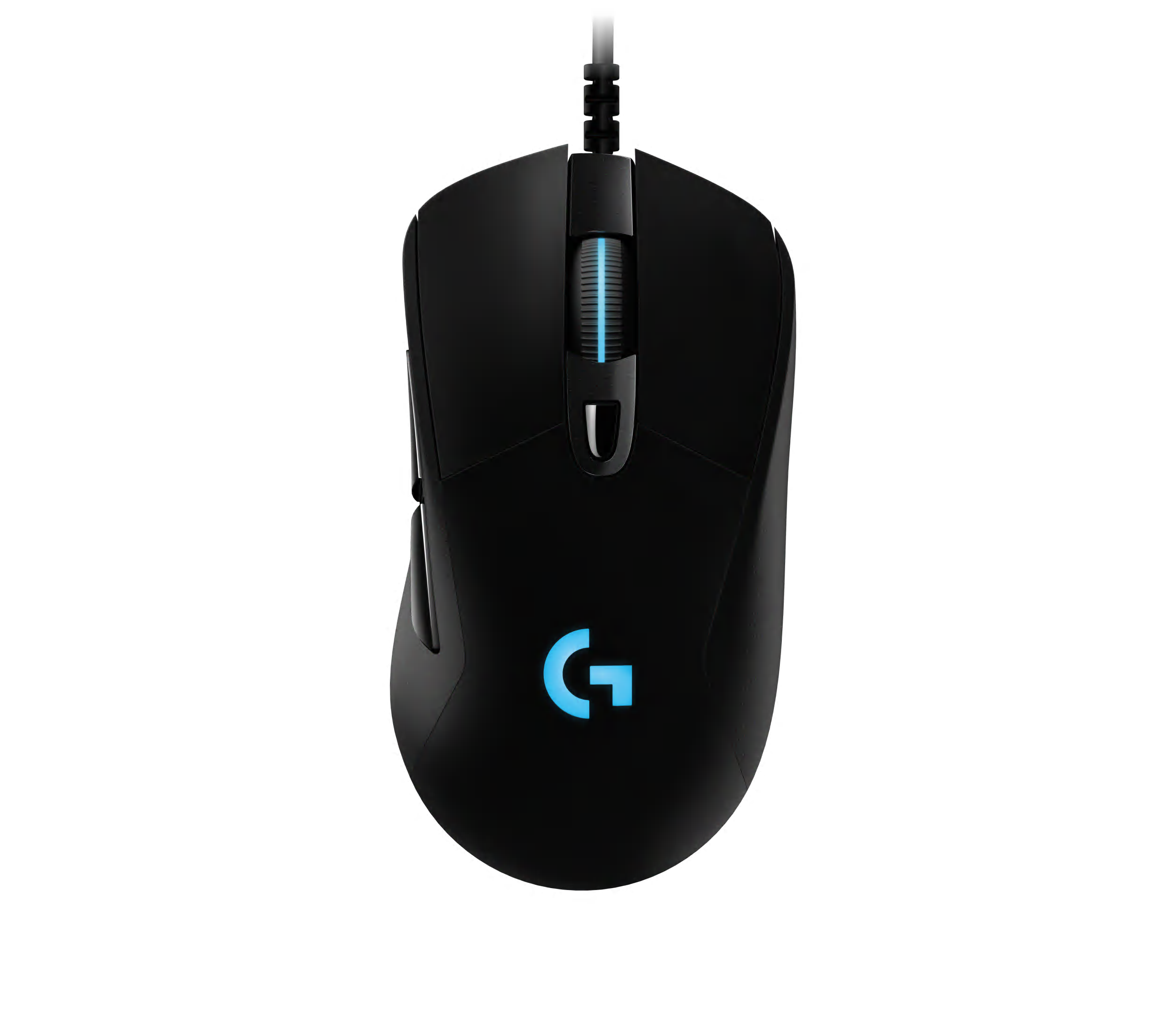
G403
Shop G403 Gaming Mouse. Features HERO 25k sensor with 1ms response times, LIGHTSYNC RGB, high build quality with side grips and programmable buttons
Deal: Divoom Pixoo-64 - WiFi Pixel Cloud Digital Frame with APP Control,64 X 64 LED Panel Display Frame for Gaming Room Decoration/Social Media Fans Counter
Divoom Pixoo-64 Digital Frame,Spark Your Life on Every Day

"Space Harrier," ported in 1988 for the 1982 Sharp MZ-700 PC - sh.itjust.works
mz-700 version Space Harrier (Producer: commentary by Kazuhiro Furuta + play video) [https://www.youtube.com/watch?v=LnrmLU6CD7w] — Source Code is Here: Oh!X 1988 10 : Free Download, Borrow, and Streaming : Internet Archive https://archive.org/details/OhX_1988-10/page/n83/mode/2up [https://archive.org/details/OhX_1988-10/page/n83/mode/2up]

XREAL One Pro | Wear Every World
XREAL One Pro features a custom X1 spatial chip, 57° FOV X Prism optics, a 0.55" Sony Micro-OLED display, and Sound by Bose. With 3ms latency, 120Hz refresh, native 3DoF anchoring, and three-level dimming — one pair, every world.
Creating Magic Through Technology: Headset Prototyping for AR/VR
Home
Welcome to the LVRA Wiki# This is a collection of links, useful resources and guides for the amazing world of VR on Linux. Feel free to contribute to this wiki yourself if you find anything useful that you might want to share with others. Quickstart# Your VR setup all depends on what hardware you have installed/available. For standalone/Android/wireless headsets, use WiVRn. For wired headsets like Index/Vive/WMR/Oculus/Rift, use Envision to run or compile the latest Monado and xrizer.
PC Gaming Gear | Wireless Mechanical Gaming Keyboard | RK ROYAL KLUDGE
RK Royal Kludge is relatively a newer company that specializes in wireless mechanical gaming keyboards including Royal Kludge RK61, RK84, RK87, RK71, etc, using Cherry MX switches (+clones) and electrostatic capacitive switches. Official Online Store with exclusive deals. Money back guarantee.

Razer Gaming Desktops and Components | Best Gaming Desktops | Razer Canada
Build your dream battlestation with our best gaming desktop solutions - meticulously crafted and assembled for high-performance play.

Pervasive Demand for Autonomy:
A Guardrail Feature of Hyperfocus-Capable Systems

Lynx R2 - The Ultimate Mixed Reality Headset
Experience the future of XR with Lynx R2. High performance, open ecosystem, and true mixed reality.

UHK 60 v2
The UHK 60 is fully programmable, impeccably built, 60% split mechanical keyboard designed for extreme productivity and ergonomics. Make the most out of your UHK by reading its interactive onboarding manual! Key switch type Key switch type is the defining factor that determines the feel of any keyboard. We offer the following Kailh switch types; each has its character. Let us first look at the vertical axis of the matrix. You may already be familiar with regular MX switches on countless other keyboards. The box switches feel more precise and better protected from dust; we recommend them for the best typing experience. The silent switches make your UHK more bearable in noise-sensitive environments at the expense of some mushiness. For the matrix’s horizontal axis, we recommend clicky switches. They provide the best typing experience, but your environment may not tolerate their noise. Gamers often prefer linear switches; tactile switches are the best middle ground between typing and gaming. Switch name Feel Actuation force Audio sample Regular Brown Tactile 50 gf Play Regular Blue Clicky 50 gf Play Regular Red Linear 45 gf Play Box Brown Tactile 50 gf Play Box White Clicky 45 gf Play Box Red Linear 50 gf Play Silent Brown Tactile 45 gf Play Silent Pink Linear 35 gf Play If you're still not sure which switch to choose, we strongly recommend purchasing the UHK switch tester. Layout and keycaps The UHK keycaps are best-in-class double-shot PBT keycaps that offer excellent shine-through performance, and the legends are easy to read even when they’re not backlit. The surface of these keycaps never gets shiny with use, and their legends never fade. The keycaps’ side legends are silk printed. We don't offer custom keycap printing options, and you can only choose the ones provided. You can select English US (ANSI), English UK (ISO), Blank ANSI, or Blank ISO. Being a backlit keyboard, we implemented the blank option by placing small translucent dots on every keycap. All these keycap options are made of double-shot PBT. We only provide a bar-shaped Enter key. The main reason is that it's more ergonomic than the L-shaped Enter key, and it's super easy to get used to, even for ISO users. If you want a custom UHK 60 keycap set (not backlight-friendly, but high quality), design and order yours from Yuzu. They have presets for German, UK, Norwegian, Swedish, Danish, French, Italian, Spanish, Portuguese, Swiss, Colemak, Colemak-DH, and Dvorak layouts. We don't get any kickback from Yuzu. Box contents The following items are included: The UHK 60 v2 (left and right keyboard halves) Braided bridge cable (11 cm collapsed - 30 cm expanded, or 0.35 - 1 foot), or make a custom length bridge cable Braided USB-C to USB-C cable (180cm long, or 6 feet) USB-C to USB-A adapter Combined keycap and switch puller Four hot-swappable flip-out feet For maximum ergonomics (tenting and negative tilting), the UHK palm rest is strongly recommended. Tenting and tilting angles With the bundled flip-out feet, you can tent, positively tilt, and negatively tilt the UHK 60 with and without the palm rest. When the feet are assembled, you can unfold them for more elevation or fold them for less elevation. Negative tilting without the palm rest is only possible with closed feet. Combined tenting and tilting is not supported. The following angles are achievable with unfolded feet, with folded feet providing approximately half the unfolded angle: Tenting angle: 9° for the left half and 7° for the right half (both with and without palm rest) Negative tilting angle: 5.5° without palm rest (only with closed feet) and 7.3° with palm rest Positive tilting angle: 11° without palm rest and 6.3° with palm rest For a wider range of tenting angles, see Riser 60. Physical specifications (with and without palm rest) Keyboard weight: ~1 kg (2.2 lbs) Palm rest weight (both wooden and rubber): 0.5 kg (1.1 lbs) Width: 289 mm (11.38 inch) Left keyboard half (and also palm rest half) width: 135 mm (5.31 inch) Right keyboard half (and also palm rest half) width: 154 mm (6.06 inch) Keyboard height (without keycaps): 21 mm (0.83 inch) Keyboard height (with keycaps): 29 mm (1.14 inch) Palm rest height: 23mm (0.9 inch) Keyboard length: 132mm (5.2 inch) Palm rest length: 75mm (2.95 inch)

OpenLogi
A native, local-first alternative to Logitech Options+, written in Rust. Remap buttons, drive DPI and SmartShift over HID++ — no account, no telemetry.
