


Apple co-founder Steve Jobs famously dismissed the need for a stylus when introducing Multi-Touch on the original iPhone over eight years ago, touting the finger as the best pointing device in the world. "Who wants a stylus? You have to get them, and put them away, and you lose them. Yuck. Nobody wants a stylus. So let’s not use a stylus".
Apple Pencil: Hands-On With Apple's Stylus For The iPad Pro | TechCrunch
After talking a good amount of smack over the years about styluses, today Apple revealed the Apple Pencil, an input device that allows iPad Pro users

Apple Pencil First Impressions: Will It Win Over Creatives? | TechCrunch
A lot of digital ink has been spilled over Apple's new stylus input device for the iPad Pro over the last 24 hours. The collective hot takes of the

The benefits of note-taking by hand
Computers and phones have become the go-to note-taking method for many. But your brain benefits from an old-fashioned pen and paper.

Ink
Handwriting and drawing directly between paragraphs using a digital pen, stylus, or Apple pencil.
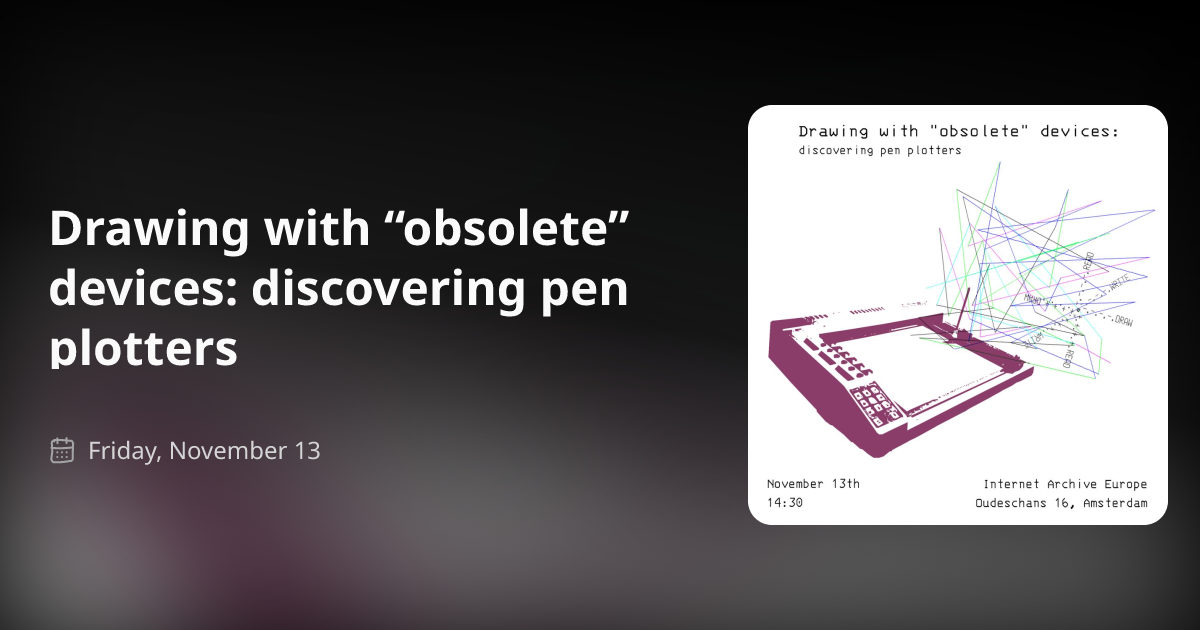
Drawing with “obsolete” devices: discovering pen plotters
Join us for a workshop at the Internet Archive Europe where we will explore how pen plotters from the 80s work, together with artists Emanuele Arrigoni and Claudio Castro Chaponan. During the workshop, we will get to know about pen plotters by working with them hands on, reading and writing instructions from an original manual that will translate in drawings and movements of pens on paper. In the past, these devices were used in offices to produce graphs and charts, but what can we use them for today? Emanuele and Claudio are two interdisciplinary artists that share an interest in researching the maintenance and reuse of so called “obsolete” media for artistic purposes. They will share how they search for documentation material of all kinds online to learn about old machinery, how does it work and how to interact with it today beyond its intended use. The purpose of this workshop is explorative, no previous experience is required, just bring your own curiosity!
The Best Note-Taking Apps
We recently polled readers with suggestions for the best note-taking apps. Most of you said you still do things the old-fashioned way with pen and p

The importance of handwriting is becoming better understood
Research on pens and paper highlights their benefits

These Are the Best Notebooks
Having a favorite notebook is even dorkier than having a favorite pen . It’s a pile of paper that you write on. But the subtleties and special featur

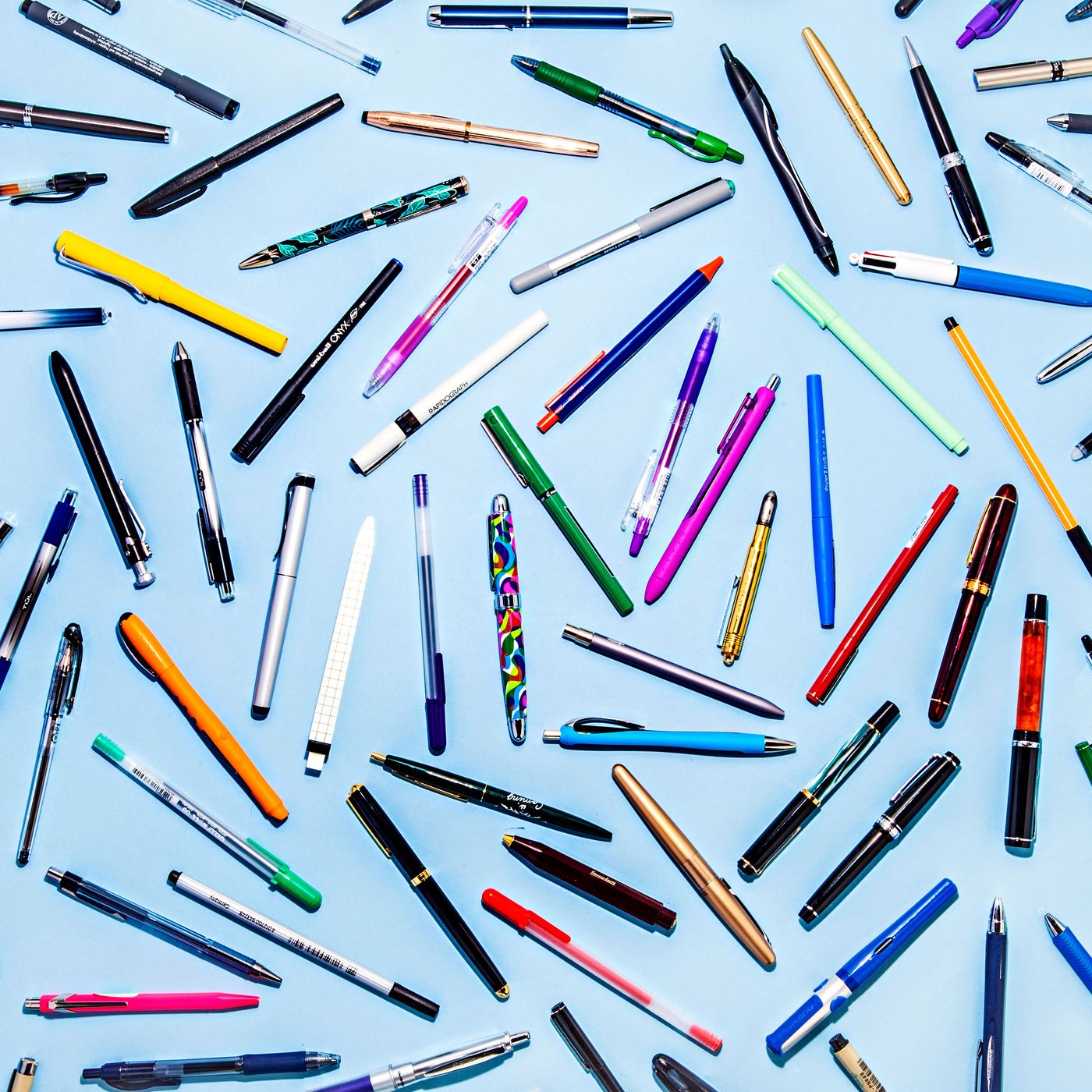
The 100 Best Pens, As Tested by Strategist Editors
The best felt-tips, ballpoints, gel, fountain, and rollerball pens, as judged by the writers and editors who tested them.
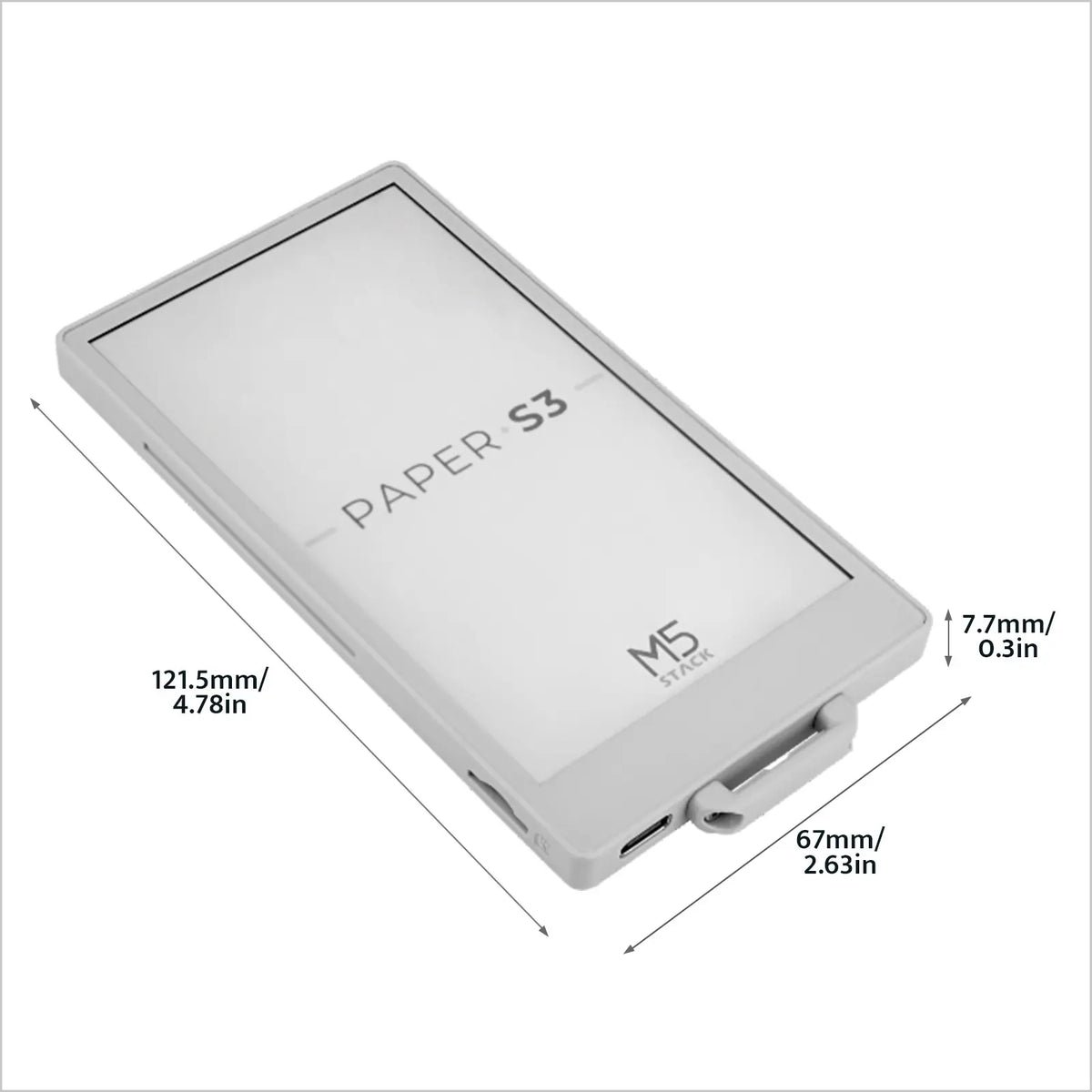
[EOL] M5PaperS3 ESP32S3 Development Kit (960x540, 4.7" eInk Display, 235 ppi)
PaperS3 is a uniquely designed low-power touch-enabled e-ink screen main control device launched by M5Stack. The controller uses the ESP32-S3. The front of the device is embedded with a 960 x 540 @ 4.7" (touch and screen integrated) e-ink display, supporting 16-level grayscale display. Paired with the GT911 capacitive touch panel, it supports two-point touch and various gesture operations. Compared to previous products, PaperS3 adopts a full-screen structure. Compared to ordinary LCD screens, e-ink screens not only provide users with a better text reading experience but also offer advantages such as low power consumption and image retention when powered off.
inkOS - Minimalist Android Launcher
inkOS is different from other minimalist android launchers because it's optimized for e-ink, keypad and qwerty phones. Almost all of the interface is operable with D-pad, so touch input is optional. It removes all animations and replaces smooth scrolling with discrete, paged navigation, making it comfortable for users who are sensitive to motion and ideal for slow-refresh e-ink displays. To reduce distraction and app hopping, inkOS surfaces notifications directly on the launcher, letting you stay informed without constantly opening apps.
Samsung Galaxy Tab S7 Plus - Note Taking & S Pen Review (Writing / Drawing / Sketching)
What's the point of a note-taking app?
The true purpose of a note-taking app is to facilitate deep learning through three interconnected processes—externalizing ideas, internalizing them into new insights, and resurfacing them over time—and good design should minimize accidental friction while preserving the productive friction that enables genuine understanding.
