

Apple shared five new videos on its YouTube channel today, all of which center around working on an iPad Pro. Each video covers a different iPad workflow, as described by the following titles: A new way to host your own podcast A new way to create a presentation A new way to go paperless A
ignore the code: The Failure of the iPad
Two days ago, ZDNet published this article: Meet the iPad, your work computer: These 10 apps make real productivity possible. These kinds of articles, where writers explain how they use their iPads productively, musicians talk about how the iPad is truly a professional tool, or painters show how they use the iPad for professional illustrations, are published regularly. There's probably a new one every week.
11 Tips for Working on the iPad
In a recent episode of Connected, we rounded up some of our favorite "iOS little wonders" and Myke was surprised by one of my picks: the ability to launch individual notes on iOS through shared links. The ensuing discussion inspired me to assemble a list of tips and tricks to improve how you can work
Thinking Different: Keys to Adopting an iPad-First Workflow
No matter how tech-inclined a person may be, no one sits down at their first computer and instantly finds themselves at home with the device. We all have our own tales of computing learning curves – figuring out how menus, file systems, and other traditional software elements work. Similarly, when making the move from one
Apple — WWDC 2017 Keynote
The Archive
A shared lexicon for *video notes*? Looking for input before I build
I’m considering tobuild an app for recording short screen videos and sharing them as video notes. Basically Loom for AT. I’d love your input on the lexicon shape before I settle it. The use case You record your screen (a window, a region or the whole display) with your voice and an optional webcam bubble, and share it as a quick explanation, similar to post-it notes or voice memos. I see two main user groups: people working together who might send each other video notes (a bug walkthrough, de...

Keynote - WWDC26 - Videos - Apple Developer
Don't miss the exciting reveal of the latest Apple software and technologies.
Orchard Videos
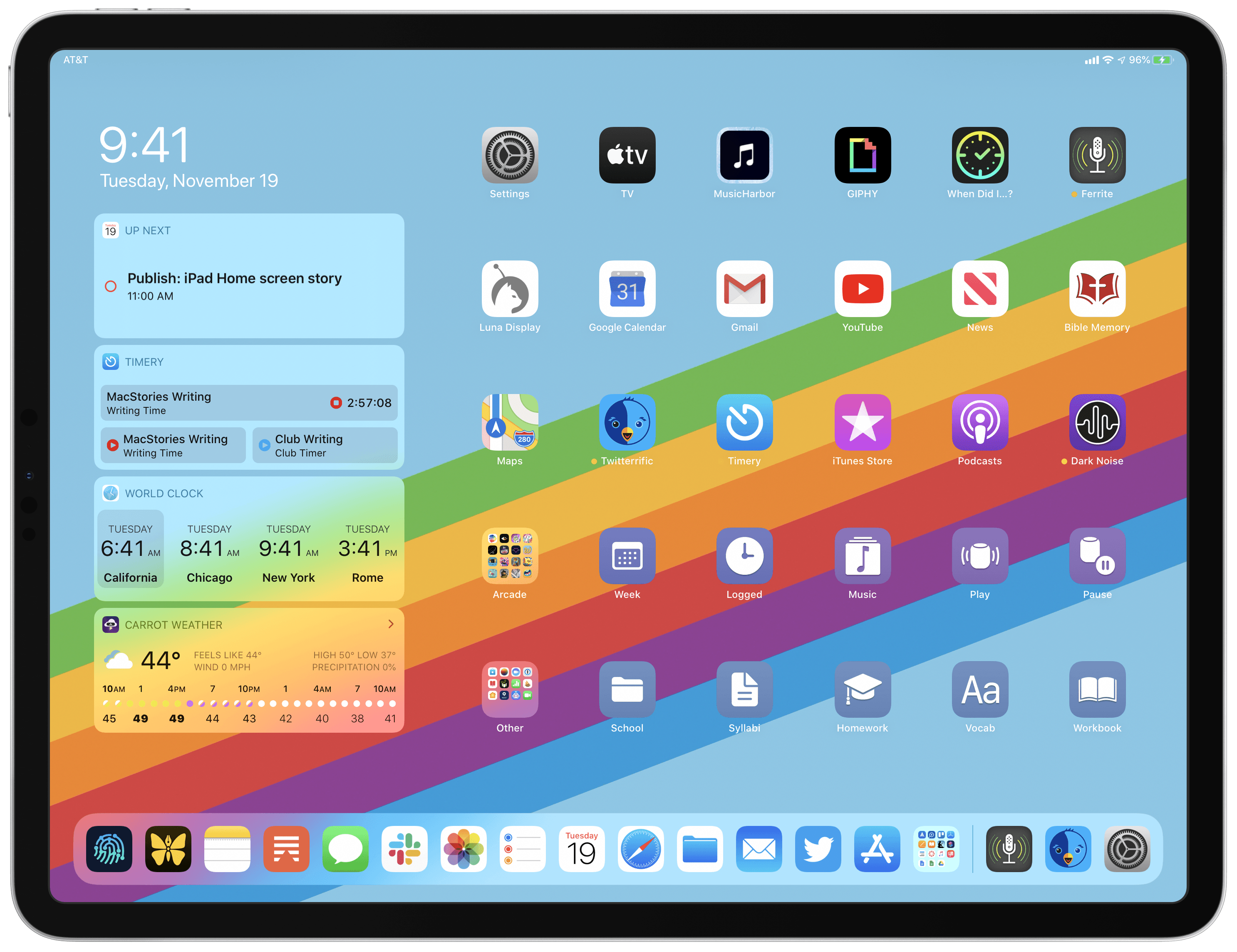
My Modern iPad Home Screen: Apps, Widgets, Files, Folders, and Shortcuts
For several years after its launch, one of the best and worst things about the iPad was that it was basically just a blown-up iPhone. This meant the device was extremely easy to use and intuitive, but it also meant lots of "computer-like" tasks were difficult to perform on an iPad. When the iPad Pro
psyalysis
Manton Reece - Poking around in WordPress because I wan...
Poking around in WordPress because I wanted to see how they handle something in the UI, and I just noticed the “Create AI Podcast” sidebar menu item:
Adventures in Video Conferencing Part 2: Fun with FaceTime
Posted by Natalie Silvanovich, Project ZeroFaceTime is Apple’s video conferencing applicati...
Podcast Republic
Podcasts, Radio, Audiobook and RSS news all in one highly customizable app.

Various Solo Videos
Perfecting Yoga Asana
#atprotoidea I could sync my progress in listening to a podcast between video and audio formats. Could start watching one on Streamplace video, pause, then later resume from a totally different audio app.
