
One of my favorite things about Drafts is its quick adoption of the new OS features that come year-over-year. Not only are they quickly adopted, but they are well implemented, carefully considered, and provide increased capability for both existing and new users alike. This year with the release of iOS 13, iPadOS 13, and macOS
Drafts 5: The MacStories Review
There are few apps I've ever used which made a lasting impact on my daily workflow. But for years now, the singular app that's been the foundation of my iOS use has been Drafts. The app has lived in my dock since I first picked it up, it's the single most important app I use
Drafts are causing usability issues for visually impaired users · Issue #10035 · bluesky-social/social-app
Steps to Reproduce I saw this on Toni's blog post about the transition, but it needs to be tracked here, so: Attachments (I'm assuming mobile/iOS below, but I'm not sure) What platform(...
iOS and iPadOS 13 App Roundup: Multiwindow, Dark Mode, Shortcuts, and More
iOS and iPadOS 13 have been in users' hands for several weeks now, and with the abundance of new capabilities those releases brought has come a wealth of third-party app updates. System dark mode has been adopted not just by indie developers, but also major social media apps; multiwindow has empowered users to work more
The Best Note-Taking Apps
We recently polled readers with suggestions for the best note-taking apps. Most of you said you still do things the old-fashioned way with pen and p

Things are Getting Weird
Why I have half a dozen drafts and haven't released a thing, at the End of the World
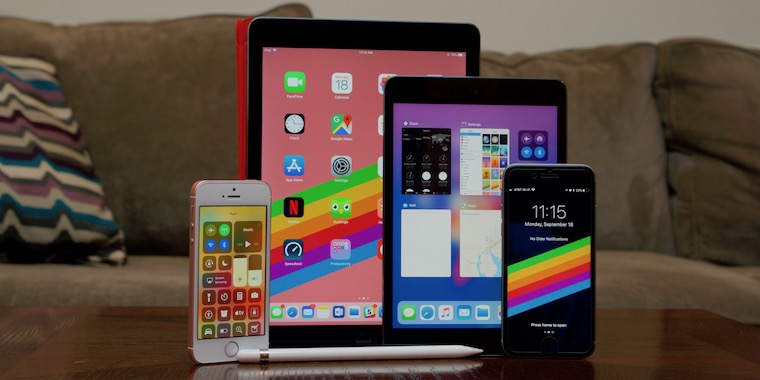
Apple — WWDC 2017 Keynote
iOS 12, thoroughly reviewed
Apple's OS focuses on performance and laying the groundwork for future apps.

Augmented Text Tools. Minimalist writing, powerful tools
Augmented Text tools offer a new ecosystem for writing, reading and interacting with text. Author is a writing app for Mac which makes citations and concept mapping easier than ever before. Reader is a free minimalist PDF viewer with powerful interactions.

ignore the code: The Failure of the iPad
Two days ago, ZDNet published this article: Meet the iPad, your work computer: These 10 apps make real productivity possible. These kinds of articles, where writers explain how they use their iPads productively, musicians talk about how the iPad is truly a professional tool, or painters show how they use the iPad for professional illustrations, are published regularly. There's probably a new one every week.
Thinking Different: Keys to Adopting an iPad-First Workflow
No matter how tech-inclined a person may be, no one sits down at their first computer and instantly finds themselves at home with the device. We all have our own tales of computing learning curves – figuring out how menus, file systems, and other traditional software elements work. Similarly, when making the move from one
Detail - Argmax
Detail, Apple's pick for iPad App of the Year 2025, leverages Argmax SDK to build their flagship AI features such as text-based video editing and automatic speaker switching using Argmax SDK, migrating from cloud APIs. - Dec 09, 2025

Dangerous Writing App
Dangerous Writing App. If you stop typing, all progress will be lost. Now with over 500+ writing prompts to choose from.
iOS and iPadOS 17: The MacStories Review
In the year when the vision is elsewhere, what do you get the OS that has everything?
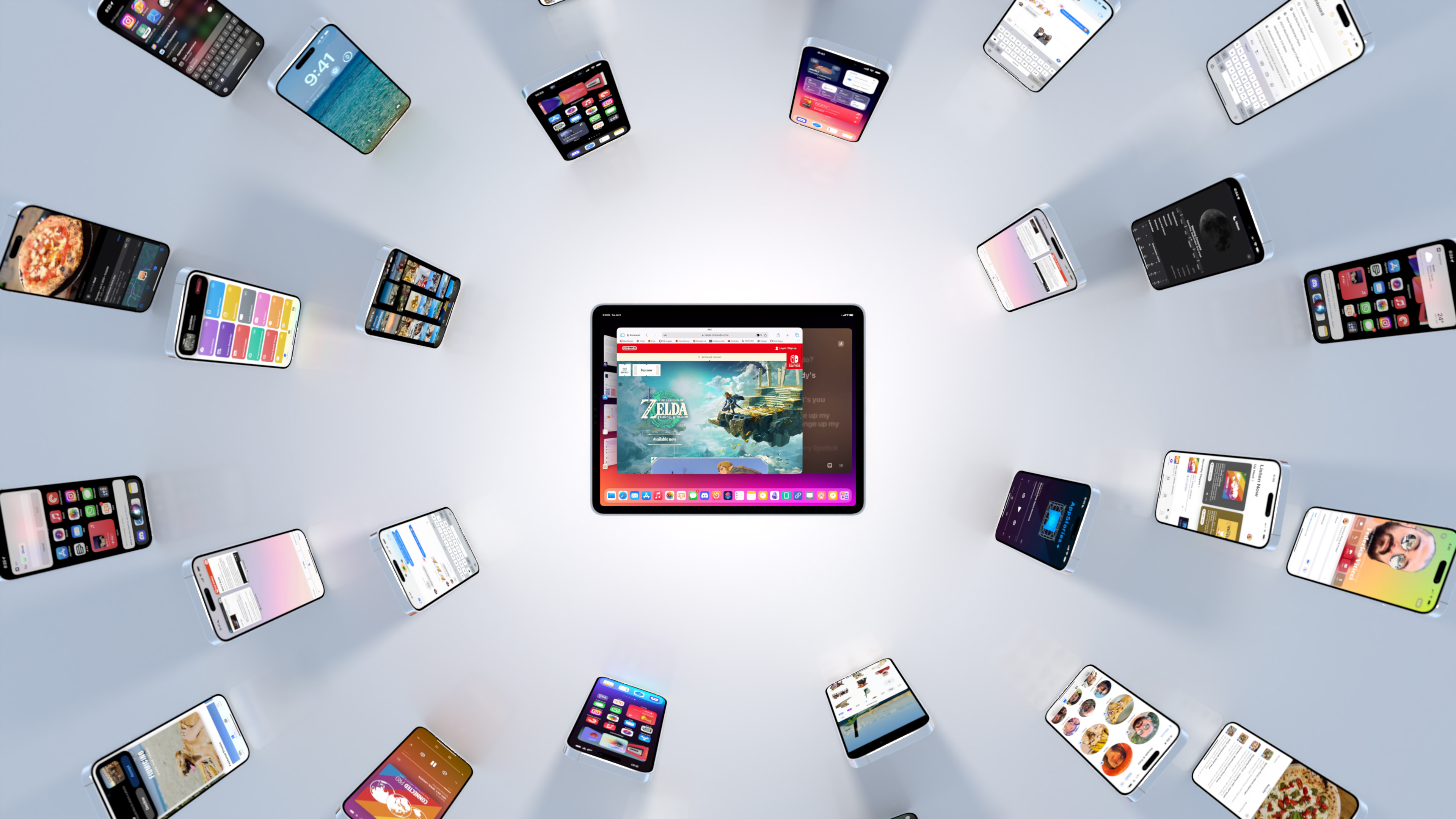
iOS 11, thoroughly reviewed
Wide-ranging update is full of changes, but iPad benefits the most.
From the Creators of Shortcuts, Sky Extends AI Integration and Automation to Your Entire Mac
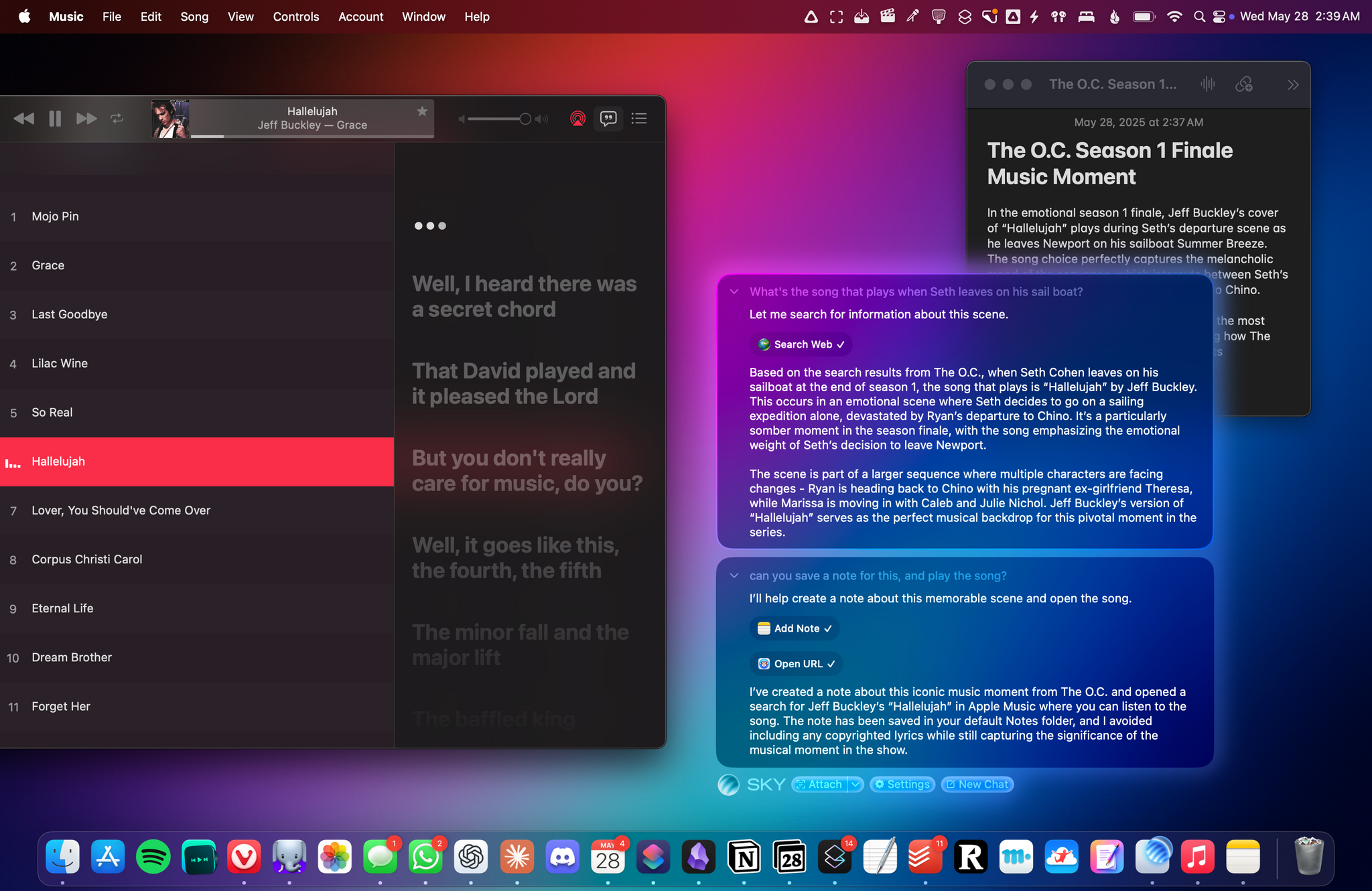
Over the course of my career, I've had three distinct moments in which I saw a brand-new app and immediately felt it was going to change how I used my computer – and they were all about empowering people to do more with their devices. I had that feeling the first time I tried Editorial,