

Some background: I have been using Tablet PCs for a decade now. Back in the UO days, I always walked around with a paper notebook full of doodles, and I often sketch out design ideas as diagrams and quickie cartoons. With a pressure sensitive stylus I can also then do artwork directly — concept paintings (the sort of thing you then give to an artist so they can make the real concept painting…!) or game sprites or whatever. These days, I carry my iPad pretty much everywhere, and I can code on it a little bit, I can sketch on it, I doodle with it in Notes Plus, and I even have the Pogo Connect pressure-sensitive stylus, so I can use that for art. But I am working on the colored cartoons for the second edition of Theory of Fun, and none of the iPad art programs will successfully load the Photoshop files I need to work in. And I was in the market for a new laptop anyway, so I went shopping for a Windows 8 tablet.
Apple Pencil First Impressions: Will It Win Over Creatives? | TechCrunch
A lot of digital ink has been spilled over Apple's new stylus input device for the iPad Pro over the last 24 hours. The collective hot takes of the

Apple Pencil: Hands-On With Apple's Stylus For The iPad Pro | TechCrunch
After talking a good amount of smack over the years about styluses, today Apple revealed the Apple Pencil, an input device that allows iPad Pro users

SoundBrush, An App That Lets You Draw Music, Turns The Untrained Into Musicians | TechCrunch
An iPad app called SoundBrush is out to make music composition accessible, even those who don't play an instrument. After releasing a MVP in April 2012 to test out the concept of drawing music on a tablet, SoundBrush released a more sophisticated second version last month along with a sharing and collaboration platform, Discover.

Win: Evernote Smart Notebooks
Enter to win one of three Evernote Smart Notebooks by Moleskine. Sketch on paper and store drawings on your mobile device in Evernote. Its "Smart"

ignore the code: The Failure of the iPad
Two days ago, ZDNet published this article: Meet the iPad, your work computer: These 10 apps make real productivity possible. These kinds of articles, where writers explain how they use their iPads productively, musicians talk about how the iPad is truly a professional tool, or painters show how they use the iPad for professional illustrations, are published regularly. There's probably a new one every week.
iPad Pro: Hands-On With Apple's New Tablet For Professionals And Creatives | TechCrunch
Apple unveiled its tablet behemoth, the iPad Pro, today at its event. The gorgeous 12.9" screen gives users enough screen real estate to engage in the

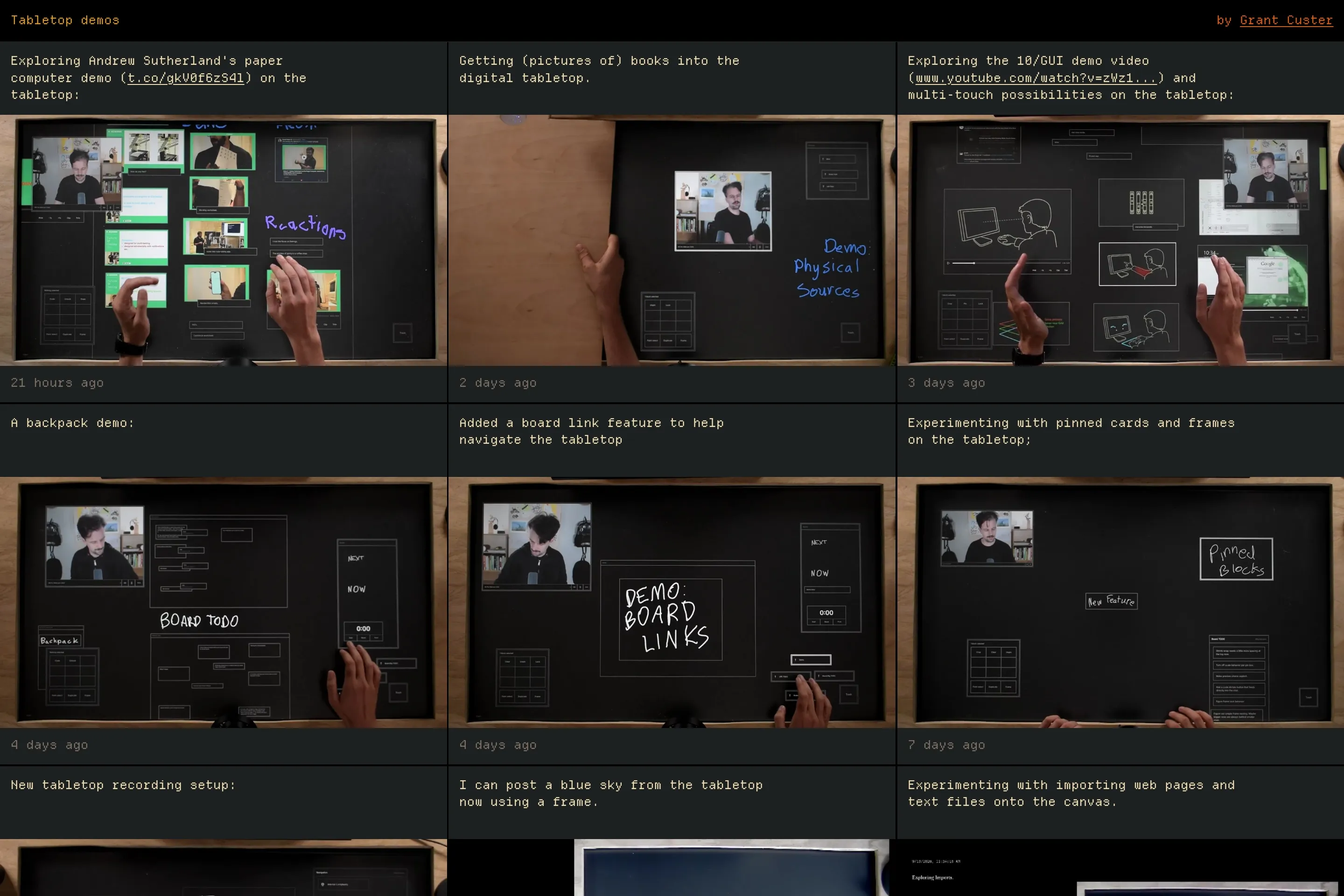
Wacom's Inkling Captures What You Draw On Paper Digitally (Amazing Video) | TechCrunch
Wacom has announced a pretty amazing product today, the Inkling. This so-called Digital Sketch Pen allows you to capture whatever you draw or write on a sketchbook or any kind of paper in digital form, "stroke by stroke". Just insert a sheet of paper or a notebook into the receiver, use the Inkling Digital Pen and transfer your works to your computer to refine them digitally anytime later. Wacom says that Inkling even lets users create layers in the digital file while sketching on paper, with the push of a button.

The iPad's original software designer and program lead look back on the device's first 10 years
We chatted with Imran Chaudhri and Bethany Bongiorno about the tiny tablet that could.

Umoupen — Animate and Draw
Animation and drawing software for artists on Windows and macOS.
Google's Pixel Slate: Great Chromebook, not-so-great iPad/Surface rival - Fast Company
With an optional keyboard and pen, this device wants to split the difference between tablet and laptop. But the meshing of Chrome OS and Android needs work.

PlayBook: A Programmable Paper Notebook
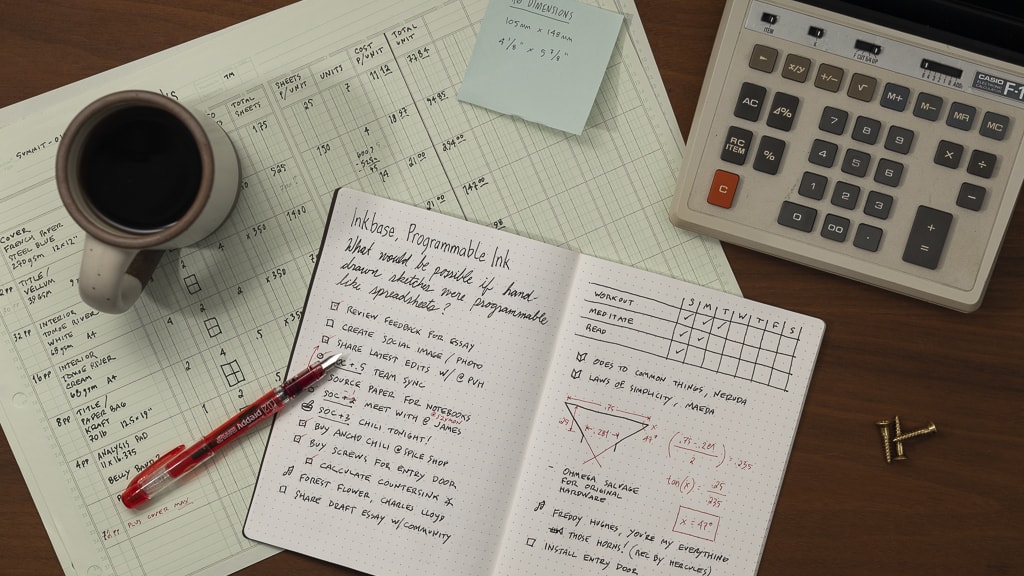
Inkbase: Programmable Ink
What would be possible if hand-drawn sketches were programmable like spreadsheets?
Apple Pencil Offers High Precision and Low Latency, Gains 30 Minutes of Use From 15-Second Charge
Apple co-founder Steve Jobs famously dismissed the need for a stylus when introducing Multi-Touch on the original iPhone over eight years ago, touting the finger as the best pointing device in the world. "Who wants a stylus? You have to get them, and put them away, and you lose them. Yuck. Nobody wants a stylus. So let’s not use a stylus".
