
I’ve just finished setting up a new Mac (14" MBP, M2 Pro, 32G, 4T). It dawned on me that most of my really intense interactions with this thing involve looking at “monospace” (i.e. fixed-width) text; in Emacs where I write this blog, in my IDE, and in my terminal. The ones that came with the machine by default are, well, OK, but maybe we can do better. So I got on Mastodon and asked: “Dear LazyWeb: Setting up a new Mac, what are some groovy new monospace fonts for terminals and IDEs?”
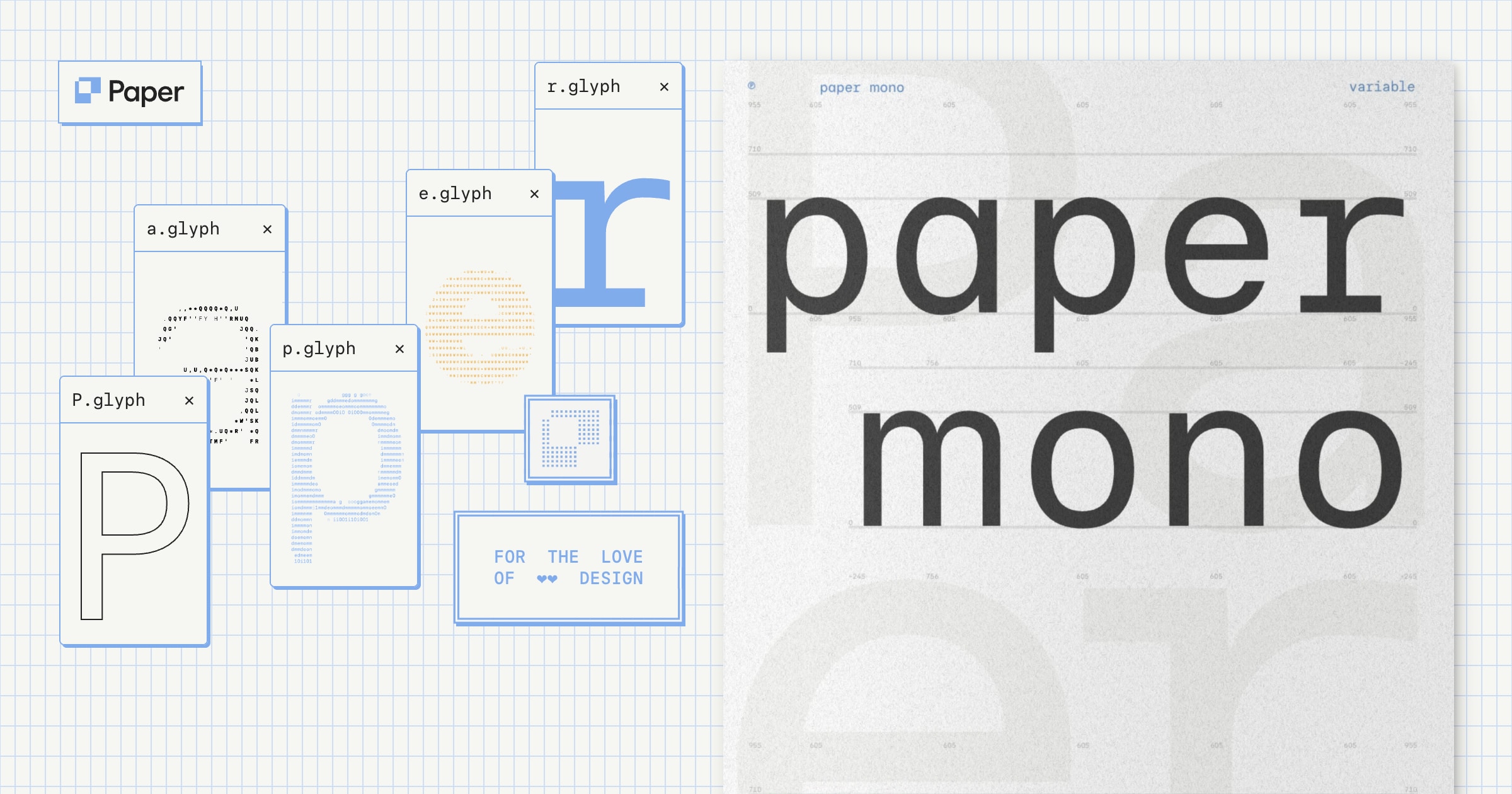
Paper Mono
Paper Mono is a beautiful monospace font family with 8 variable weights and coding ligatures, free and open source.
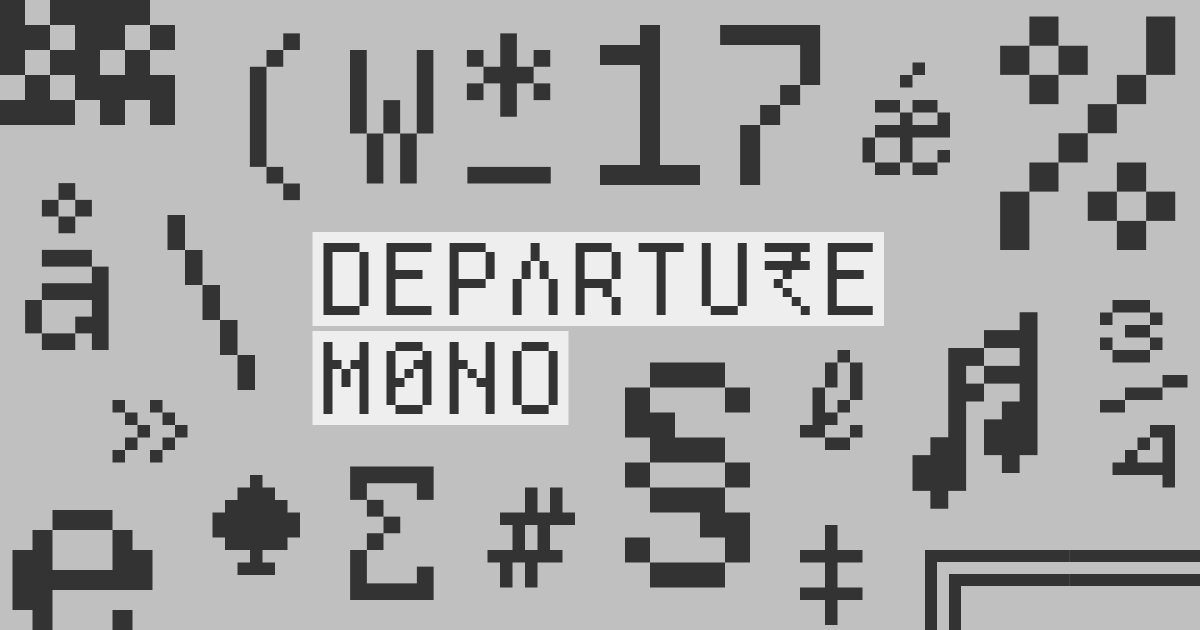
Victor Mono: Free • Ligatures • Cursive italics
Victor Mono is a beautiful, open-source programming font with semi-connected cursive italics and symbol ligatures.

Monoid Open Source Coding Font
Monoid is a customizable, minimal + legible font optimized for coding. It's customisable with ligatures, alternates and class based positioning.

microsoft/cascadia-code
This is a fun, new monospaced font that includes programming ligatures and is designed to enhance the modern look and feel of the Windows Terminal.
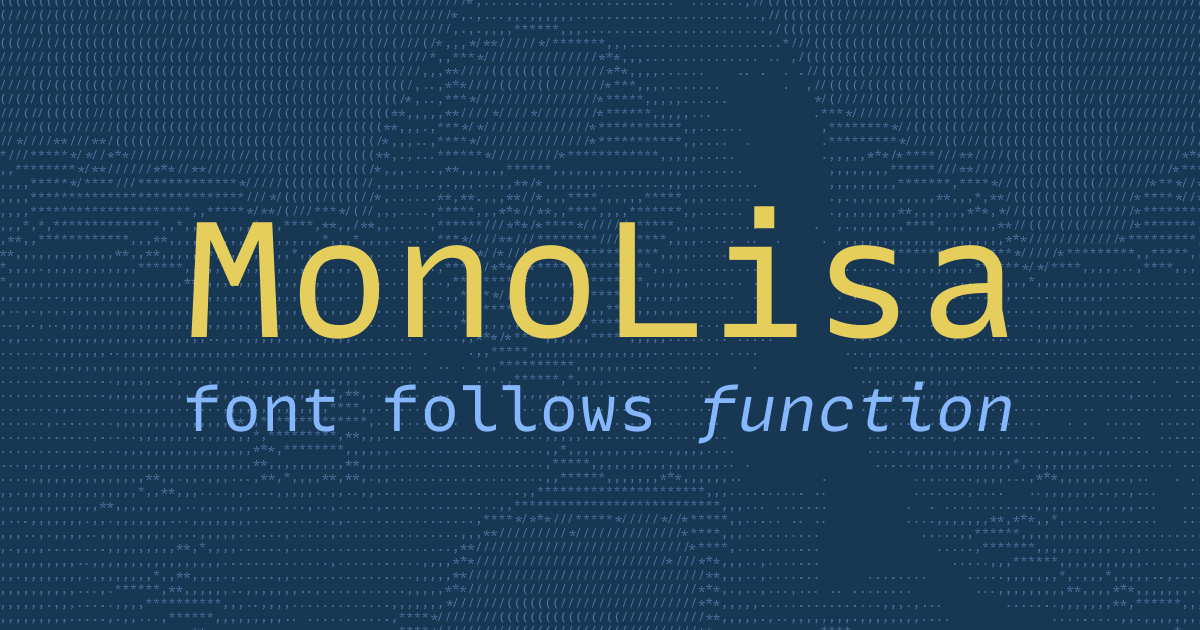
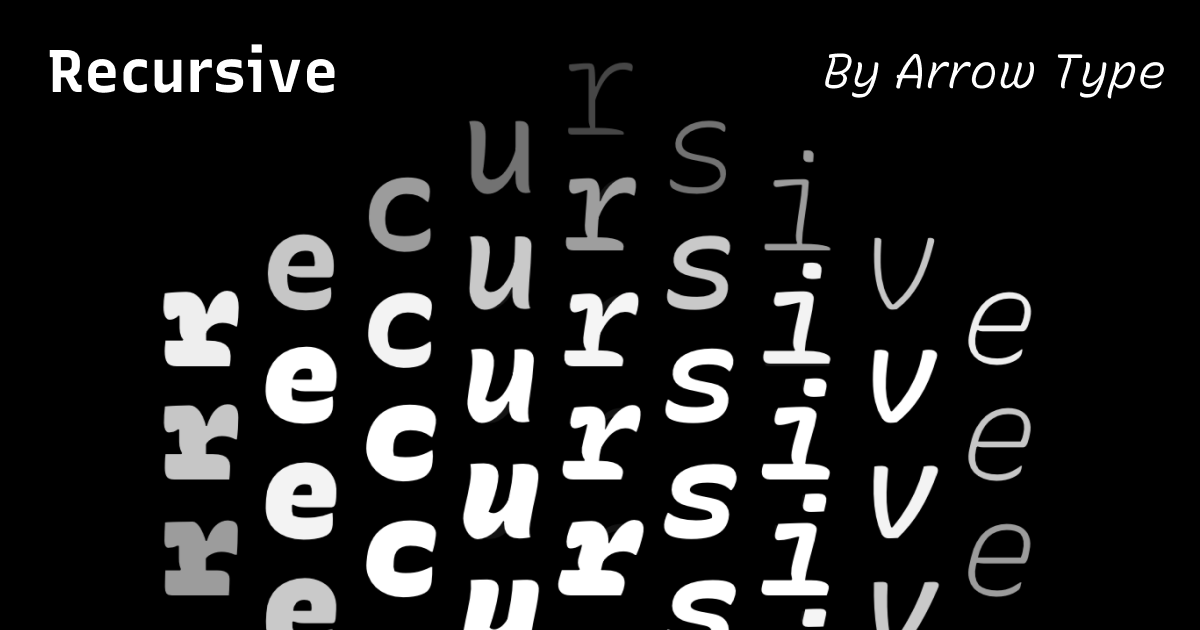
Space Grotesk
Space Grotesk is a proportional sans-serif typeface variant based on Colophon Foundry's fixed-width Space Mono family (2016). Designed by Florian Karsten.
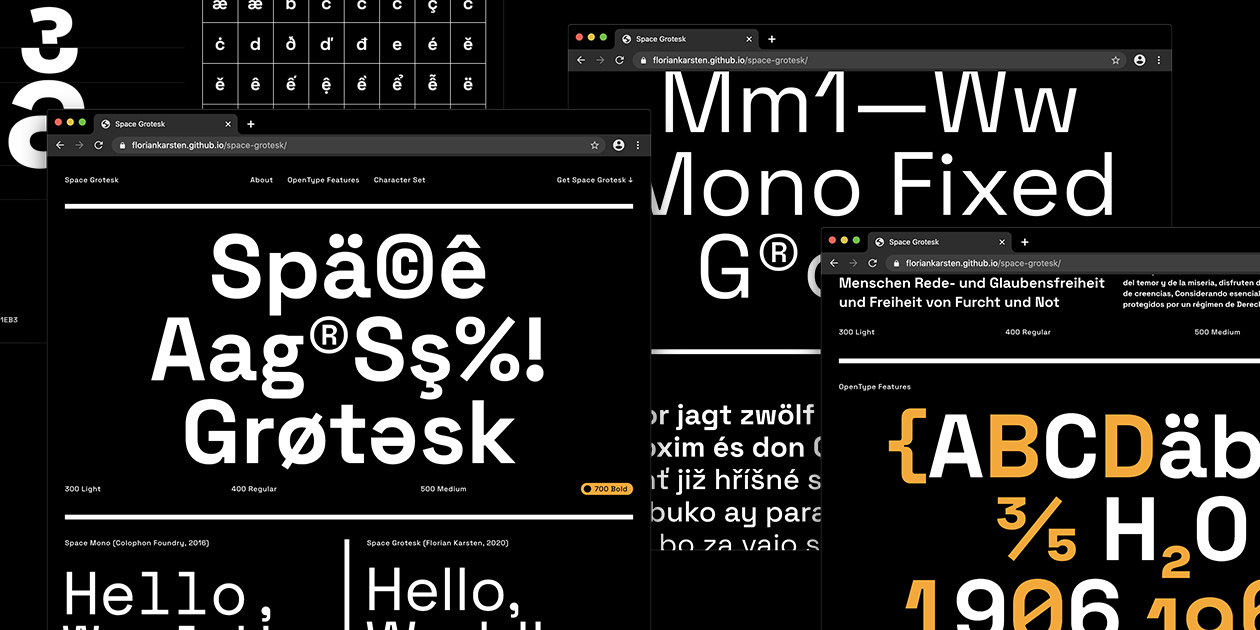
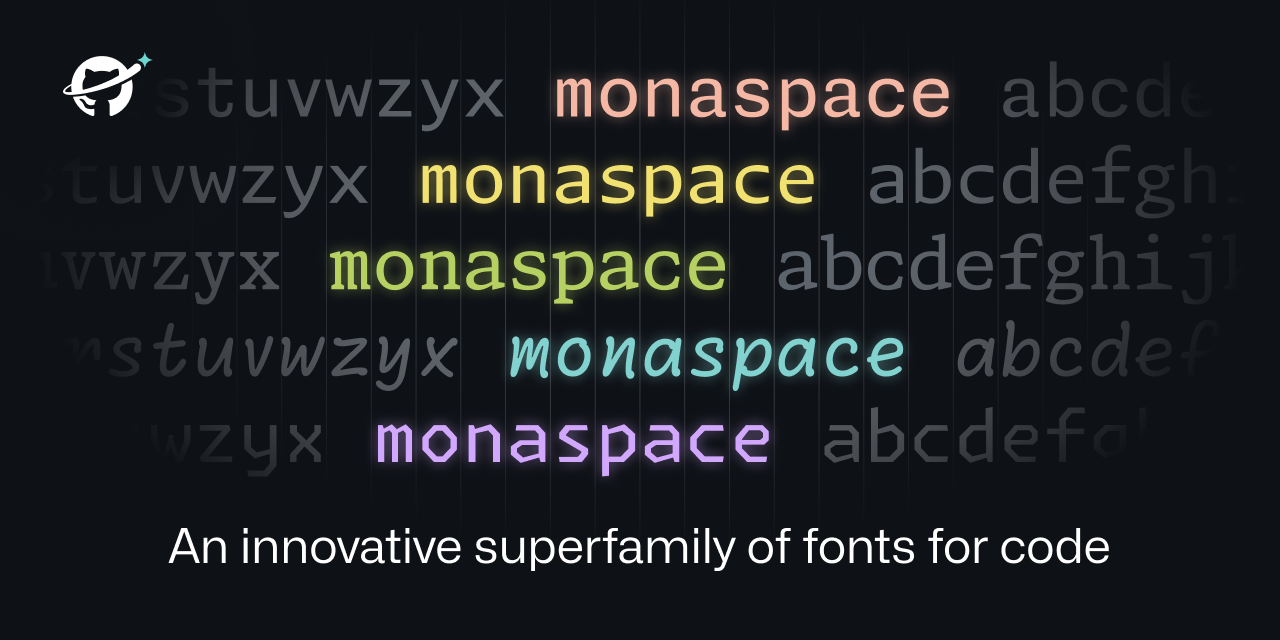
Commit Mono. Neutral programming typeface.
Commit Mono is an anonymous and neutral programming typeface focused on creating a better reading experience.
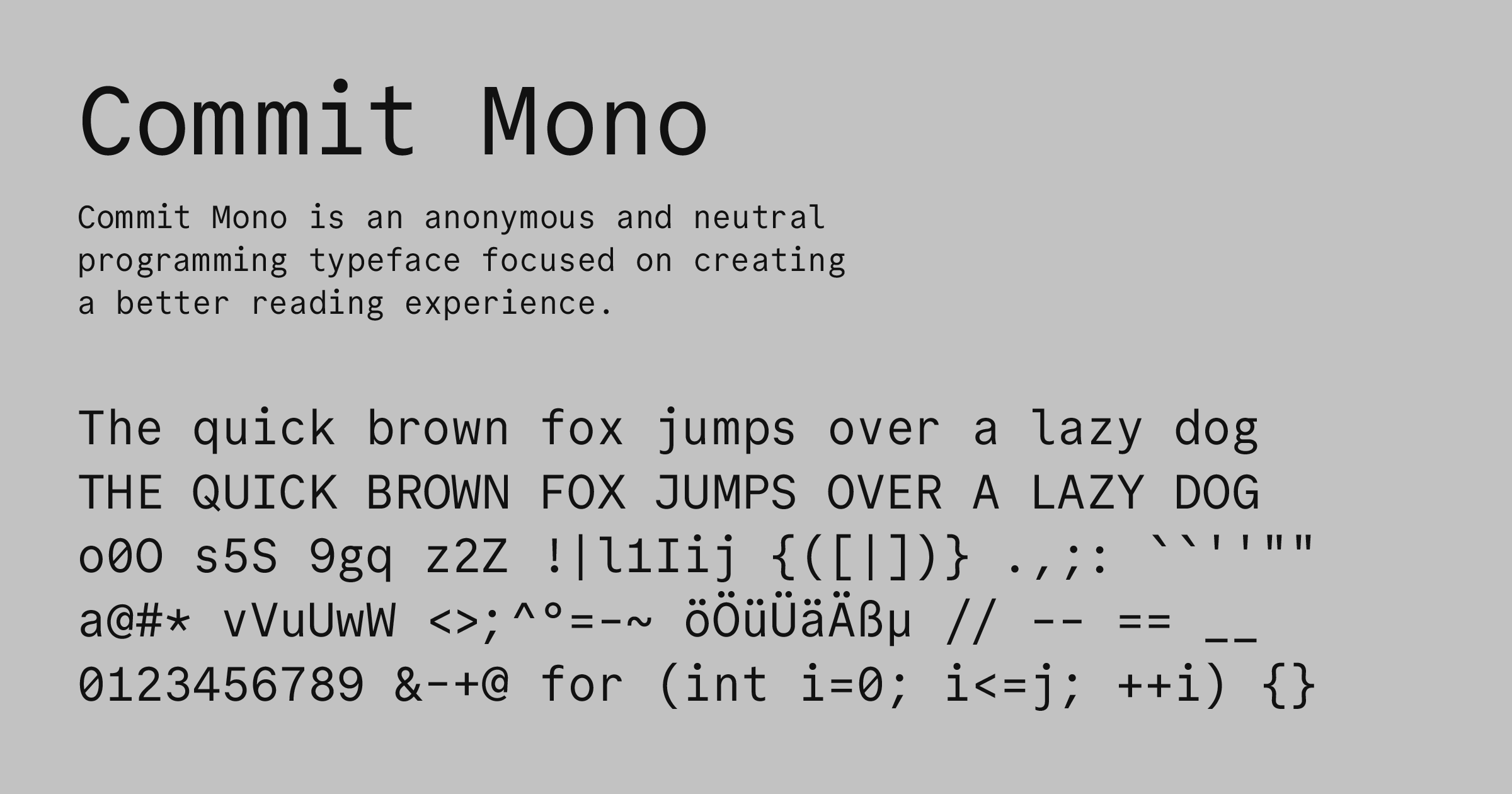
Glyphs
Glyphs 4 is a Mac font editor that puts you in control: quickly draw high-precision vectors, efficiently reuse shapes, and easily manage any number of letters, figures and symbols.

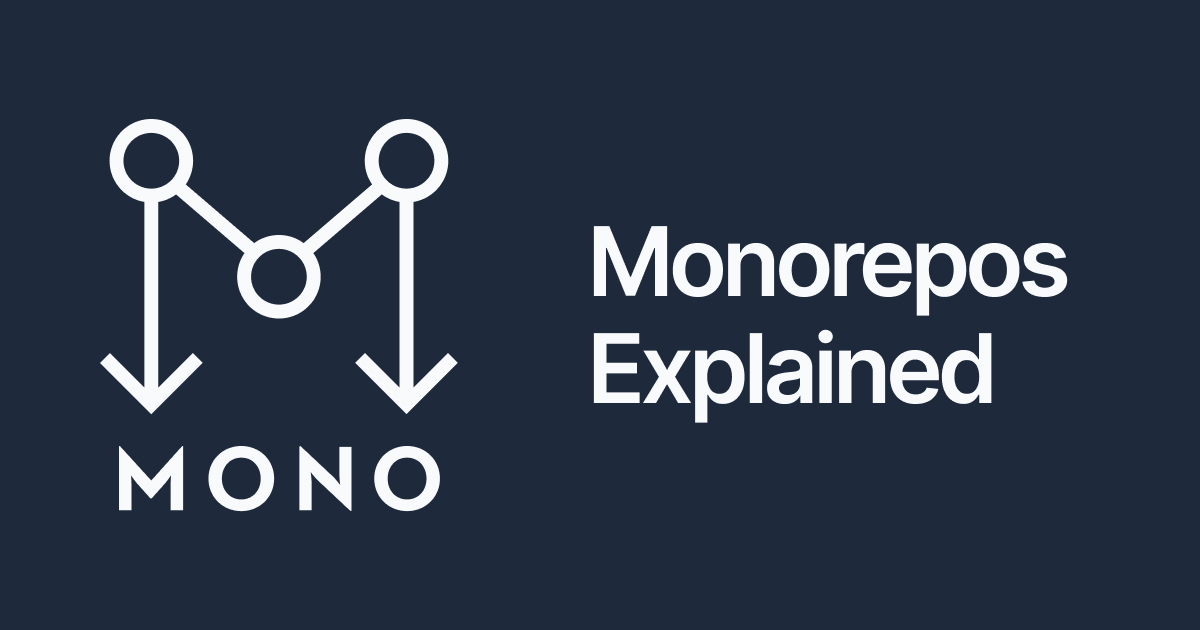
Monorepo Explained
Everything you need to know about monorepos, and the tools to build them.
Introducing Glyph Protocol for Terminals - Raphael Amorim
There’s one thing about terminals that has always bothered me: to get your favorite editor, prompt, or TUI to render nicely, you are almost always forced to install a patched font. You know the drill. You open a fresh terminal, pull up your editor, and half of the UI is replaced by little rectangles — the infamous tofu. The fix is to go download a Nerd Font, or Powerline, or some other patched set, and switch your terminal font to it. A font that is often well above 10MB in size1. All of that — just so you can render...