


Follow this how to guide on screen recording in OBS Studio. Find alternative options to screen recording in OBS.
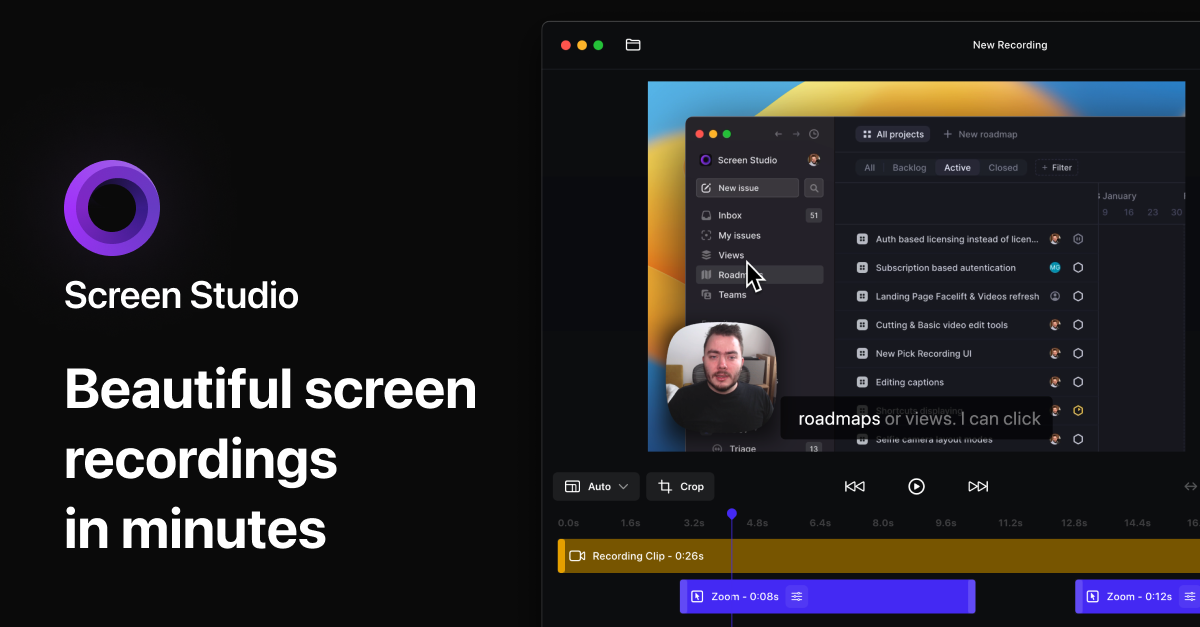
Screen Studio — Professional screen recorder for macOS
Screen recorder for macOS. Create engaging product demos, courses, tutorial and social media videos. Add automatic zoom on mouse actions, smooth mouse movement, and other powerful effects and animations. Designed for macOS.
Unloom
All the tools you love from screen recorders, without sacrificing privacy or ownership of your data
Screen Record App: screenpipe — Record Everything & Search Instantly
screenpipe is the best screen record app for teams. Captures screen and audio, makes everything searchable, and automates workflows. Local-first and private.
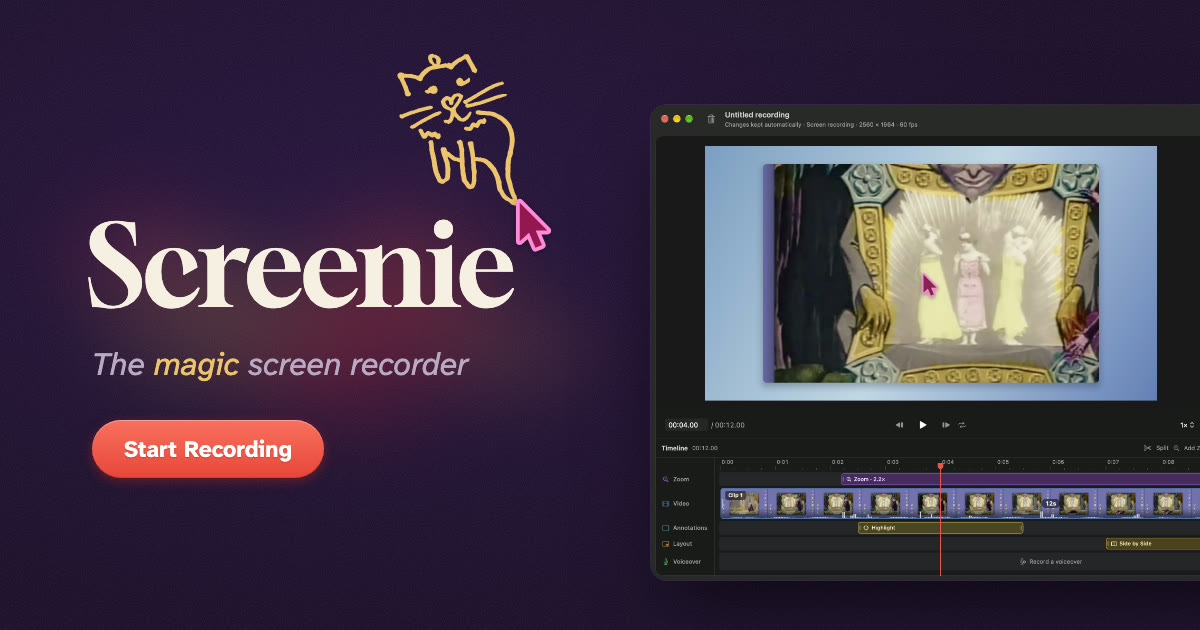
Screenie: The magic screen recorder
A screen recorder for Mac. It zooms in where you work, smooths your cursor, and frames the recording on a background.
Capturing Website
Record camera and screen directly in your browser in a local, privacy-first way.

Mac Screen Recorder for Polished Videos | Screen Charm
Mac screen recorder with smart zoom effect, webcam overlay, motion blur, background music, 4K export, and built-in editor. One-time purchase, no subscription.
🚨 Screen Studio charges $89 for this. Someone open sourced the entire thing for free. It's called OpenScreen. 8,400+ GitHub stars. You record your screen. It automatically transforms it into a polished, professional demo video. Auto-zoom into clicks. Smooth cursor animations. https://t.co/gCu83bTYX2
🚨 Screen Studio charges $89 for this. Someone open sourced the entire thing for free.It's called OpenScreen. 8,400+ GitHub stars.You record your screen. It automatically transforms it into a polished, professional demo video.Auto-zoom into clicks. Smooth cursor animations.… pic.twitter.com/gCu83bTYX2— Nav Toor (@heynavtoor) March 31, 2026

You should take more screenshots
If you do any sort of creative digital work, screenshots and screen recordings are a great way to remember it.

Camo Studio - Stand out video with any camera
Camo enables the camera you already own to produce incredible video, whether you’re meeting, streaming, or recording. Start creating great video today.

Avoiding recording command buffer every frame?
A more architectural question though perhaps still mostly vulkan specific... given an example of a spinning camera viewing some dynamic scene the…
