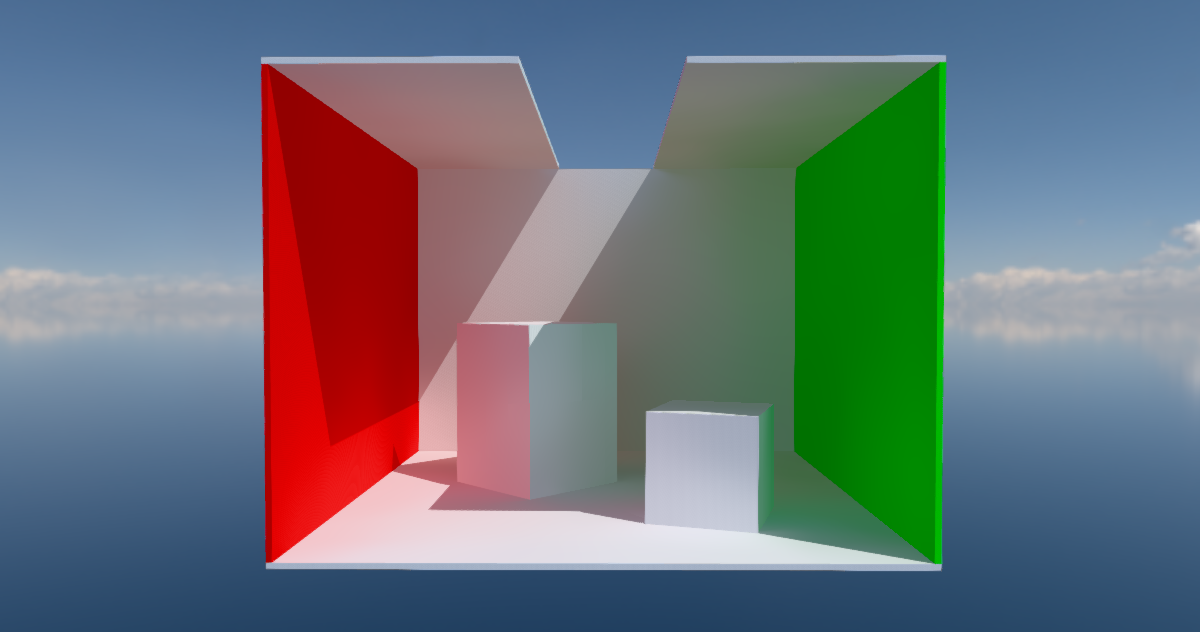
Some time ago I saw a neat solution by Cory Spooner on outlining meshes using particle sprites. The concept has been done before - but it’s interesting enough to cover it regardless for Unreal Engine specifically. We render the outline on a translucent cube or sphere that is tightly fitted around the desired mesh. We apply the outline material to this cube instead of a post-process chain. This let’s us affect only small portions of the screen rather then pay the full-screen cost.

Evaluating and Sampling Glinty NDFs in Constant Time
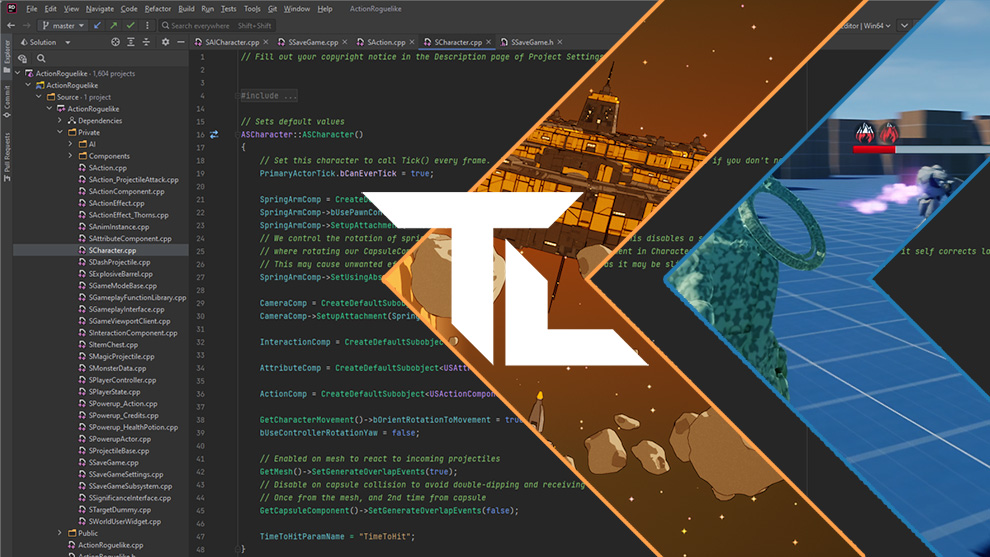
Geometric features between the micro and macro scales produce an expressive family of visual effects grouped under the term 'glints'. Efficiently rendering these effects amounts to finding the highlights caused by the geometry under each pixel. To allow for fast rendering, we represent our faceted geometry as a 4D point process on an implicit multiscale grid, designed to efficiently find the facets most likely to cause a highlight. The facets' normals are generated to match a given micro-facet normal distribution such as Trowbridge-Reitz (GGX) or Beckmann, to which our model converges under increasing surface area. Our method is simple to implement, memory-and-precomputation-free, allows for importance sampling and covers a wide range of different appearances such as anisotropic as well as individually colored particles. We provide a base implementation as a standalone fragment shader.
Unreal Scoop: Make your own “shaded textured unlit” viewmode real quick
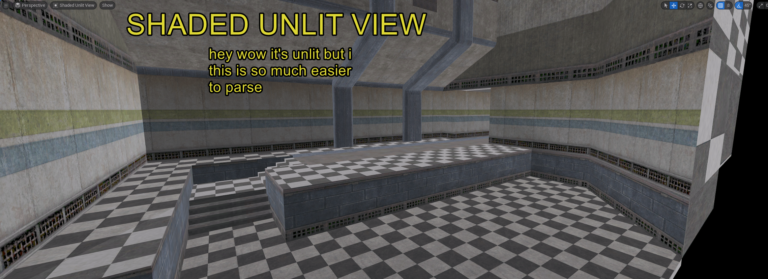
Hammer, king of level editors, has a view mode where the scene is unlit, but not fullbright; it’s shaded to make it easier to parse. Unreal doesn’t have that! But you can add it yourself, really easily, with no C++ or Blueprint – just a postprocess material and a line in a config file. Here’s how!
Inlay Renderer
An independent implementation of the Inlay SDUI rendering engine, deployed on Cloudflare Workers.
Unreal Scoop: Making a “Compiling Shaders…” Screen
Unreal has a reputation amoung the ill-informed for being plagued by shader compilation stutter. As an attribute of Unreal itself, this is basically made up – devs are just not always doing what they are supposed to do pre-ship to avoid this issue. I’ll elaborate, but basically, to avoid compiling shaders during gameplay, you want to do it up-front, like during an initial loading screen, which maybe says “Compiling shaders” on it, and not let the player begin until it’s done. To do that last part properly, you need a little bit of C++. I had to do this for InFlux Redux recently, so here’s mine.

Rendering Particles with Compute Shaders
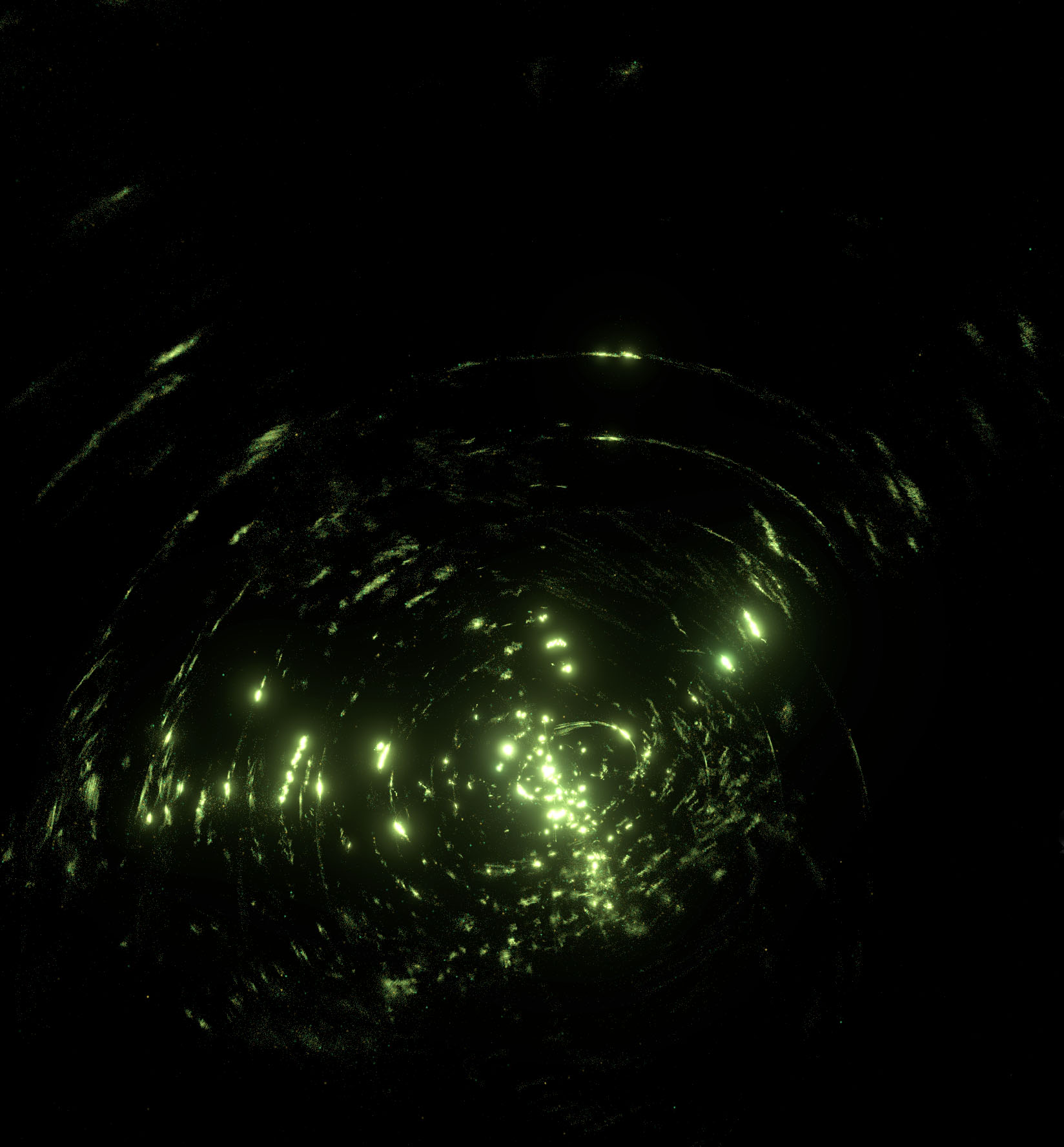
Overview I developed a technique to render single-pixel particles (using additive blending) with compute shaders rather than the usual fixed-function rasterization with vertex and fragment shaders. My approach runs 31–350% faster than rasterization on the cases I tested and is particularly faster for some “pathological” cases (which for my application are not actually that uncommon). I observed these speedups on both NVIDIA and AMD GPUs. Using this technique allowed me to ship an app that runs on minimum-spec hardware without sacrificing visual fidelity.


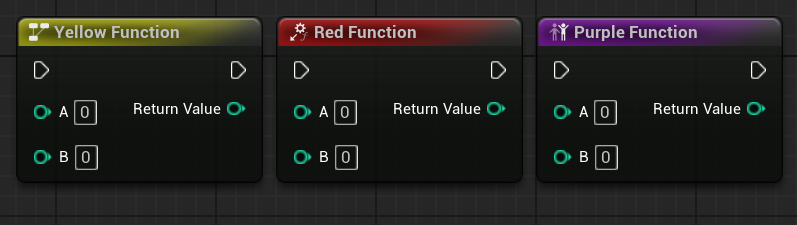
Styled Nodes in Unreal Engine
I showcase how you can style a collection of Unreal Engine nodes
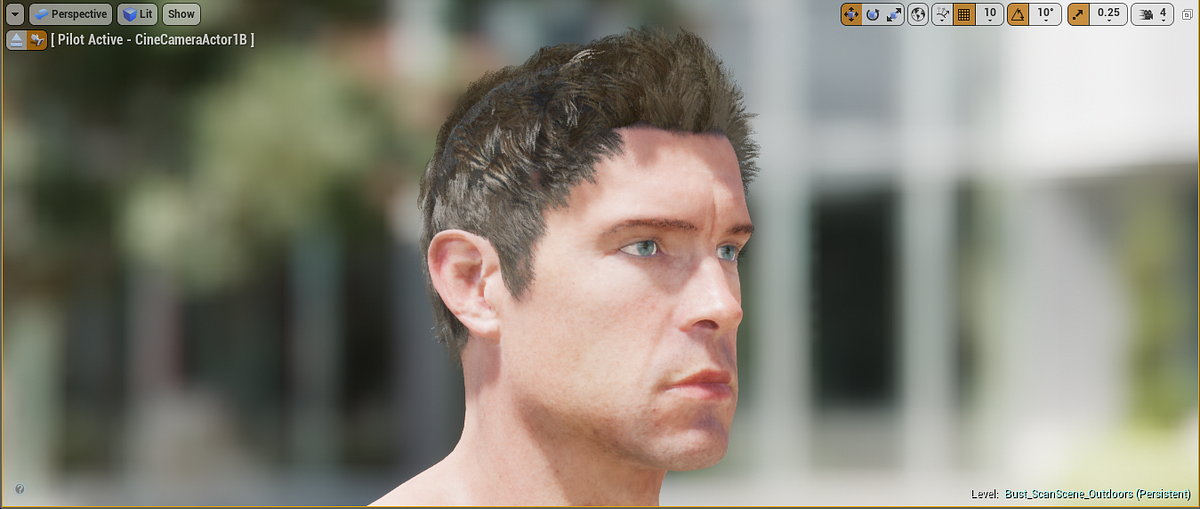
Adventures in Neural Rendering
In recent years, neural networks have started to find their way into many areas of rendering. While antialiasing and upscaling are probably the most well‑known uses, they’re far from the only ones—…

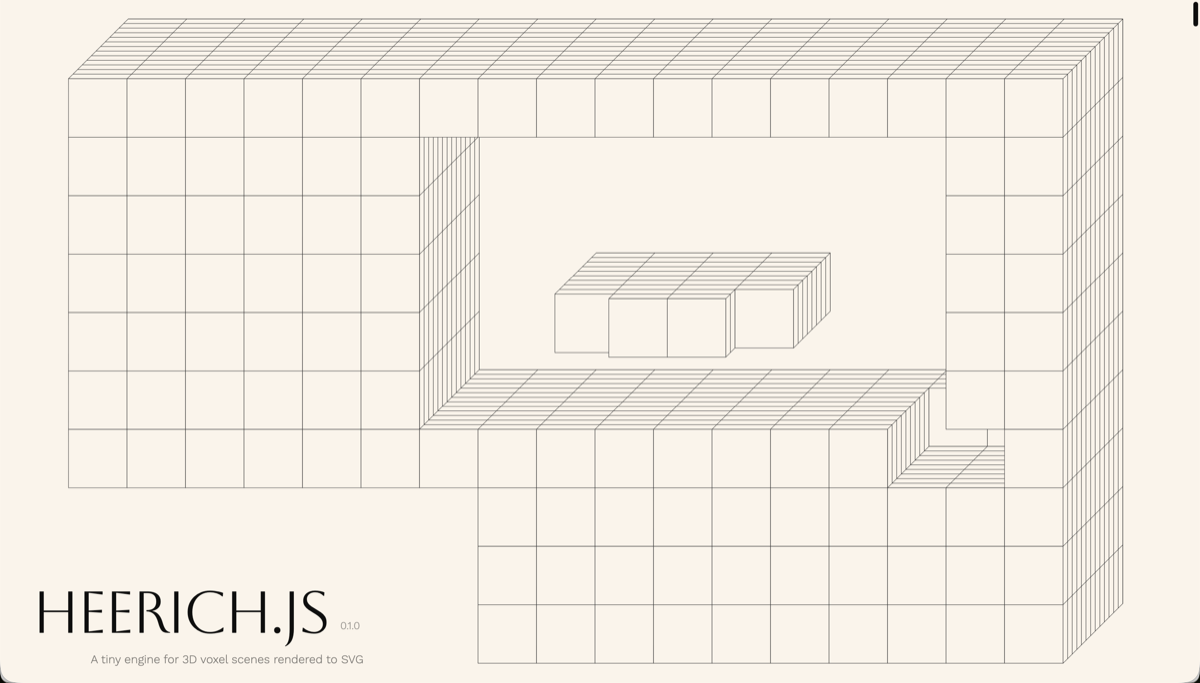
heerich.js
Tiny engine for 3D voxel scenes rendered to SVG — boolean ops, oblique/perspective cameras, zero dependencies.
Zain Shah on Twitter / X
Imagine every pixel on your screen, streamed live directly from a model. No HTML, no layout engine, no code. Just exactly what you want to see.@eddiejiao_obj, @drewocarr and I built a prototype to see how this could actually work, and set out to make it real. We're calling it… pic.twitter.com/C4BEi1lse8— Zain Shah (@zan2434) April 22, 2026
Surfel-based global illumination on the web
Can we use WebGPU to compute real-time global illumination with surface patches called surfels? Does it look good enough? Is it fast enough? And can we finally construct viable compute-heavy rendering pipelines right here on the open web? Join me on this journey and let's find out!