

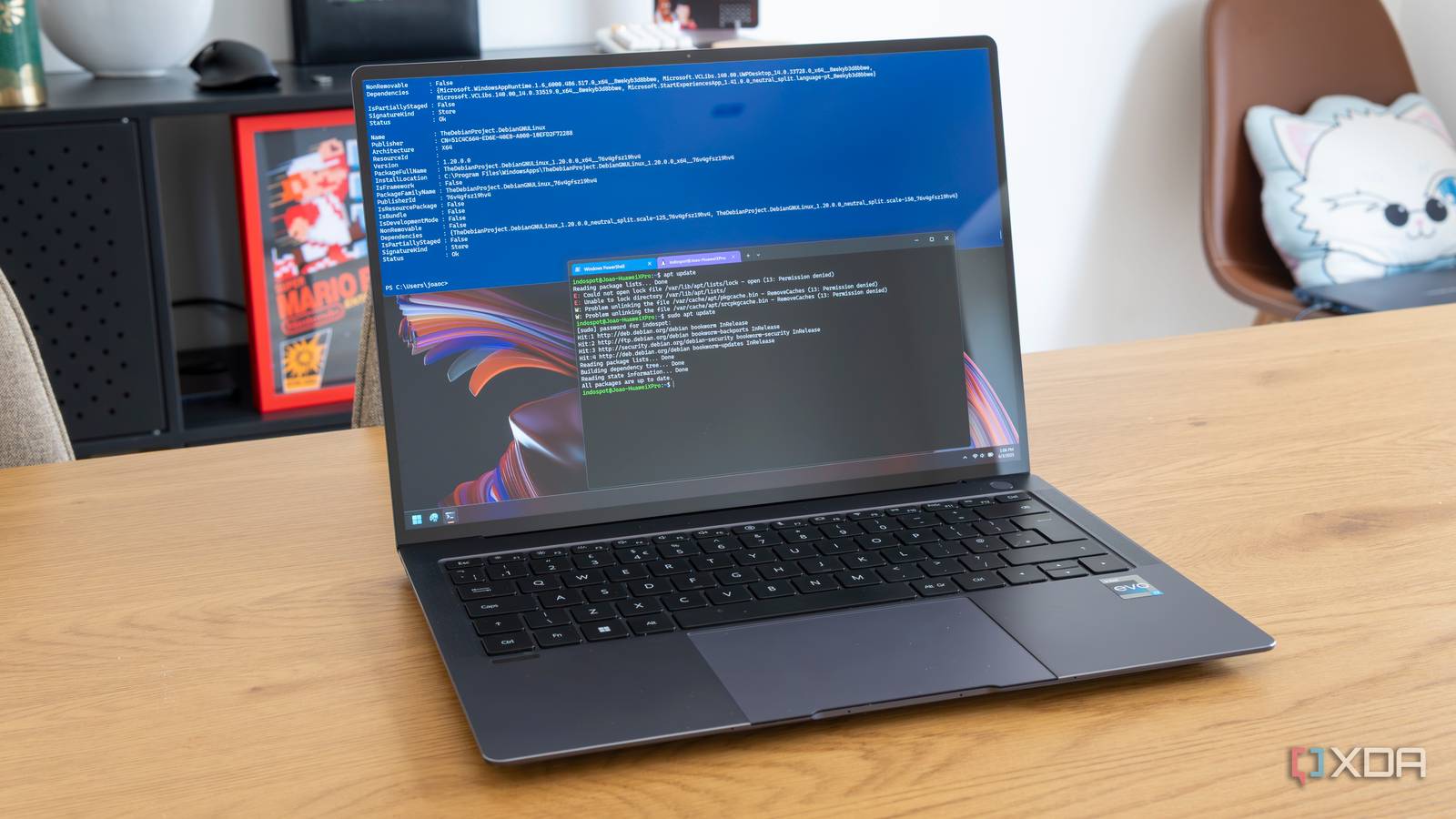
One of the central tenets of my productivity workflow is that the fewer times I have to switch between app windows, the better. I've been replacing my desktop apps with Terminal-based ones, including being able to browse and watch YouTube from the command line, and it's made my workflow more streamlined.
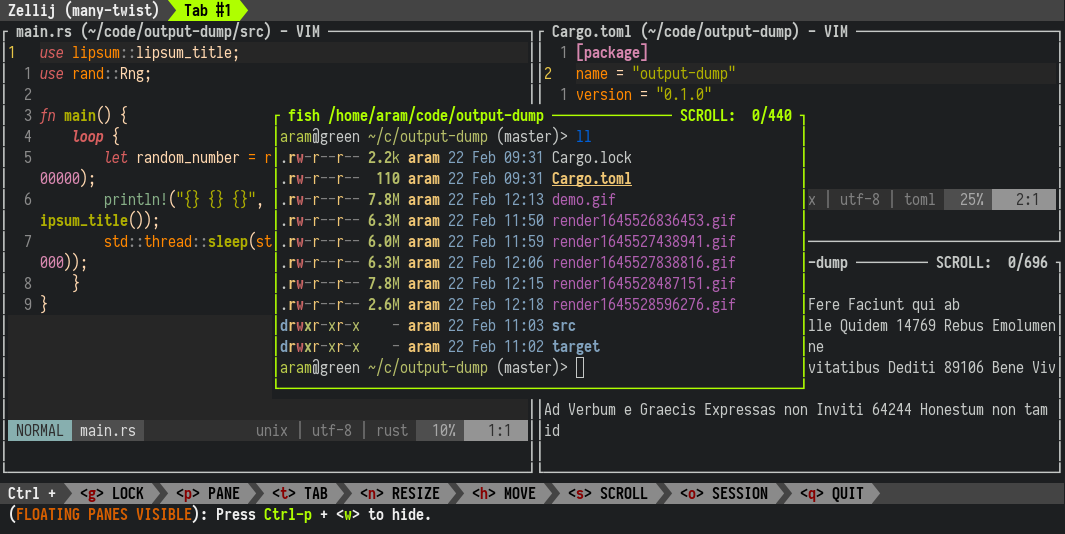
Zellij
A terminal workspace that doesn't sacrifice simplicity for power. Features floating panes, layouts, multiplayer collaboration, plugins, and works in your browser.
Using Obsidian Bases for Tasks - cauenapier
WHy and How I switched to Bases for my tasks management in Obsidian

TODOseq for Obsidian | TODOseq
Lightweight, keyword-based task tracker for Obsidian
As someone interested in providing more agency in our computing environment I am on the lookout for pieces of our current computing environments that can be enriched to provide a more malleable experience. Window management is an area that I keep coming back to given how prevalent the domain is. I will provide a recap of what window management is, how it’s used today, and how modern applications have evolved to deal with current deficiencies. Then I’ll provide a compositional approach for window management to move towards and discuss how I think this could make applications more malleable.
Desktop Neo – rethinking the desktop interface for productivity.
The desktop computer hasn’t changed much in the last 30 years. It’s still built on windows, folders and mouse input. But we have changed. We now use smartphones and tablets most of the time, since they are much easier to use.The traditional desktop computer is struggling to adapt the simple interfaces of mobile devices while also keeping its focus on productivity. With people switching to mobile devices for mundane tasks, we have the opportunity to rethink the desktop computer with a focus on getting professional work done.
Terminal UI the Easy Way: BubbleTEA
For the past 18 months I've been tinkering with a terminal application that serves as an Algorand node frontend. I had a number of requireme...

Codex for (almost) everything
The updated Codex app for macOS and Windows adds computer use, in-app browsing, image generation, memory, and plugins to accelerate developer workflows.
Gleam and the value of small | Ubuntu Summit 26.04
Keep AI Out of Your (Obsidian) Vault
Everyone is using Obsidian for AI, or wants to use it to become more productive. But I think it's a dead end.

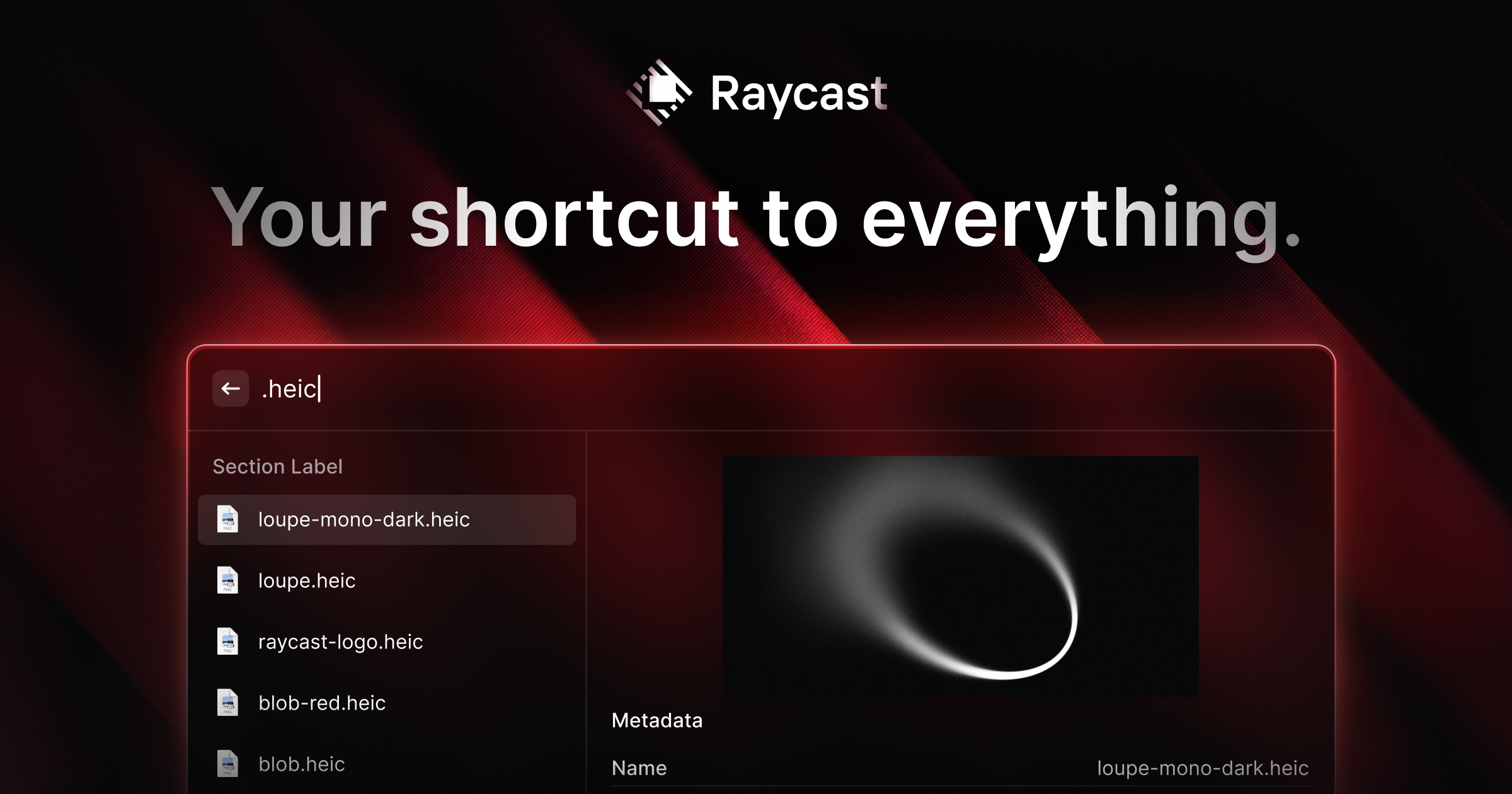
Raycast - Your shortcut to everything
A collection of powerful productivity tools all within an extendable launcher.
Scott Jenson: Are we really going to use the same Desktop UX forever?
Scott Jenson: Are we really going to use the same Desktop UX forever?
