


Rolling out to ChatGPT's Mac app, Computer History creates a timeline from your activities across the apps and websites you use on your Mac. Is that a privacy risk?
OpenAI on Twitter / X
ChatGPT can now remember your activity across the apps and websites on your computer.With Computer History in the desktop app, future interactions feel more personalized and require less explanation. pic.twitter.com/WHZPxPp31R— OpenAI (@OpenAI) August 13, 2026
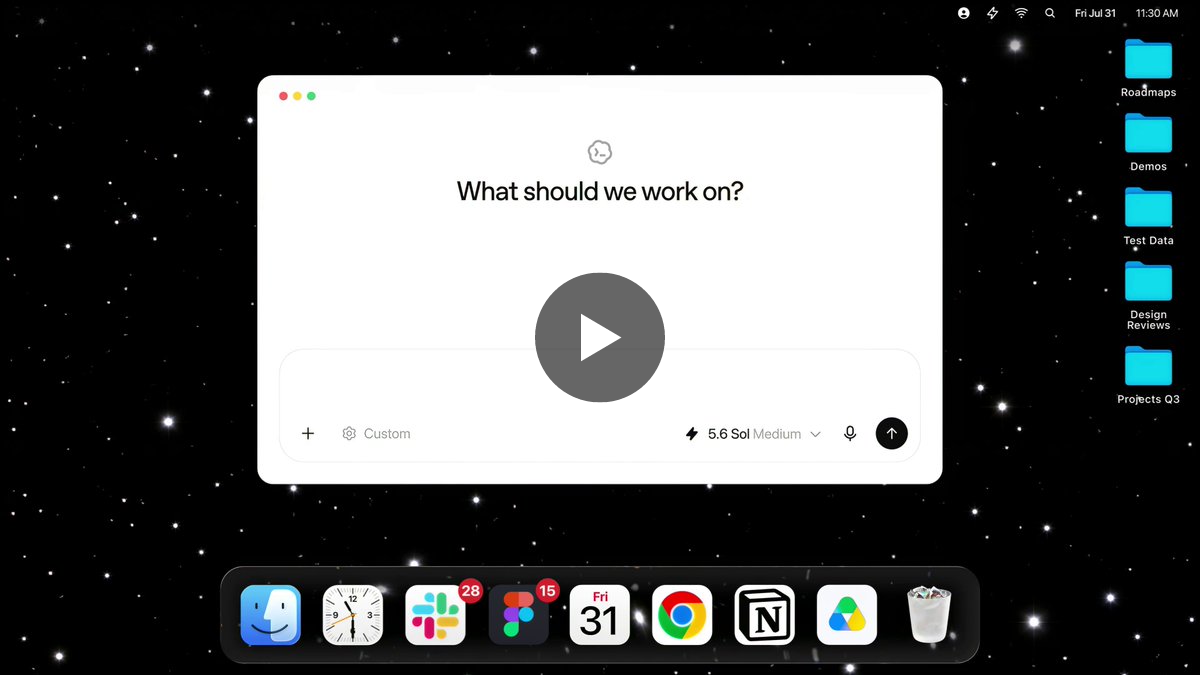
How ChatGPT Remembers You: A Deep Dive into Its Memory and History Features
Deep-Dive on how ChatGPT profiles your account and how it can reference it during conversations
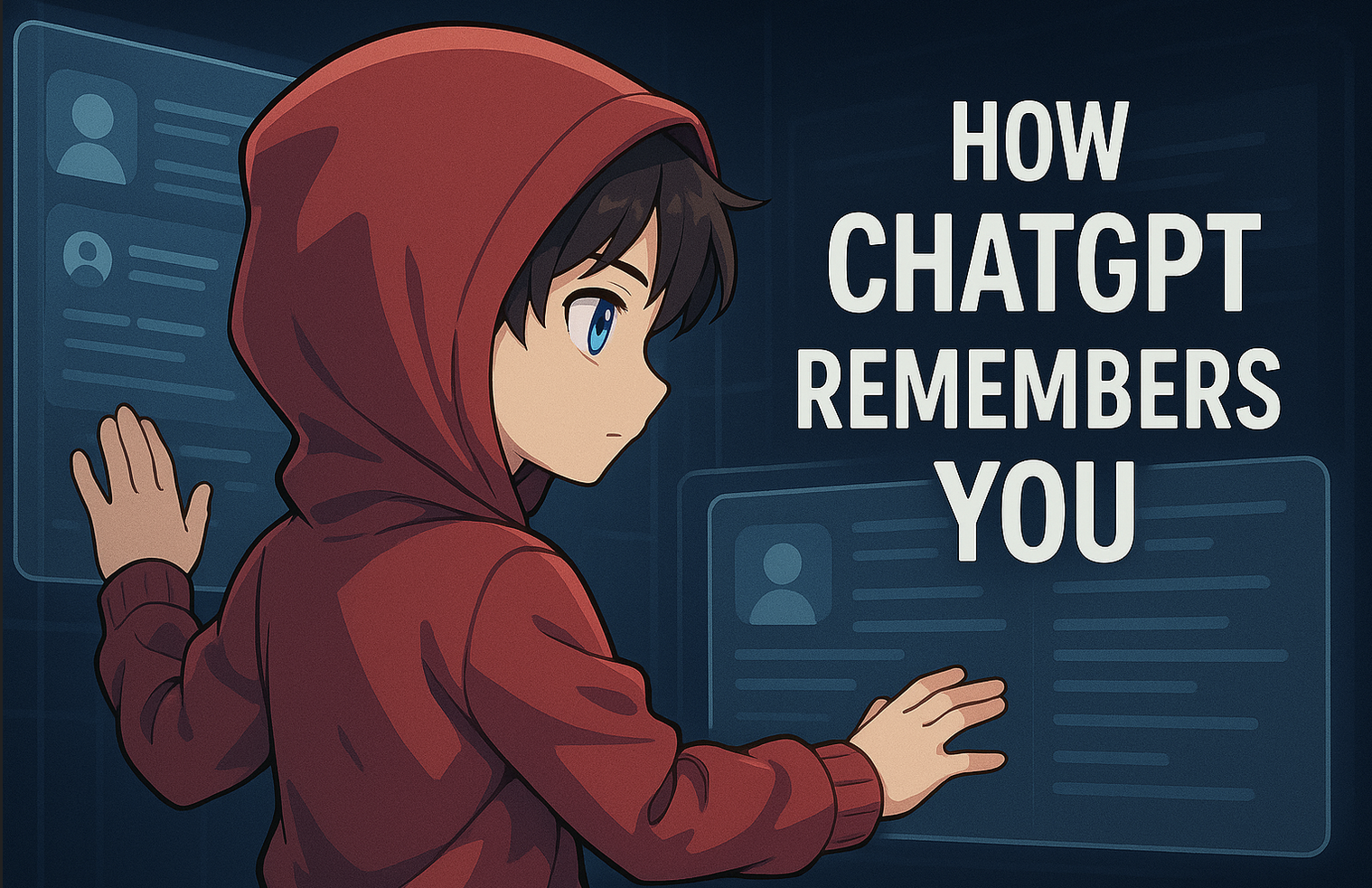
A short summary of my argument that using ChatGPT isn't bad for the environment
To share with anyone still worried
Dia on Twitter / X
Meet @ History - an early access feature in Dia that uses memory to find the content you need so you don't have to.It’s brand new, experimental, and off by default. @ History is encrypted & stored locally.Want to give it a try? pic.twitter.com/j2IWUK4Yei— Dia (@diabrowser) June 11, 2025

I Reverse Engineered ChatGPT's Memory System, and Here's What I Found!
When I asked ChatGPT what it remembered about me, it listed 33 facts from my name and career goals to my current fitness routine. But how does it actually store and retrieve this information? And why does it feel so seamless? After extensive experimentation, I discovered that ChatGPT’s memory system is far simpler than I expected. No vector databases. No RAG over conversation history. Instead, it uses four distinct layers: session metadata that adapts to your environment, explicit facts stored long-term, lightweight summaries of recent chats, and a sliding window of your current conversation.
ChatGPT Atlas
ChatGPT Atlas, the browser with ChatGPT built in. Get instant answers, summaries, and smart web help—right from any page. With privacy settings you can control. Available now for MacOS.

The Many Purposes of Timeline Apps for the Open Web
Writing at The Verge following the release of The Iconfactory's new app Tapestry, David Pierce perfectly encapsulates how I feel about the idea of "timeline apps" (a name that I'm totally going to steal, thanks David): What I like even more, though, is the idea behind Tapestry. There’s actually a whole genre of apps like
A Flaw in ChatGPT’s Mac App Could Have Let Hackers Grab Sensitive Data
While the focus has been on AI agents’ hacking capabilities, a recently patched vulnerability in a ChatGPT app shows that AI software is itself an inviting—and vulnerable—target.

Cua on Twitter / X
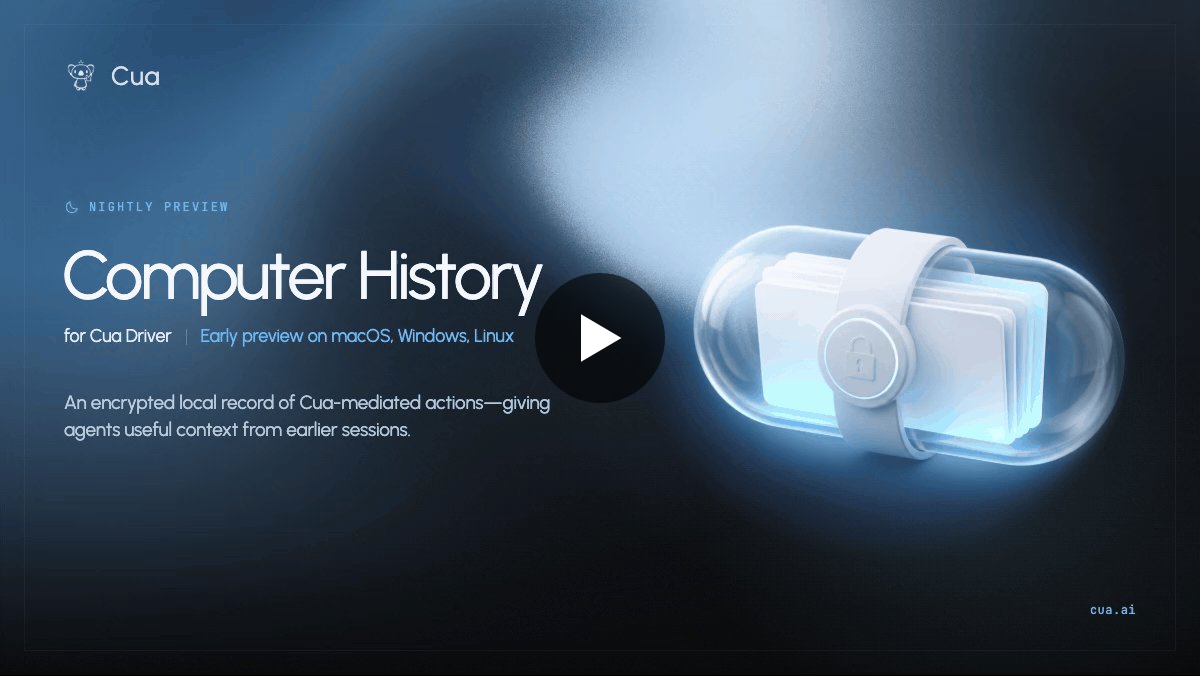
1/ Today, we're releasing the first open-source Computer History - now in early preview for Cua Driver on macOS, Windows, and Linux.It gives agents an encrypted, local record of actions they took through Cua Driver, so new sessions can recover useful context from earlier work. pic.twitter.com/tzIb1dFhPP— Cua (@trycua) August 18, 2026
Signal Desktop Chat History: How to Transfer it
Are you looking for your Signal desktop chat history? Follow along with the methods mentioned here to retrieve your texts quickly!


How to Protect Your Privacy from ChatGPT and Other Chatbots
Do AI chatbots spook your privacy spidey sense? You’re not alone! Here’s how you can protect more of your privacy while using ChatGPT and other AI chatbots.
Using AI Chatbots: Privacy and Information Security Considerations
AI chatbots such as ChatGPT, Copilot, Gemini, and Claude can be powerful tools for learning, productivity, and creativity. However, it’s essential to be aware of privacy and information security risks when using these platforms in the context...
Launching Health in ChatGPT
Health in ChatGPT now lets eligible U.S. users securely connect medical records and Apple Health to get more personalized insights and better understand their health.

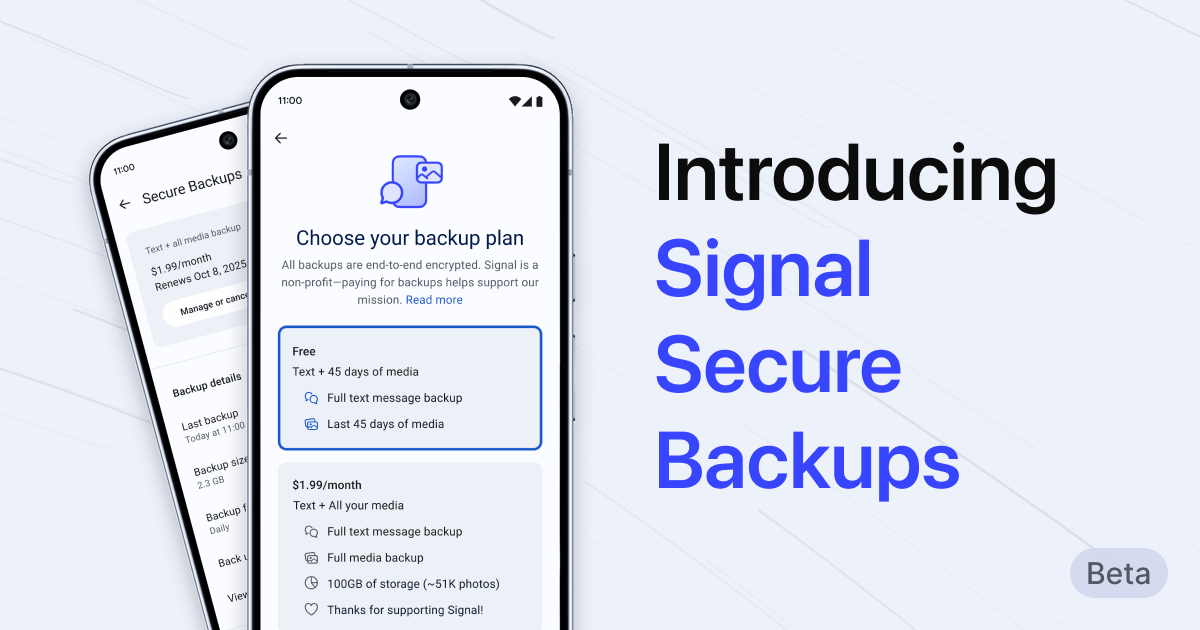
Introducing Signal Secure Backups
In the past, if you broke or lost your phone, your Signal message history was gone. This has been a challenge for people whose most important conversations happen on Signal. Think family photos, sweet messages, important documents, or anything else you don’t want to lose forever. This explains wh...
You have to mainline info all the time because our information tools make you do so. Infinite scroll timelines, group chats with no beginning or end, recommender algorithms with no sense of place — all of them require constant vigilance to make sense of. We can do better.

Charlie Warzel
had a death in the family and was almost completely off the internet for a few days & my observation is that there is too much happening too fast such that basic facts abt the world are difficult to ascertain unless you are mainlining info all the time & doing that seems to drive people insane
