This video is for you if you're a complete beginner who is curious about getting into self-hosting services. In this part 1 of a new multi-part series for the channel Alex will cover how to pick out hardware (it can be a lot to figure out where to start), flash yourself a bootable USB stick, and install an Operating System called Proxmox. Part 2 will follow in a couple of weeks and we'll set up your first few self-hosted applications such as: - Immich (a self-hosted Google photos clone) - Jellyfin (an open-source media center) - Home Assistant (the choice for open Home automation) Personal accounts are always free on Tailscale and can include up to 3 users and 100 devices. Get started today at https://tailscale.com/yt. ------ Chapters: 00:00 - What are we doing here? 00:26 - Just get a Pi? 01:29 - Dell 1L PC 03:48 - Install an OS 06:00 - Network hardware 10:07 - Installing Proxmox 12:52 - Network Fundamentals 15:24 - Post install tricks + SSH
Remote Raspberry Pi Setup Made Easy a Step-by-Step Guide
How to self-host with Tailscale: Installing Proxmox and hardware choices
In this tutorial, we’ll start by picking out hardware and installing Proxmox. Tailscale can then securely connect to your self-hosted storage.
Self-Host and Tech Independence: The Joy of Building Your Own | Hacker News
Self-hosting doesn’t mean you have to buy hardware. After a few years, low-end machines are borderline unusable with Windows, but they are still plenty strong for a Linux server. It’s quite likely you or a friend has an old laptop laying around, which can be repurposed. I’ve done this with an i3 from 2011 [1] for two users, and in 2025 I have no signs that I need an upgrade.
Jellyfin + Tailscale Setup Guide for Secure Remote Streaming
Own Your Code Forever - A Private Git Server Setup Guide with Tailscale and Forgejo
A newbie's guide to self-hosting with YunoHost
Here is a 5-part guide about how to get started self-hosting essential internet services with the YunoHost system


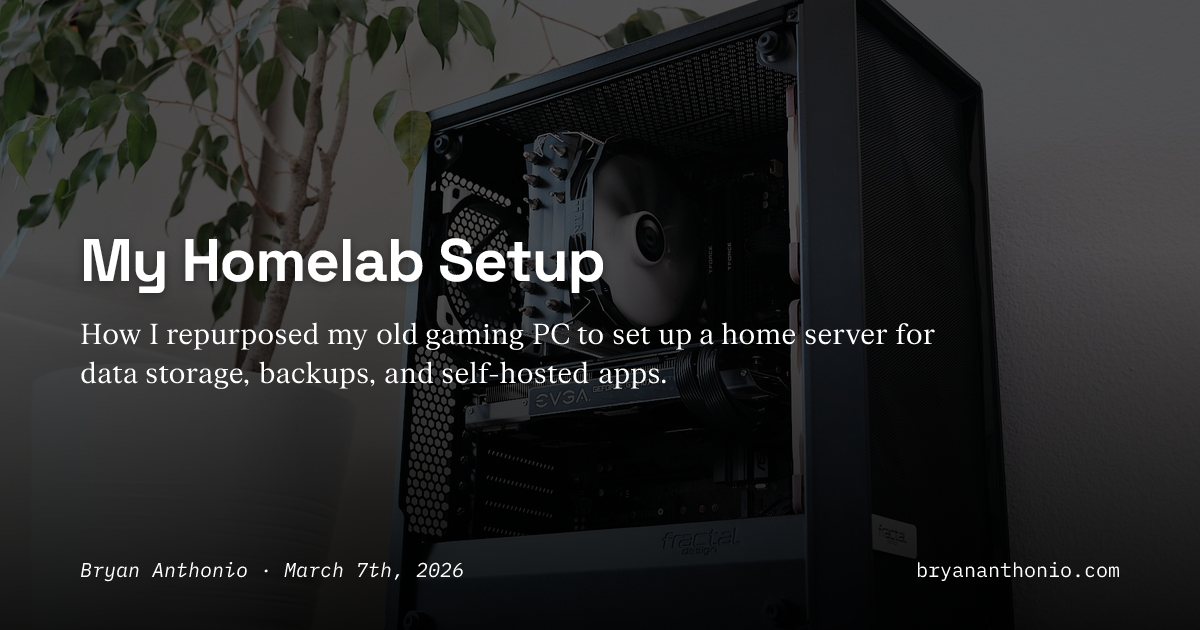
My Homelab Setup
How I repurposed my old gaming PC to set up a home server for data storage, backups, and self-hosted apps.
Self-Host & Tech Independence: The Joy of Building Your Own
Why I self-host my websites, newsletter, and homelab—and the satisfaction that comes from building and using your own digital tools.


Tailscale’d Into Homelabbing
Having my own homelab was something I wanted to try for a long time. However, I just couldn’t get started. Mostly because I kept overthinking it. How will I handle dynamic IPs? Do I need something like a local DNS on my router for that? Even if I solve things inside the home, how am I supposed to access it remotely? Do I need port forwarding at the NAT layer? And what about TLS certificates, how do I even manage those without using a public certificate authority?

Mecha Comet - Open Modular Linux Handheld Computer
Truly yours to own, build and mod. Built and powered by tinkerers just like you.

Home Assistant
Open source home automation that puts local control and privacy first. Powered by a worldwide community of tinkerers and DIY enthusiasts. Perfect to run on a Raspberry Pi or a local server.

An over-engineered Home Lab with Docker and Kubernetes.
Setting up a personal Home Lab is not a task for lazy people: it incurrs a big cost of maintenance and issues arise even though we might use the best IT-Infrastructure practices… but we can always learn a lot out of it and make it also super fun. In this post I would like to share my journey and share some tips and tricks and issues I bumped into. Let’s jump in!